Hi
Has anyone successfully used a camera with a Snapmaker A350?
I bought an 8MP USB camera for this and have gone through the lens calibration as well as the alignment procedures as required. Points 1-4 marked ok. All the scores with lens calibration were <0.3.
I have a clear picture of the overlay in LB, but if I align an object with the overlay, it is about 90mm off in the Y direction and a small distance in the X direction. I know you can shift it in the camera controls, but this offset indicates to me that something is wrong.
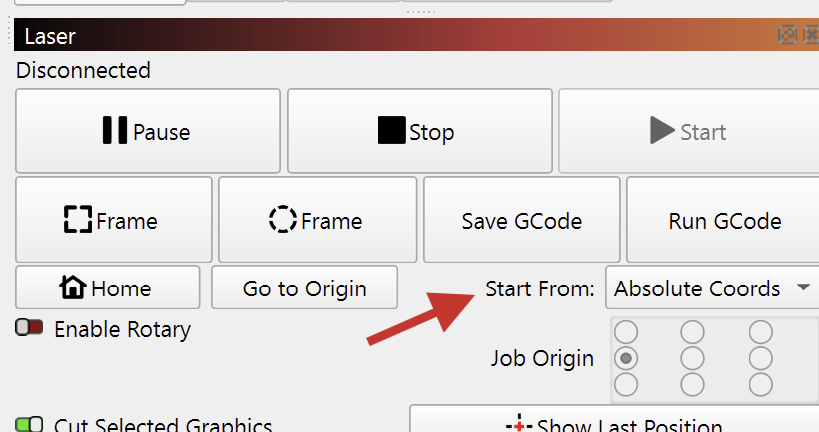
I suspect the work origin setting on the SM UI has something to do with it but cannot seem to get it right.
So, my questions are
- Where should I set the work origin when doing the alignment?
- Should the work origin be in the same place when using the camera after calibration?
- Any other tips to calibrate or use the camera successfully would be appreciated
- Slightly off topic but has anyone found a way to make the “Get Position” button work correctly. (I believe LB expects a GRBL response, but gets a different response from SM)
The camera is mounted on the roof of the Snapmaker enclosure, as close to the center as I can get it to clear the toolheads.
Any help will be appreciated.
Regards
Chris