A little over a month after asking the question, here are the results.
This is the first time I’ve assembled and tried out a camera. Given that this is “Chinese” and I have some limitations in fixing the camera, I would say that it could hardly have been better, but I leave the final decision to someone with more experience than me.
First of all I have to thank @bernd.dk for the 8MP (4K) advice, I think the investment payed off.
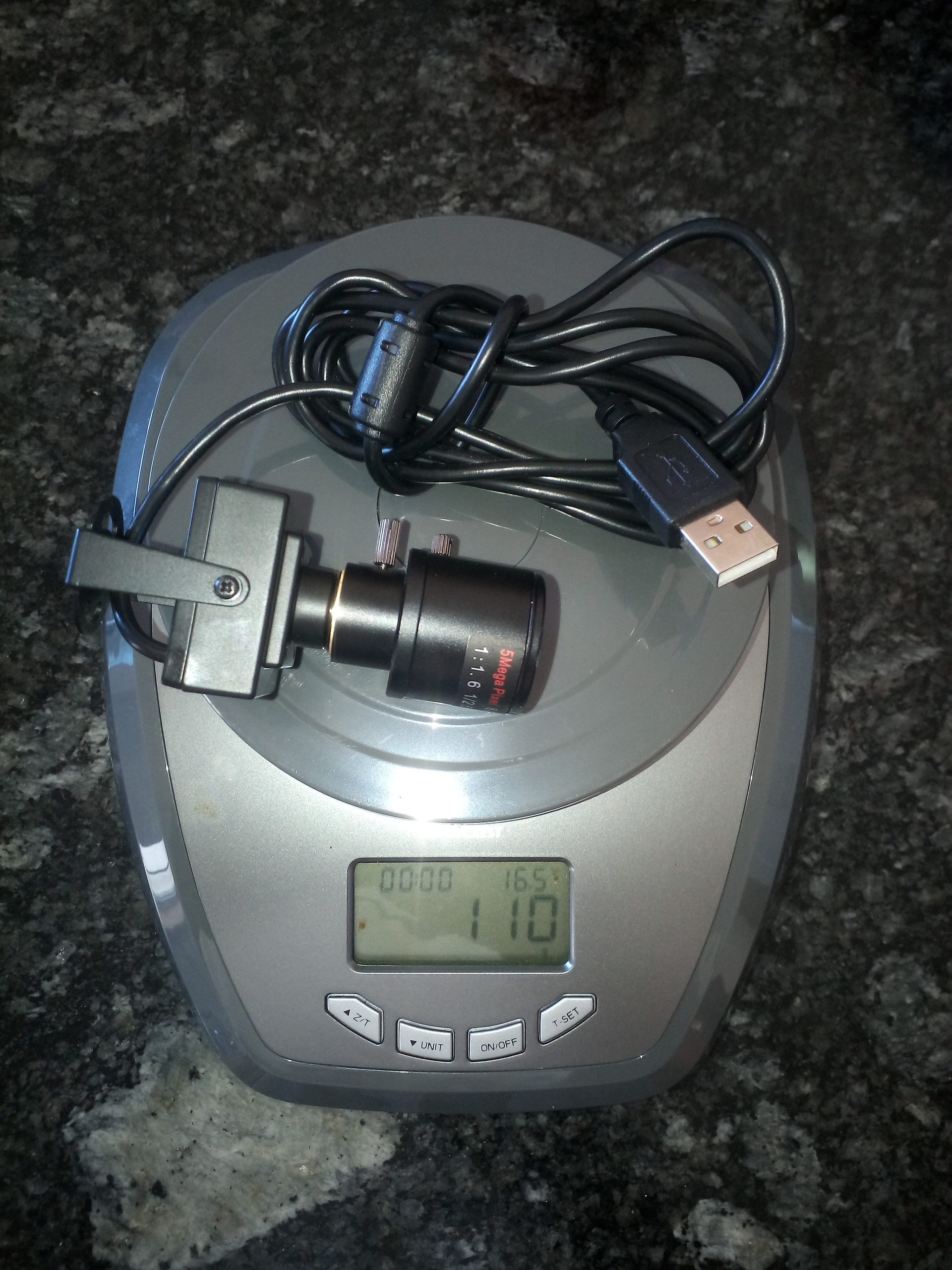
So, this is the camera in question, which cost around €45 and weighs 110 grams.
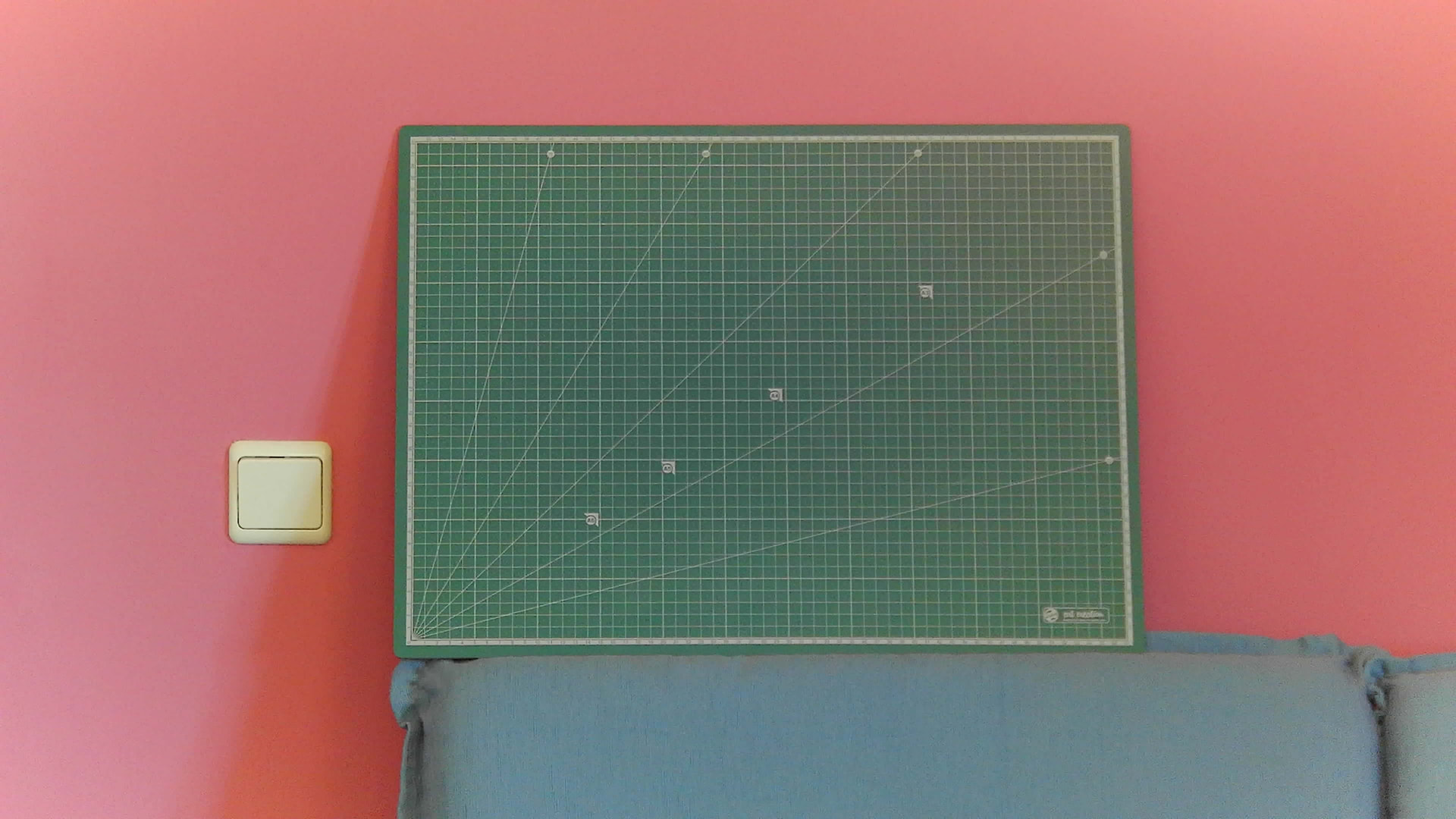
In a quick zoom test, I can show a green A2-sized cutting board at 4 meters (157-ish inches).
I was unable to test the honeycomb (40 x 40 cm) (15.7 x 15.7 inches) due to insufficient USB cable length.
That was already promising.
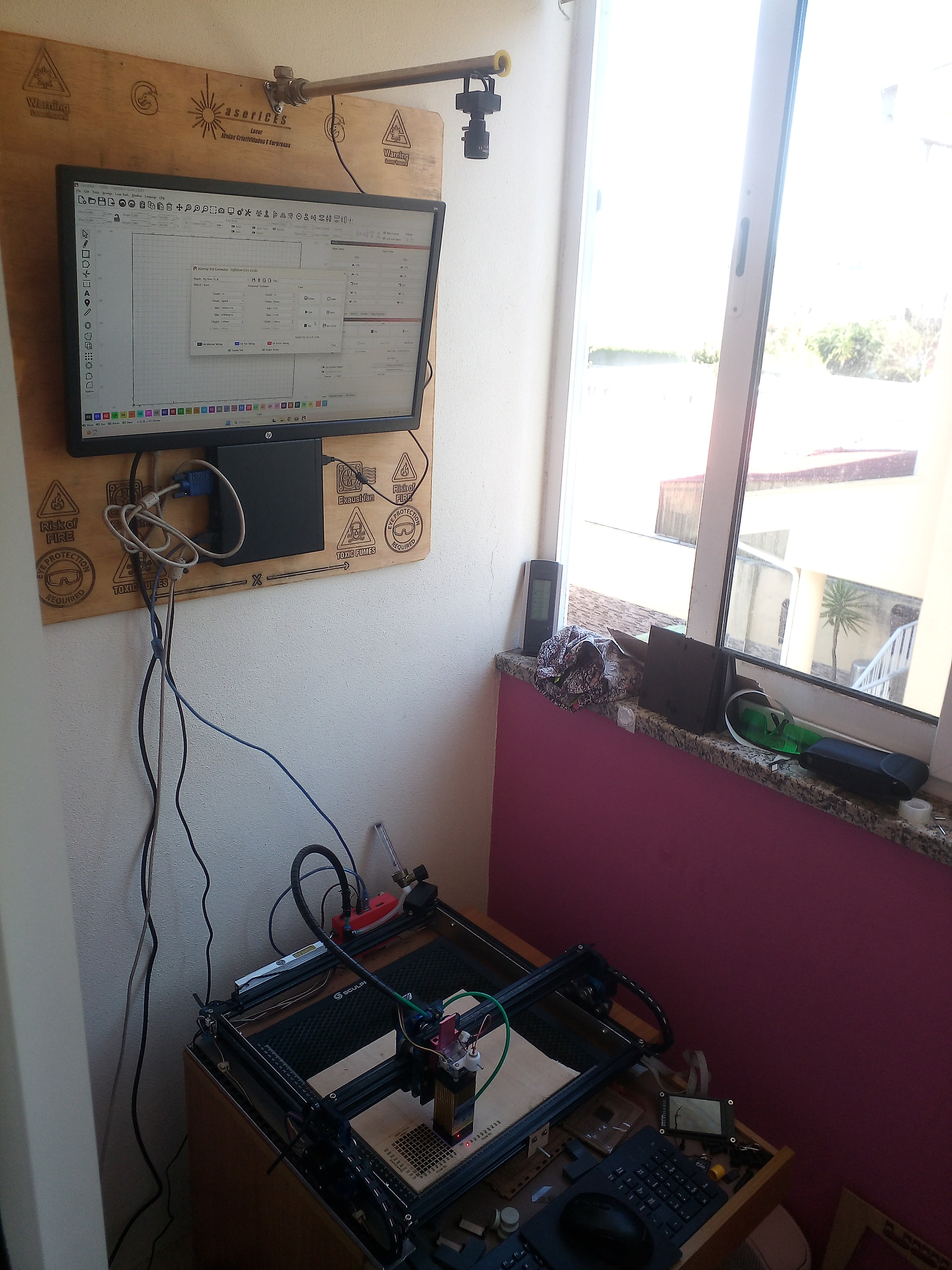
The camera was mounted on the panel where I have the rest of the setup fixed. I didn’t permanently fix it to the wall because I know the wall is made of brick and drilling holes as close together as I needed wouldn’t allow for an effective mount.
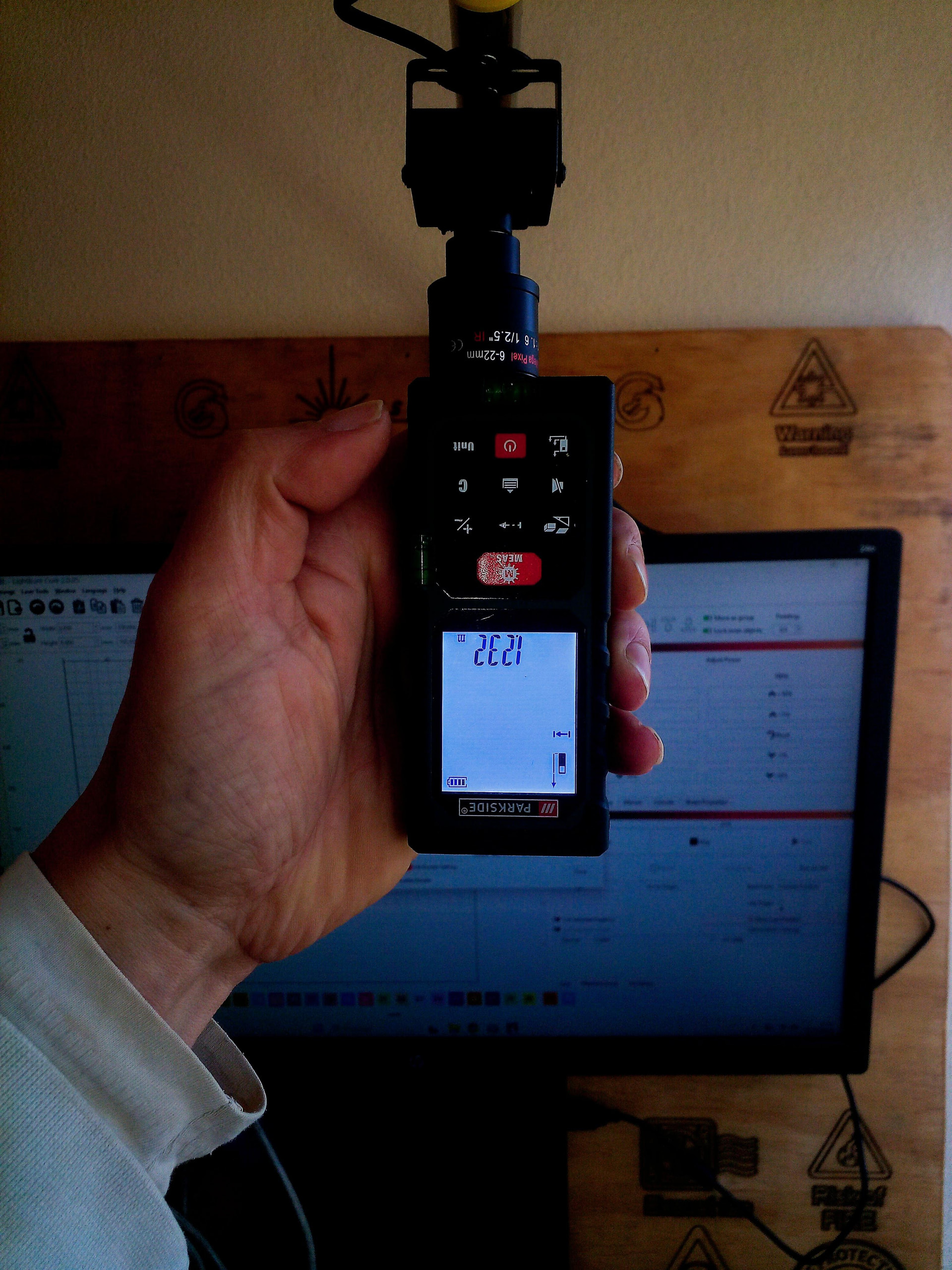
The rod is about 40 cm (15.7 inches) long and the height is 1.23 meters (48 ish inches) to the honeycomb .
It was also at this time that I realized how quickly I’m getting old… When I chose the camera, in my head, the height wouldn’t be more than 1 meter (39 ish inches)

Or maybe the measuring device was wrong.

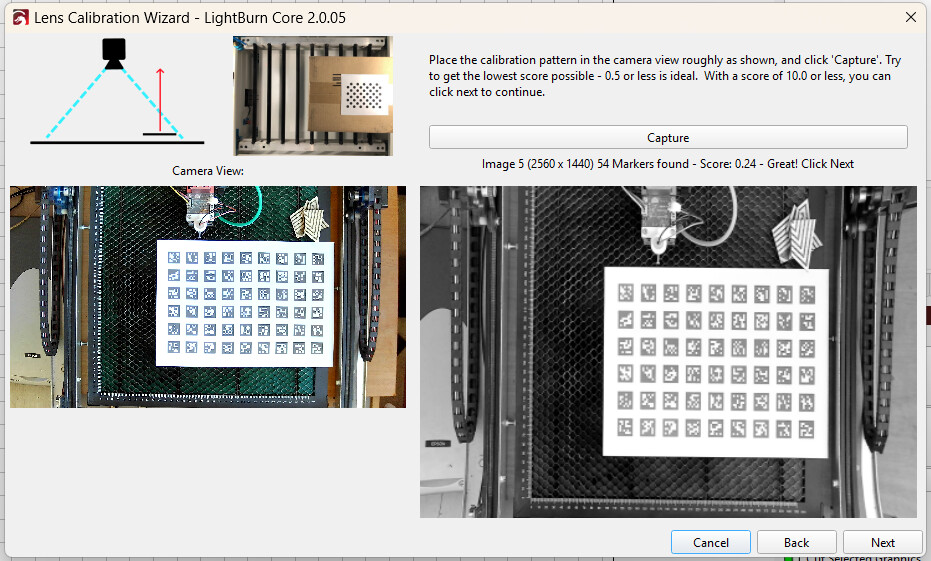
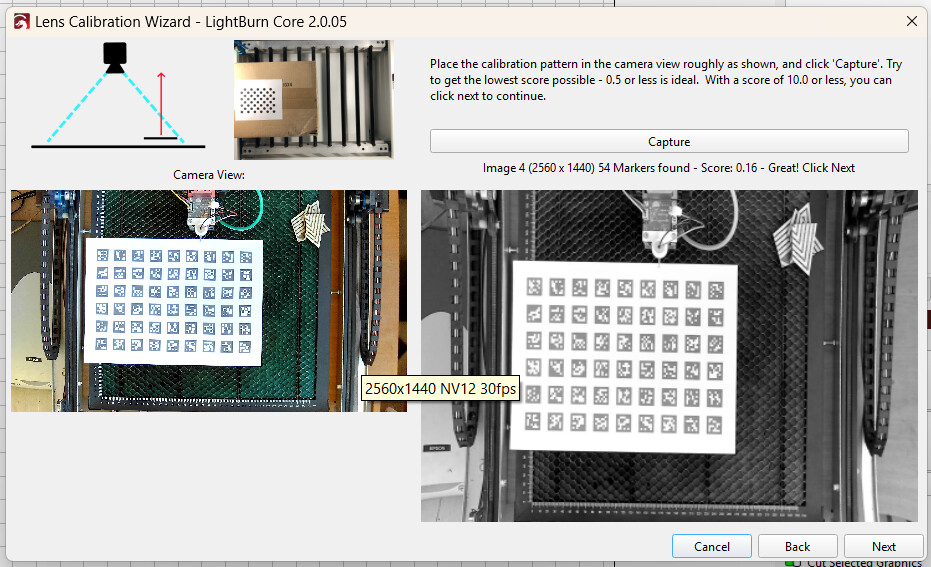
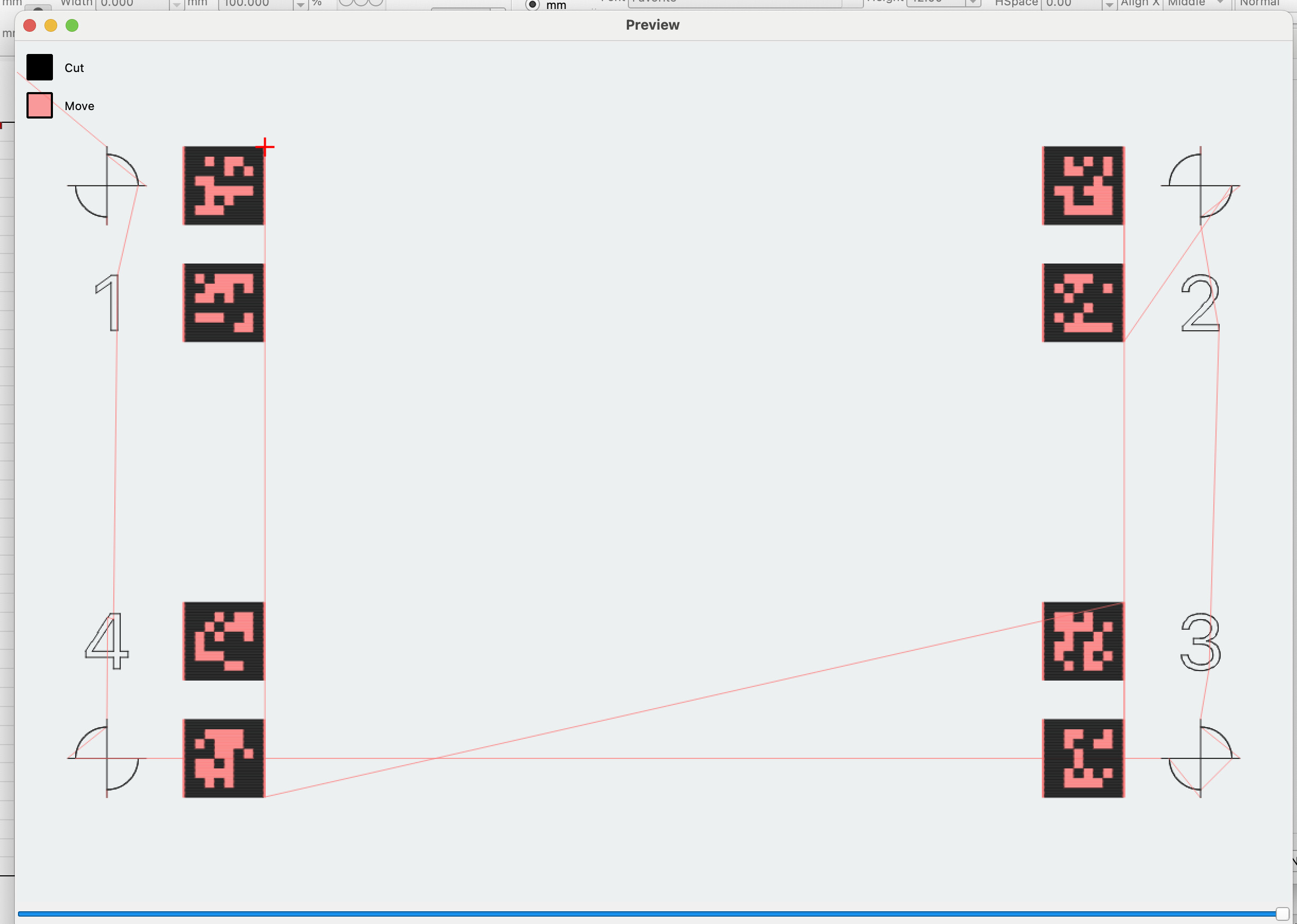
The lens calibration went smoothly. I used the “AprilTags” system, and while values below 0.5 are ideal, I achieved values between 0.24 and 0.16.
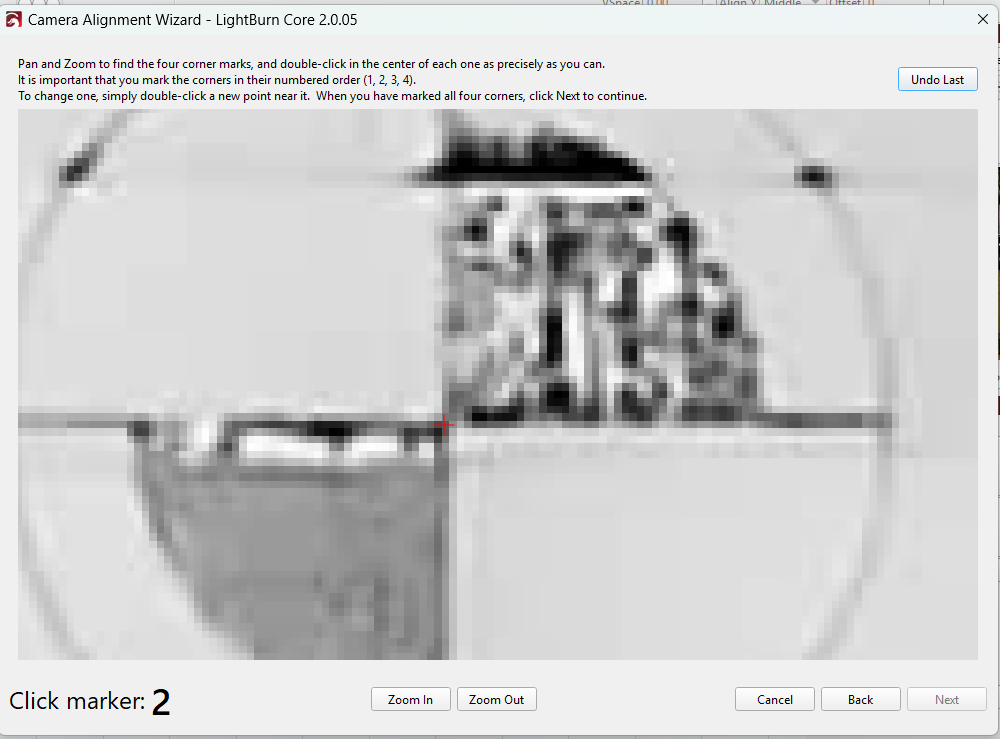
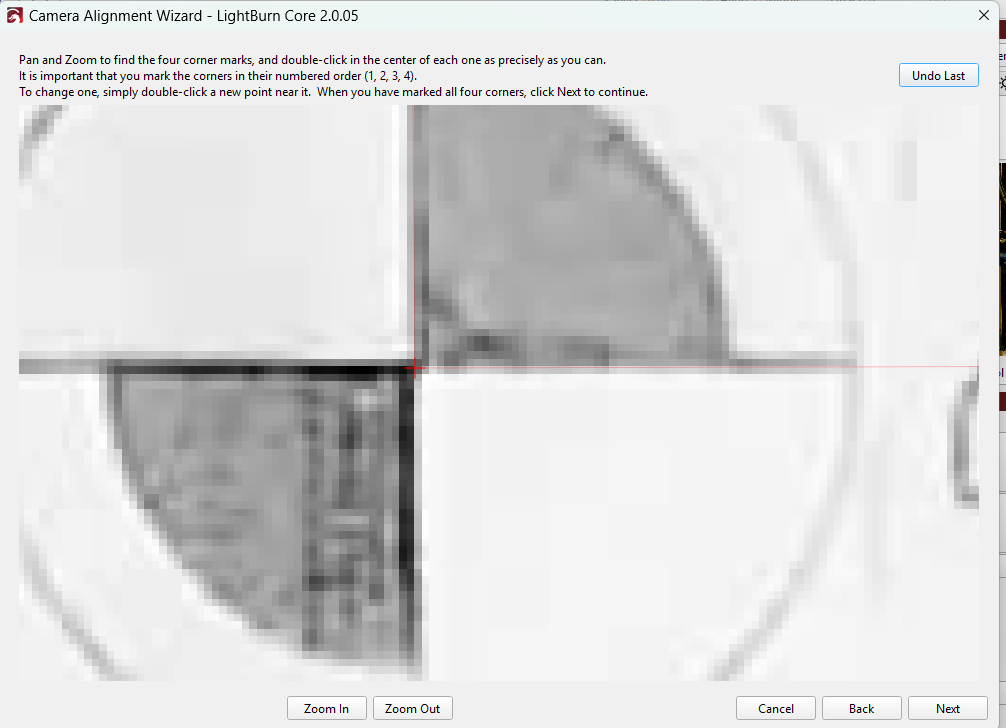
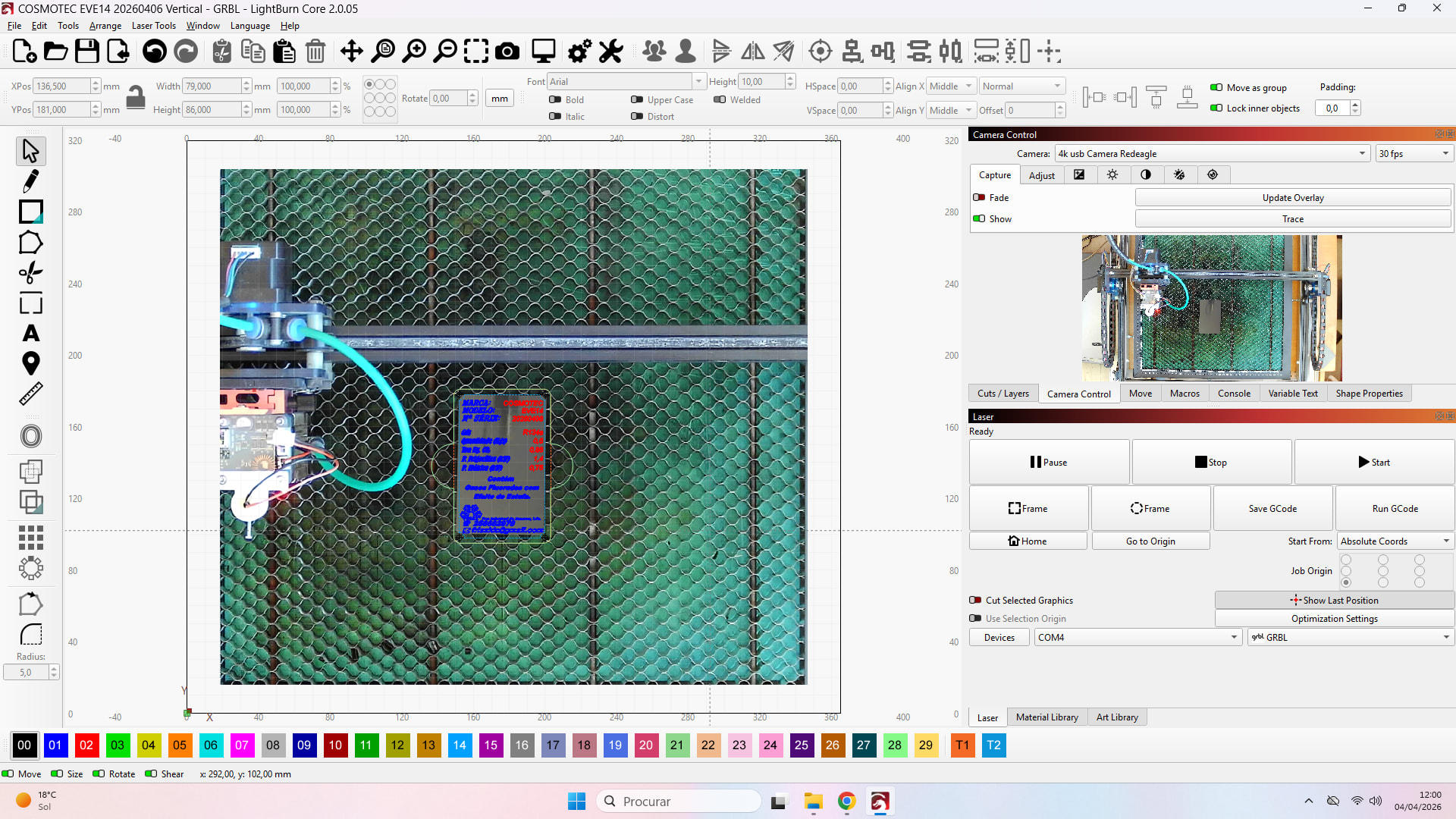
The alignment process, however, was the opposite; it took over an hour of trial and error (and some mistakes) to find the ideal scale value of 161%.
It started at 145% (default)
(Green line represents the jig holding the business card)
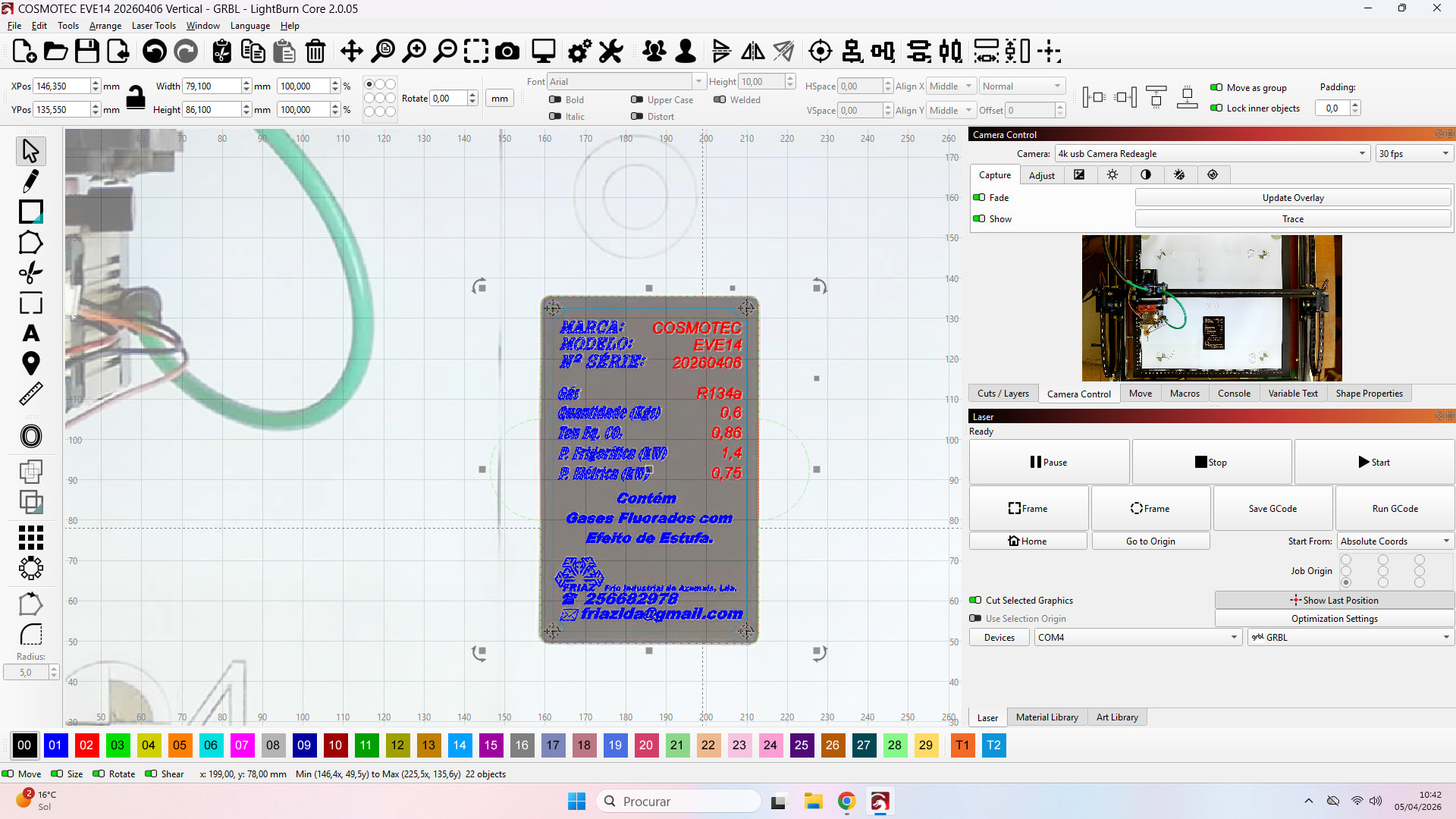
And finally I achieved the alignment (I would say perfect).
This is a business card in anodized aluminum (transformed into an equipment identification plate) previously made and now aligned with the image.
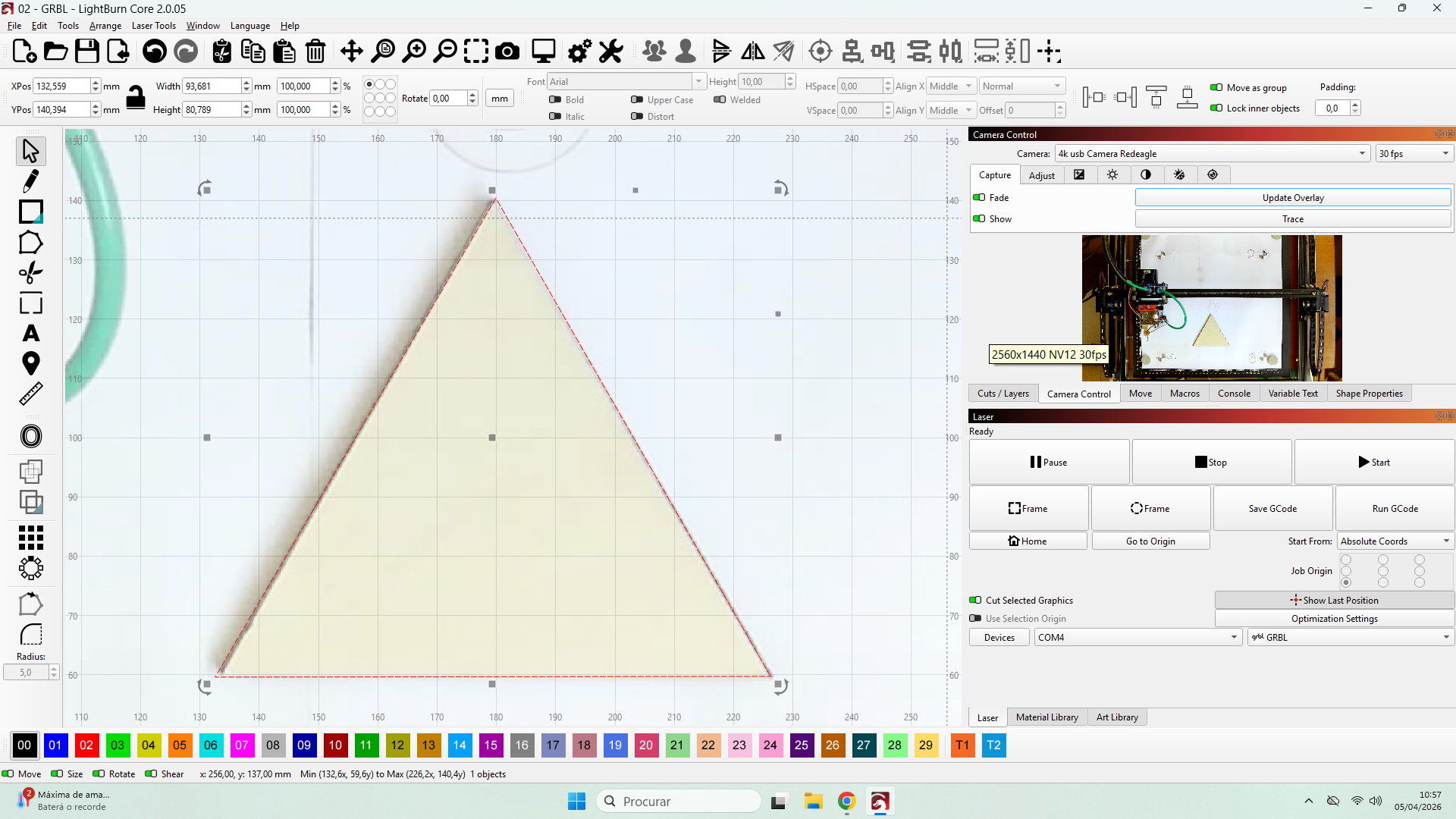
Then I tested a leftover 4mm plywood from a previous job and, basically, no alignment adjustments need to be made.
Of course, the fact that the object is in the center affects the results; probably if the test is performed at the edges of the work area, the result will not be quite the same, but I believe that for this type of work, modifications will not be necessary.
I believe that for work such as screens and other taller objects that extend beyond the edges of the work area, adjustments will have to be made.
What I ask next may not make much sense in a context of reliability of precision, since most cameras are fixed to movable parts (laser head) or panels like the machine’s lid, but is there a way to save the alignment settings to reload them later?
Example: After aligning to engrave a brick, I want to engrave a business card again. (The business card is to go on the brick when I throw it to whoever deserves it) 
All that remains is for me to thank you for your support and please, go celebrate Easter (for those who celebrate it, obviously), because not everyone has my life of being here on the forum instead of being with their family.