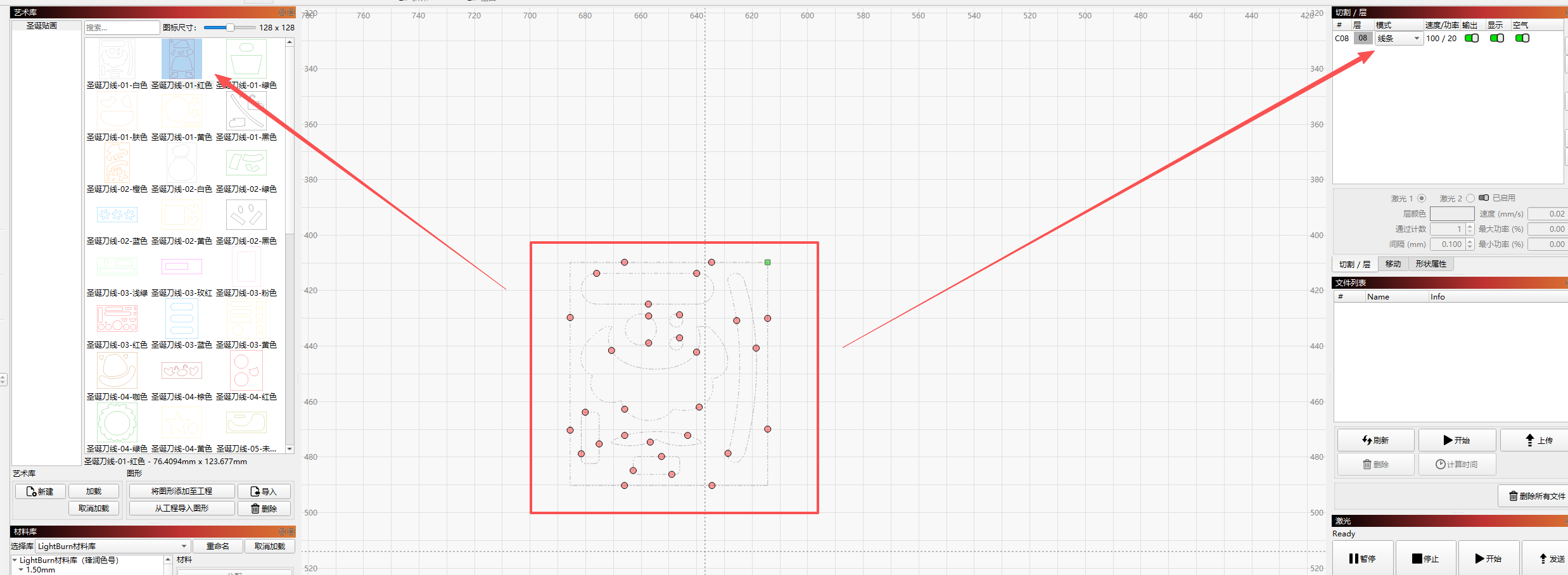
Each time the software is reopened, previous cutting data is lost, including (speed, power, bridge nodes)
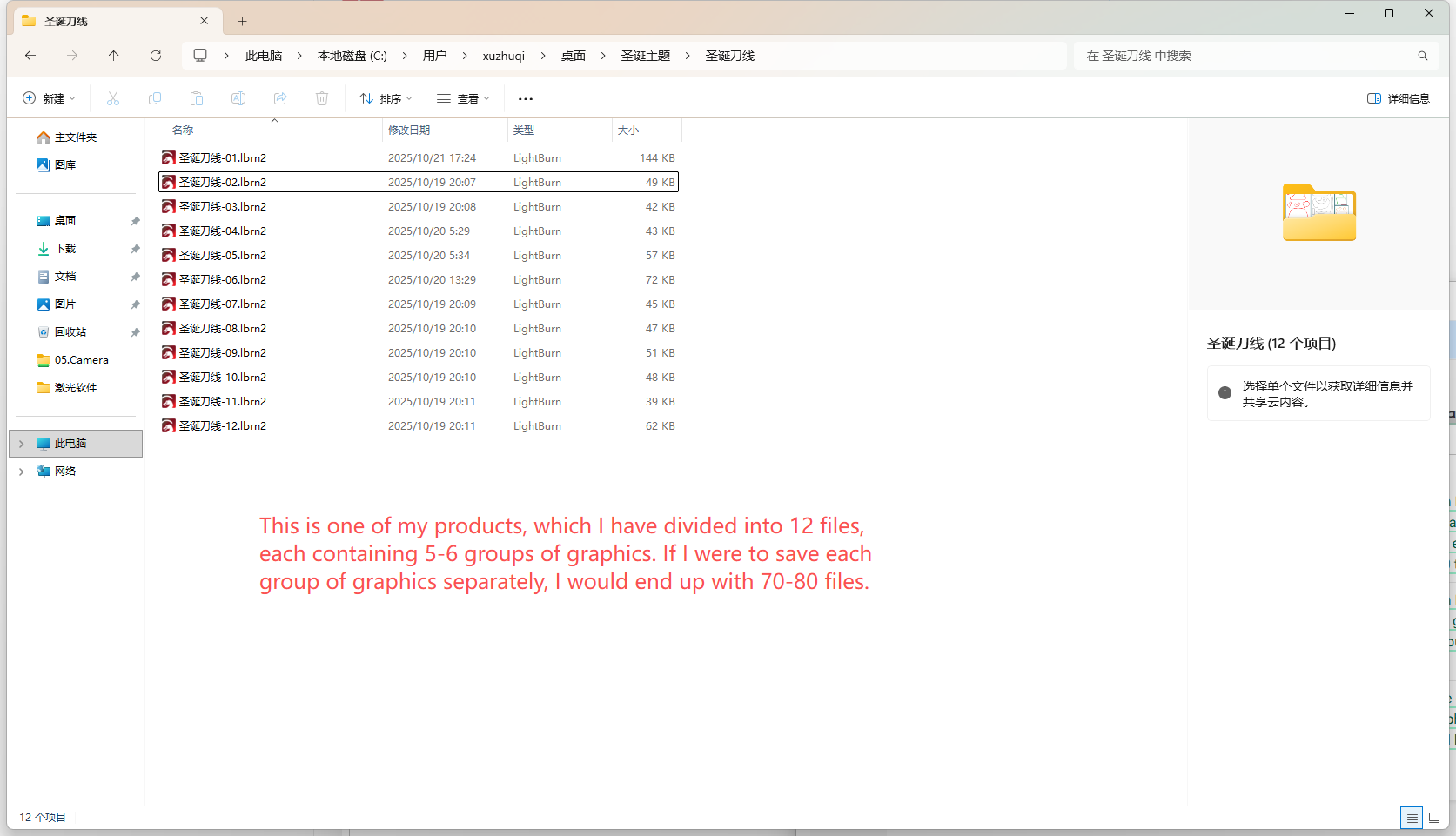
This approach would result in far too many graphic files. For instance, if I have a product comprising 12 cards, each card requiring 5-6 colour separations, that would necessitate storing 60-70 files for the 12 cards.
Are you using ‘Import’ or ‘Open’ File to revisit a file. When you ‘Open’ the file, all cut settings should be present from previous work.
This is intended. The library can’t save such data, it would break functionality if you work with different lasers that need different settings.
Just store your design as a LB project file, then all settings are retained.
Another option is to set the default layer settings to the required settings and then use the colors.
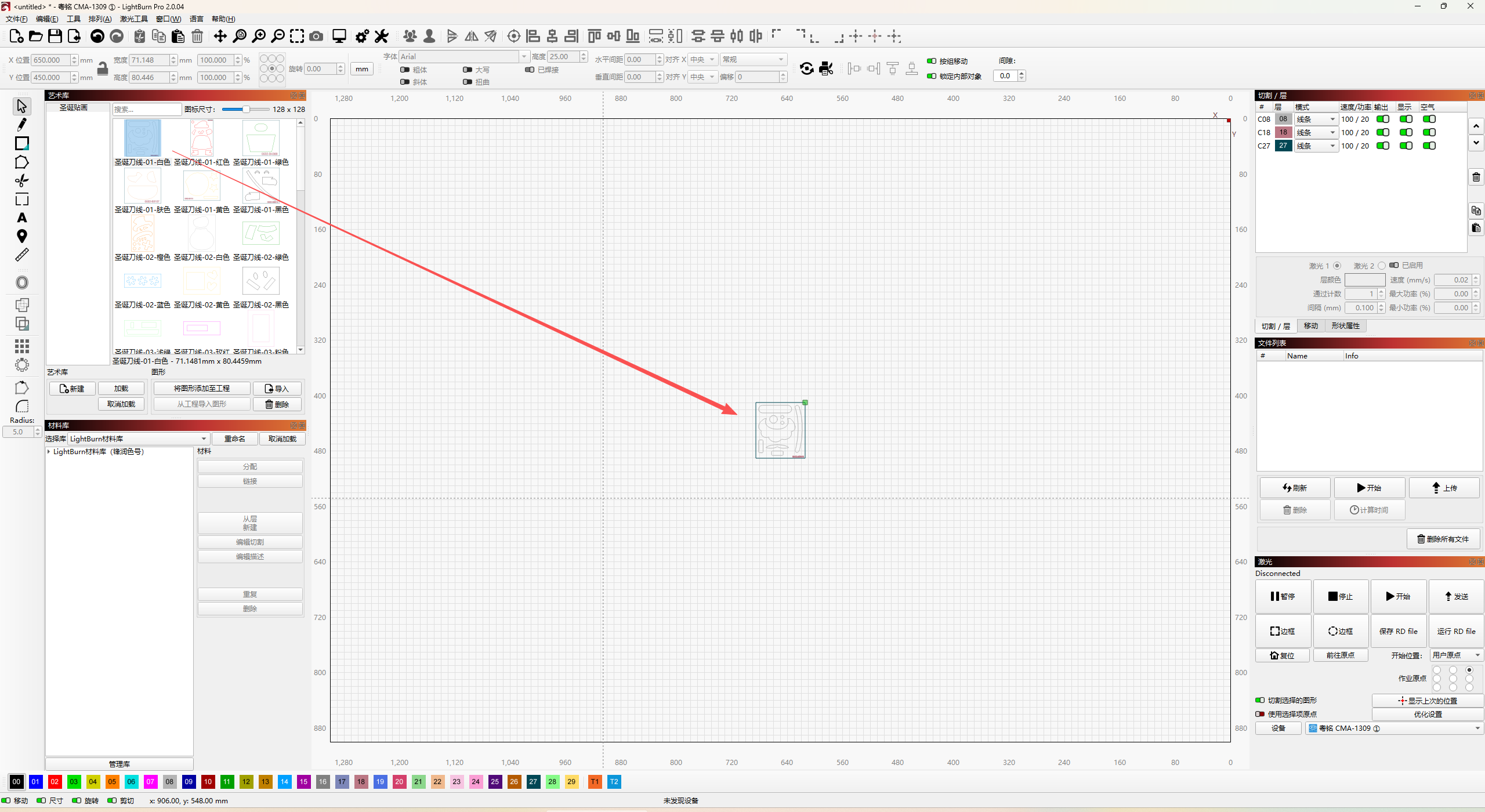
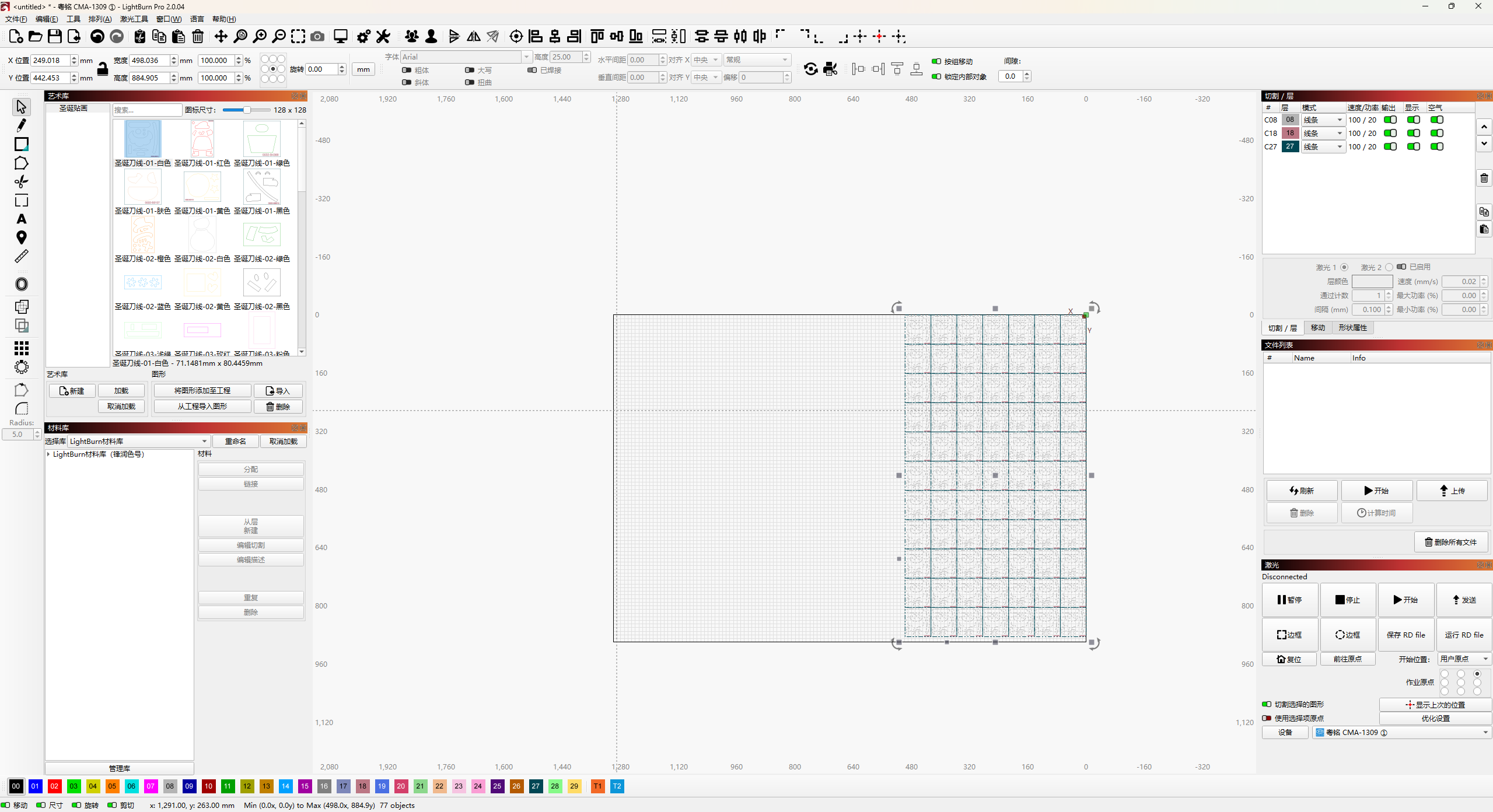
A workaround is using the default layer settings and put your different graphics on those layers.
You can store different settings as default for C00, C01 etc. So you can drag your objects from the art gallery and put them onto the desired layer. Then you don’t have to touch the settings themselves, only change the layer colors.
The key is not the speed and power settings. The main thing is the setting of the bridge node, using the automatic assignment of the bridge node, its position is very inaccurate, all need to be manually, one point by one point to modify, the most critical is that the bridge node is lost after modification.
Xuzhugi
I hope you are getting closer to the solution.
May I ask, what is a bridge-node?
If you adjust the bridges to where you want them then save as a Lightburn project, when you open that project the bridges appear where they were placed. You must open the project not import though. Opening loads all settings that were save with the project including bridge locations, importing only opens the included graphics without any settings.
The art library is intended to store clip-art used in creating files. It does not save any machine settings at all, just vector and image data.
If you simply save you project file after setting everything up as you like it, that will record all the settings with the project. When opened again, the project settings will be restored.
Because the settings are lost i meticulously document all the settings in the notes including speed, power, kerf , material type and thickness and any special notes about the process. It is a drag doing all of this but at least ive got it documented somewhere.
This is exactly what the Material Library is for. With just a few clicks and a little typing you have all that saved for 1 click recall.
What do you mean “because the settings are lost”? Settings are stored with every project file that uses them, and this is also what the Material Library is for.