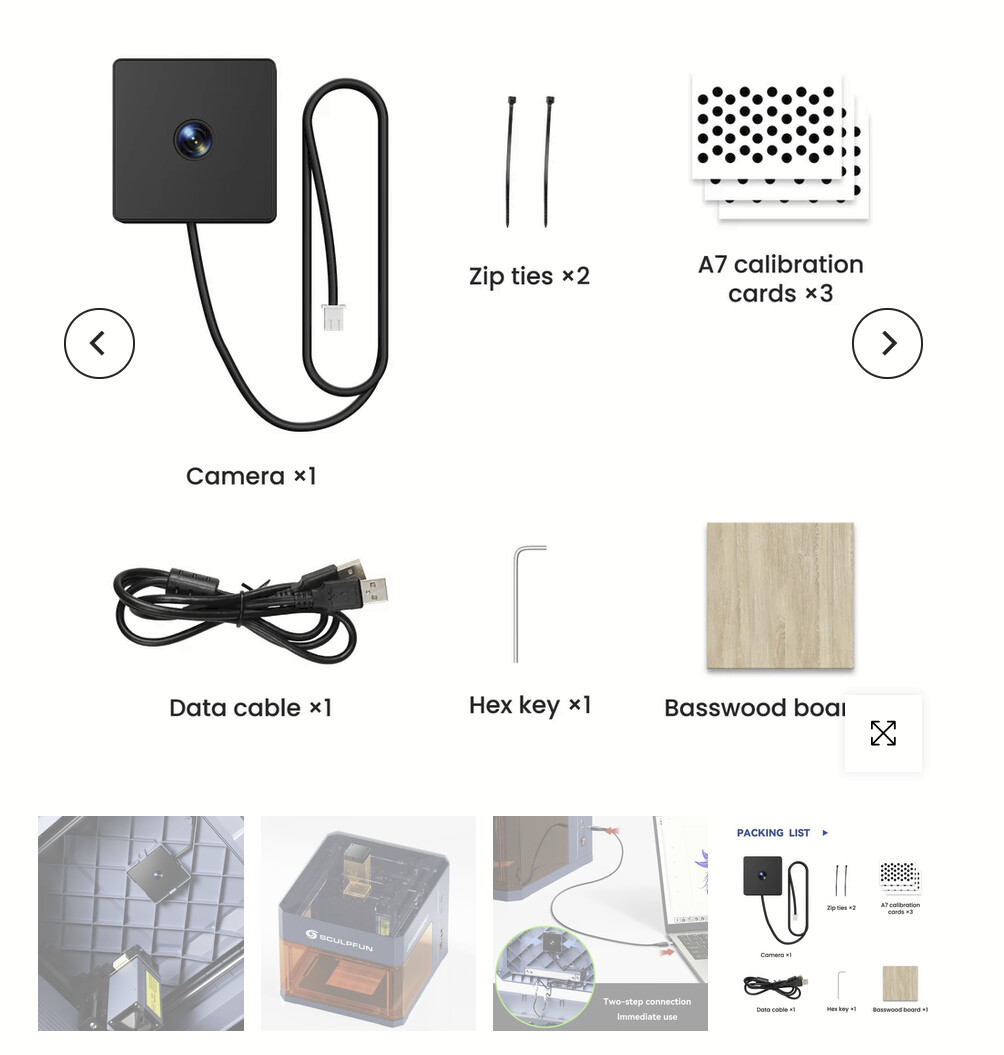
Hi, I’m new to the use of laser of any kind to do engineering or anything else. So, please don’t judge .
I am trying to set up my SculpFun iCube Ultra camera configuration using I lightburn core 2.1.04 and I am not seeing the same settings as the instructional video and can’t figure it out. Did I purchase the wrong version of lightburn?
The Core version will suppoet your laser, as well as the Pro. No matter which version you bought, id should work. Your laser is basically a gantry style diode laser.
The video may be outdated. There have been some great improvements and it goes a lot smoother. Here is the writeup about my experience. Let us know if it helps.
That would explain why you don’t see the same settings.
In later versions, we default to using the AprilTags calibration card and dropped the old dots pattern that Sculpfun ships with the camera.
Here’s a scaled down version of the calibration card that I think will fit well for the iCube: LightBurn_AprilTags_25percent.pdf (7.5 KB)
You still need disable the safety door as instructed in their video, if you haven’t done so already:
Enter this command in the Console window with the laser connected and press enter: $SAFE=0
Then, follow our youtube playlist instead to Add the camera, calibrate the lens, and align it to the workarea:
 .
.