When copy and pasting from illustrator to LightBurn it reduces the art file by a factor of ten. EX: a 25.4249 inch design shrinks to 2.542
I have checked and my SVG settings are set to illustrator and auto detect turned off. (tried with it on, no difference)
Any help would be great!
P.S. Saving each cut path as an .Ai file does import at the correct setting, but with how many different path (based of reg marks) makes this take WAY Longer.
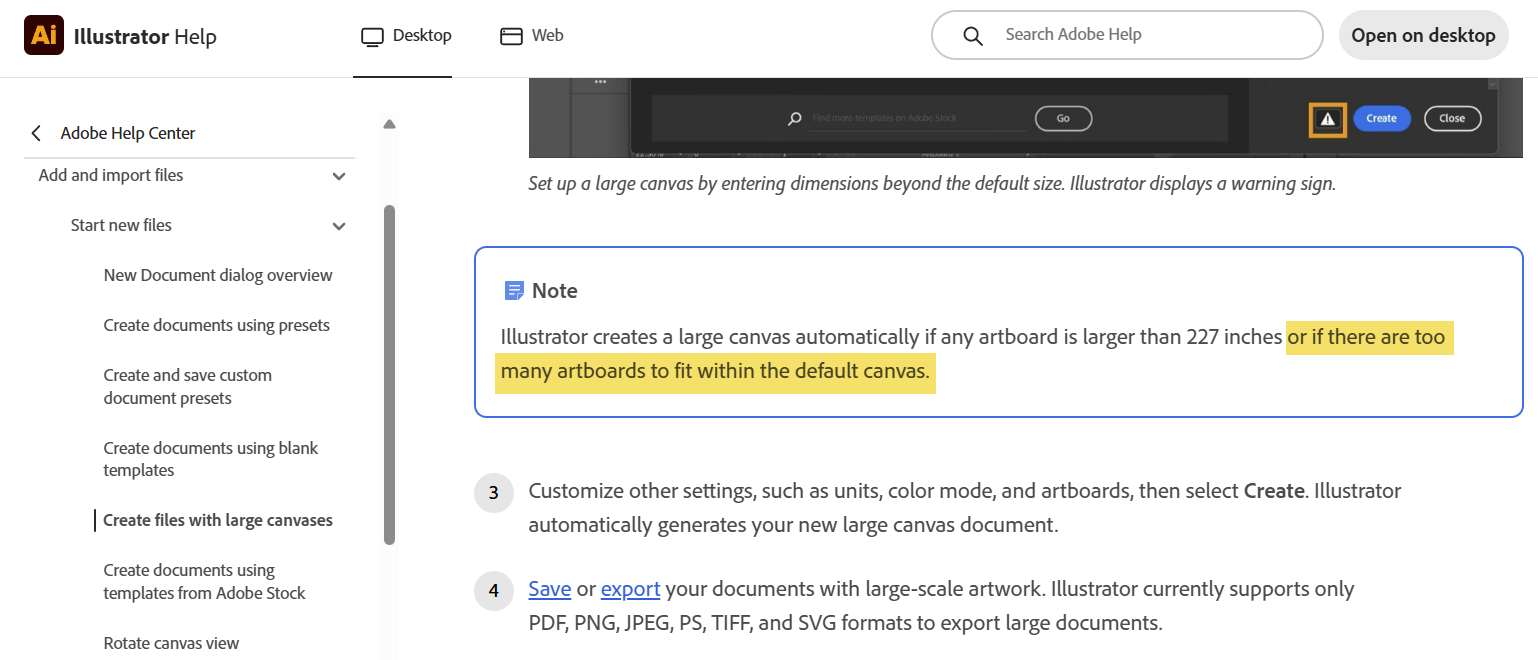
Might be related to the Illustrator “Large Canvas” issue that cropped up a while back - it’s possible that it was fixed for the .ai file import only. I just took a peek at the background clipboard data after copying a 10" square and it just looked like a 1" square with no other metadata - so it would be difficult for LightBurn to know if a 10x scaling on import is required or not.
This peaked my curiously so I expanded one of my .ai files in Illustrator to 25.4249in tall. Saved it as .ai then imported it into LB 2.1. with auto detect turned on
It imported to the correct size
The art I used only has a single layer, maybe that is the difference?
If you would like me to look into this using your file, PM me the art and I’ll see what happens on my end.
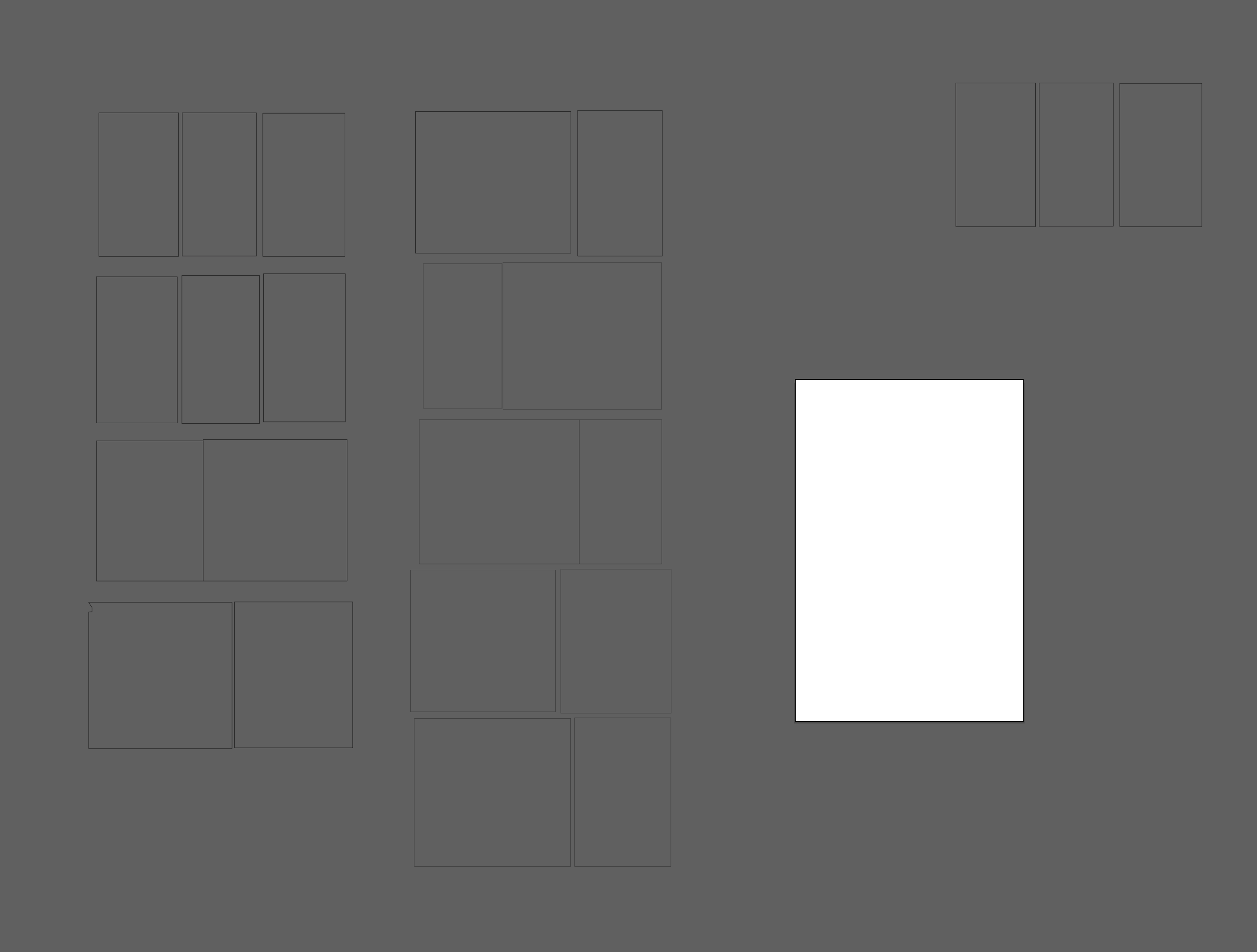
I have some updates. First, I have attached screen shots of the art I am referring to(see graphic 2). The art board’s are 23.7 wide by assorted tall. Ranging from 48.7 to 66.8
I think this is an art board size issue, but I do not know what.
Here is what I came up with from testing further. This is the short version and a workaround solution.
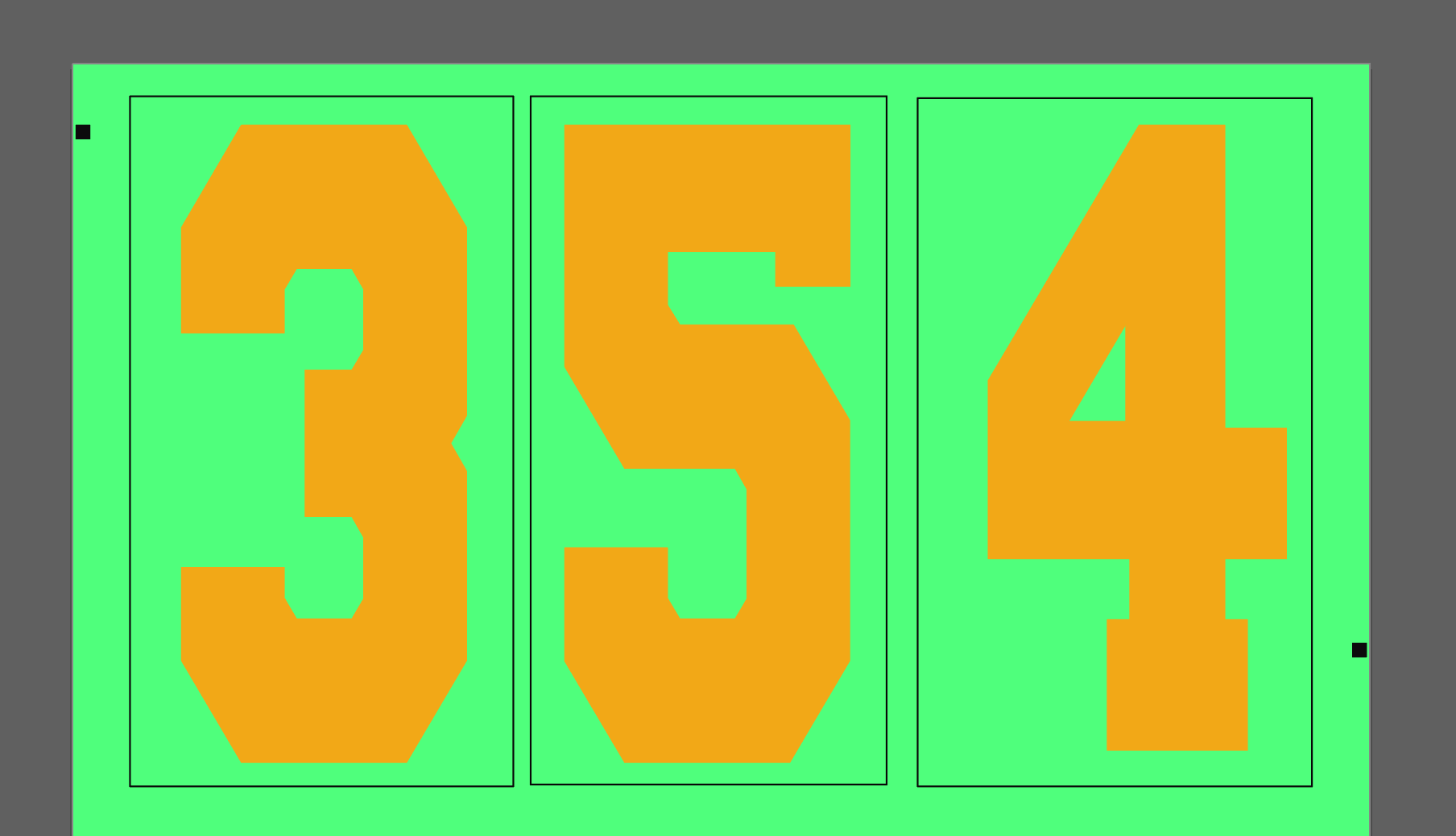
In the images you see the Numbers and the thin black lines are the cut paths around them(see graphic 1). The 2 squares are the reg marks used for this testing.
When copying (and Pasting) into LB from this main art file(see graphic 2), the 10x “glitch” takes place.
However,
Create a new illustrator file, with 1 art board of small size (13x15 in). Paste the same cut paths from the original file into that new illustrator file (instead of LB), then highlight and copy from that new file. (this is all the exact same thing from the original just pasted into a file with a single smaller art board). Once it is copied from the new file, pasting into LB maintains the correct dimensions.
You can copy and past the entirety of the cutting paths from the original Ai. file to the new Ai. file and the copy/paste to LB maintains correctly(see graphic 3)
Please let me know if I explained any of this badly. I have no idea what could cause this (maybe the size forces Ai. to add a x10 to the SVG copy file??)
@NicholasL - I think the large art board thing is cumulative and not individual. Meaning me having many smaller art boards still hits the overall size issue and causes this problem.
@Ron- all my cut lines were on the same layer as well, but the file itself had multiple. Due to the testing and resolution above, I think this an Ai. Sided issue with large art board file handling causing the error.
Thank you all for the help!!!
SIDE QUESTION:
Is there a way to make something paste into Lightroom at the top left point rather then center. Meaning that my registration marks are consistent even though the cut lines within them change. Can I have the artwork past into the same place via reg marks instead of just center so there is not need to move the pasted lines before hitting start on the cutting? (this could be asking to much)