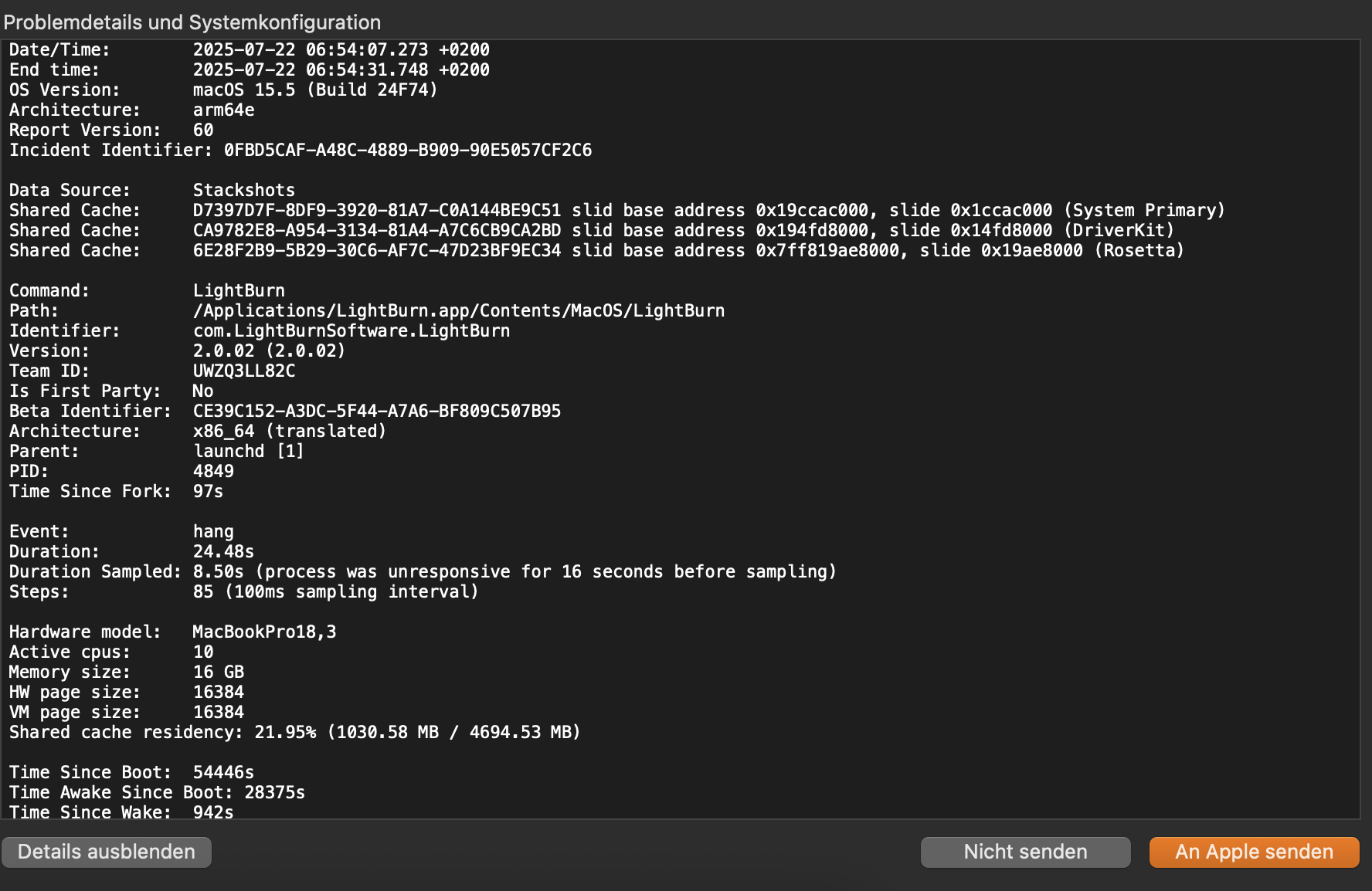
I am having issues with my 30W Mopa from Monport. Whenever I am framing or sending a job for engraving lightburn will crash.
I assume defective hardware of setup error.
Appreciate your ideas.
I am having issues with my 30W Mopa from Monport. Whenever I am framing or sending a job for engraving lightburn will crash.
I assume defective hardware of setup error.
Appreciate your ideas.
UPDATE
I found out that I can avoid the lightburn crash by unplugging the USB Cable quickly whenever it starts to freeze. At this point I am pretty sure that it is a lightburn issue and not a laser hardware or configuration issue.
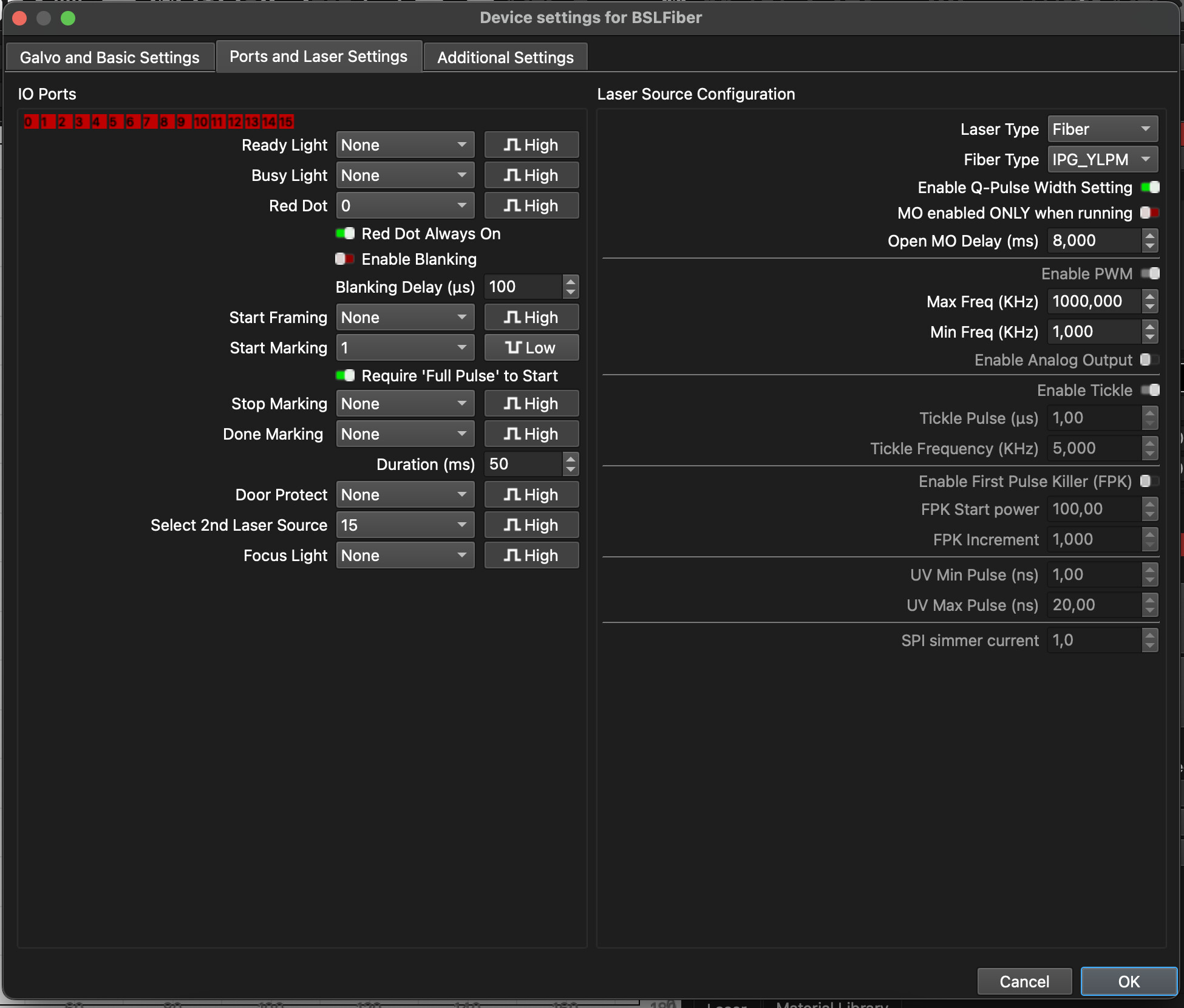
For now, turn off the “Red Dot Always On” toggle switch - the cause is code that turns the red light on when you’re done framing interacting with something in the BSL libraries. Turning that setting off will bypass the issue until it’s fixed in the next update.
I’ve made a change to how it works and will be testing the fix in a couple minutes, the crash log you posted pointed me straight to it, so I’m quite sure this is it.
@pixel01 See, if this changelog entry in the latest Release Candidate, RC-3 solves the freeze while framing on MacOS:
It will install as a separate “PreRelease” version of LightBurn, which has it’s own set of preferences. This means it will not affect your standard installation of LightBurn at all.
The installer should automatically ask if you want to import a copy of your standard release version preferences - you can also use the User Bundles feature to move over your preferences.
nope, still crashing.
Do you have a new crash log you can send me? I addressed what I think the issue was according to your previous crash log. If you can send me another it will confirm whether it’s the same issue or a new one.
I am currently “only” getting freezes - so no matter how long I wait it won’t crash however I am still trying to get a crash and crash log.
Does it unfreeze when you unplug the USB cable?
See, if it works when you power-cycle the laser while only one instance of LightBurn is open.
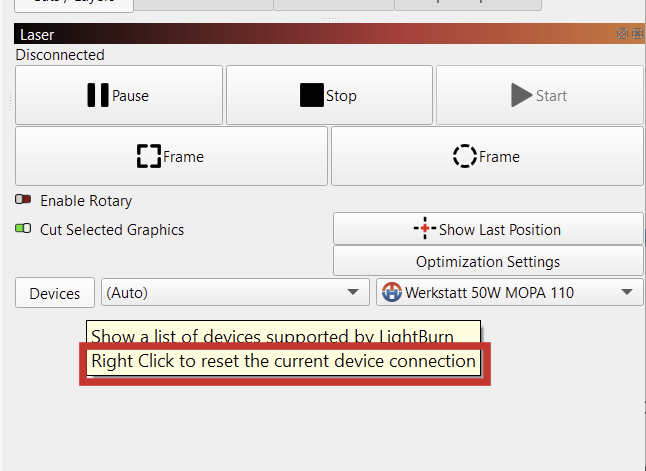
It can also help to right click the “Devices” button to reset the current device’s connection.
yes, usually it unfreezes when I unplug the device.
Sometimes though it keeps freezing.
Plugging it back in without restarting the laser usually reconnects it.
Will try to power cycle the laser this weekend.
Thank you for reporting.
I’m cusious to know in which state (framing, ready, or busy) it comes back when you re-plug it.
If you get a chance to try another computer with an earlier version than Sequoia or a Windows machine, it would be helpful to rule out OS issues as the source. (Use .lbzip file you exported previously to copy the settings to the other machine.)
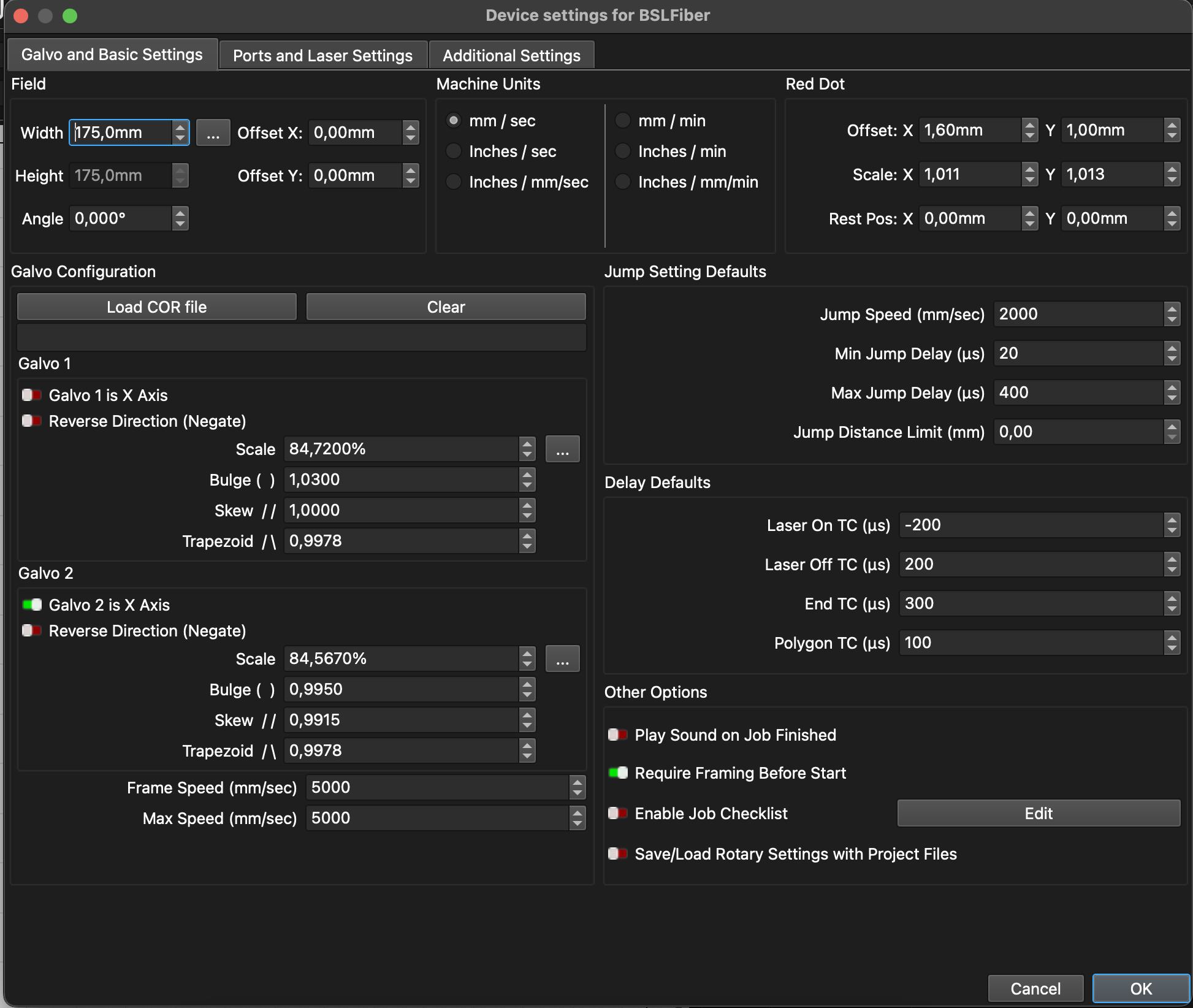
Your device settings differ from the defaults, which indicates that you imported the correct config file while you added the galvo!
If you have a foot pedal connected, it may be worth unplugging it temporarily and even changing the “Start Marking” port in the Device Settings to “None”.
I did use the laser with a rented windows machine - no issues at all, same config file.
Older MacBook Pro from 2008 shows the same crashing an freezing behavior.
No foot pedal connected.
When reconnecting it starts framing - when the framing window remains opened.
That’s valuable information and rules out a couple of things!
So far, I couldn’t reproduce it on a Monterey MacBook, but I don’t have the same BSL control card as you.
This may not be the root cause, but according to the Galvo Ports docs:
If not using a foot switch, it’s best to set this to None to prevent accidental firing as a result of static or electrical noise.
I tried Turing off the laser when Lightburn freezes. It will then also unfreeze and when I turn it back on it continues framing. So same behavior as unplugging the device.
I may just have to bite the bullet and buy one of these lasers so I have something I can actually test.
Before I resort to that, can you see if you can get a report while it’s running, by doing this?
If it includes function info like your crash log did, that might be enough for me to track it down.
done. sent by email.
This topic was automatically closed 30 days after the last reply. New replies are no longer allowed.