Good morning from beautiful Greece.
I have a serious problem.
A few months ago, I bought a Creality Falcon2 Pro laser engraver because it offered many features and seemed like a very capable machine.
My constant problem is that I cannot connect or synchronize the machine with the LightBurn software.
No matter what I read, I cannot make it work.
No matter how many videos I watch, I still don’t understand how to do it.
I should also mention that my English is not very good, and the automatic translations are often confusing.
I have even tried using ChatGPT, but without success.
At this point, I am completely frustrated.
You are my last hope.
Is there any way you can help me correctly set up the software with the machine?
Otherwise, I am seriously thinking about selling it or exchanging it.
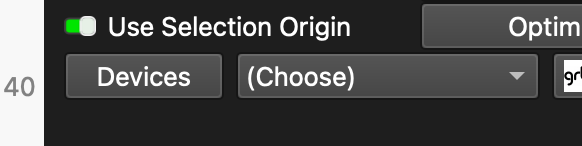
I have changed everything.
The machine is working normally, but what I cannot manage to do is, for example, to cut the material with the laser.
It always turns out very wrong.
That is not a connection problem. That is likely a “not understanding the coordinate systems” problem.
I always recommend using Absolute Coords so that whatever you draw on the Lightburn grid is where the laser module is going to go. Kind of like looking down through the design grid from the top and seeing the laser table. Of course, Home switches are mandatory for repeatability.
Tell us what problems you are having and let the Forum Universe try to help.
If the shapes differ strongly from the ones you expect, it might be that you have a pirated version of LB, that will destroy your projects. Make sure to download the version from the LB site only.
The devs are genius. Love this anti-piracy method. $100 gets you a very solid piece of software.