
FORUM.lbrn2 (15.0 KB)
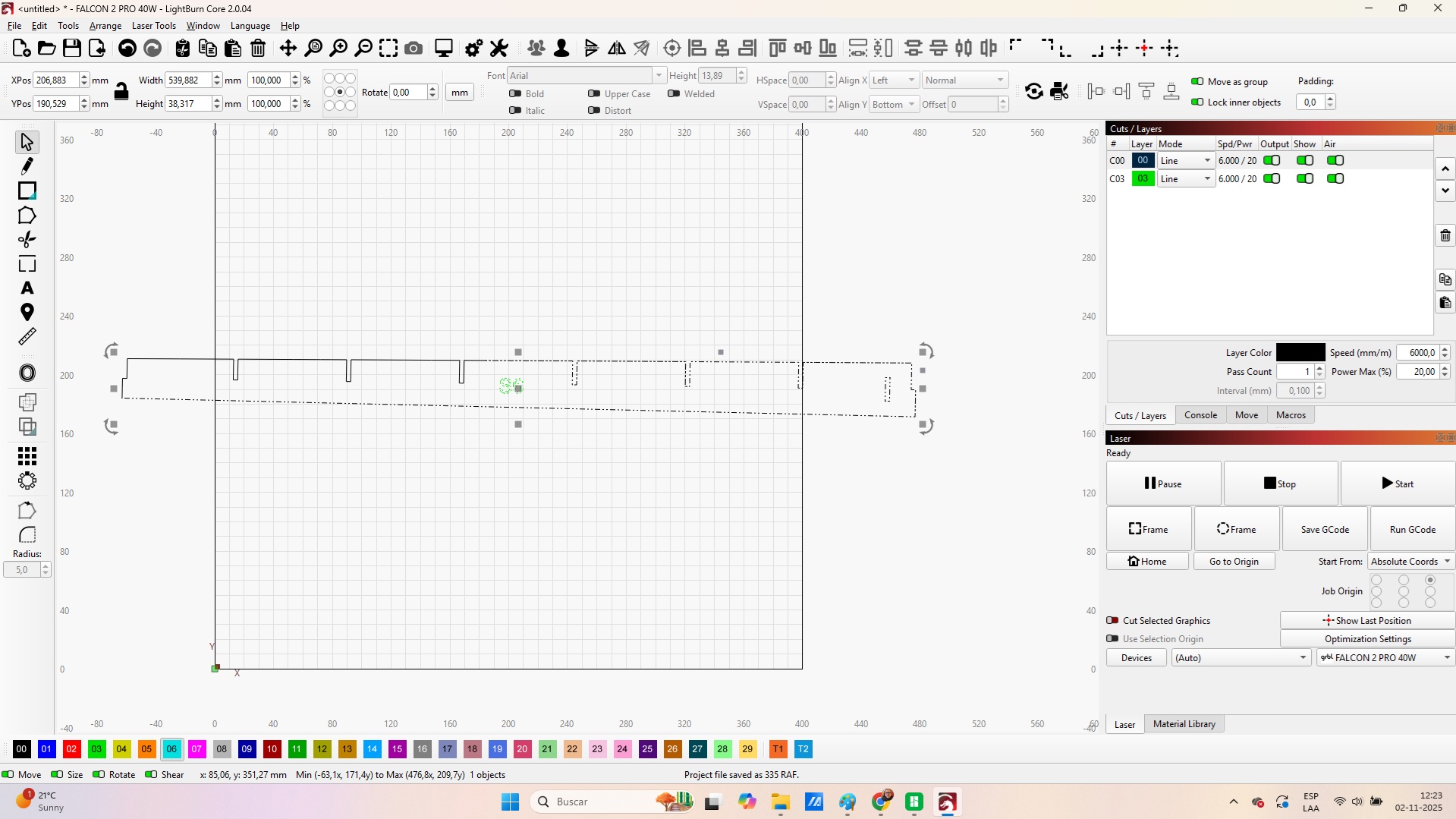
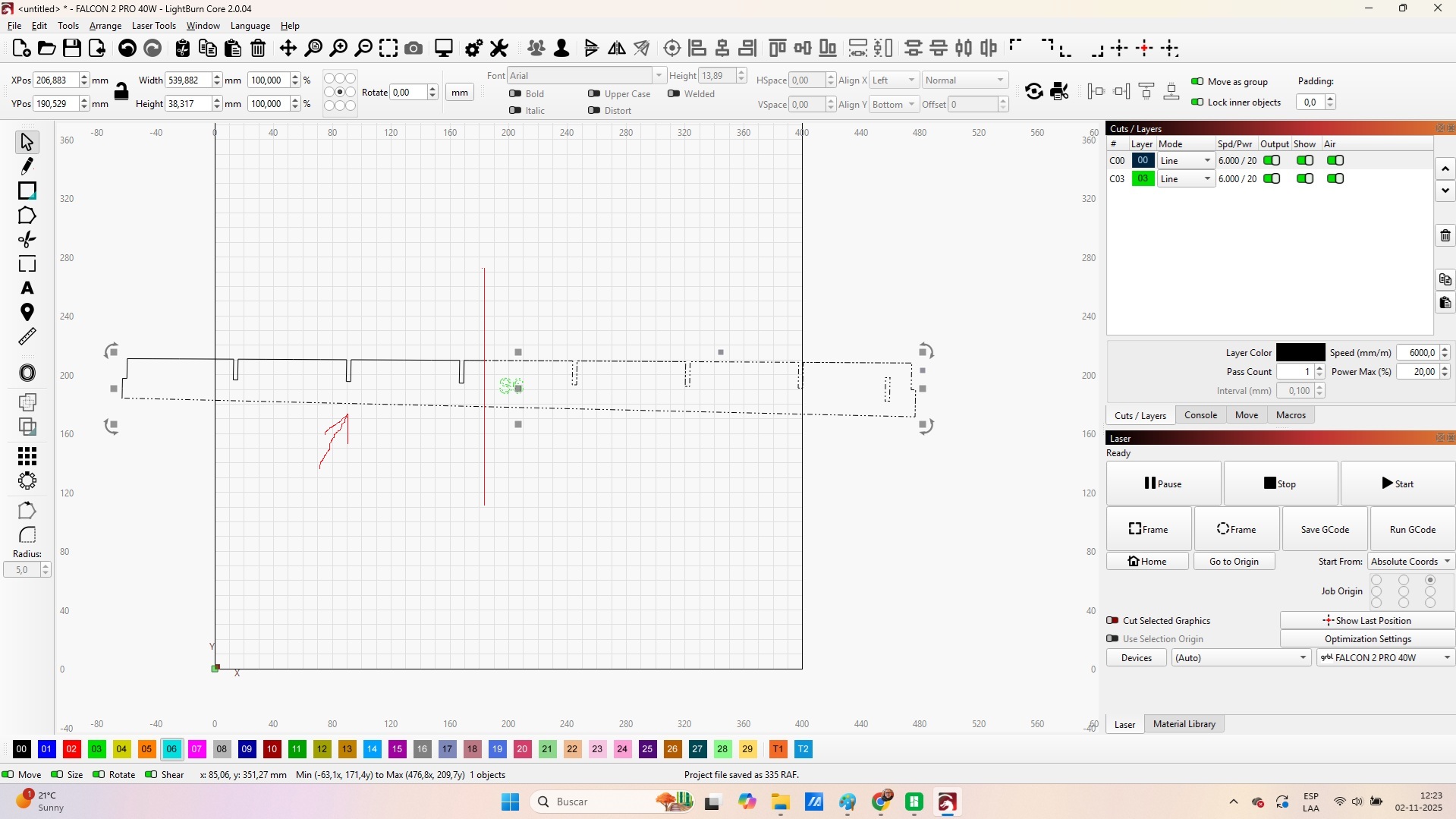
Hello all, i need some expert advise, im trying to do some print and cut and when doing the cut shapes portion some of the lines dont get cut, i cant even cut them using the vertical line, they just behave like a solid part (not grouped), i have attached a portion of the file but almost all the file behaves the same. i also have attached pictures of the before and after the cut so you can see it doesnt cut at all the line. thanks!!!
Also to add, he issue persists after closing path
I am not 100% sure because I never tried to do a “print and cut” without first moving the portion I need to be cut so that it fits completely within the workspace. I just assumed that since the “print and cut” uses the absolute positioning mode, it required the item being cut to be fully within the workspace. Your screenshot shows your item extending beyond the workspace. I would try repositioning it so that is within the workspace first. If that still does not work, let me know.
thats not the issue at all, i just put it in there, the problem is that the cut shapes tool isnt cutting the line that is the issue
OK, please make sure the shape you are trying to cut with the cut shape is 100% grouped. When you select it, the entire shape must show as selected. Then you need to draw a rectangle (or other shape object) around the portion of the shape you wish to cut.
Select the grouped item to be cut,
Then hold shift and select the cut shape.
Then perform the cut shapes action.
The cut shape will disappear, leaving your main shape cut where the cut shape intersected it.
still doesnt solve my issue, i was doing it already that way. Tried with several parts of the project and works ok, but some parts like this one has this issue you can see the cut shapes doesnt cut the big line. tried to attach a video but it doesnt allow mp4 files.
Questions:
Does the shape you are trying to cut become completely selected when you click on any part of it?
Are you using the shape tool to draw a rectangle around the portion you want to be cut?
yes, i grouped it before the cut.
yes i used a rectangle to cut the part in 2
The only thing I can recommend then is that you test the “cut shape” process is working as you expect by drawing a simple rectangle (red) to use as the shape you wish to cut. Then draw a circle as the cut shape (yellow) and use “cut shape”
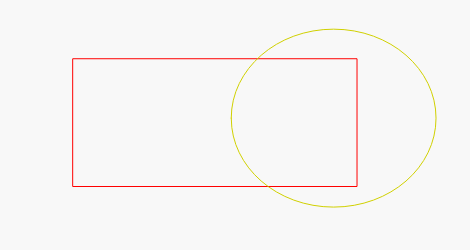
and be sure you get the following, after the cut shape. If not, then you may not be using the “cut shape” correctly.

yes that works correctly but in the file im working it doesnt cut the lines i showed earlier. in the beginning of this post i uploaded the file its called forum where you can try for yourself what i mean.
i have been using print and cut for a while now and this is the first time i have this issue, its almost like the cut isnt working on some lines and i dont know why
Unfortunately, I think there is a small bug in the program. The shape you are trying to “split” is giving LB some problems, “Cut Shapes” also doesn’t work - on this shape.
@LightBurn might have an explanation/solution/bugfix.
at least i see its not a me issue but a software issue. i have tried everything.
OK, I used the file you downloaded and noticed that you had curves instead of lines in your shape. So I converted the curves to lines and removed all the extra nodes. The shape is still the same since you did not need any curves. The attached file is the line version. The “cut shape” tool now works on it as expected. So it appears there is a problem with cutting curves in this case.
FORUM.lbrn2 (14.4 KB)
thanks, that may be a way to solve but problem is that he cut shapes shouldnt be affected if its a curve or a line.
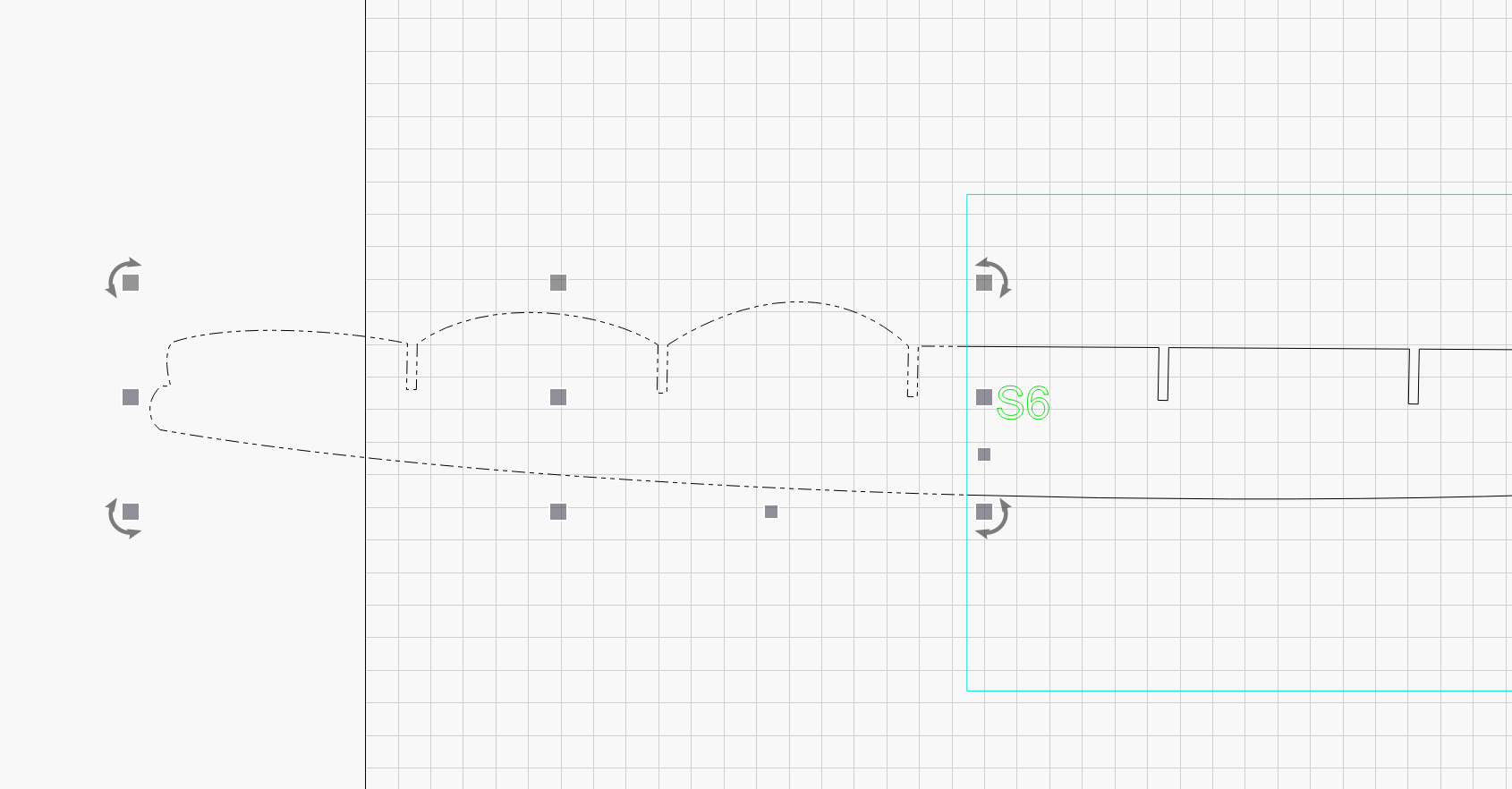
yes its strange. i have talked to the designer and he will make a pdf file so i can try that. this is a dxf that i imported, another solution is to redraw the portion that is having issues.
Sounds like the problem must lie in the DXF import process.
it seems its like Allen said a dxf import issue. Maybe Lighburn should see that this is something that may happen. Finally i asked the designer for a pdf version and it solved my problem and print and cut worked like it should. lets hope this bug gets solved in future versions. Thanks everybody that tried to help me.