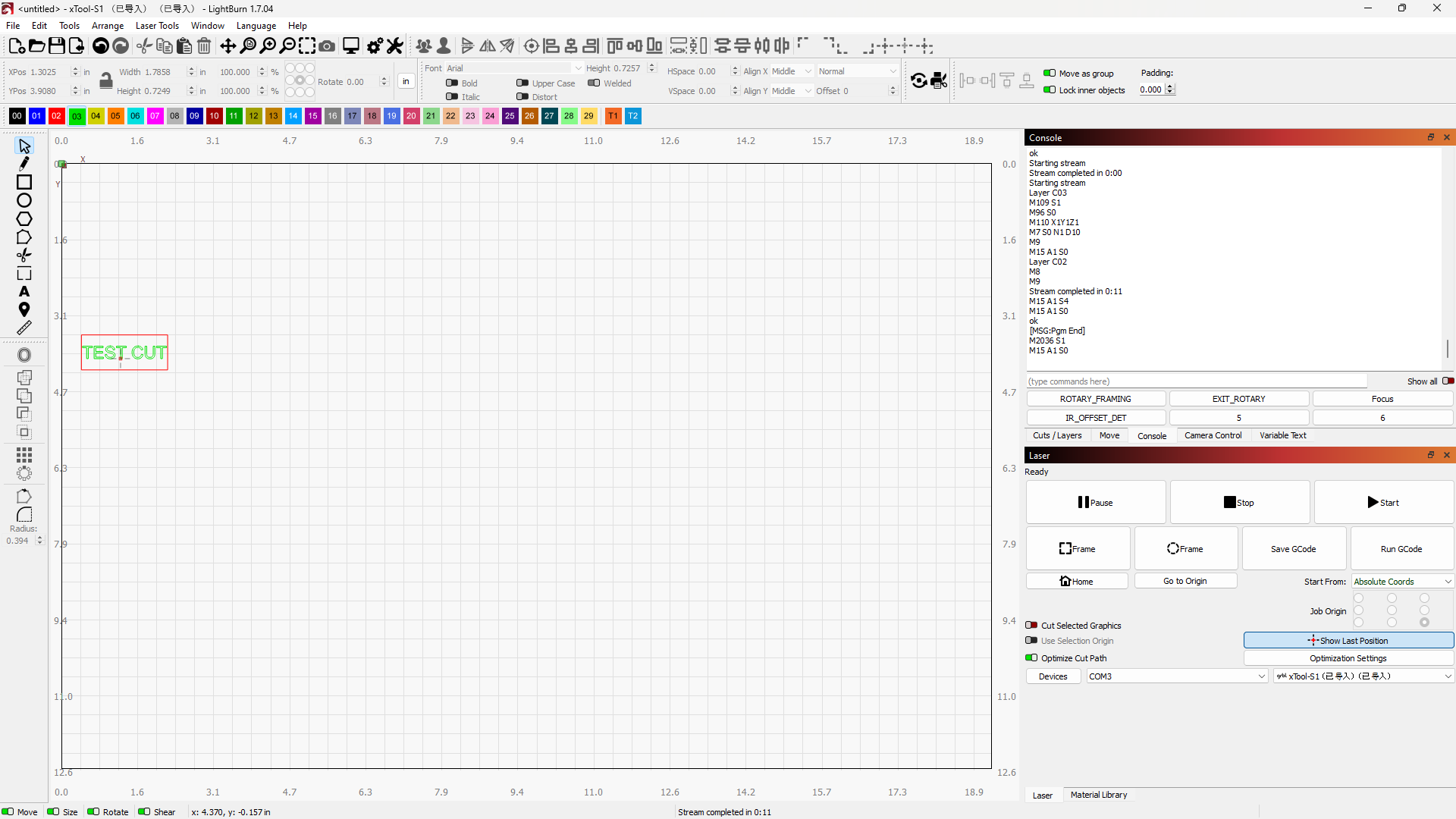
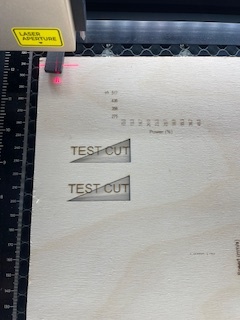
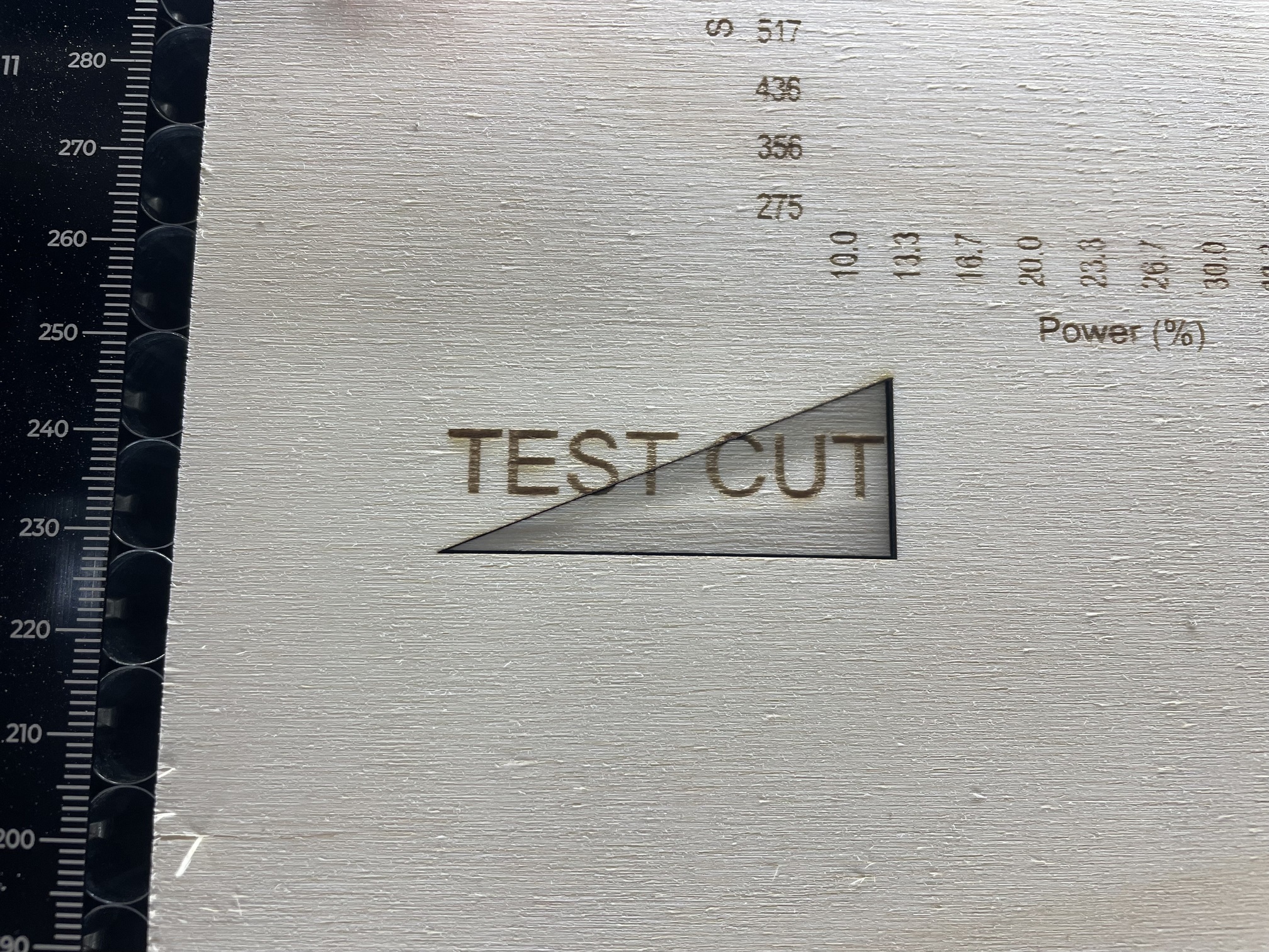
Diagonal cut when should have been rectangle

I am a newbie,
I have been making jigs and when ever there is a rectangle cut after the engraving it will cut a diagonal.
Have tried this with material test grid and others, same outcome.

If I perform a rectangle cut by its self it works fine.

Any suggestions?

There was a bug with xtool a few versions back. What version of Lightburn are you using?

1.7.04


The previous bug made each of the grid squares a rectangle. Need someone more versed than me to help.

Well, I appreciate your response. Do you know? Is there another forum to go on or just wait for a reply?

I don’t know of another forum other than xtool. There are a lot of knowledgeable people on here including the developers.

Thank you
hopefully they will respond.

@Plumblaser
Follow the installation guide here:Setting up xTool S1 with new xTool device type in LB 1.7 Beta

I tried all the changes and still get these results


I replaced my 1.704 with the 1.7 which fixed the diagonal cut, but know I am having issues with my power a speed settings. They seem to be very inconsistent.
When compared to XCS and Lightburn i get very different results. In light burn it my engrave is almost burning through even at low settings (5% at 36000 mm/m)

Also does it mater if i change the setting from mm/m to mm/sec?

I really want to use Lightburn but seems to be a lot of issues when using it with the S1.

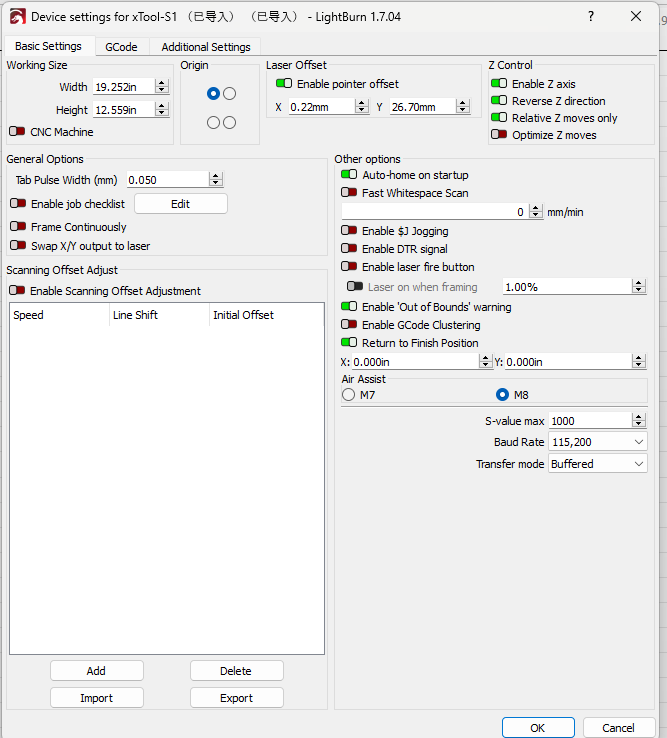
Check your S-value max settings. $30 should match the S-value in your device settings. GRBL: Low or No Power Output - LightBurn Documentation

mm/m is best for diode. if you need to go back and forth try a units converter.
Convert mm/s to inch per second - Conversion of Measurement Units

My S1 is working much better with the new Lightburn update 1.7.06!
I have a issue with my engraving.
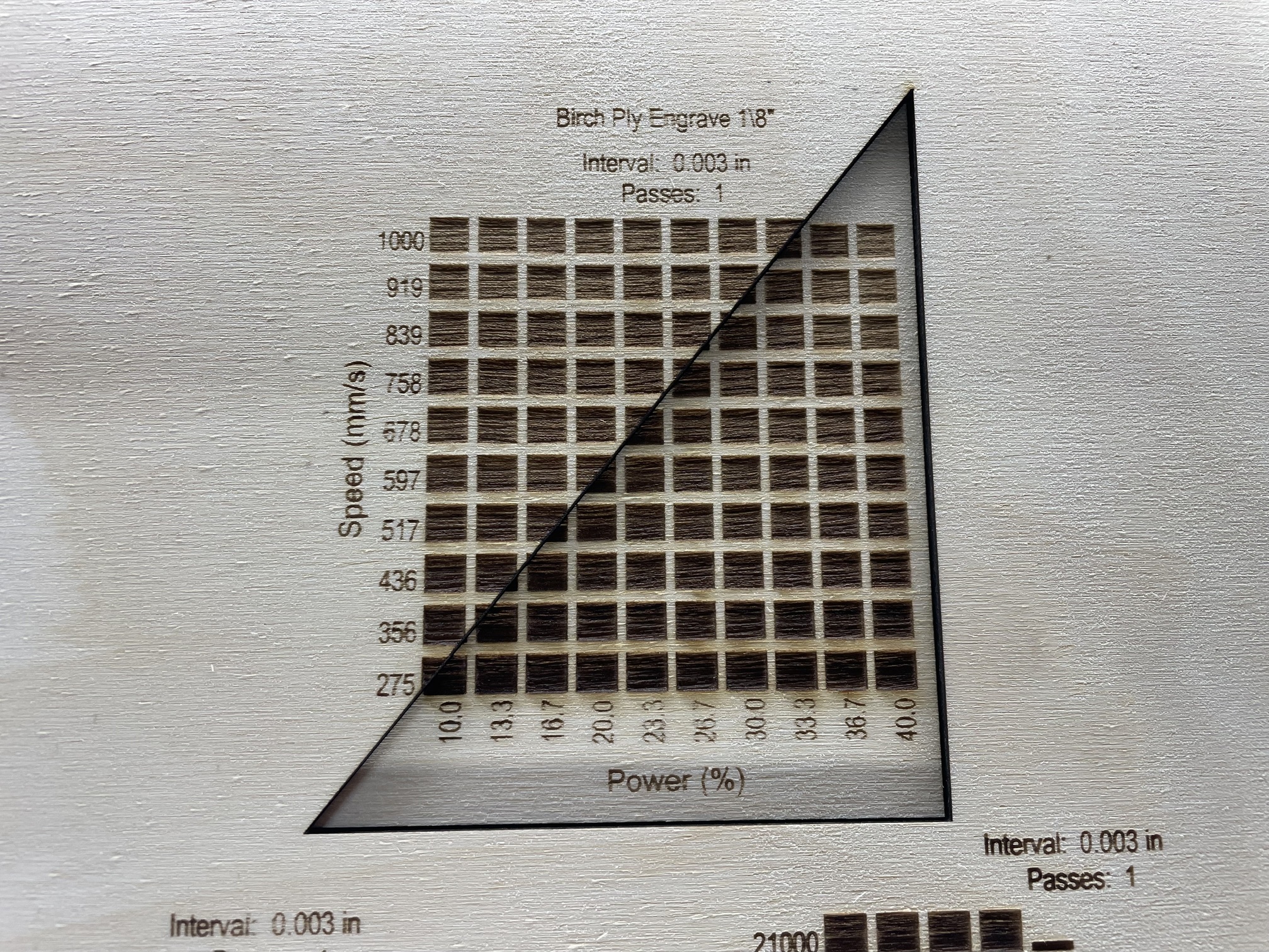
When I engrave either 6mm or 3mm the ends of the engrave are burnt (left and right).
Would this be a setting?
Indeed:

Could be, But I do not what they should be for my S1.

In my cut editor did not have the overscanning on.
That should fix it.