Great news!
Please do let us know if you or anyone finds odd behaviours on the S1 please.
Great news!
Please do let us know if you or anyone finds odd behaviours on the S1 please.
All good so far, the only “odd” behaviour I can think of off the top of my head, is that it still won’t operate over wifi with Lightburn 
Not a dealbreaker for me, I am very happy to switch back to lightburn now and not have to run production on xcs any more.
Are there any plans on getting WIFI to work in the future though?
Yes, we want to add this, but there are a bunch of things we need to put in place to get that to work correctly first.
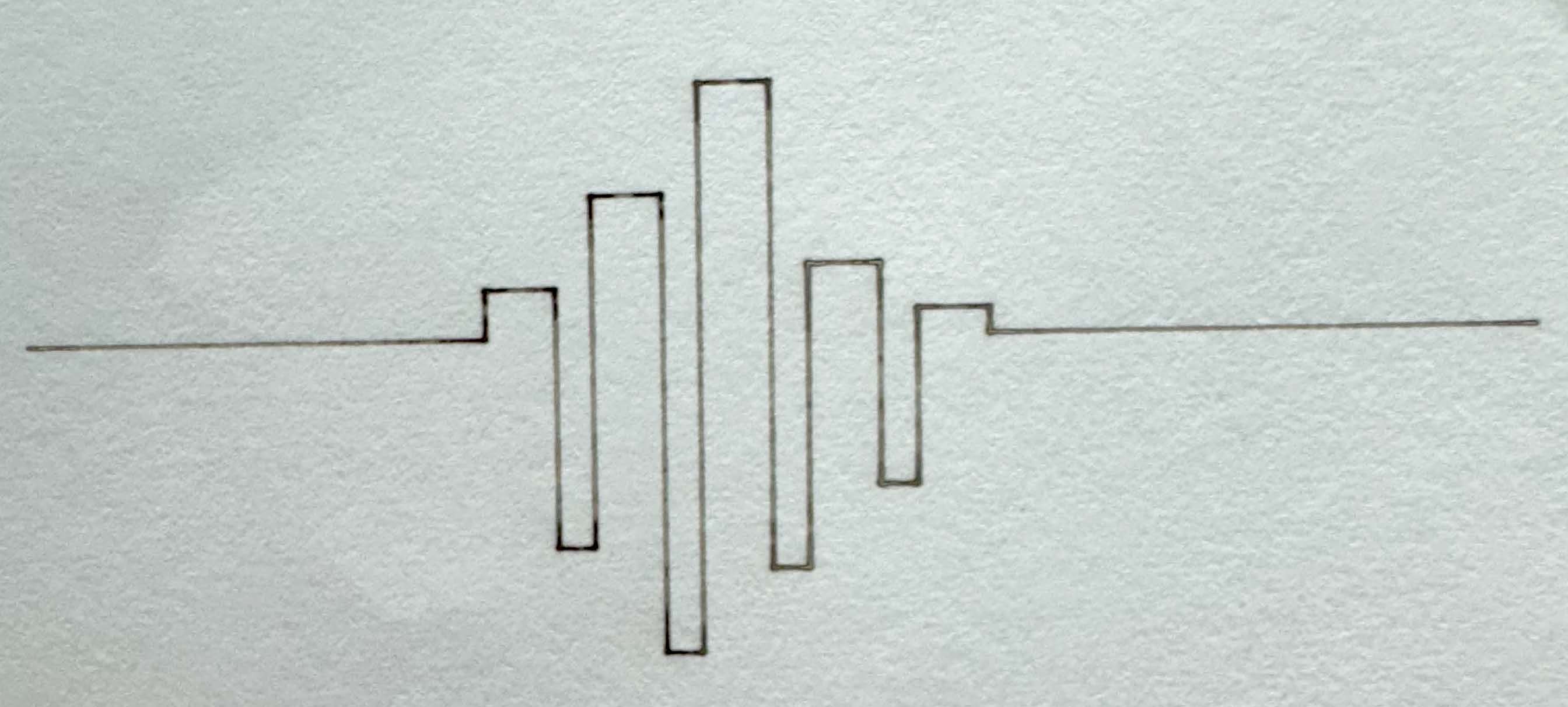
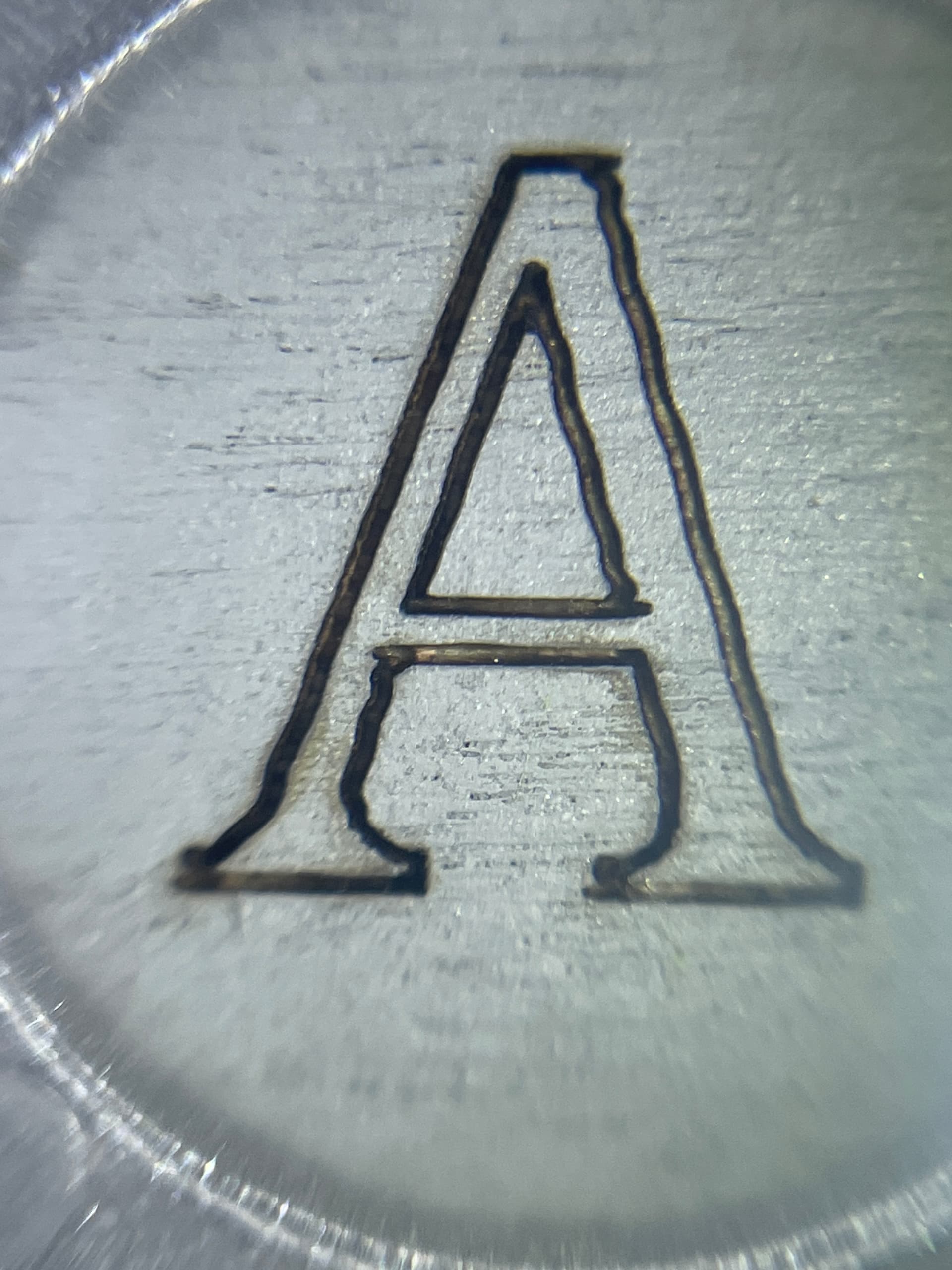
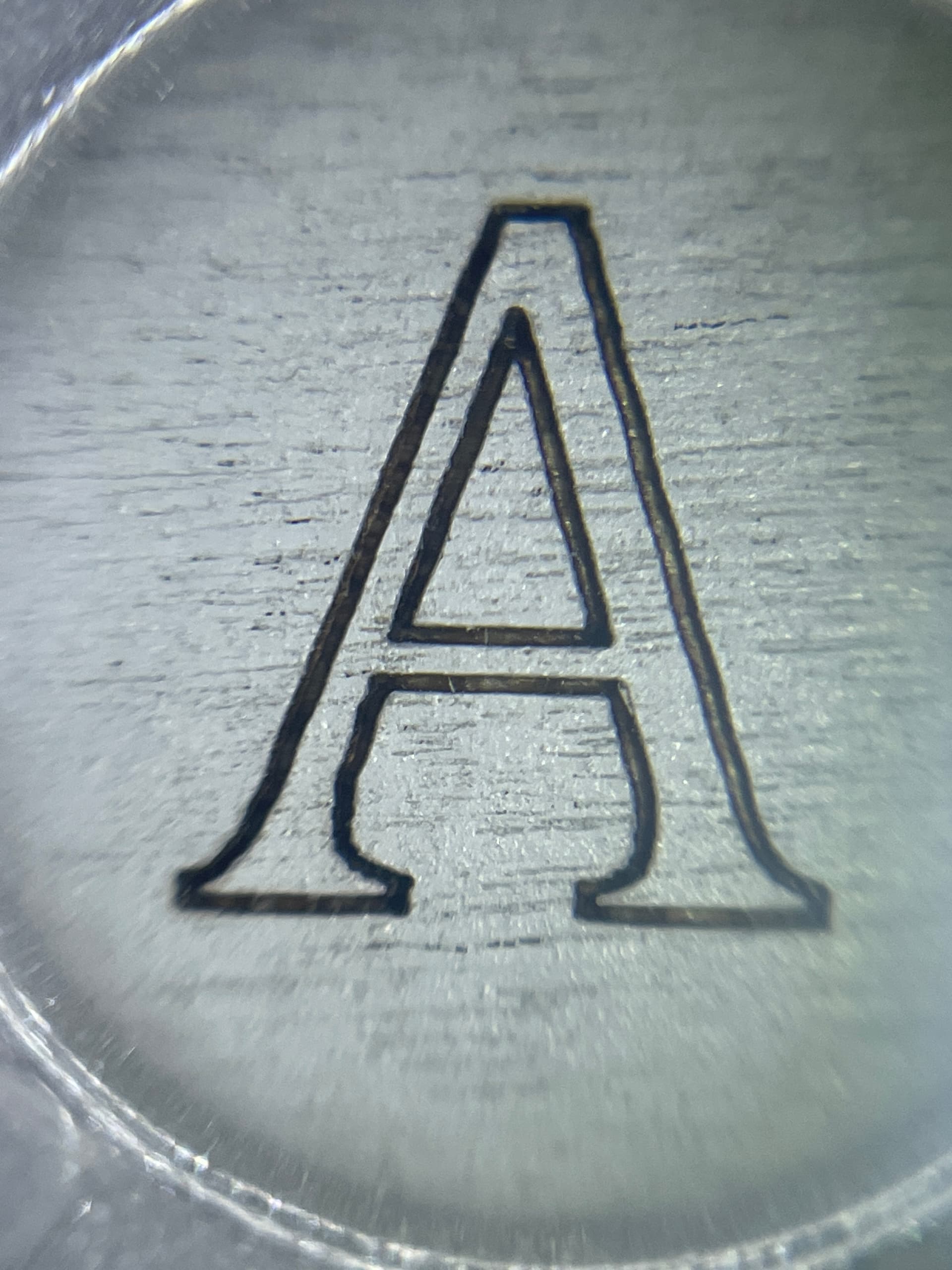
Everything works as it should. I did extensive testing with Engraving, Photos, Lines, and Cutting. All came out great. Wobble is eliminated as you can see by the pic. I know you guys must be overwhelmed trying to keep up with all of the different lasers made by so many different manufacturers and I just wanted to say how much I appreciate the time you have put into resolving these XTool S1 problems in such a timely manner. This must be especially hard since XTool is known for not being so forthcoming with their proprietary structure. Thanks Again.
Dave
Has anyone noticed their exhaust fan stopping during long cutting jobs?
I ran a cutting job on plywood yesterday that is roughly 10min in duration. After about 7 to 8 minutes, the exhaust fan (at the back of the machine, pulling the fumes out) stopped running.
The fan on the lasermodule itself as well as the air assist kept on functioning normally. But the interior of the machine quickly filled with smoke as it wasn’t being pulled out towards the exhaust pipe any longer.
Not sure if this is due to lightburn though, can’t imagine it sneaking in a gcode command to turn the fan off randomly during the job, would not make much sense. Maybe this is a controller issue within the S1? Because when I paused the job after seeing the fan turn itself off (by pushing the button on the front of the S1) and started it again (by pressing the same button again) the fan started working again too.
Have any of you encountered similar behaviour?
Here’s the file I ran in case any of you want to try this.
exhaust_fan_stopped_after_around 7 to 8min.lbrn2 (123,7 KB)
Frederic… I just ran 2 cutting jobs, the first 10 min long and the second over 16 min long. cut 3mm ply at 15/85. Did not have a problem with the exhaust fan stopping with either project. Have you tried to run your project again to see if the problem is repeatable?
Tried everything else! Go to engrave and it’s like 100% power! Have always used inches/sec for designs…thanks if it works!
How are you cutting 3mm ply @ 15/85?! I’m lucky if I can do 10/100. Are you dropping 1 mm?
Nope, still tries to engrave at 100% power, gets so far and then quits
Are you on the latest firmware?
I upgraded the firmware and tried the MM/sec…still seems to be in cut mode…frustrating.
What version of lightburn?
1.7.04 and then 1.7.04rc per your instructions.The beta has only the S1 configured
I have it working. definitely slower than the Xtool software and had to change to mm/sec. Happy for now! Thanks! and yes, I upgraded the firmware.
raine… I cut 15/85 when I want to be 100% sure everything drops out when I lift the project up. Depending on humidity level of the wood I have used 18/80 with great success. I can go over 20 when I use 100% power. I am using the 40w head.
And remember, just like with laying wood flooring down in a room, get your wood or whatever medium comfortable in its settings. It needs to be room temp alongside the machine and in the same room (usually overnight).
LightBurn created a new protocol called XTOOL. After adding the S1 laser device using the file from xTool instructions - Operate xTool S1 with LightBurn - xTool Support Center - you need to double click the laser and change the protocol to XTOOL.
This should fix the issue shown in the photo
This is how it should look like at the end
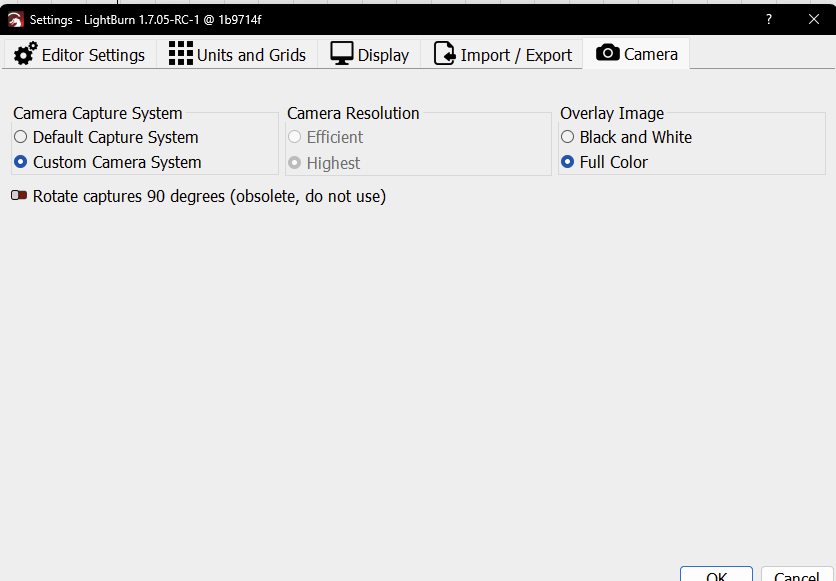
short answer: You don’t. (since you’re on Windows)
That option only worked on MacOS with the earlier versions of our drivers in 1.7. And it didn’t work very well. Lessons were learned. Don’t worry about it.
It’s going away next version, we’ve got much bigger efficiencies coming.
Greetings. I have Lightburn 1.7.08 and xtool s1 40w (V40.32.010.2025.01B1).
I am having the issues that were brought up in the original post… as in triangles instead of squares.
As I looked through the posts it seems the issue might have been resolved in one of the updates, but that does not seem to be my experience.
Using the included material test as an example, all squares are triangles. If I manually change the X5S500 to X5Y0S500 I can then leave the remaining corners as single coordinate call outs.
Y5
X-5
etc…
For some reason it looks like it ignores the single coordinate when spindle (or power) callout is on the same line. Maybe there is more to it than that.
Has anyone figured out a solution? I see that this was started more than a year ago.