YES, I have a foot pedal. It is a JCT 200 watt MOPA with power focus and pedal and rotary. I also sent you the config files provided with the laser.
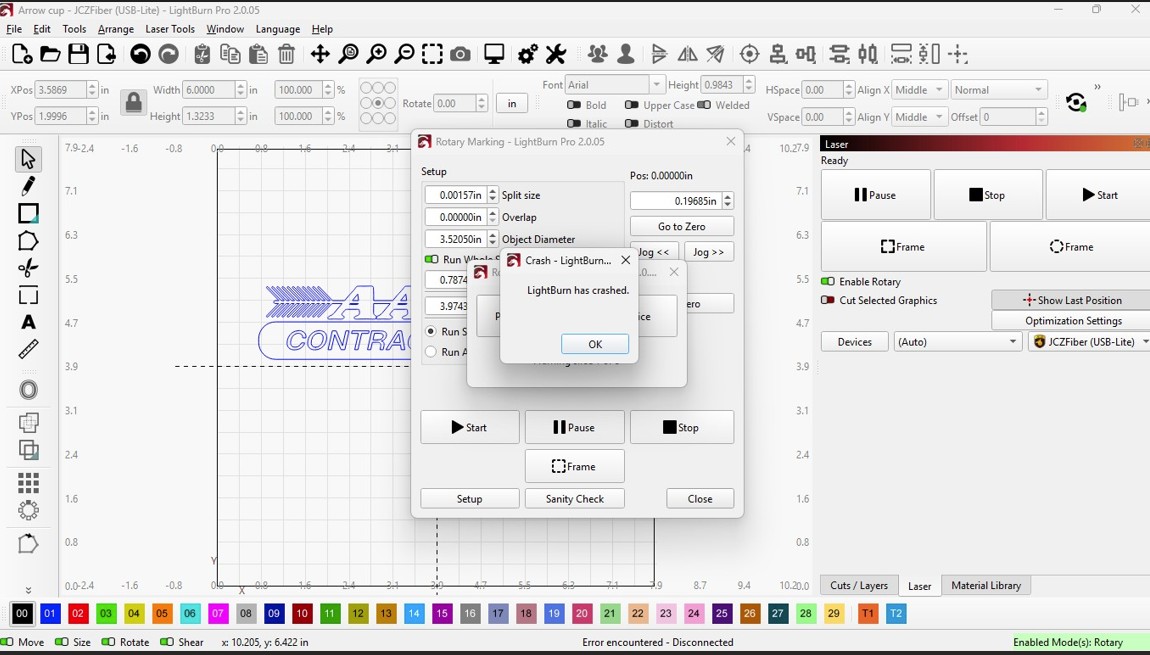
No , Im not sure where those pics came from. I have both PCs side by side here with the laser. Original PC is a Win10 and had you 2.0 version on it and was crashing “ONLY WHEN FRAMING WITH ROTARY. At no other times did this happen. If I did not frame it, it actually made a nice file but at times would not be where placed it belonged on the cup, so I started framing to keep them exact when your doing 30 cups at a time.
You had me install 2.1 on that Original pc and is still crashed .
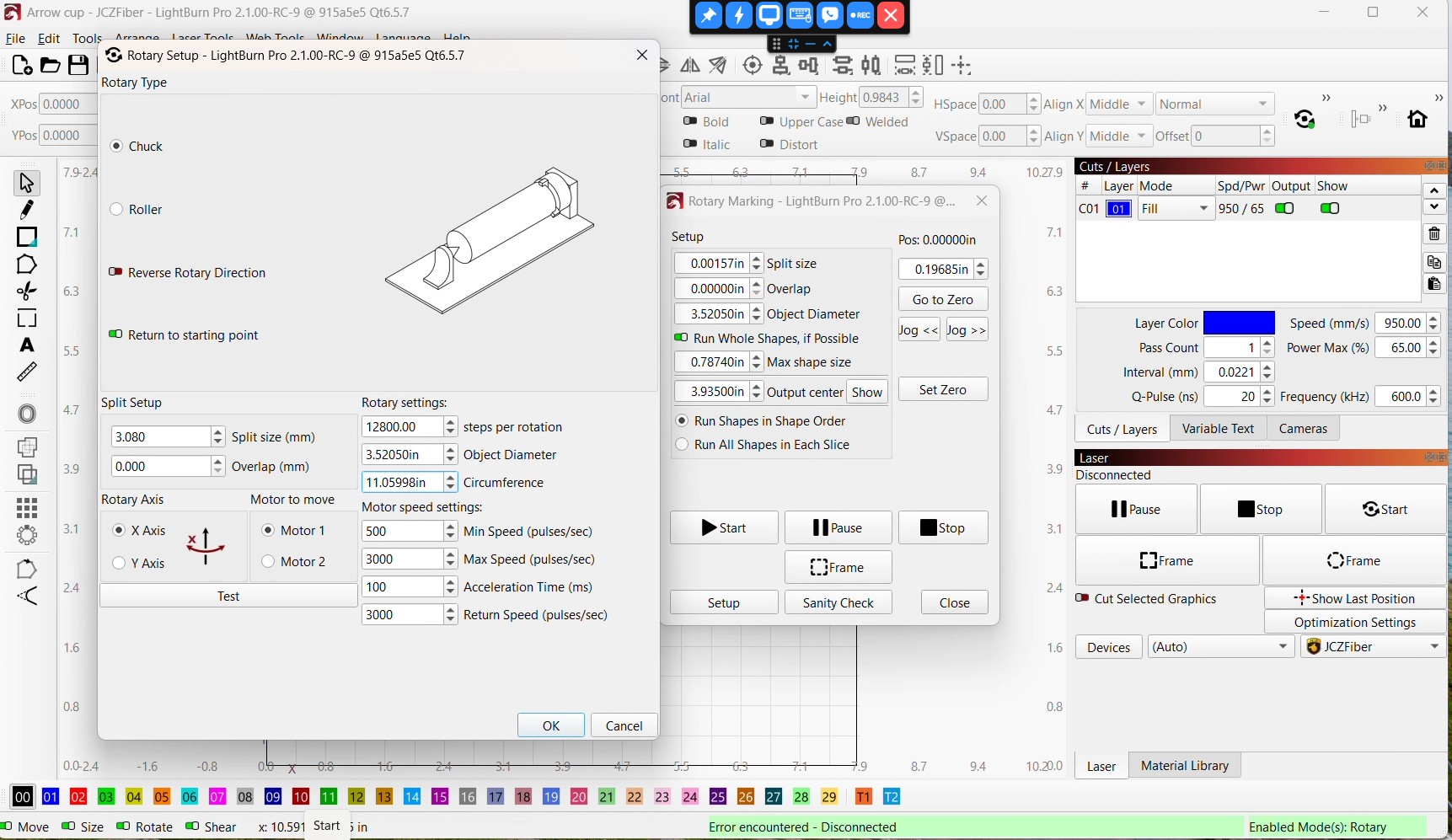
I know right off the bat, that my steps per rotation is and always has been 12800 with those stepper motors and object diameter is 3.52050 so I know that is not the right pic …. I can verify with this image below that I originally emailed you from the 1st pc with the problem.
Here from the original email with the 1st pc that keeps crashing …..
The “ONLY” change I tried to make was the split after you stated….”Why are you using such a tiny split size? This could absolutely cause a crash, too many segments with your 1099 lines per inch = memory overload.
I only had the split size low due to minimize stop/start marks on the engraving in the powder coat that looked horrible.
On my own, to try process of elimination, I also installed 2.1 on my win 11 pc set up for CAD work with your 2.1 and on the 2nd cup, it skipped as shown in the pic.
This is the 2nd PC with you 2.1 version that did not crash while framing, but now wants to skip. Notice the settings are the same with the exception of spit size.
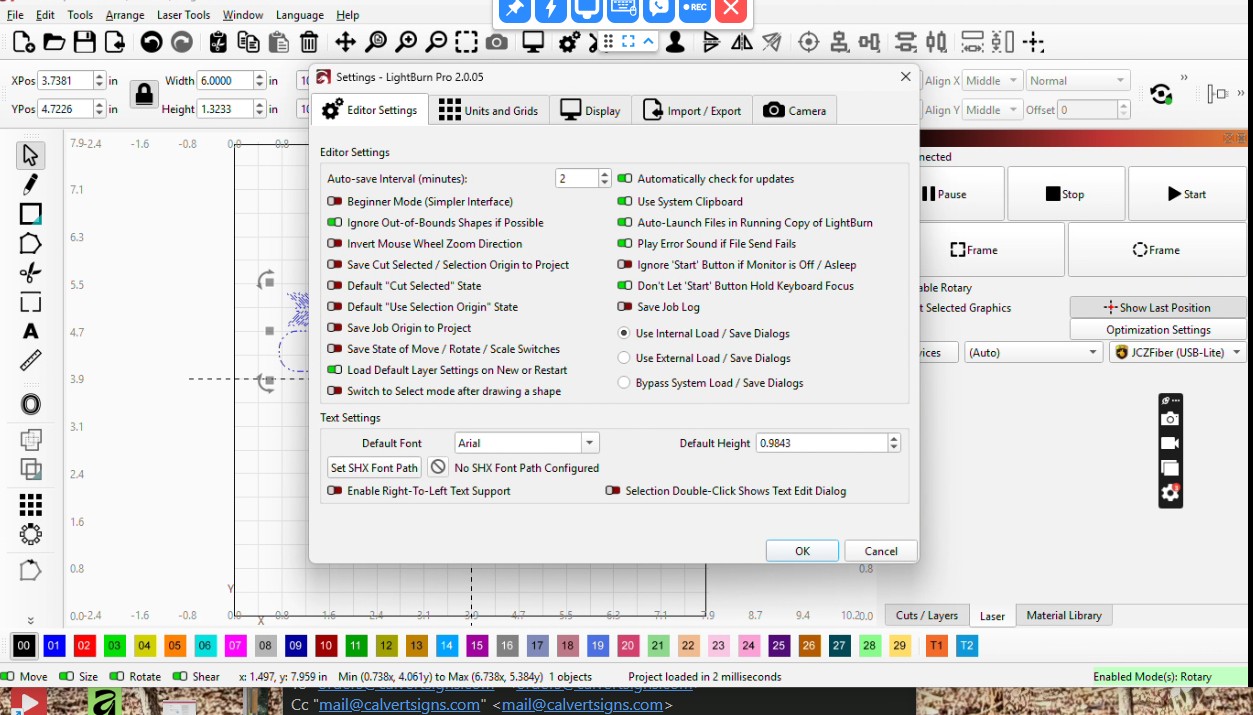
Those pics are from my computer, but running with your settings from the copy/pasted support data you sent, so they should be exactly the same as whatever computer you copied them from.
Beginner mode is definitely enabled in them (I verified that first). Did you copy support data from a different machine?
I’ll get a custom build with a bunch of extra debug information written up to see if I can figure out what’s happening. I should be able to do that today.
The support agent who told you that the tiny interval could be an issue was wrong, but I suspect they saw the numbers in inches and thought they were in mm - 0.0009mm could feasibly crash, but 0.0009” is fine. It’s also more of an issue when using images as opposed to vectors (yours are vectors, which are easier to scale).
I have Verified Multiple times that I have never been on beginner mode on either PC, as I refused to use that option from day one even on my CO2 Omtech.
Ok, that’s very strange. Can you go to Help > Generate Support Data (on the machine that was crashing), then paste that into a reply to the email we have going back and forth? I want to check if somehow the wrong data is getting used.
I sent you a video link (via email) to explain why I keep coming back to this. Short version, you didn’t send me the settings (support data) from the 2.0.05 version of LightBurn you’re running with the crash, and I can tell because the settings don’t match what you show in the screen shots.
Without the support data from the 2.0.05 version that was crashing, it’s harder for me to run it exactly the way you are, and will be more difficult for me to track down what’s happening.
Jason, I responded to your email, with a desktop video that shows the setting is NOT beginner mode, saved the support info, and send you the very support file. You can see in the video that exact file was not saved in beginner mode, yet 2 days now you have us chasing shadows because you tell me the support file sent to you has beginner mode enabled… Well I guess there more bugs that you knew about. I tried to upload the video here so everyone here can see what Im dealing with but it wont allow me to.
And you wonder why people get upset when you want to believe your software vs what I told you over and over for 2 days and were no where further along.
The support data you sent the first time was from the RC version of LightBurn, which has its own prefs.
The support data you sent me THIS time was from the 2.0.05 version of LightBurn, and I’m now able to reproduce your issue.
The only reason we’ve been going back on forth on this for two days is because you keep fighting me while I’m trying to bloody help you. The only reason I kept bringing up beginner mode is that it was set on the support data you sent the first time, which tells me it was not from the computer you sent the screen shots from.
Now that you have sent me the data I kept asking for, I am able to make LightBurn freeze when framing your file, and this is definitely further along than we were before.
People constantly tell us, “oh yes, I enabled that setting”, over and over. Then we ask for a screen shot, and it’s not enabled, so maybe we have trust issues. We like to verify things, and we’re usually right to do so.
In your case, you initially sent me the support data from the newer RC version of LightBurn, not the 2.0.05 one you were normally using, and the settings were different. If you want to defend your honor and claim it was the software’s fault, fine. I just want the right info so I can fix your issue.
EVEN the new version 2.1 is and has been NEVER in beginner mode. I have never used beginner mode and wont either.
If you like, I can do a video the exact same way to prove “My Honor” with the 2.1 version as well as I did with the 2.0 version. Last thing I want is to sit here taking away from running a business with a non working product where the owner is in denials, or excuses. I just want it fixed. If you spent 1/2 the time wanting to sit in here arguing and being combative protecting “your baby” as you did fixing the problem, we would had been done yesterday.
So far, the only way I’ve been able to make it do anything strange is by having the laser off before I open the rotary window, and then turn it on after that.
It’s not actually freezing, it’s just taking more CPU because it’s constantly checking to see if the laser is connected while that framing window is up.
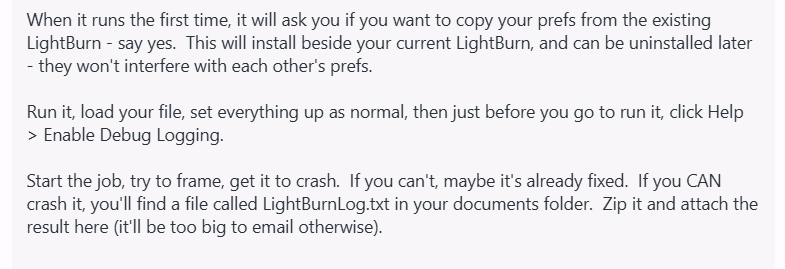
So I think we’re back to me having to make a special build to try to figure out what’s wrong.
The laptop you’re running - how much memory does it have? That honestly shouldn’t matter, because this job isn’t complicated, but if you were close enough to maxing out the memory on the machine before you ran LightBurn, it could be related.
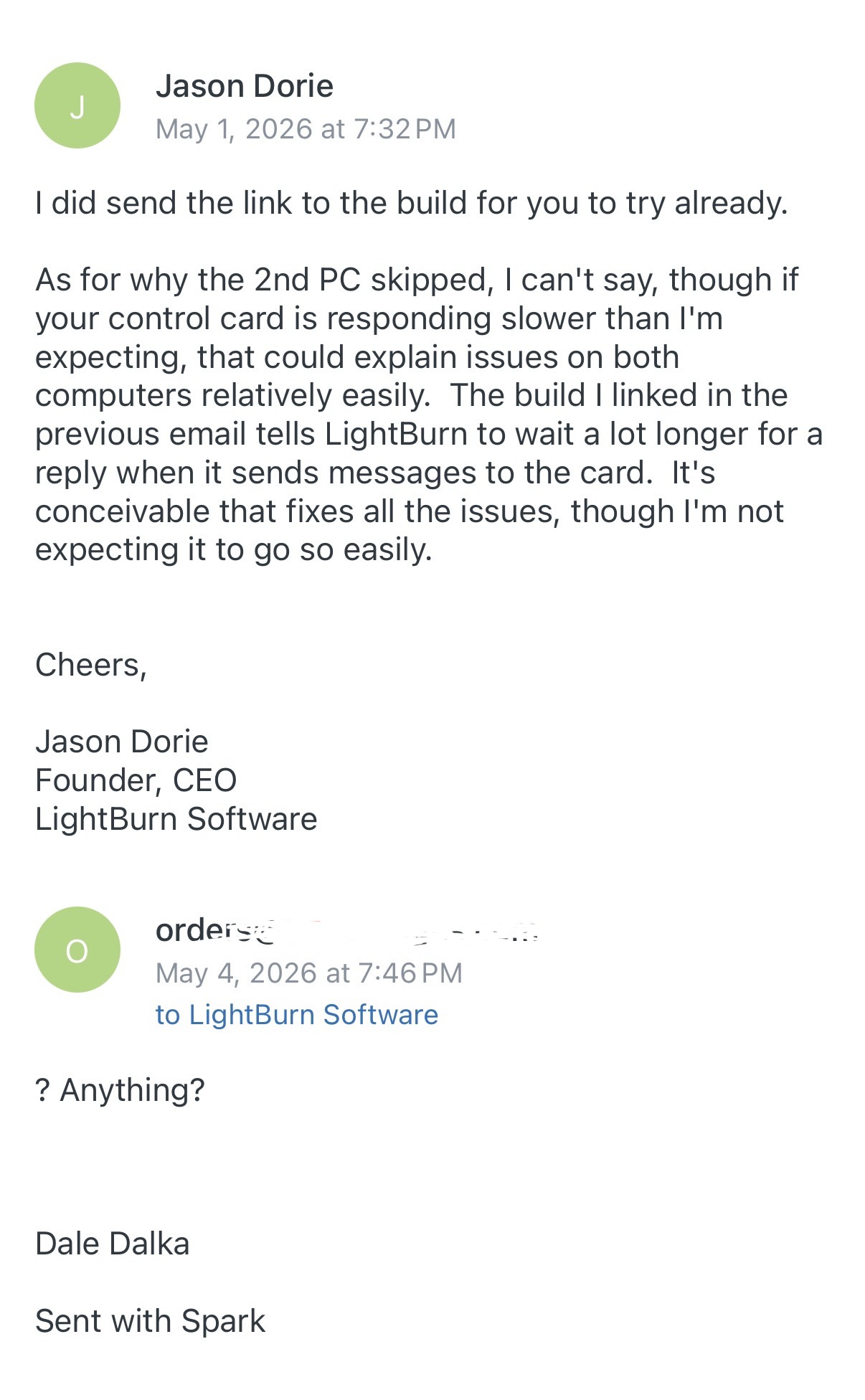
I have emailed CEO Jason who is doing support 2 times over the last 2 days trying to see what file/info I need to send back from this special Dev version so this can be figured out, but “crickets”.
No answer by email for 2 days…Funny, how I have to post here just to get a faster response. As if your more worried about your rep here than responding to the support emails.
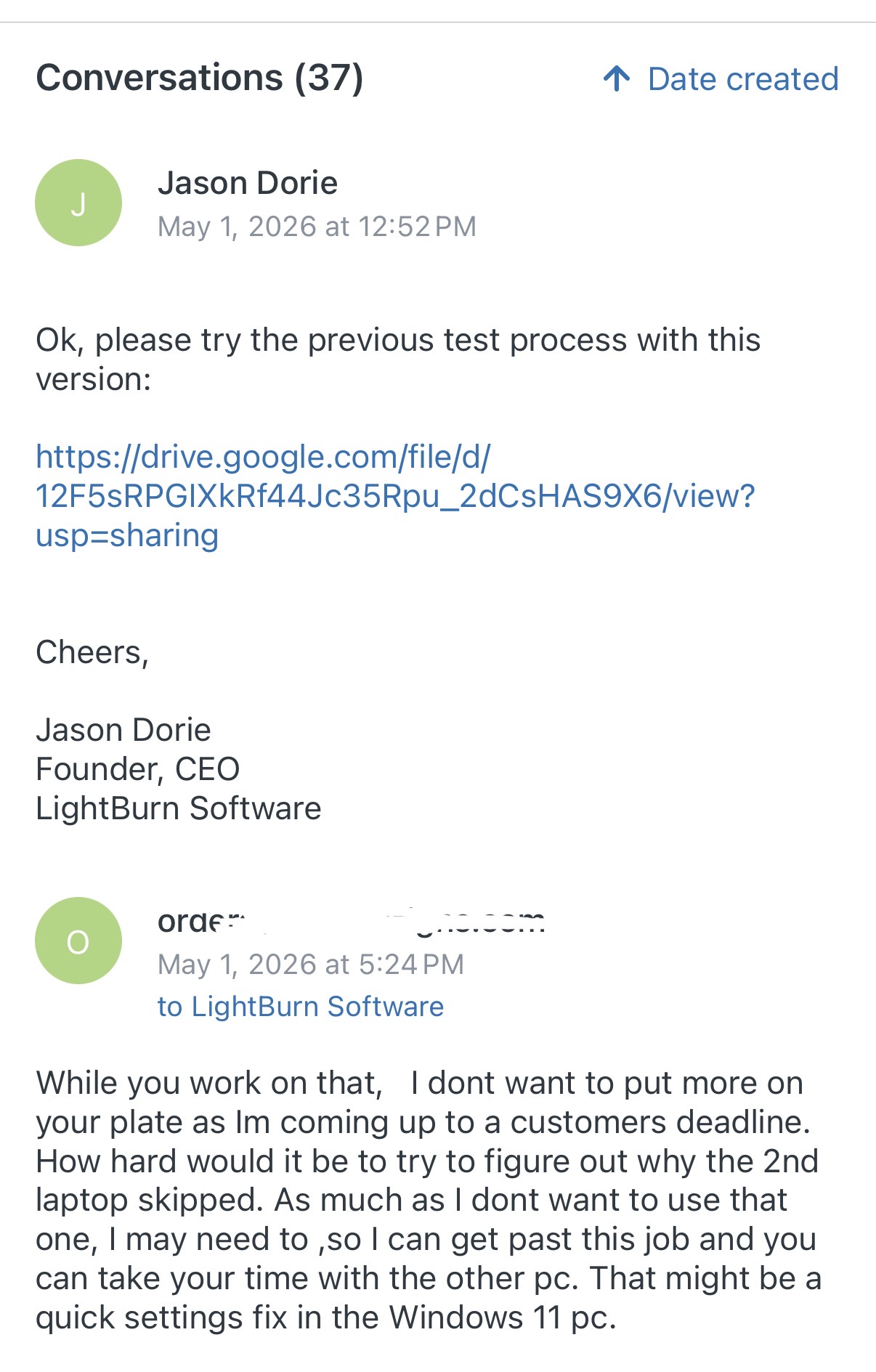
I’ve just been coding for the past two days. I’m not in support very often these days, so I don’t always remember to check it. I apologize. I did send the build on Friday, and checked back for several days after that.
2 days of sending emails to the owner Jason, there is NO response.
I have some updates but it seems you guys are more interested in here than he. I switched to another new expensive laptop and didnt have the freezing, but I did have random skips while in the middle of a burn. I went in and changed my setup for the rotary axis, relocated it, and it didnt fix anything. Now I m a case of cups wasted, and Lightburn is proving to be unreliable when it comes to Galvos and a rotary.
See attached video link at about 28 sec in… Laser just skips about 3/4 of an inch, picks up leaving a gap in what should be a solid graphic.