The ONLY Dev version is the one you sent Friday…
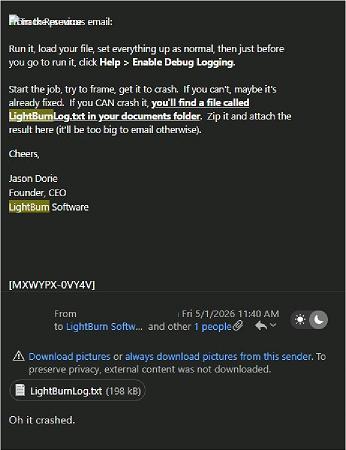
I emailed you the txt from the Dev version…
You responded seeing communication issue…

This is the last email I had from you on Friday at 12:09 PM EST. No new Dev build, nothing in my emails.
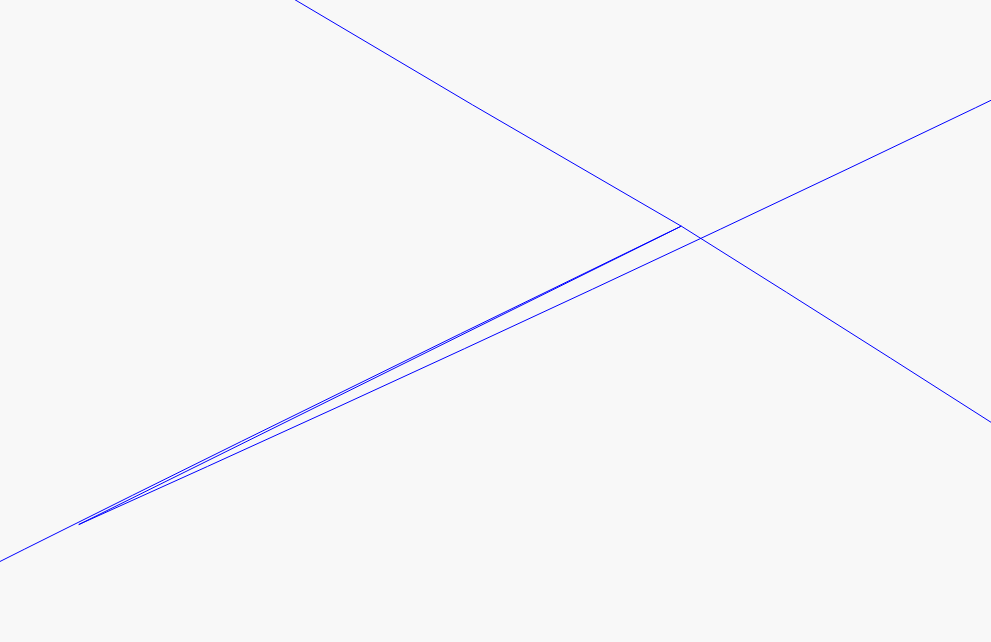
The 3/4” gap looks like it skipped the artwork in the middle, like if you butted the artwork up it wouldn’t match up. Is that correct?
can you post the lightburn file?
i want to try it on my laser
Arrow cup.lbrn2 (74.6 KB)
The file will work on my Omtech CO2 laser, so I doubt its the file.
Lightburn crashed on my Mopa 200w when I ran my windows 10 laptop that Id been using for a few years as I dont do my editing on it. I swapped to my laptop i use for CAD / 3d scanning/ reverse engineering. Yesterday, it did crash once, but most of the time it either stops mid burn or skips a section then picks back up.
It looks like it would match up, but once this happens, the cup is trash…
I even tried 2 other rotaries I have here and has same outcome.
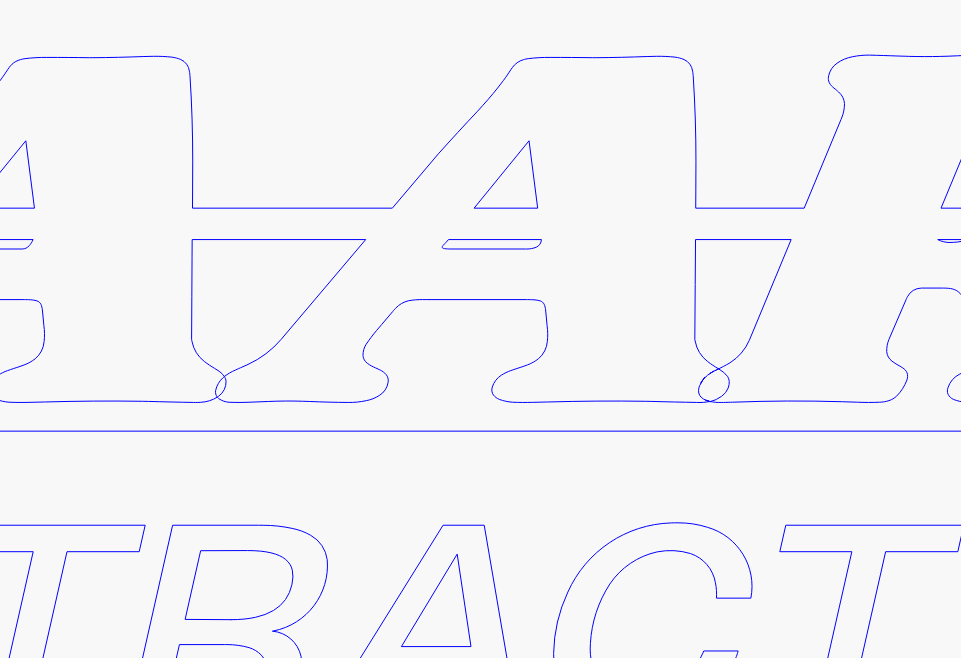
I agree, that its not the best vector as it came from the customer, and I have ran much worse, however it runs fine on 2 other lasers, and if I remove the rotary.
Jason CEO, said he ran it fine on his PC when this started, and later the issue he found on MY PC is a connection between the controller and the software.
The log is just this, over and over again:
05:49:52.238 D: Running startup sequence
05:49:52.238 D: O: “090000000000000000000000”
05:49:52.539 D: Operation timed out
05:49:52.539 D: O: “090000000000000000000000”
05:49:52.840 D: Operation timed out
05:49:52.863 D: Attempting connection…
05:49:52.874 D: Port: 1267 9437
05:49:52.874 D: Port: 38280 39065
05:49:52.874 D: Found supported device
05:49:52.874 D: Attempting port open…
05:49:52.874 D: Port open succeeded
05:49:52.874 D: Connected
05:49:53.179 D: Operation timed out
So LightBurn sees the device and tries to talk to it, but gets no response. I’ve never seen anything like this before.
I’m updating the version I sent you to make the timeout period a lot longer, to see if anything changes. It’ll take a few minutes to get a build.
Cheers,
Jason Dorie
Founder, CEO
LightBurn Software
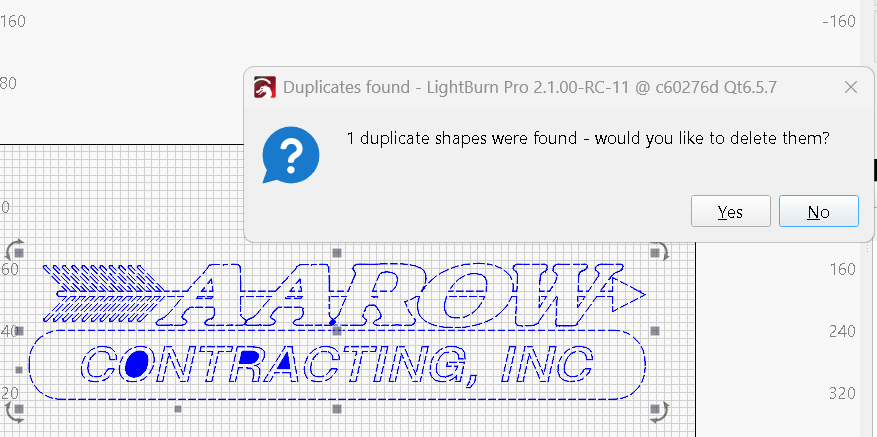
I spent a few minutes cleaning up your file. There were a lot of shapes within the lines that didn’t need to be there. Just trying to help. I did save this with a previous version.
Arrow cup Cleaned up.lbrn2 (74.2 KB)
have you tried it with ezcad2/ezcad3 ?
Can you check your spam folder? I sent two other replies. If you don’t have them, I’ll try sending again.
I dont have nothing new from you on this. Ill email you with another address
I couldnt send it here in the forum as a message, it says you dont accept messages at this time.
I would be interested in trying your file tonight.
Replied - check to see if you got it.
Replied in email…yes I did thank you
Well, It looks like this “special Build” fixed the issue. Im not sure what you did in the code, but I have been running non stop on the old win 10 pc without error.
…over the weekend, I did notice 1 issue. I did get it to crash on the older PC, only when a job completed, then tried to frame again a 2nd job . I found that turning off the machine and back on, it would burn again without issue. So Im not sure why, but in the state of the developer version, it would require a machine reboot between each and every job.
If it crashes you should get a crash report. Can you send that, either here or via email?