Oz, I responded by email sending you a link to download on Wednesday at 1:14 pm and nobody downloaded it… So once again, I have to put it in here to get your attention. File was too big for email, so I attached a wetransfer link for your crash report…
I don’t see any email reply in our system - I’m not sure what’s going on there. I’ve been dealing with other issues for the past few days. Can you send it again? Here works, and I’ll grab it as soon as I see it.
I emailed it once again June 1at 1:53. Sent a folllow up email on June 3, stating “Any luck”?
Still nothing
 …and now to top it off, your software wont even allow me to do any more testing since my
September 20, 2022 Paid Fulfilled $60.00 USD license
and
January 21, 2025 Paid Fulfilled $210.94 USD license
both say I have to revert as I cant move forward in helping on version 2.1 unless I spend more money in a product that not only has not been working, but not sure if and when it will.
I asked you to send it here because I was monitoring here regularly.
Sigh. This could be a comedy if it wasn’t so depressing.
Also, why two licenses? The 2023 one isn’t on any computers. I’ll bump the other one - you’ve been renewed.
Your here works link is not working. I agree on the comedy.
My 1st license was for a gcode only as at that time only had a diode. Later I purchased an large Omtech with Rudia controller and the Mopa 200w later.
Support ticket2.txt (6.9 KB)
Support ticket.txt (6.8 KB)
I had also saved this one. Im not sure if they have different info .
It wasn’t supposed to be a link - I meant “here in the forum”.
Reading back through the thread, you wrote:
I asked if you had a crash report and said, “can you attach that here or via email”. You then sent a Wetransfer of a LightBurnLog file, which isn’t the same as the crash dump, though still could be helpful if you have it.
Crash dump is the popup you get that says “LightBurn has crashed - send the crash dump file to …”
Downloading now.
There was a USB transmission error at 5:24pm, and everything after that was “operation timed out”, for about 12 hours.
Also worth noting, this log is several logs appended together. You can delete the log file you have now, and any future log will start fresh, instead of being appended to the current one.
ok, I put the software on my new high end laptop thinking there might be a USB issue with that PC. Software didnt actually crash, didnt leave a file in documents, however, even without doing rotary, just a simple square, once framed, showed “Error encountered - Disconnected” at the bottom so I see its not due to the older laptop.
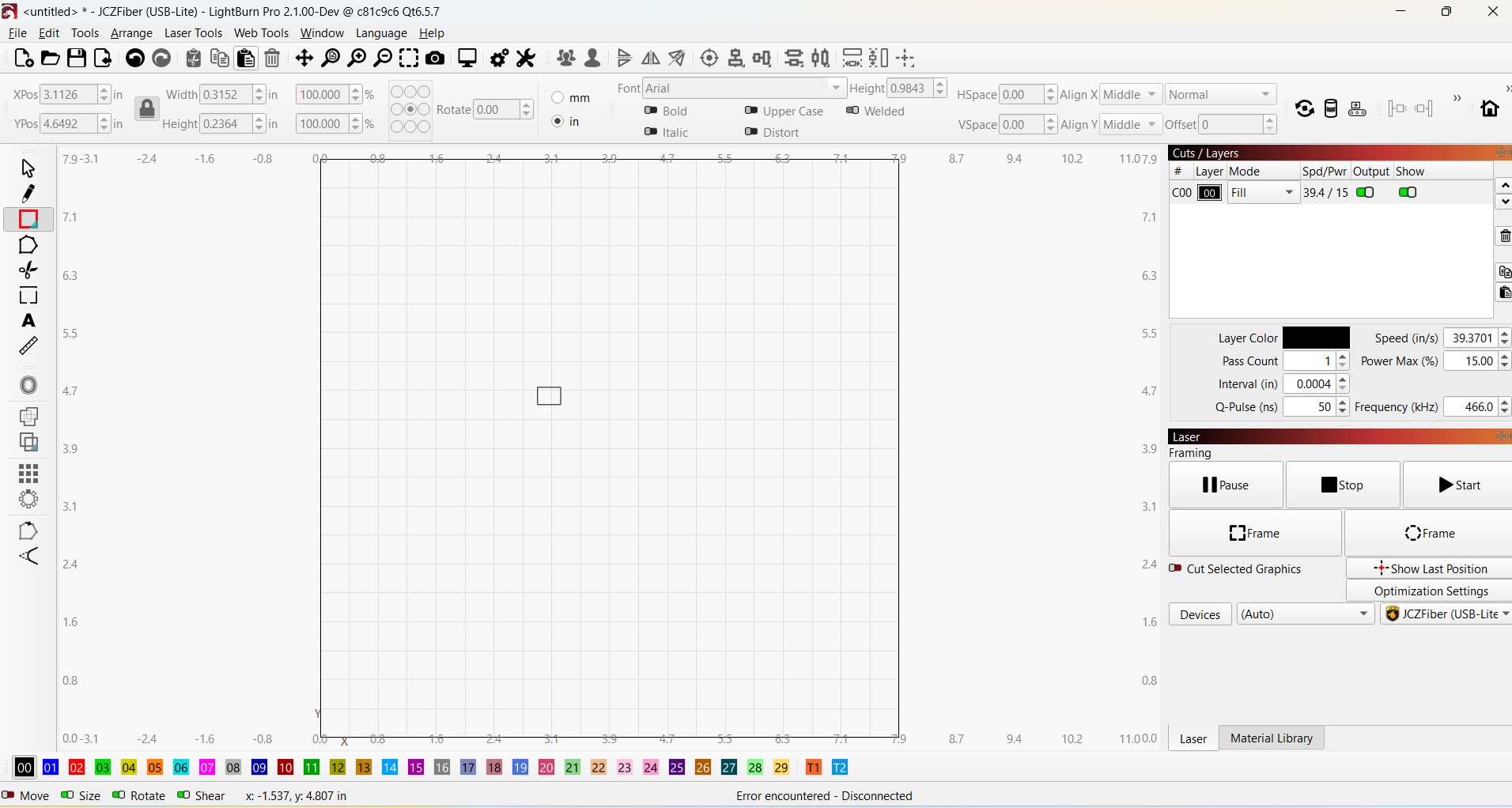
No matter what I do, the command of framing was sent to the laser, its now stuck in a framing mode, and ONLY thing I can do is reboot the laser to get it to stop framing the red framing circle on the bed.
If I unplug and plug back in the USB before cycling, I get “unrecognized board signature”
I also see there were others with same ignored issue in the past but no resolution…
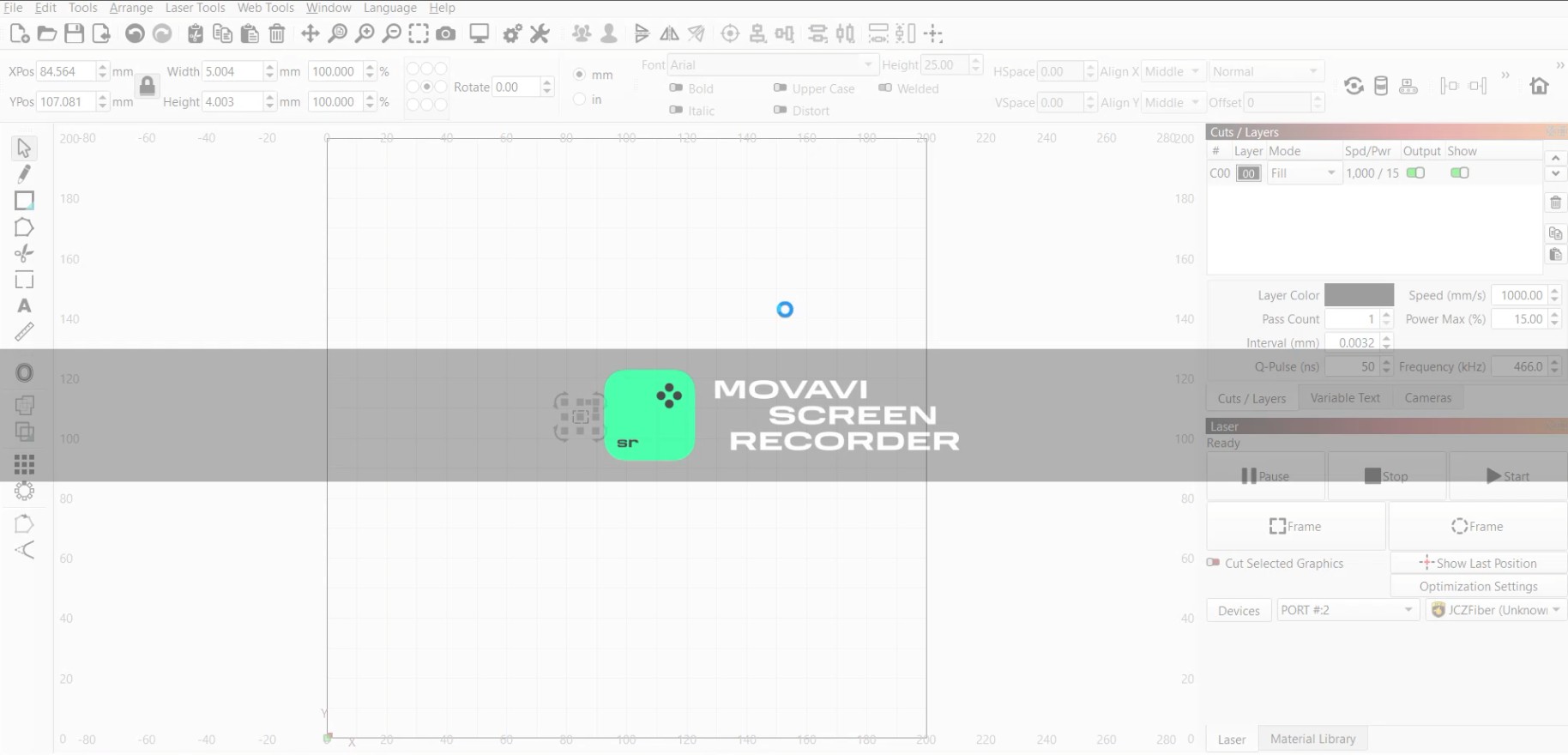
In the process of making this thread, it did decide to crash partially. Stuck on screen with blue circle for 15 min now. All I can do is force close it.Your site wouldnt allow me to upload the video file…
“Unrecognized board signature” isn’t an error, necessarily - it just means we didn’t recognize the ID of the board when we connected to it. The 2nd thread you posted, with ID 02384, has been fixed - that was a newer firmware revision from JCZ.
I don’t know what to do about your issue. There is quite feasibly something different about your hardware setup that is causing issues with the communication with LightBurn, but without physically having the board to test with, I’m just guessing.
Do you have USB Selective Suspend enabled on either of these machines?
IE, this: Fixing Dumb USB Settings in Windows 11 - by Scott S Nelson
USB Selective Suspend unchecked on BOTH of these machines.
All of this to me feels like a hardware issue, but since you’ve said EZCad2 works without issue, is that still true? Like, not just “it worked fine before”, but it’s still working correctly right now if you do a driver swap?
If EZCad2 still works as expected, the only thing I can think of to do at this point is have you run a simple shape from each application, like a rectangle of known size, and do a data capture of the USB traffic for each of them so I can compare it and try to figure out what’s different.
It’s not a trivial process, but if you’re game to try, we have instructions on how to do that here:
Give me a couple days, Im in the process of swapping out the controller with where I purchased from with another for testing.