I just started using my woxcker JL7 and one file from creative fabrica worked fine. I used Lightburn font to try to cut out and fill in a 5. It filled it in but didn’t cut it. I tried using the word “home” to cut and it went through the motions but wouldn’t cut.
What am I missing?
Ok, that should have brought your laser to a corner that you set for home.
Can you give us a screenshot of your project with cuts/layers window open?
Everything I could find suggests this is a 10w diode laser. Can you please confirm?
This is not the same as “I clicked on the Home button and did not cut.” Please be exact telling us what you are doing because it makes a big difference. It helps reduce the number of questions asked during the diagnostics.
If we say something you do not understand, please tell us so we can explain better or say it another way.
What (media) are you trying to cut?
cutting on basswood the word HOME in script. The laser will go through all the motions it just doesn’t cut anything. not sure how to add a photo on the computer.
It is a 10w. I have had it cut a cross in a bookmark and then stopped it. I then tried the word HOME in script written from the font on lightburn.
When I preview it, it has about 4 red lines around the word so I’m not sure what that means but the laser will show me where it will be cutting and then goes through the motion, the laser is on but it won’t cut anything on my basswood.
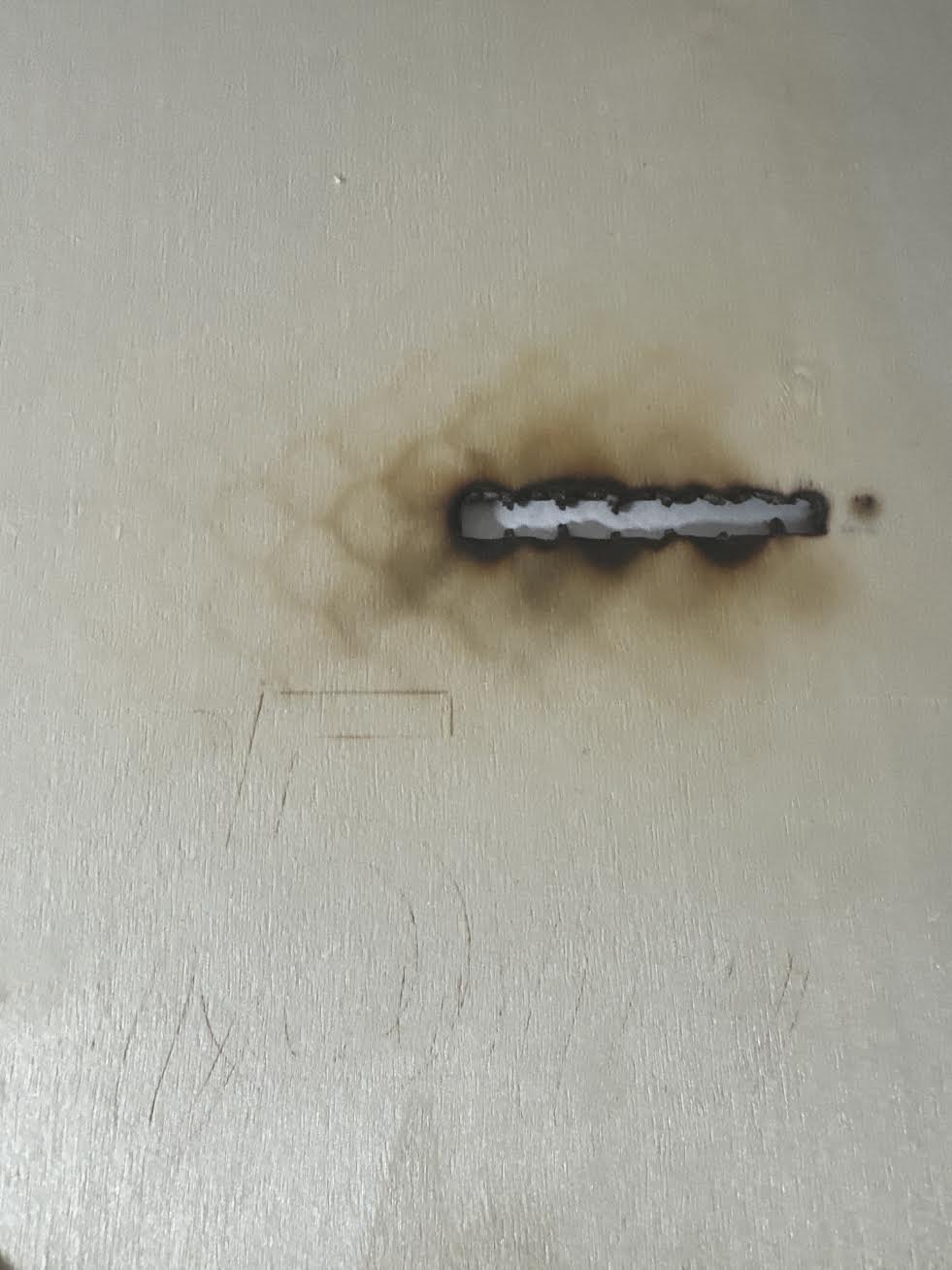
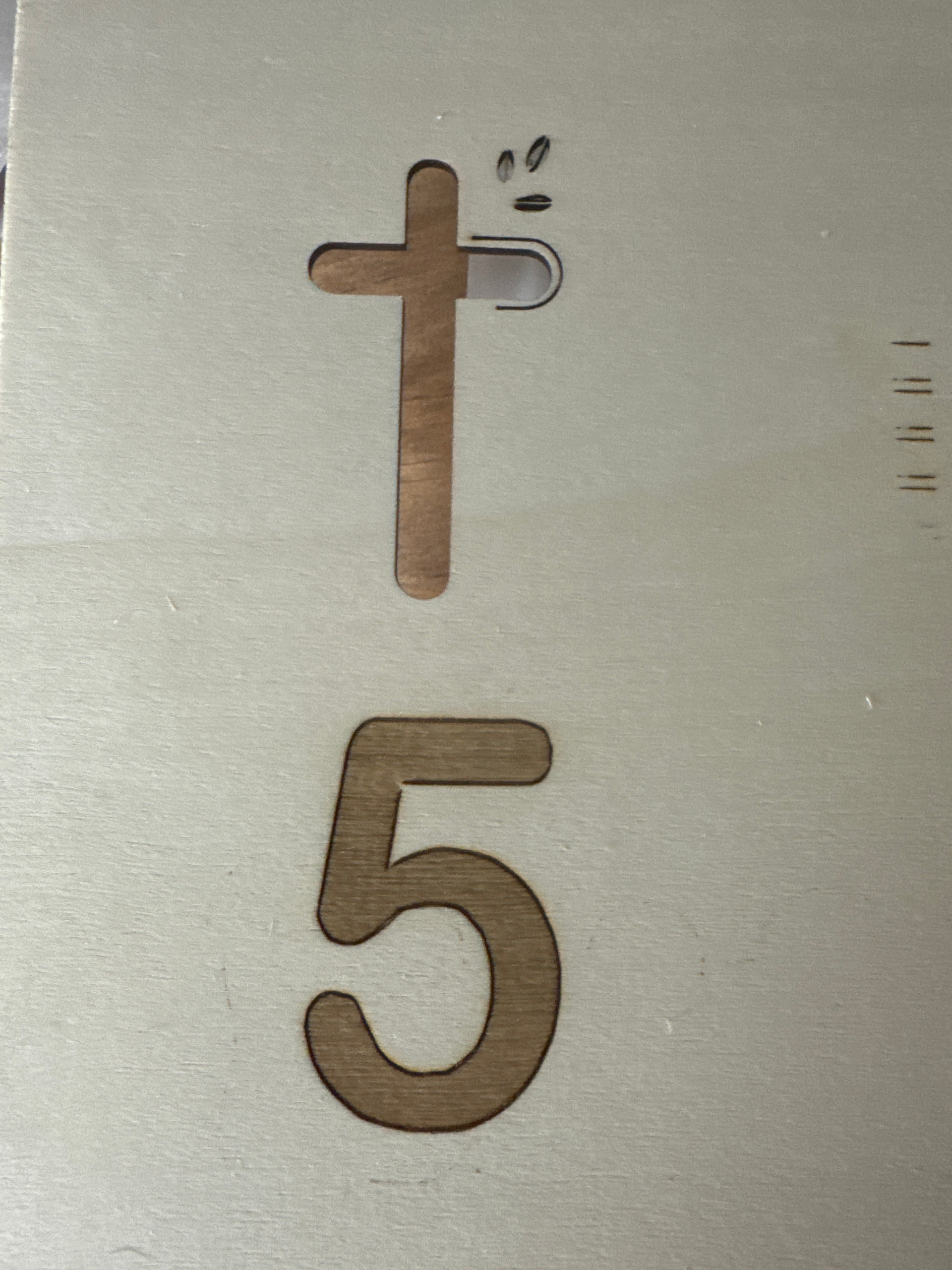
the burned spot is when my husband was doing a test awhile back
In the top picture you can see where it was trying to do the 5 and the word, home
a word i typed out on lightburn. the word Home…
the 5 is good on the fill but it wouldn’t cut it out
I also get the red warning that there is a hard limit triggered. machine position is likely due to sudden and immediate halt. rehome is highly recommended.
sometimes it will also say its busy
There’s a problem sending data to the laser or it’s busy. This just started today.
Here is the summary after the smoke clears:
- You can etch (burn) the “5” quite well. This establishes the laser is working.
- You are not cutting thru the Basswood. This suggests you have a settings issue.
Try these settings for the cut layer:
Speed = 800mm/m
Power = 90%
Constant Power = ON
Passes = 6
>>> Let us know if this works!
Problem sending to laser = Reseat your USB cable connections.
It worked! thank you!!!
I need to tweek my settings. Is going slower speed at a less power making it cut deeper? I’m just trying to figure out going max power at a higher speed works better for less wood burn marks.
You should really do a materials test under laser tools to get an idea of settings for each material. I opt for higher power and less passes. Air assist also keeps brown marks at minimum.
No, going slower at same power cuts deeper. More energy into the material? More power or less speed.
It is generally accepted that going faster and making more passes in wood results in a cleaner cut. Often, this also results in a lower total cut time compared to the “One-Pass Slow Speed Blowtorch Method” used by some.
There are different things you can do to reduce soot in the grain if this is still a problem. I like a little “soot damage” because it shows what I try to sell or give away is not made in a Chinese factory.