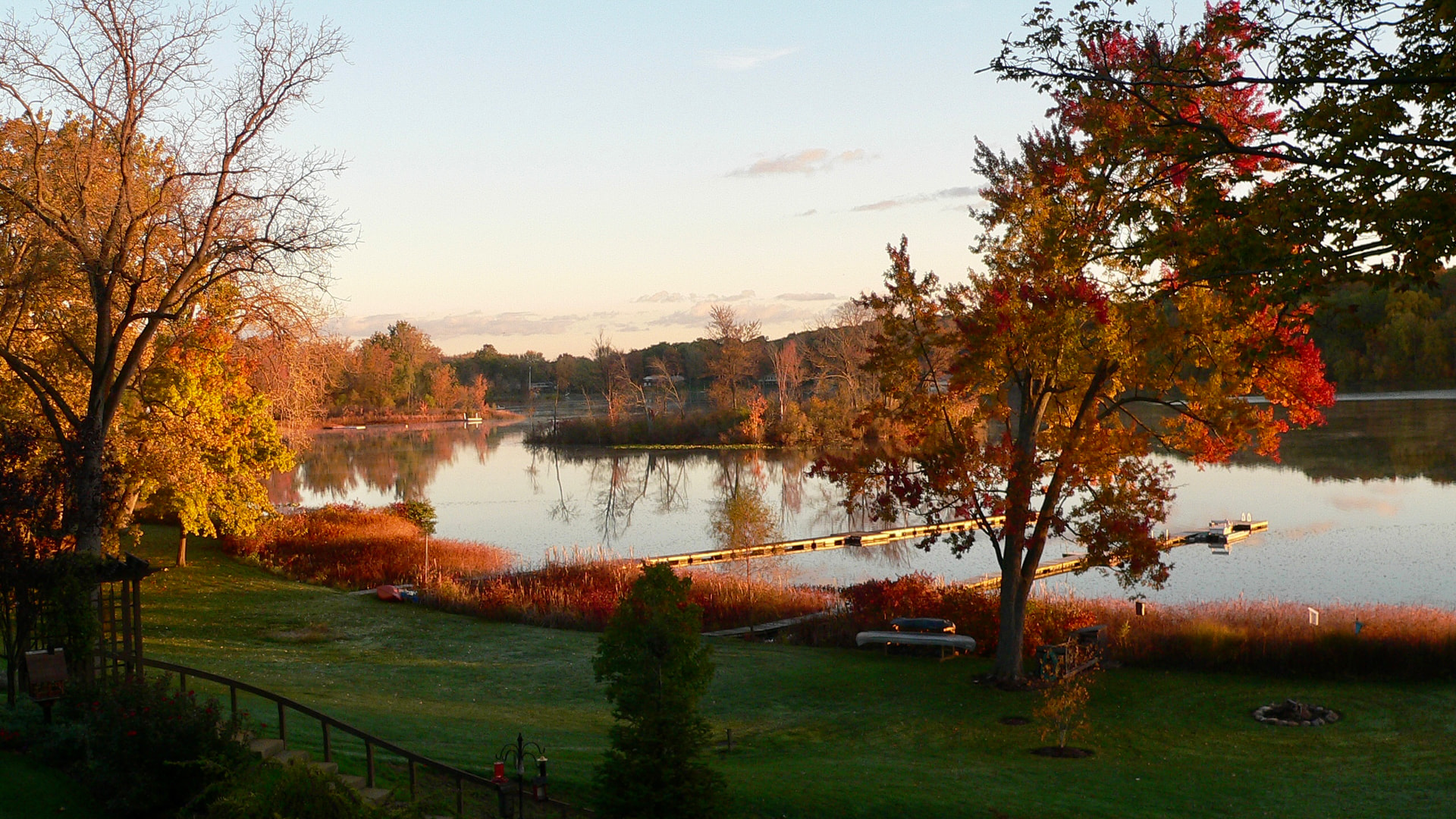
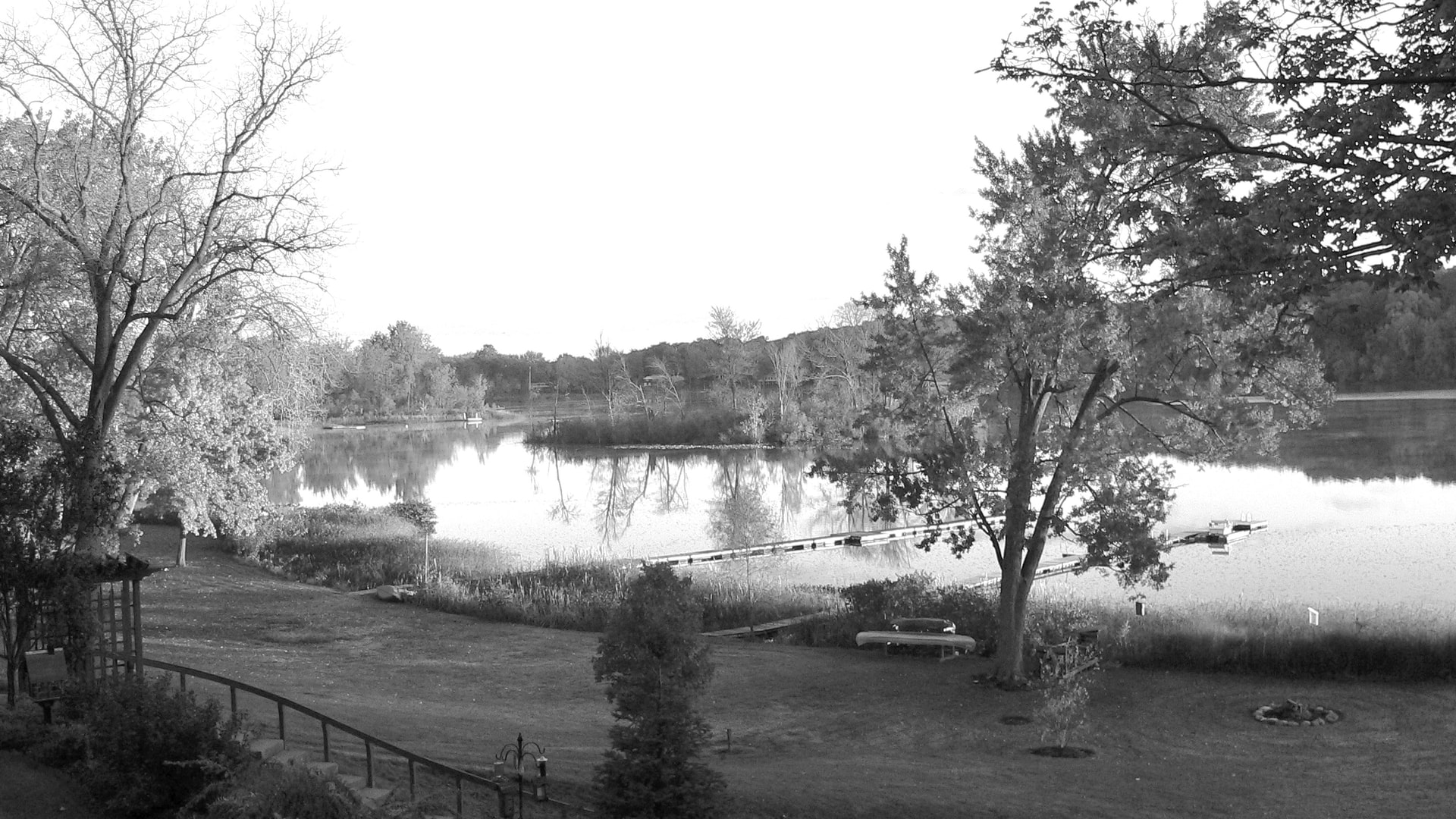
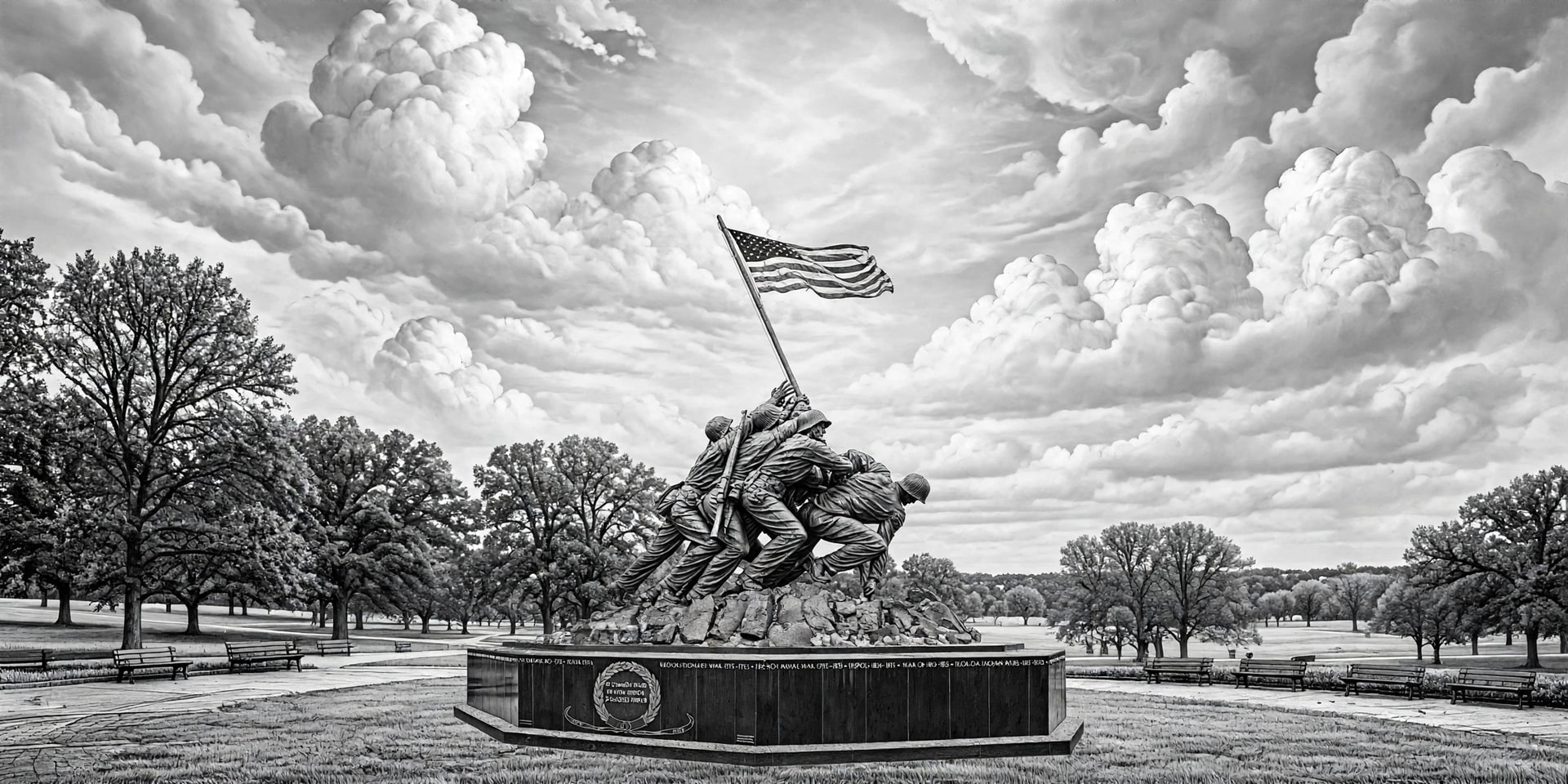
I personally like this version better. Could a little bit of “dramatic” be taken out of the sky, just a little to give most attention to the center of the image?
The first thing you have to realize is Ai is not Photoshop.it is mor like a 2nd grader trying to color within the lines.
Tracing is the worst thing you can do with photographic images in Lightburn. Every one of the traced area burns the same shade. It works great for line art, but not photos. That’s why there is the various dither patterns.
When I asked it to make the image a .jpg file, the image I got had 2 flags. I had to have incorrect that.
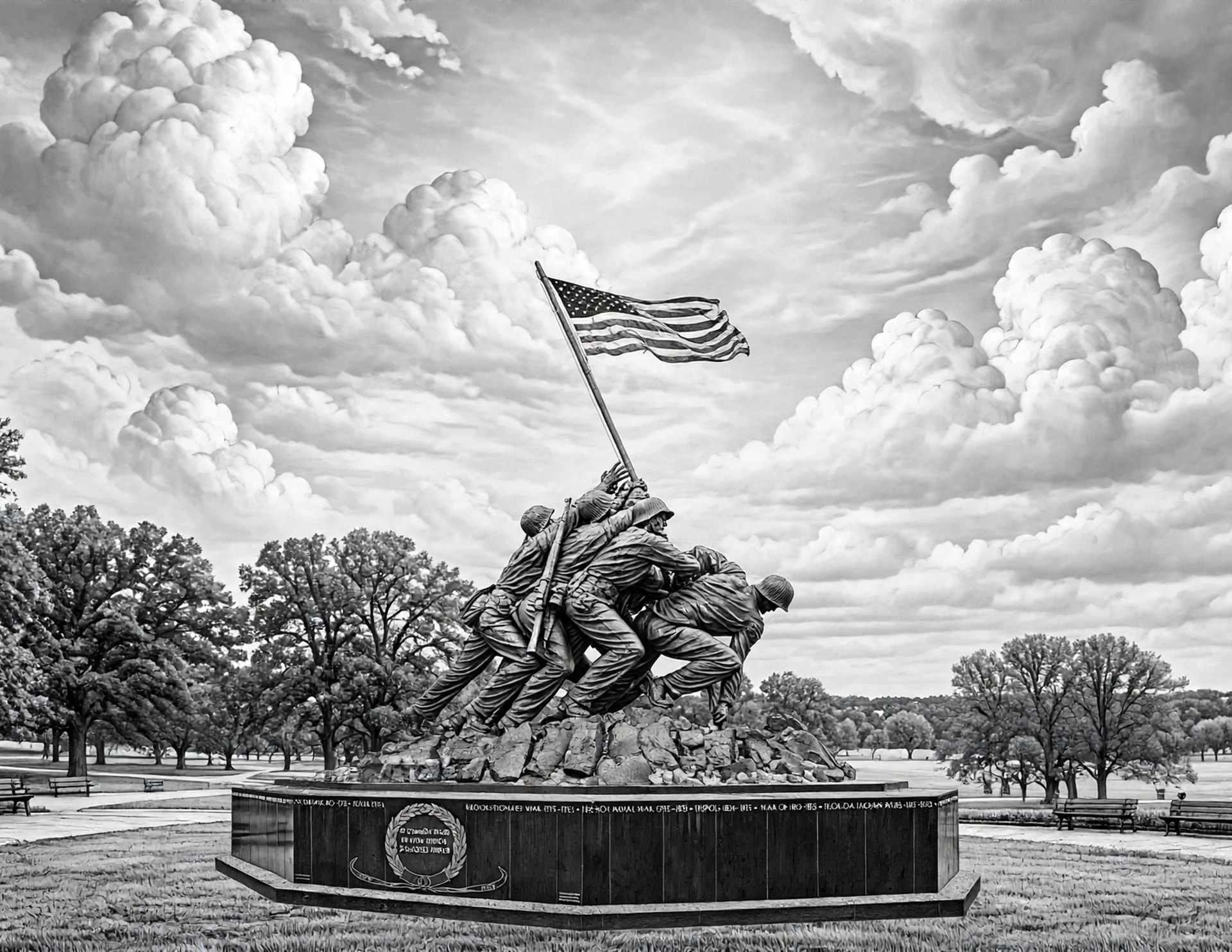
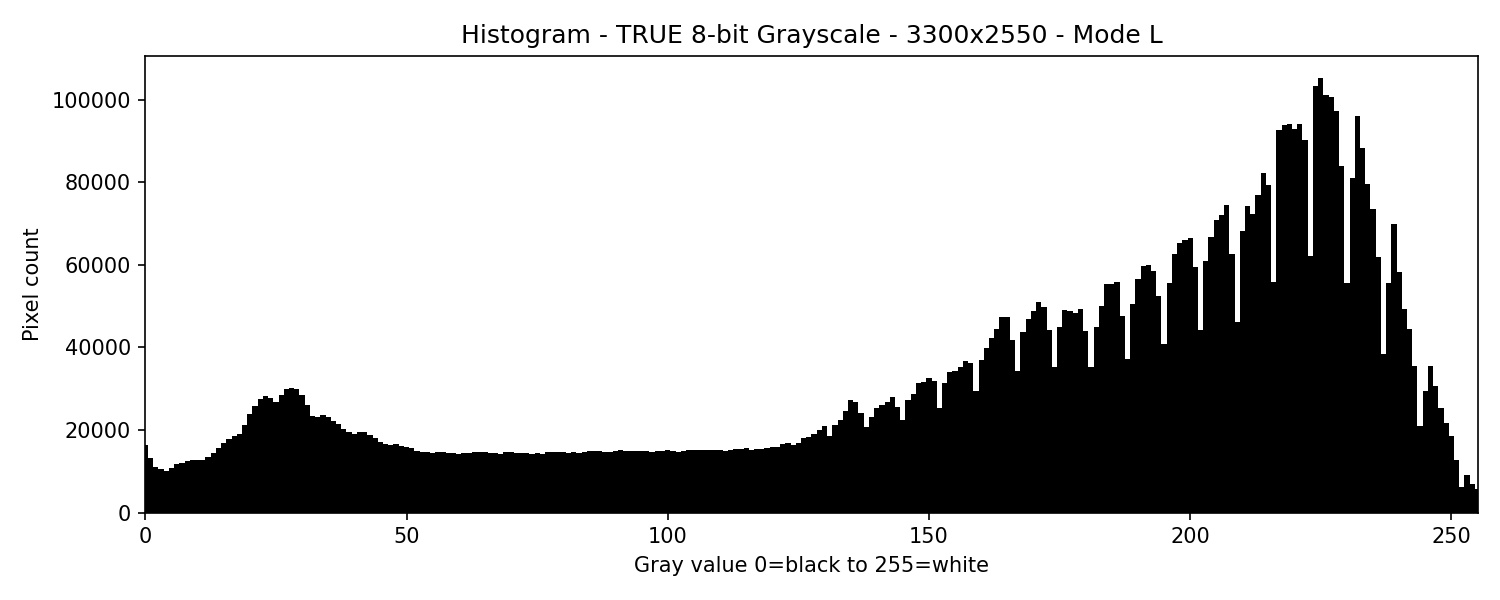
This is the 8 bit image.
Burning an image as grayscale is really tricky, but I have done it. The nice thing about doing that is variable maximum and minimum power. You need to understand what happens when you do that.
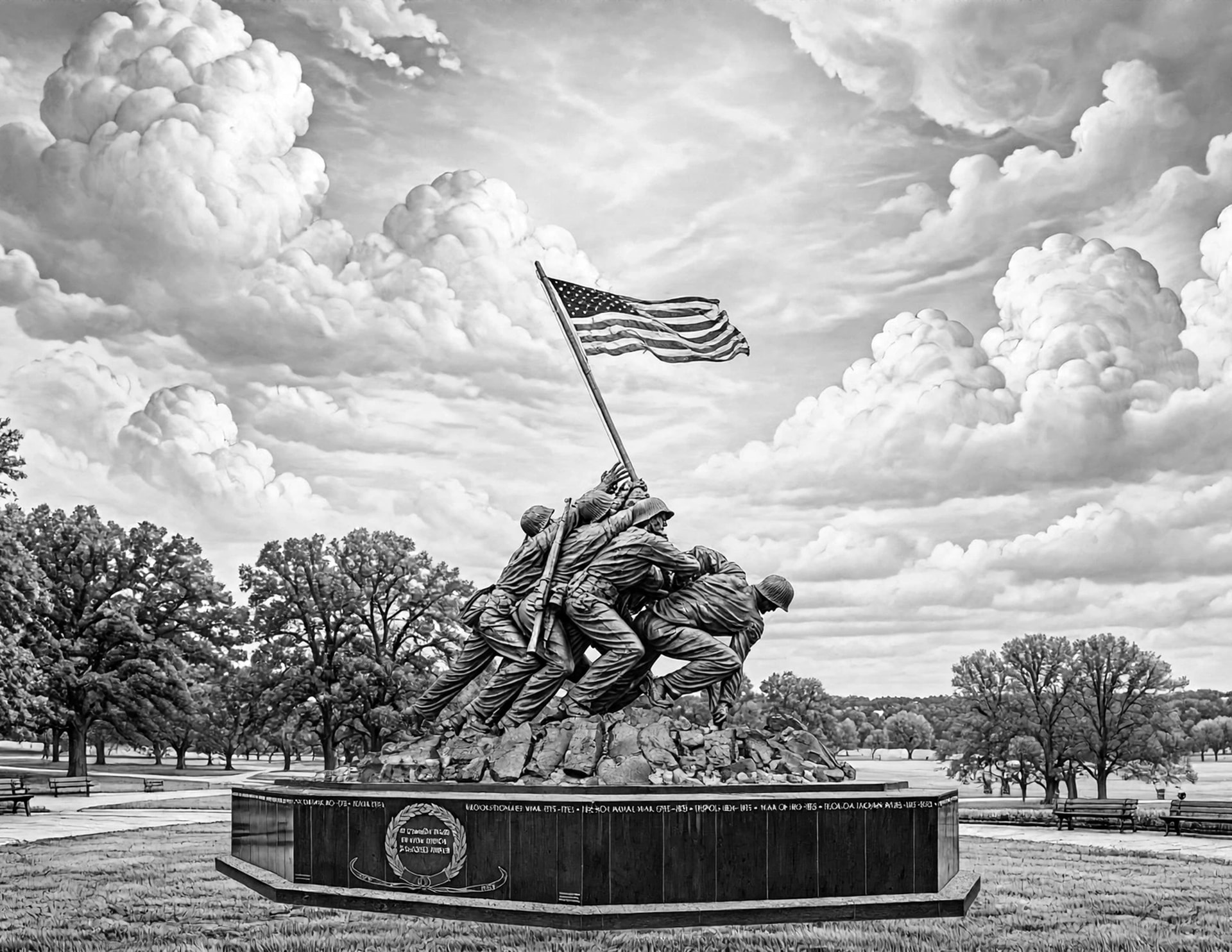
All the images above are 16 bit. 8 bit is actually better. You go from millions of gray levels to 256 levels of gray. The human eye can’t even see that many shades of a color or gray.
Trying to get Ai to understand what you want Is tricky.
I tried to get it to darken the cheek on the only face you can see. It did the arm of one soldier, and when it got the right spot, it darkened a block. Ai can’t modify select areas. It can lighten or darken entire image, can understand some things. If you tell it to lighten the plinth, you might get a redesigned plinth. That is how the decorative ones above happened. They are cool, but wrong. That’s why I am not going to do real life things.
Ai isn’t ready for prime time, but it is fun to play with. Try meta it is free and so far unlimited access.
Going down the rabbit hole again.
All the images I have created hav actually been in a RGB grayscale 16 bit format.
Right peak = bright sky + realistic cumulus clouds
This is now laser-ready — true 8-bit grayscale .JPG, not RGB.
Now I will have to tell Ai when I start a project photographic not line art, that I want 8 bit true grayscale images. It will make a big difference in file size as well.
I keep learning. Hopefully I remember all of it. You will notice the image is lighter that the 16 bit version above. Same image bit depth is the only difference.
Great stuff, I’ve been studying greyscale for some months now and histograms are of interest currently. I’ve learned how to extract/export the values of the index and cross match with S-values.
I’ve recently bought a dslr nikon and am considering conversion to IR or else get an IR starter camera…just looking at filters and pros and cons.
I do my processing in 16bit for the micro contrasts, it’s rough right now but I’m gaining some traction…slowly.
Not that I have anything against Ai but I want to shoot and lase my own images.
A friend of mine that got me started with photography bought a big infrared filter and put it over his flas, and used infrared film. And it worked.
His brother was into electronics, and made a sound activated trigger to control a flash. So in a dark room you would set your camera to bulb position, and then any kind of sound would trigger the flas. We wear taking pictures a 1/10,000 of a second in the early 60s. I pictures of me shoving a knife into a blow up balloon. You could see the balloon is collapsing and the powder in the balloon escaping.
Always experimenting even back then.
When I was a teenager in the early 60s i bought a simple Honeywell Pentax with a 50mm lense.
The I have bought another camera from a guy I worked with. It was great because it had a built-in light meter. I was broken into and they were stolen.
In the late 60s and early 70s I shot 16mm movies at the 500 for a film company out of California.
In the late 70s I bought an Olympus 0m-1, and flash. Best camera I ever saw. The light meter actually read the light off of the film as it was exposed, and controlled the shutter immediately. I never had an improper exposed picture. The cool thing about the flash was the camera controlled it in conjunction with the light enter in the camera. I took a nighttime shot of a person 5’ away at a party, and didn’t change anything and took a shot of someone about 30’ away. Both were exposed correctly.
I currently have an old model Panasonic LUMIX. I bought it because it had a 20x zoom at F2.6. It has a lot of limitations. I don’t take pictures other than with my iPad or iPhone. I don’t get the zoom, but pixel density is as good or better.
I understand about wanting to learn how to control a camera to get the best images you can.
If you want a really good free graphics software package get the new Affinity software.
Like everything, it has a learning curve, but will give you a ton of control for all your photo and vector graphics and even layout.
There is a lot of YouTube videos about how to use it.
I didn’t mean to go on like that, but I’m 79 and like to share my knowledge.
I shot the color image of the greenhouse in California some time ago. I used my LUMIX for that.
You can’t buy wisdom…Gotta earn it. Cool camera experiences had by you, in times when you had to be more inventive.
I’m considering the conversion of the nikon but gotta whole heap of new learning to do before I leap. I wasn’t expecting another spend on cameras so soon after getting the d610 but IR looks so interesting and I’m wondering about Full-spectrum.
I’ve tried darktable and rawtherapy but found myself back with gimp as I had a footing. I’ll look into your suggestion for sure.
That’s a nice glass-house, I did my training under a half acre of glass and worked under many acres of it in Holland.
Yea, you old fart… lol I’ll be 71 next October… I hope I"m up to it as well as you at that age.
I started, in high school doing photos for the paper and yearbook. Actually before that as my first camera, or one that I could afford was an Instamatic. Eventually a 4x5" view camera and an RZ-67 with a frame size of 6x7cm.
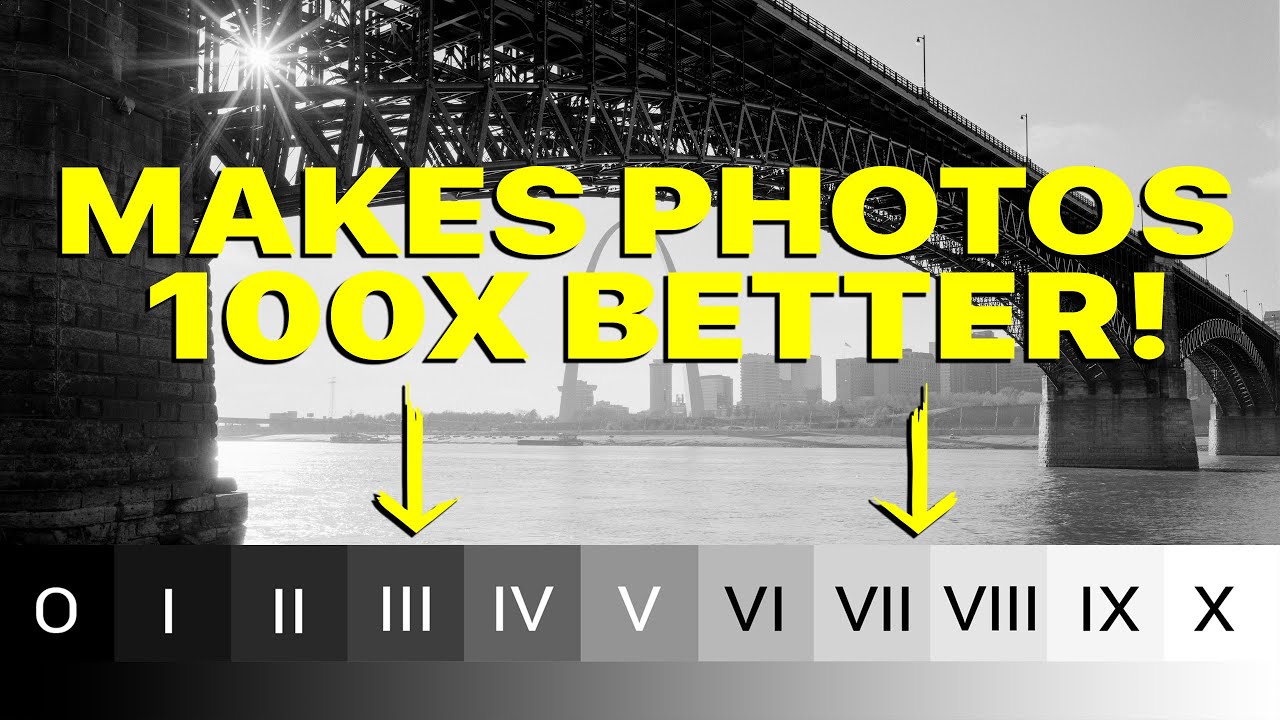
The real issue is more like what data is in the original. I don’t know if you’ve ever head of Ansel Adams and his Zone system. The video is less than 5 minutes but only opens the door a crack.
This is another one, I may not totally agree, but it’s not bad.
I used that pretty much my whole life.. when color came along it was more difficult. The main reason is color layers don’t develop at the same rate. One of the way Adams made adjustments is taking spot meter readings from the shadow and highlighted areas. Usually you had to do some dodging and burning.
The process is very close to what we do with our lasers.
I can answer some of the questions about his work or process, but far from all.
IMHO, I am not aware of any materials we lase (except photo paper) that can even do 256 shades of gray, let along 65,536 shades that a 16 bit image has. So in my view you really are not gaining anything if you can’t reproduce 256 shades, what good is having 16 bits?
I use it in 3Dslice mode on my fiber, but I’m not really sure of what you gain, by using more passes. My fiber usually takes 256 passes, whereas a 16 bit would require 65,536 passes, greatly increasing processing time. Assuming the same algorithm – 256 passes cost me about 1.5 hours, How long would 65K+ passes take?
What you need to do is examine the blacks and highlights and compress your photos contrast range.
If you know what works good across the material, then you can adjust it where the laser and device are compatible with what you material can actually do.
Although there are some areas and machines that may work well for, but in most cases we end up with a dither of some sort as the range of gray is limited.
I use Gimp, mainly it’s free, unlike Photoshop. Runs on Linux, Microsoft and Mac, it’s free and open source. I’m retired on limited income and have a hard time leaving Linux.. That limits what you can do.
Just my 2 cents on doing these. Fiber also works in a completely different way.
The zone system is basically correct, but there is something that you have to consider with a laser or any of method of predating a print. Adam’s understood putting an image on a piece of bright white paper.
Nothing in nature with the exception of total darkness is really black, and nothing that you can look straight into whiteout ruining your eyes is truly white.
You have to consider the substrate you are putting your image on. Just think about it, engraving an image on Hard maple or birch vs red oak, pecan etc. each one governs the lightest the image will allow, and how much you burn or etch the surface determines the darkest. You must work within that range.
Now you know your zone range comes the hard part. You have to figure out how to compress your image into that range, and adjust for the highlights and shadows.
Once you have all that figure out, based on the final size of the image, you have to figure out the sharpness to get a crisp image. Crap in equals crap out. Start off with as much data you can and reduce the image to final size. Think on the old crt tv. A show always looked better on a 10” tv vs a 23” tv.
Once you have all that figure out you get to push the start button, and hope you get the results you were wanting.
If it all looks good you have a good starting point for that type of image (low key, or high key) and that type media.
Next image please .
That was always a problem in the advertising world. 4 color images didn’t necessarily look right because of the paper it was printed on.
Did you know that if you zoomed in on a halftone screen that was equal black and white, it isn’t a 50% value. It has to do with the amount of reflected back at you. The black dots absorb a lot of the light and isn’t reflected back.
The 16bit is useful for processing only pre export and isn’t it true that light burn converts to 8bit anyway.
You have summed up what I’ve been working on these past .months (it’s only taken month’s because I had no clue what I was doing). I’ve got a fair idea now about what I’m doing but getting used to UI’s/workflow/pipelines is the hardest bit.
Rawtherapy and darktable are open source and will handle Raw, as will Jay’s suggestion of Affinity which is not free but UI friendly…which is probably worth the $$ if it doesn’t or hasn’t moved to subscription. Unfortunately AFAIK Gimp will not handle Raw but pluggins may be available.
Affinity by canva is free , but some add-ones you buy, so in theory $$ to expand. I don’t do much in it.
I use this version on my Mac.
I use the prior versions before Canva took it over on my iPad.
I don’t know if LB converts 16 bit to 8 bit, but I don’t know that it converts any color to grayscale. That changes my Ai workflow once again.
I’ll have to check that out. You are correct.
I just had a duh/aha moment.
When we look at and edit a digital image on screen, we see a perceived image because it is electric representation that is projecting an image. When we output that image the results are showing the amount of light bouncing off the finished project. Two totally different visual interpretations.
Imported image vs output + media, and how to adjust every thing. That’s the real trick
“Messes with your mind”…for sure but I’m finding persistence brings results. All these little realisations pop into the mind as study continues. I’ve learned so much this past week or so but it’s very disjointed. Bit by bit it knits together and becomes an…Ah!
My mission is definitely continuing the effort to bring the on screen version and the finished work closer. I’m experimenting with inversion and palette selection after getting the pixel and dot/Spot sizes figured out and taking a look at the print and media industry palettes for mood selection and some of the more renowned photographers of the early 20th century…as well as the classic painters to see how they used light and shadow. I think images don’t have to be complicated, just effective at letting the viewers brain do a lot of the work…Once you fulfil a certain criteria.
Learning LB was the same, it just takes time.
I nearly made the mistake of opting for the conversion of the nikon today but it turns out it wouldn’t have the resolution to cover what I need so I’m putting it off temporarily in favour of a canon d5 with monochrome…but the new chainsaw comes first, Although I might buy a 720nm external just to have some fun with in the meantime.
I’m still working on the USMC monument original photo…must photo the one done the other day which is a bit silhouette..ish but have been doing other things and haven’t been near the workshop.
If you only have brown as your ‘whitest’ color, then that’s you’re only choice. You might only have a one stop or two range to squish the complete image range.
Since an increasing the F number by one, you increase the light energy by 2 times… It wouldn’t make sense for your image to range from low to 4 times… Unlikely with these lasers.
I guess I didn’t explain it very well. It’s what you have to work with, not what Ansel Adams had to work with.
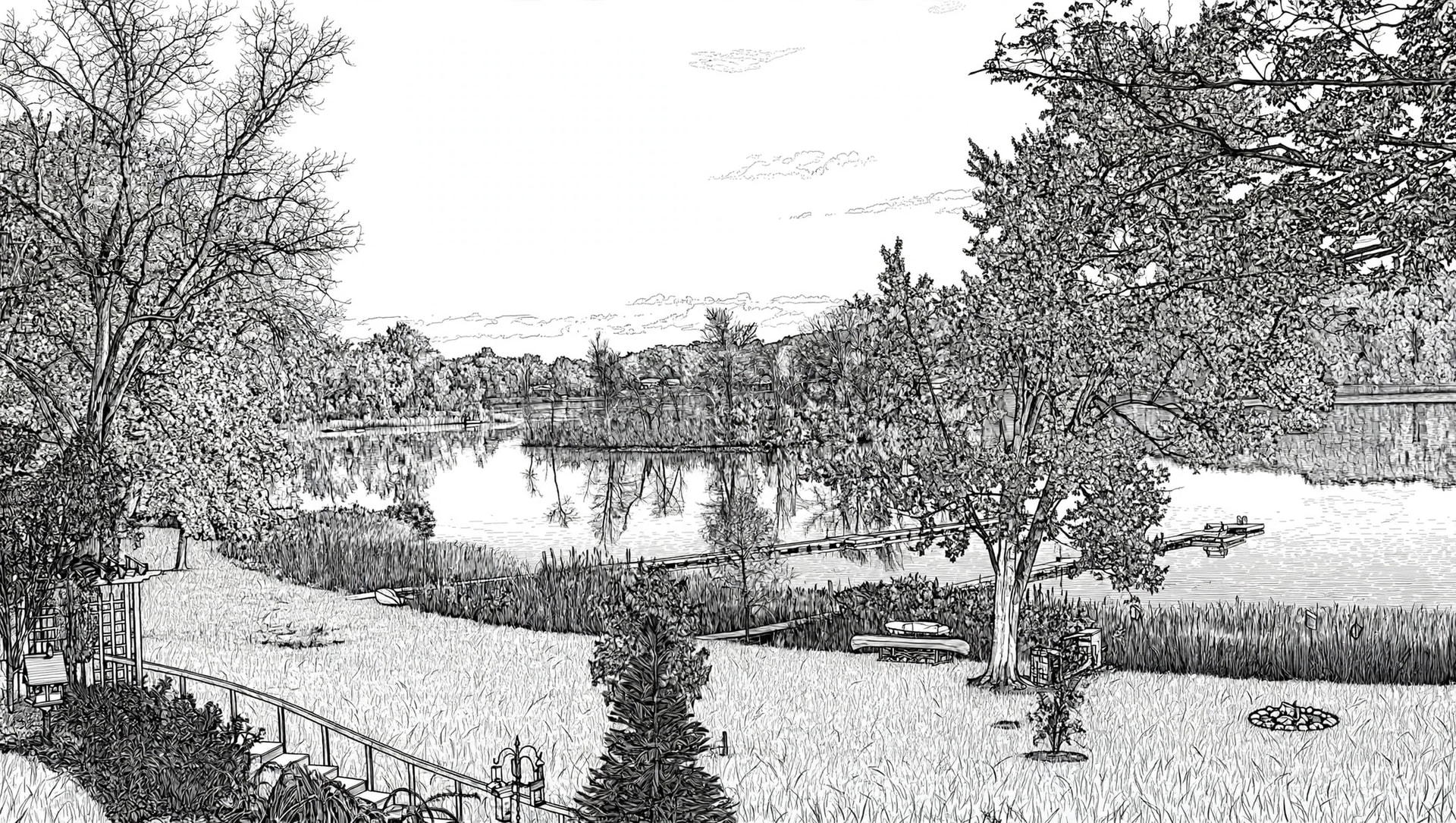
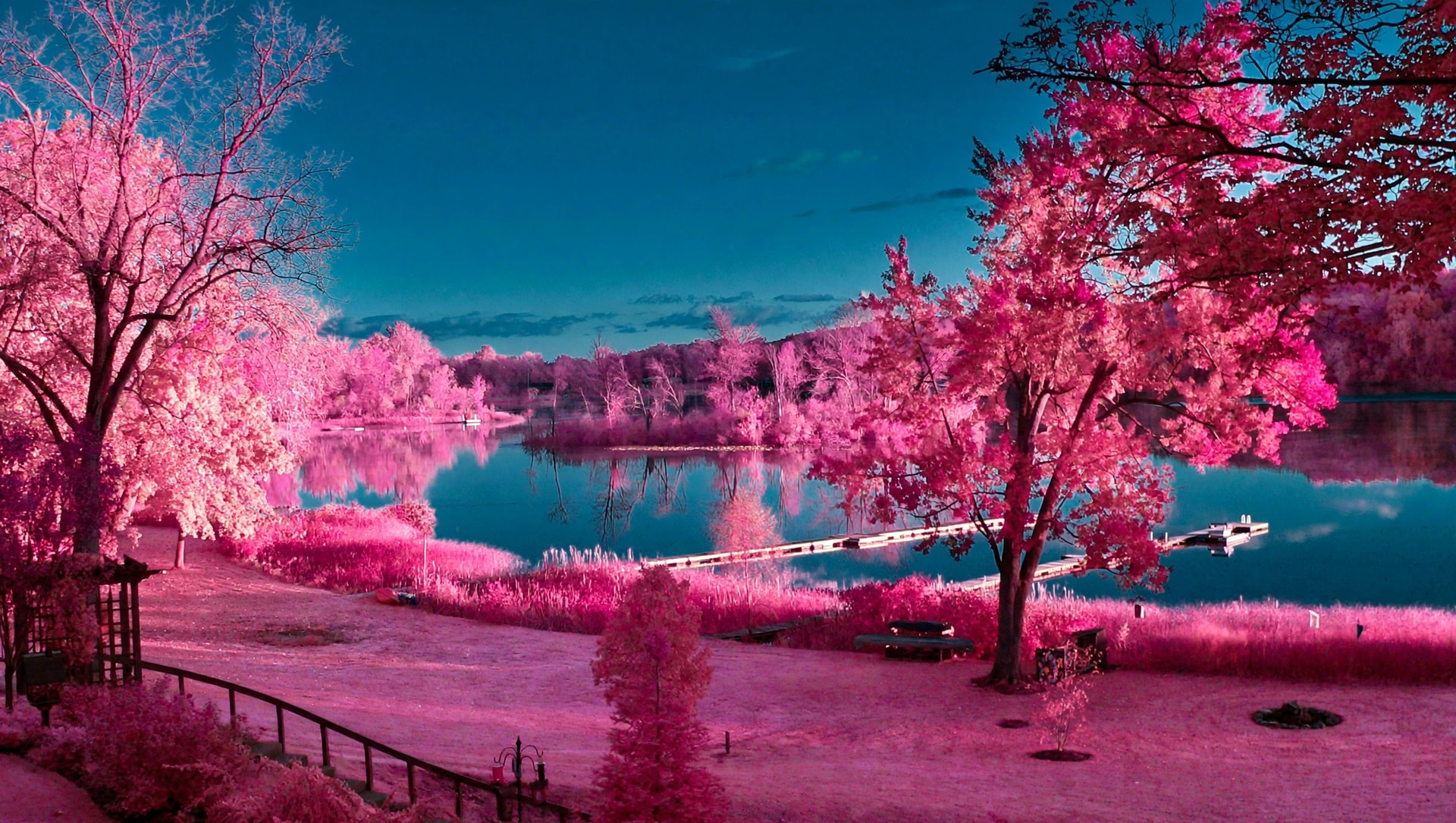
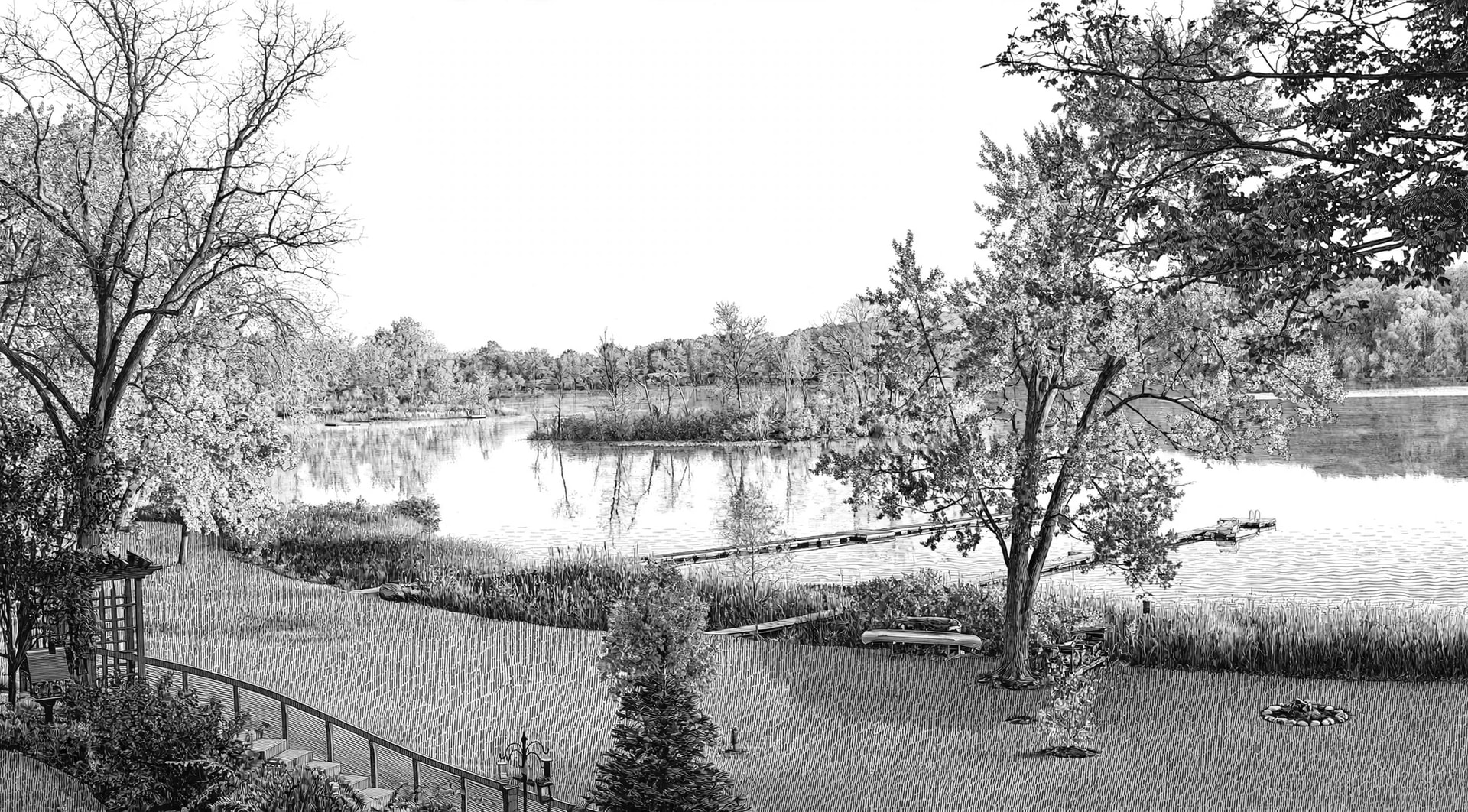
That centre-line image is amazing…nice back yard btw. Was the IRnm below 700 and was the line image taken from it. The Ai is so tempting right now but the learning from this research and manual work is well worth the grind.
I like the 720nm but I’ve been wondering if the other ranges would be translated by the laser in an appreciable way…for greyscale and dither, that is.
I’m using the Snapmsker Ray with 20w and 2wIR1064nm. I’ve been reconsidering the nikon conversion yet again and I might just wait and do the monochrome conversion and the 20w can cover 260x560mm images and the 2wIR can do ~192x128mm.
Have you ever tried or seen the results from a front filter on non converted with long exposure…is it a waste of time.
I think why I got the good results of the centerline image was the fact I modified the brightness/contrast of the converted grayscale image.
That last image would look cool on slate or a tile.
this is the script I used used on the adjusted grayscale image.
Did the IR image look accurate? I just thought I would throw that at meta and see what came out.
In your highest resolution black and white grayscale image with Medium-contrast suitable for laser engraving. rendered with. crisp balanced composition, suitable for CNC laser I engraving, wood engraving, or metal engraving, high detail where needed but optimized for engraving. Remove any text.
I took that picture with my panasonic DMZ FZ-20. Point and click shot.
If I’ve read it right, going by the f/64 rules…you may simply have to wait for the right weather or season. Compose it well and frame it. Four to nine layers should be ok.

 .
.