I am sorry if this comes across as upset, but I am! I have 50 things I need to burn and can not use my machine…
Pro 2.1.00 RC-9
MBP running Sequoia
I have been using LB for a few years now.
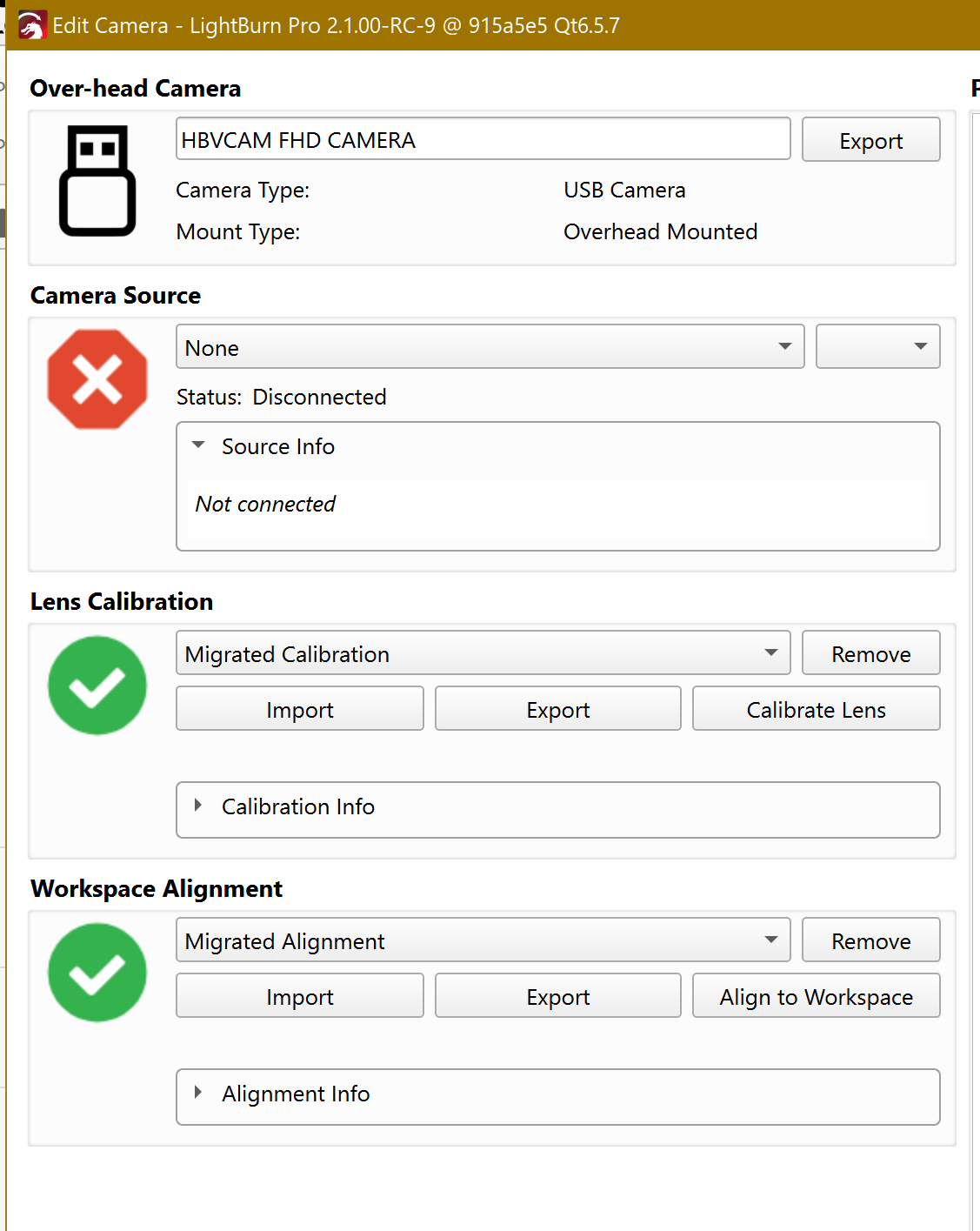
I did the update and my camera settings are all messed up. I have messaged with “help” and they are just going around in circles!
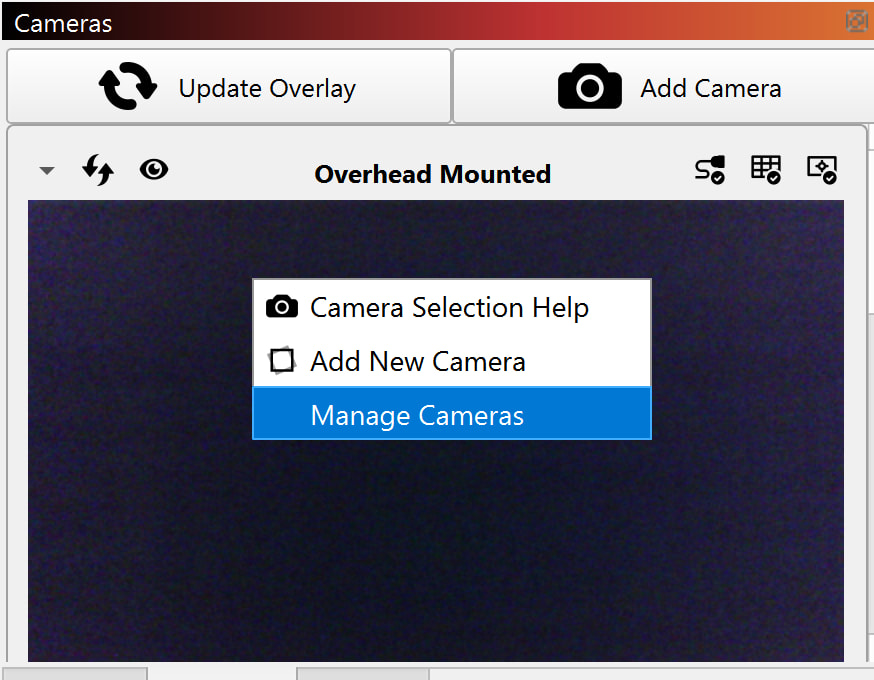
I can NOT get my LB to show me a view on my work space..
They tell me to “You can download v2.0.05 of LightBurn from here:” and the old one does not update, I still have 2.1.00.
All i need to do is align the bed BUT the option is not in pro? BEST PART.. If I go to burn the alignment page THAT IS THE ENTIRE BED.. also the air assist is NOT turned on?!?!?! And no button for it?
Can I just print the alignment page? Where do I find it?
THANKS for any help!! ( I am pulling my hair out, what little I have left! )
Since 2.1 is NOT an official release version, but a pre-release, it gets installed in parallel to 2.0.05. You will have both versions on your PC when you installed 2.1.