Maybe this is not for me I have a image of the Chicago Bull and it’s a image and it is not engraving very good of, no detail, so how can I change it to something else to get a better picture?
Thanks again. And thanks in advance for your help with another problem I will have.
I have Creality Falcon and loaded a image of the Chicago Bull and when burning it everything looks black, So how do I change from a image so I can possibly add layers to get a better image. Wid 10 on a laptop
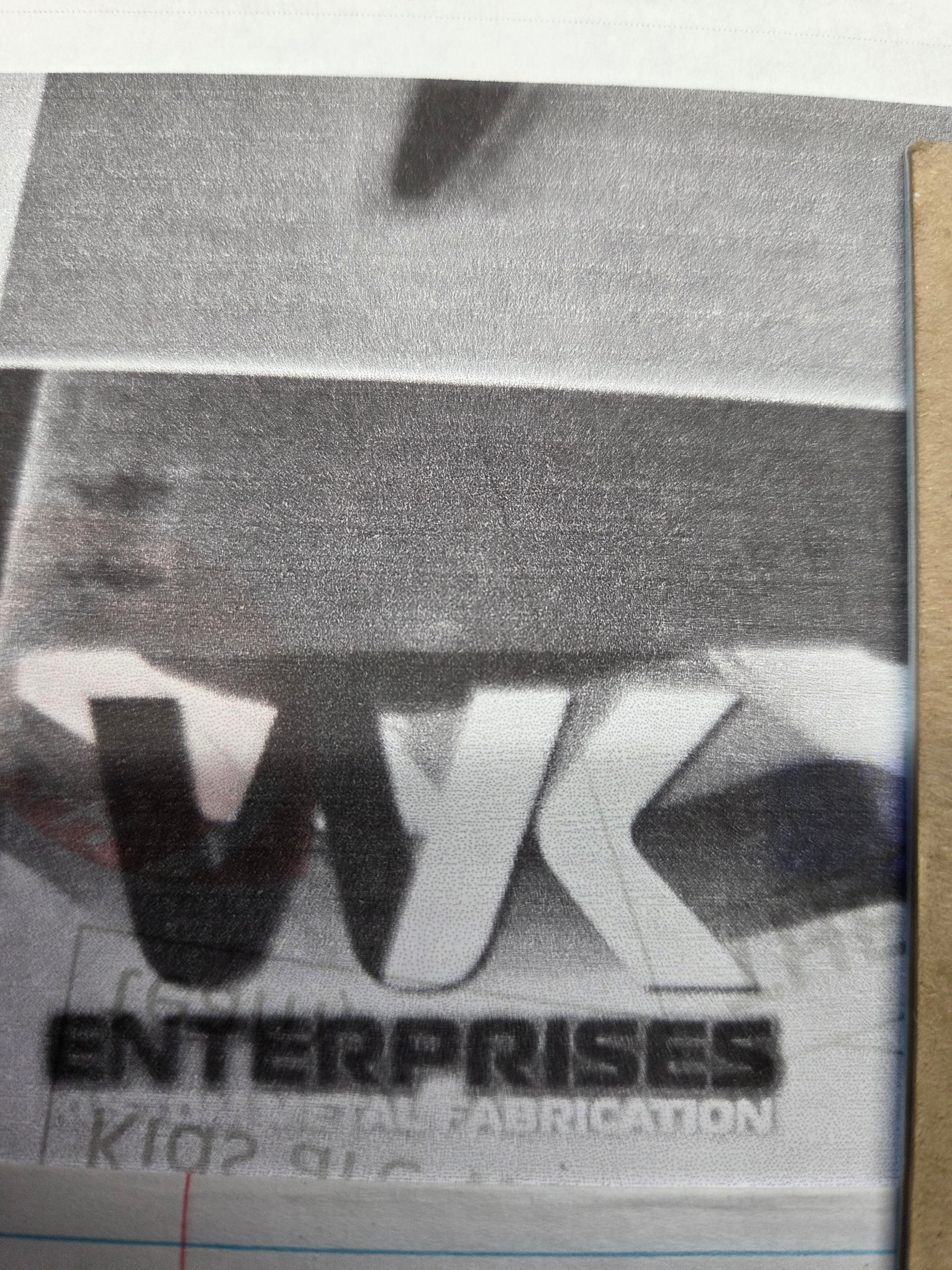
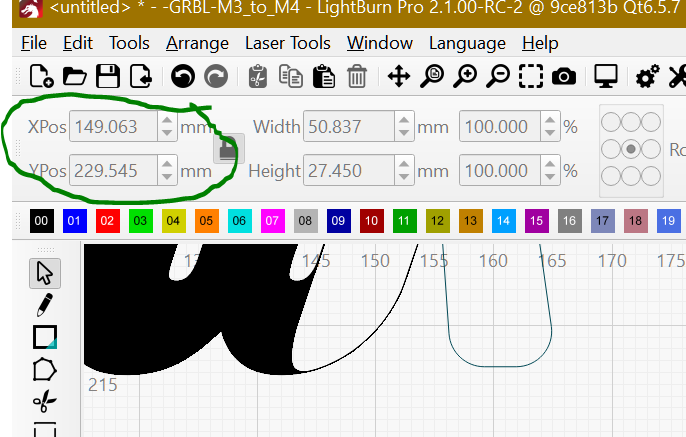
Now, I have this and I can’t get the radius on the bottom of the K. I managed to get the K separated but can’t move it and can’t put the radius on the bottom left. Like it’s not joined. When I click to put the radius and the opposite corner gets it, lower left, and I cannot get that that to join. Also….. when I try to move that part of the K to the left I can’t get it to move in small increments regardless of what I press along with the arrow key. Been fighting this for a week off and on. THANK YOU.
 I have a image of the Chicago Bull and it’s a image and it is not engraving very good of, no detail, so how can I change it to something else to get a better picture?