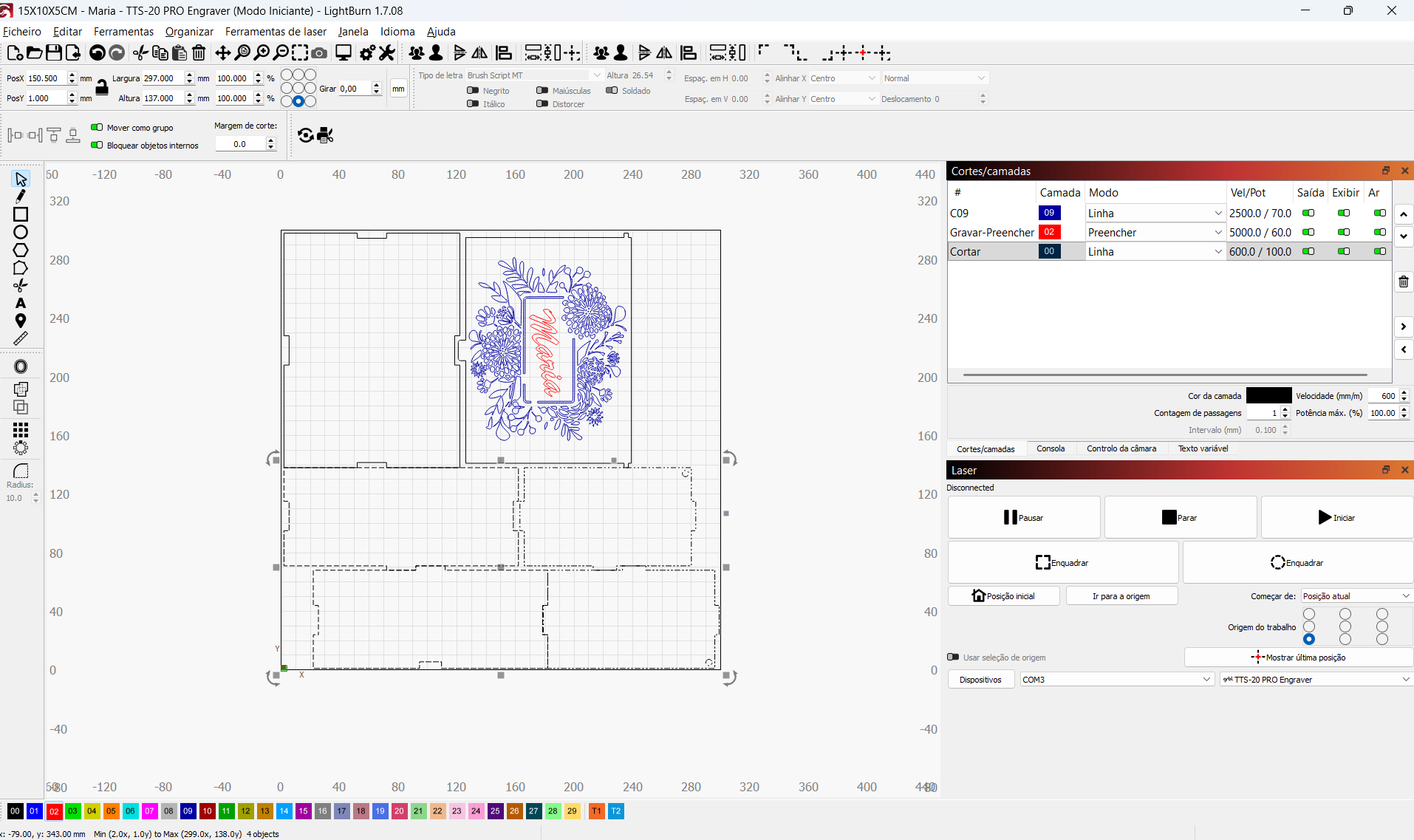
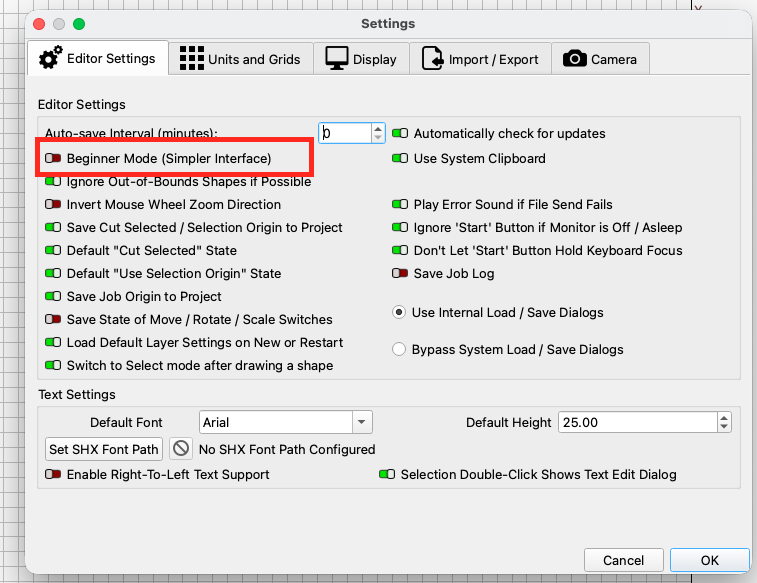
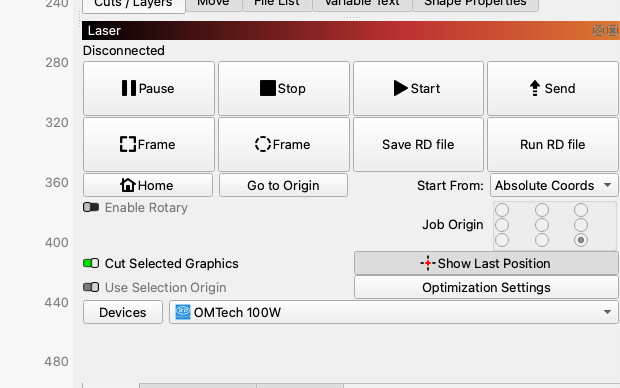
Hello. My TTS10 machine cuts 300x300mm. I would like to use LightBurn to cut only what is within the selected workspace, ignoring what is outside and not selected. A few years ago I opened a post here with a similar question, they helped me and I was able to use it. Now I had to change computers and I’m not able to adjust this in the new installation. I’m using version 1.7.
Previous post: How to cut only what is inside the desktop?