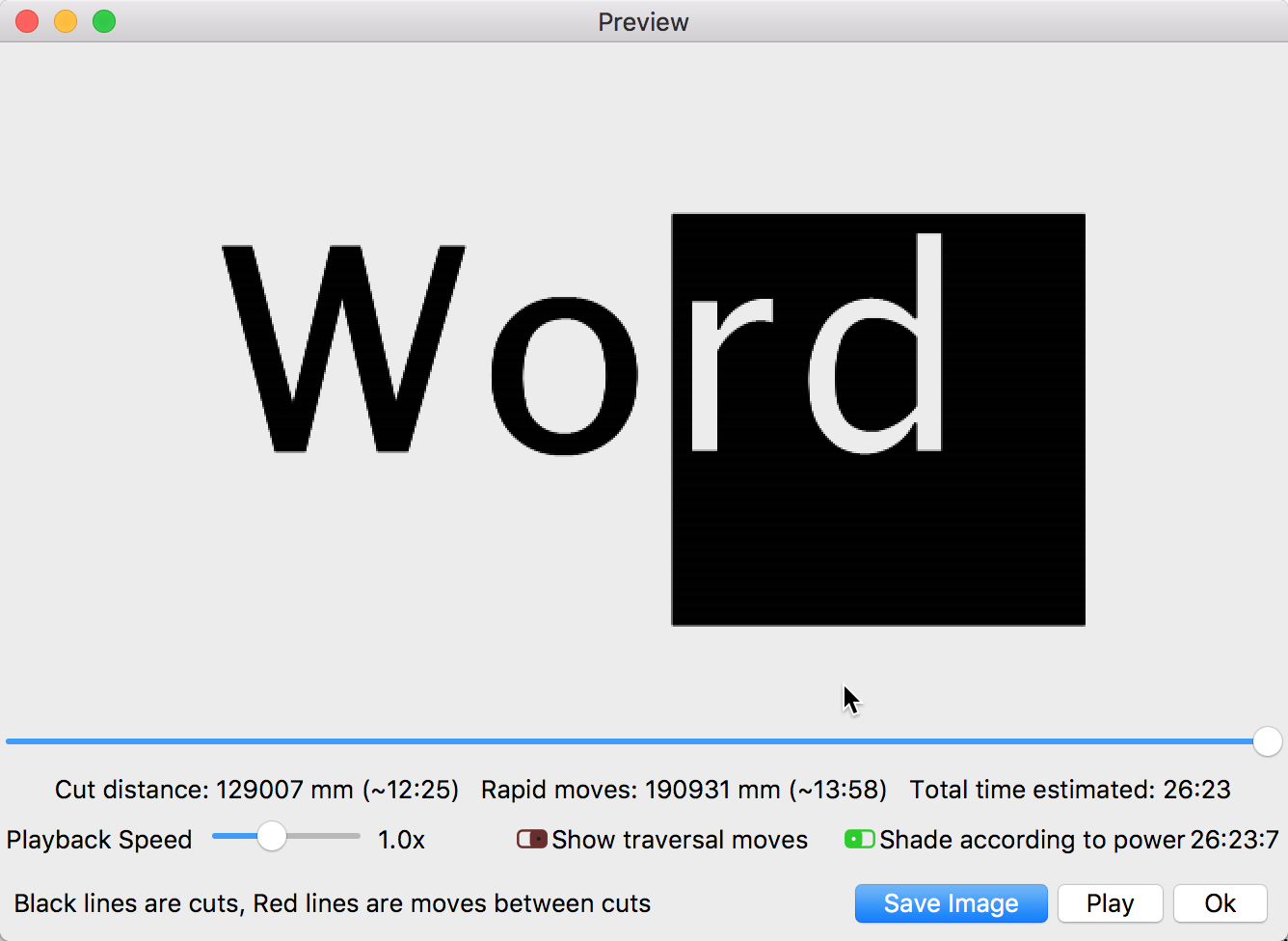
If you now select the ‘Preview’ (“TV” icon at top OR ALT+P) you will “see” what is sent to your laser. Blake was showing you an additional view (‘Window’>-‘Filled Course/Smooth’) but recommend you using ‘Preview’ to review your output.
This is a good read:
Mine looks a little different but you get the same result