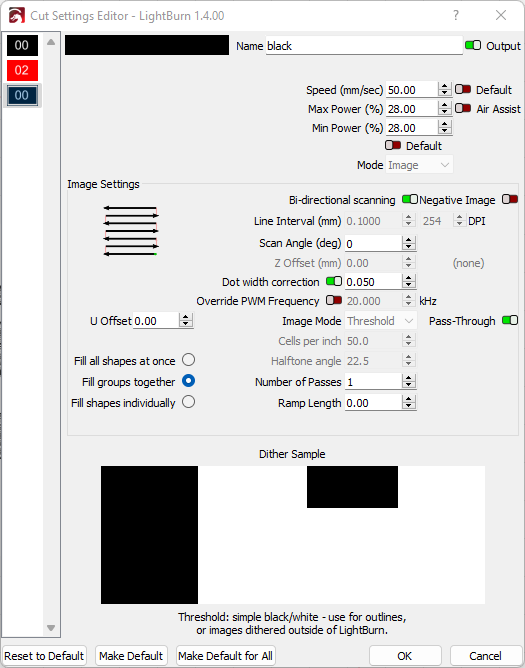
I’m going crazy. Images in pass-through have no option to toggle cross-hatch on and off. It’s always on. I want it off. How?? Software is version 1.4.00. Playing the job in preview shows it doing cross-hatch as well. Here’s a picture of the layer settings.
That seems odd. Can you upload the .lbrn file for review?
1 Like
Thank you for bringing this to our attention. I am trying to reproduce what I am understanding from your post. No luck so far, so I’d like to ask for a few things in that pursuit. If willing,
-
Screen capture of the entire LightBurn screen - showing the entire workspace with the ‘Cuts / Layers’ tab and the ‘Laser’ tab displayed.
-
‘Cut Settings Editor’ window for each layer
-
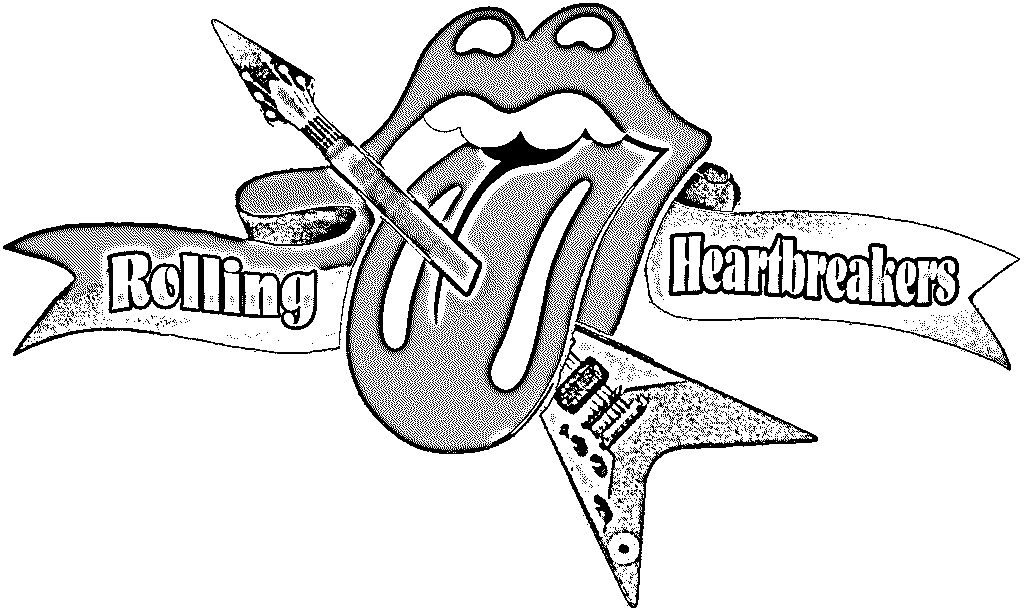
What is the source image file type?
-
Which OS and OS version?
-
And would like to see the LightBurn file
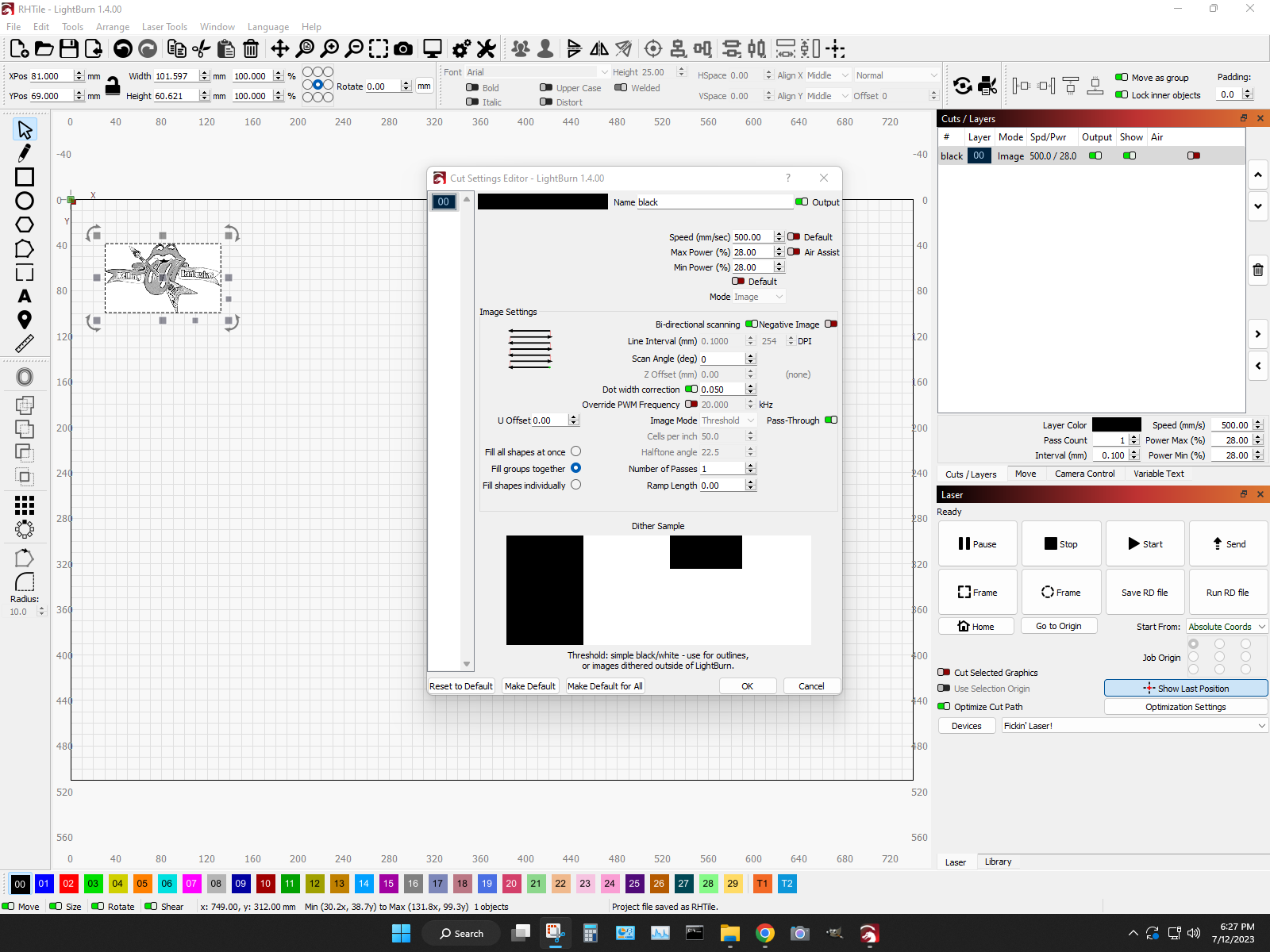
Thank you. As you gather, showing us a ‘Preview’ along with your test output would help too. 
Here’s the lightburn project file.
RHTile.lbrn2 (123.8 KB)
As for the preview, when I play it, the image scans fully horizontally and then again vertically. So, preview matches the laser behavior. Not sure how to show you that.
I don’t know if this is important but I’m using my CO2 machine. I also have a galvo laser with lightburn for galvo also installed. I switch between them on the fly using this same PC.
Given this, please show the screenshots from the CO2 profile that is producing the cross-hatch. Current shares are showing the Galvo profile.
These screen shots are from the CO2. “Frickin’ Laser” is my CO2 with ruida controller. I just walked out to double check. I also have a comMarker B4 with EZCad2 controller but that is not hooked up at the moment. Light burn is talking to my CO2.
I tried using “threshold” instead of pass-through for the image. Still runs in cross-hatch.
Also tried drawing a shape on the same layer 00, setting it to fill and toggling cross-hatch on an off in that layer just to see if it would alter the behavior of an image on layer 00. This also did not do anything. The image always runs in cross-hatch.
My brain read that as “Fiber”. My bad. Thank you for the clarification.
I am seeing what you describe in the lbrn2 file shared, investigating further.
I note: If I turn ‘Pass-Through’ off (red) and set ‘Fill all shapes at once’, I can produce an image scan as you’d expect, without cross-hatching.
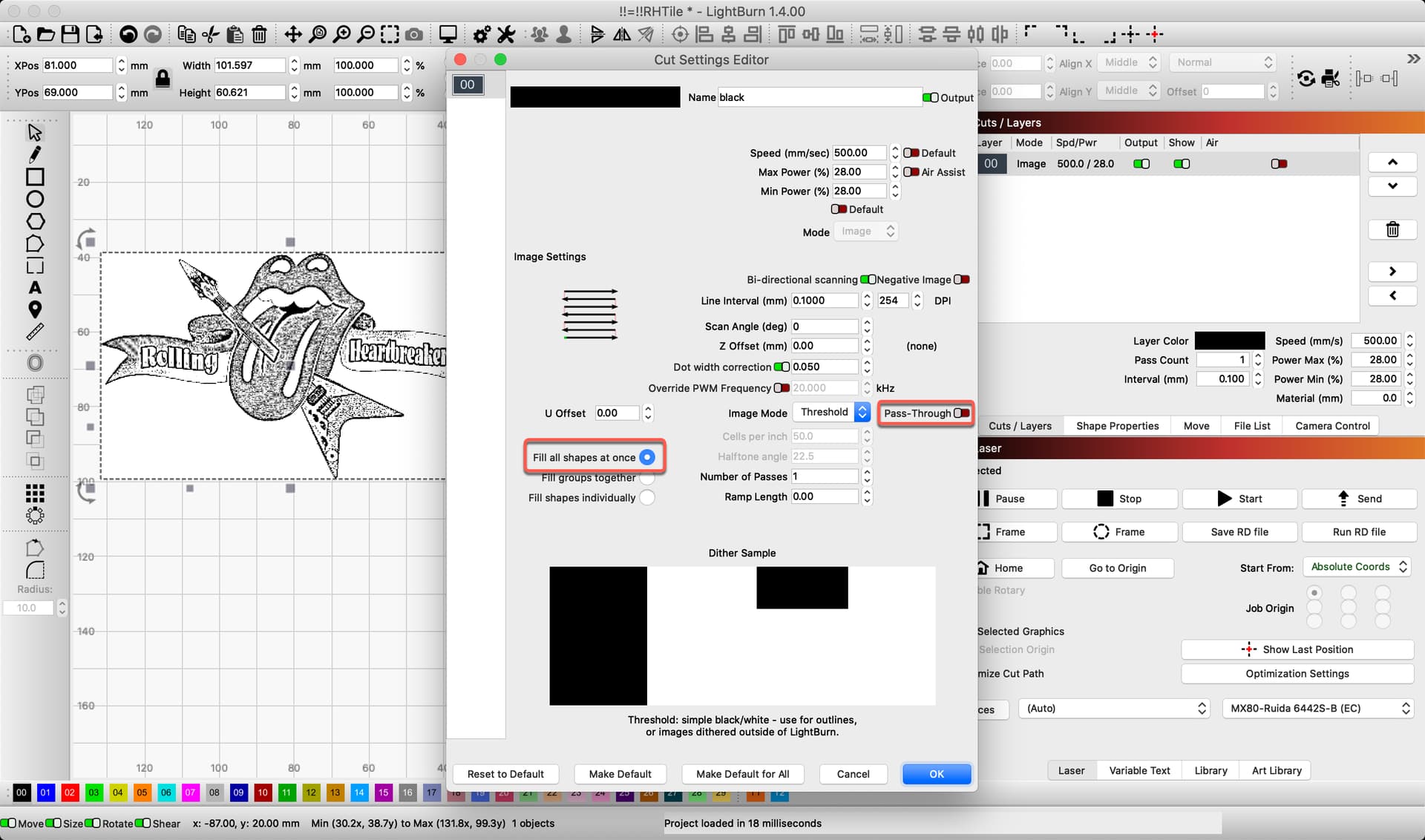
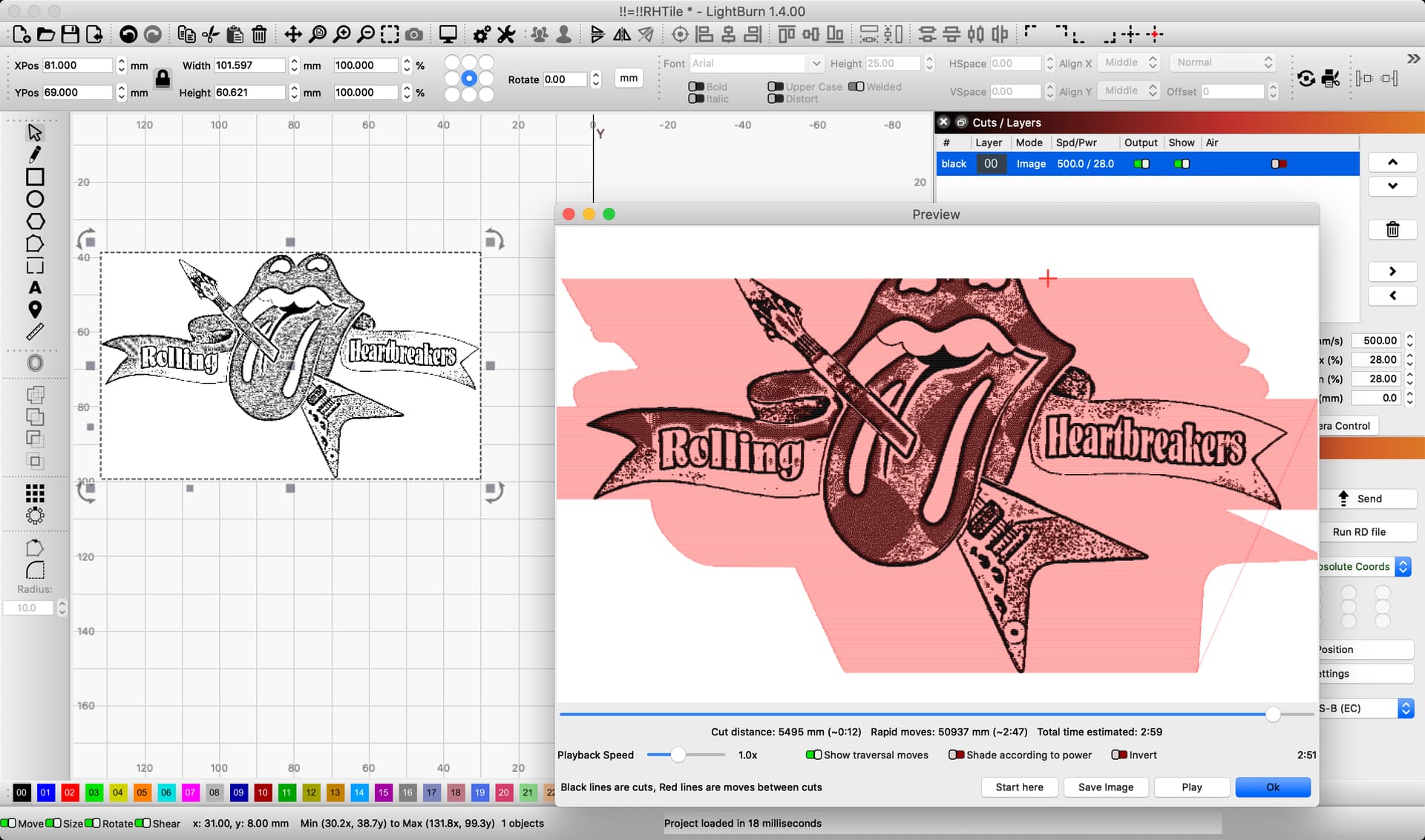
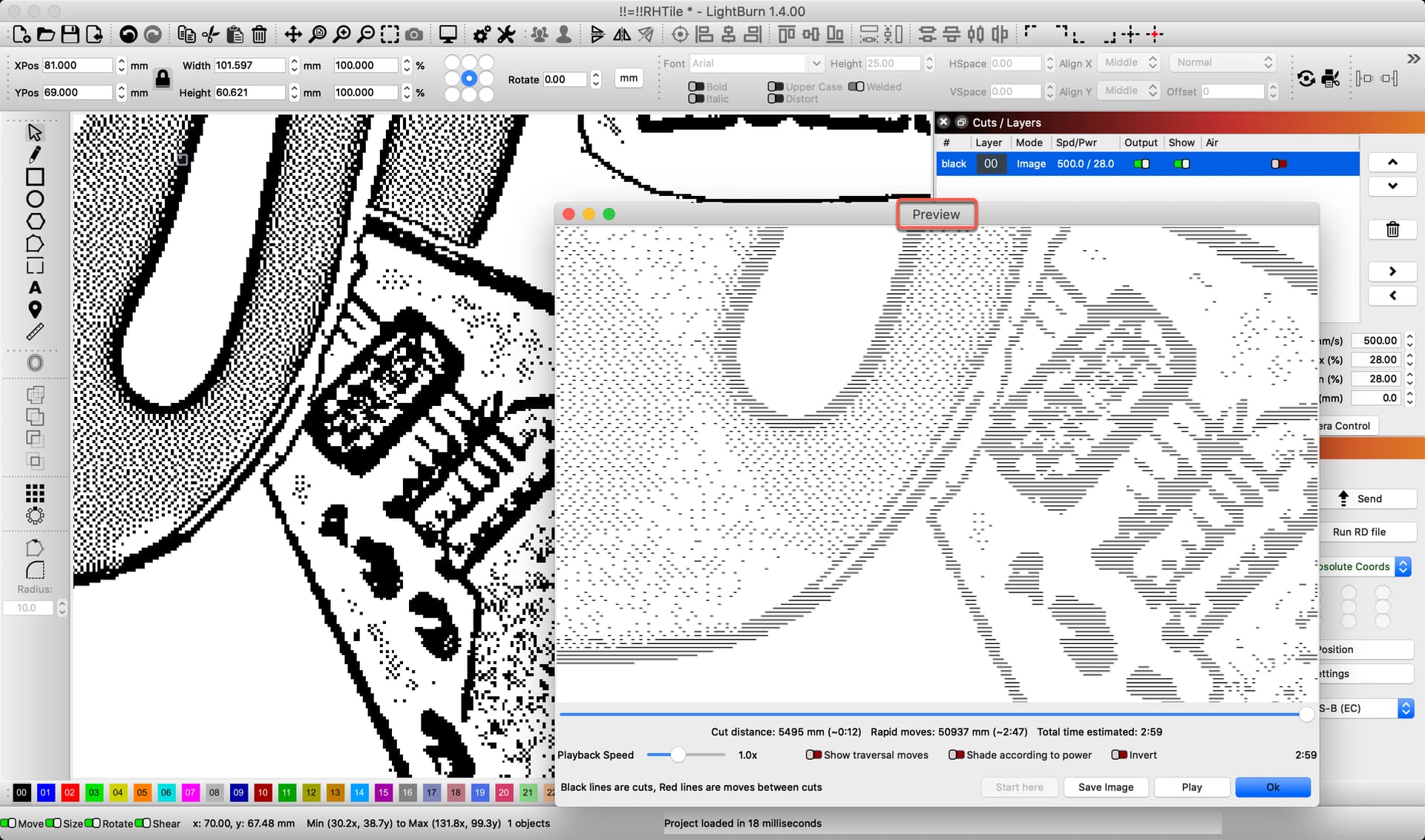
I can confirm. Same behavior here. Pass-through must be off and must Fill all shapes at once and the cross-hatch goes away. Any other setting will cross-hatch. But… I want to use pass through for images processed by imagr. This seems like a bug. Nothing we’re doing should be telling lightburn to cross-hatch. Where is it deciding to cross-hatch?
I just opened the lbrn file with a text editor (never did that before) and I see it has crossHatch Value=“1”. How the heck is this possible?? I’m going to manually edit it with a text editor to see if I can alter it… Will report shortly…
This is why I said,
I promise, I will provide further once I have additional information to share.
1 Like
If I manually edit the lbrn file with a text editor to set crossHatch Value=“0” and reload, then the image does not cross hatch, even with pass-through on. So, I can do this as a work-around. Seems light-burn core code believes there is a cross-hatch option in the UI, but there is not.
I just tested, starting anew. I opened a new LightBurn file and ‘Imported’ the png file you shared. I set the Cut Setting to Pass-Through, and this is what the ‘Preview’ shows.
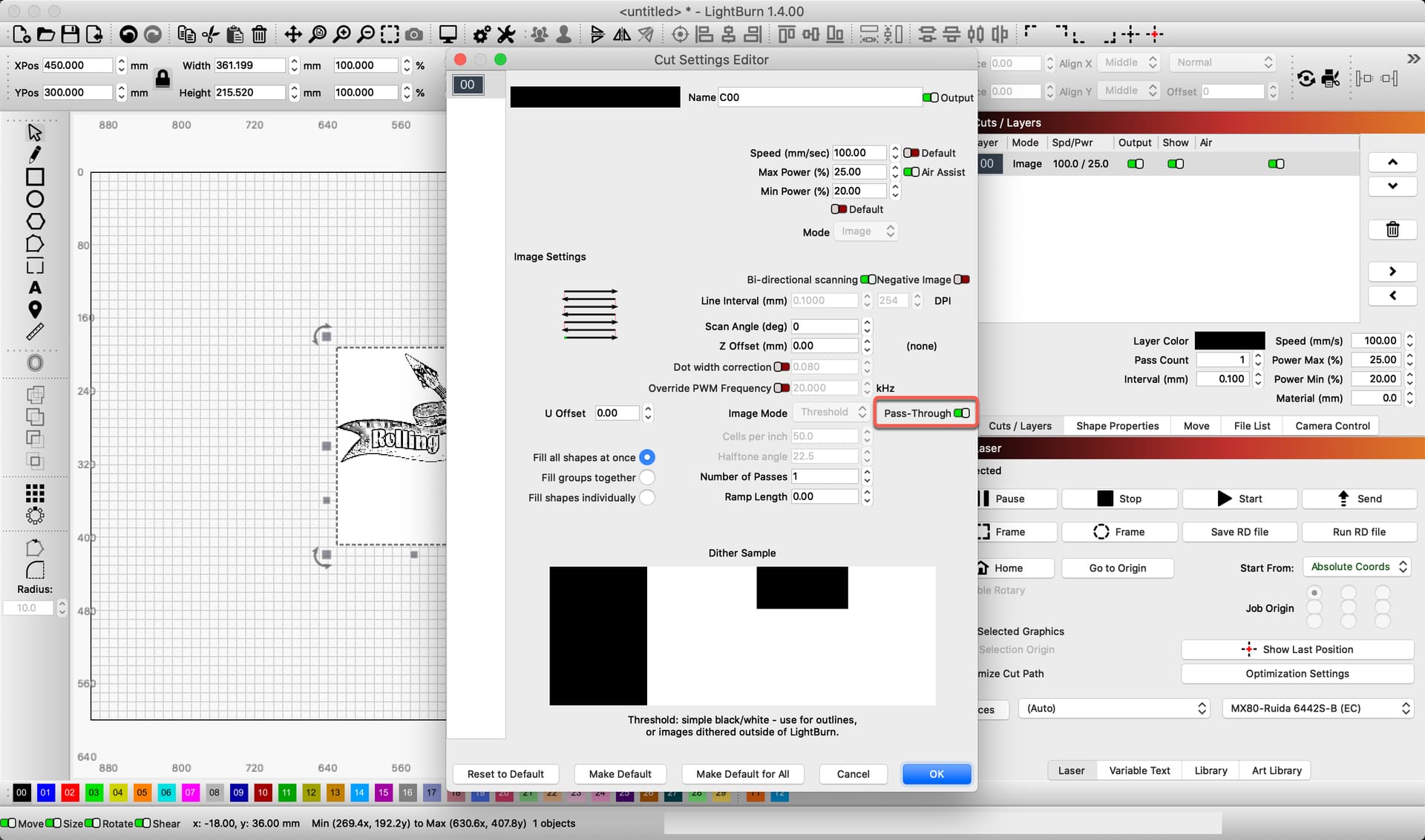
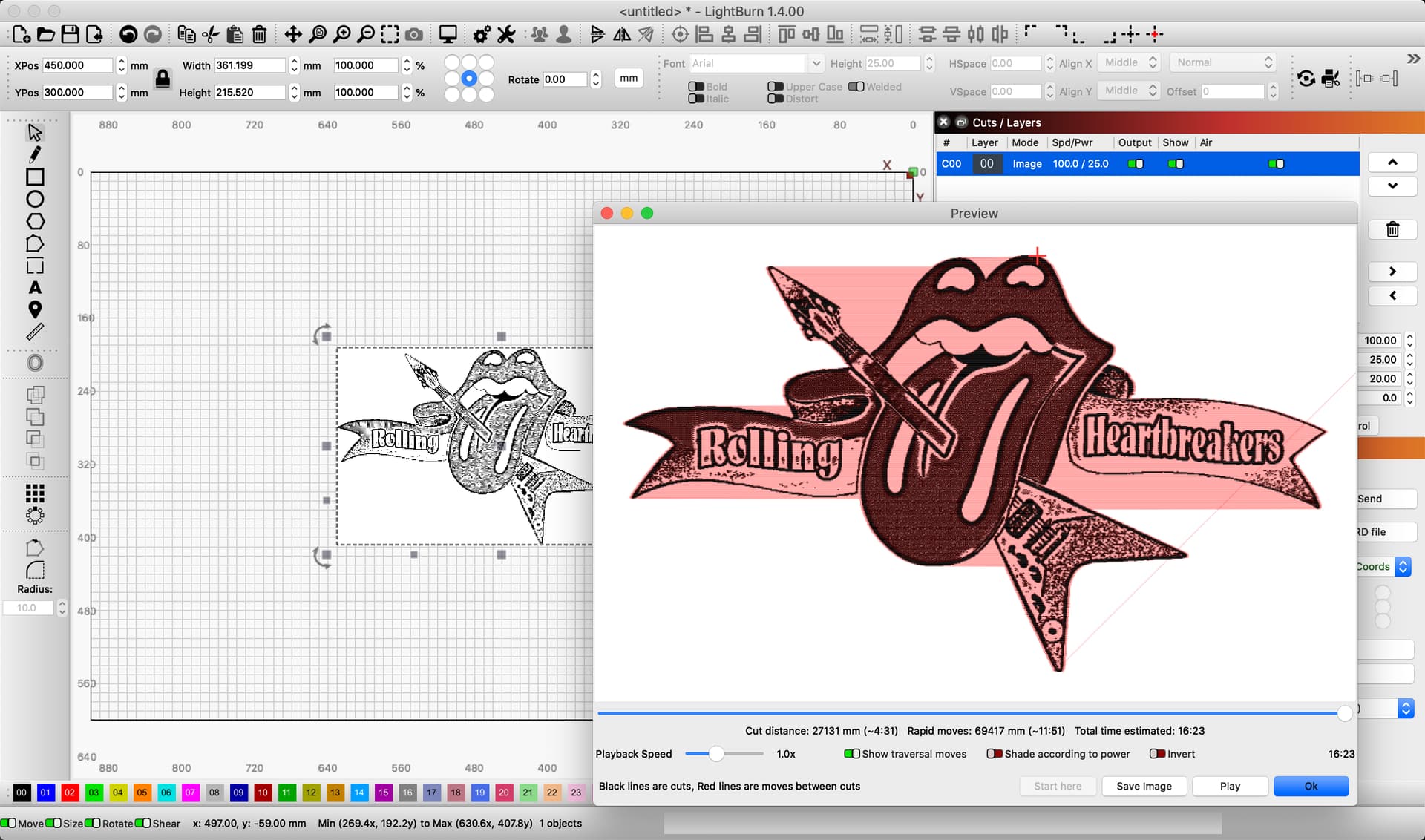
This is interesting. Loading your .lbrn file broke my LightBurn installation for images, with the crosshatch effect always being on.
I did not have that before. I had to revert to a previous prefs backup to recover.
So somehow crosshatch got stored in the .lbrn file and is unrecoverable after that point since there’s no GUI option to disable it.
1 Like
More playing… No matter what I do in the layer dialog box now, I cannot get crossHatch to turn back on. Setting it to “0” in the lbrn file and loading it has made it off, no matter what. But, starting raw from a new file, dragging in the image, I get the crossHatch ON issue.
Load the “fixed” file… then go to the Cut setting for the layer. Then push “Make default”. That might resolve the issue.
1 Like