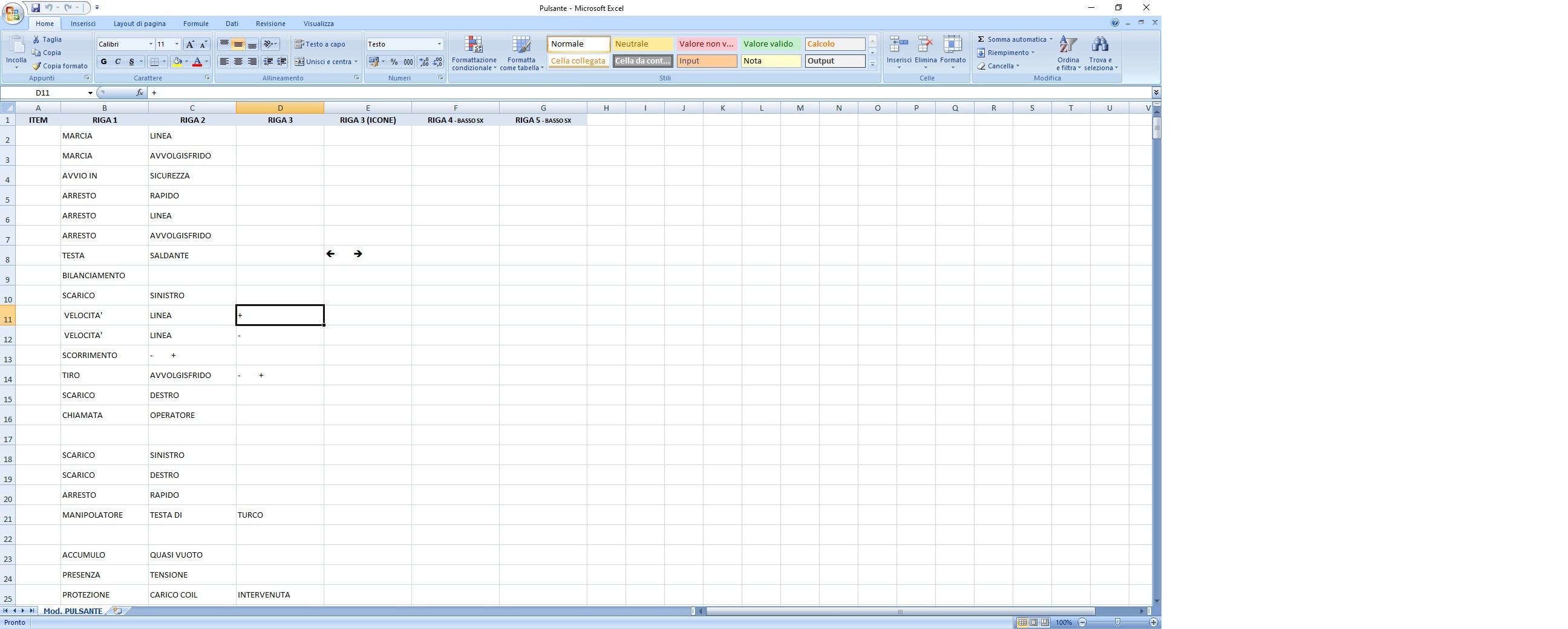
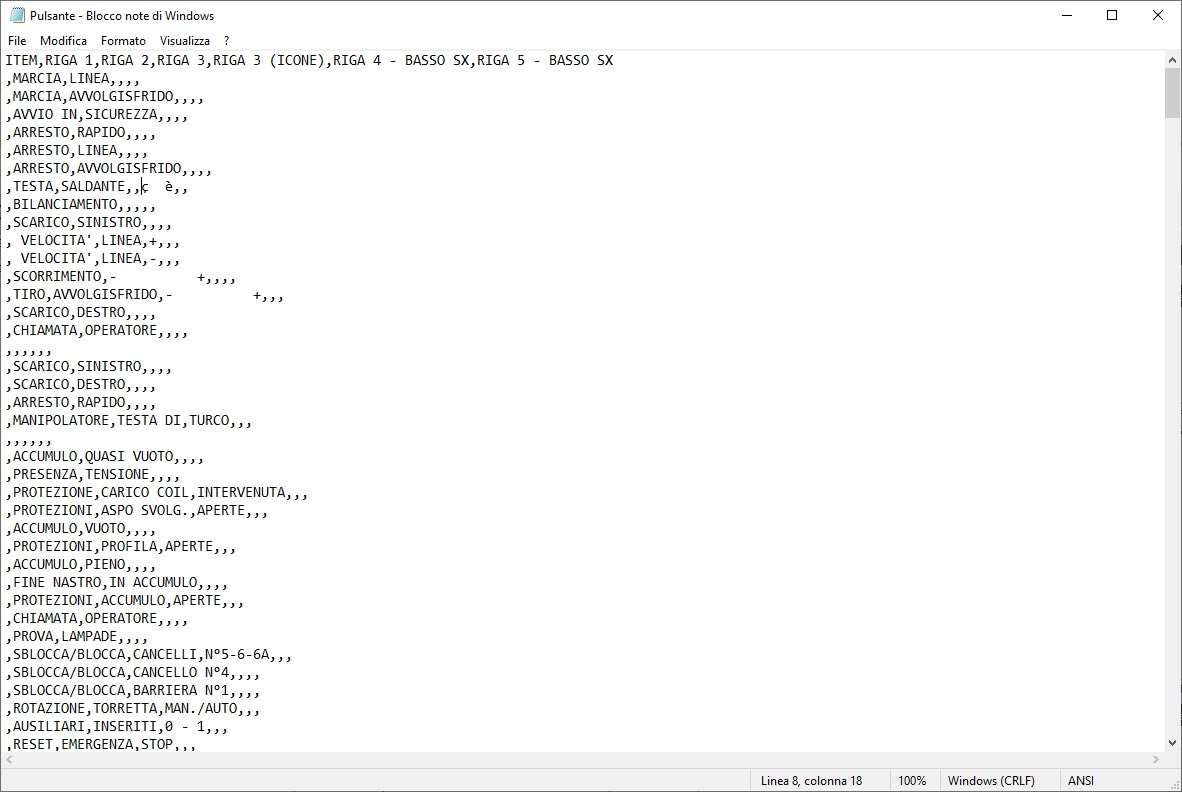
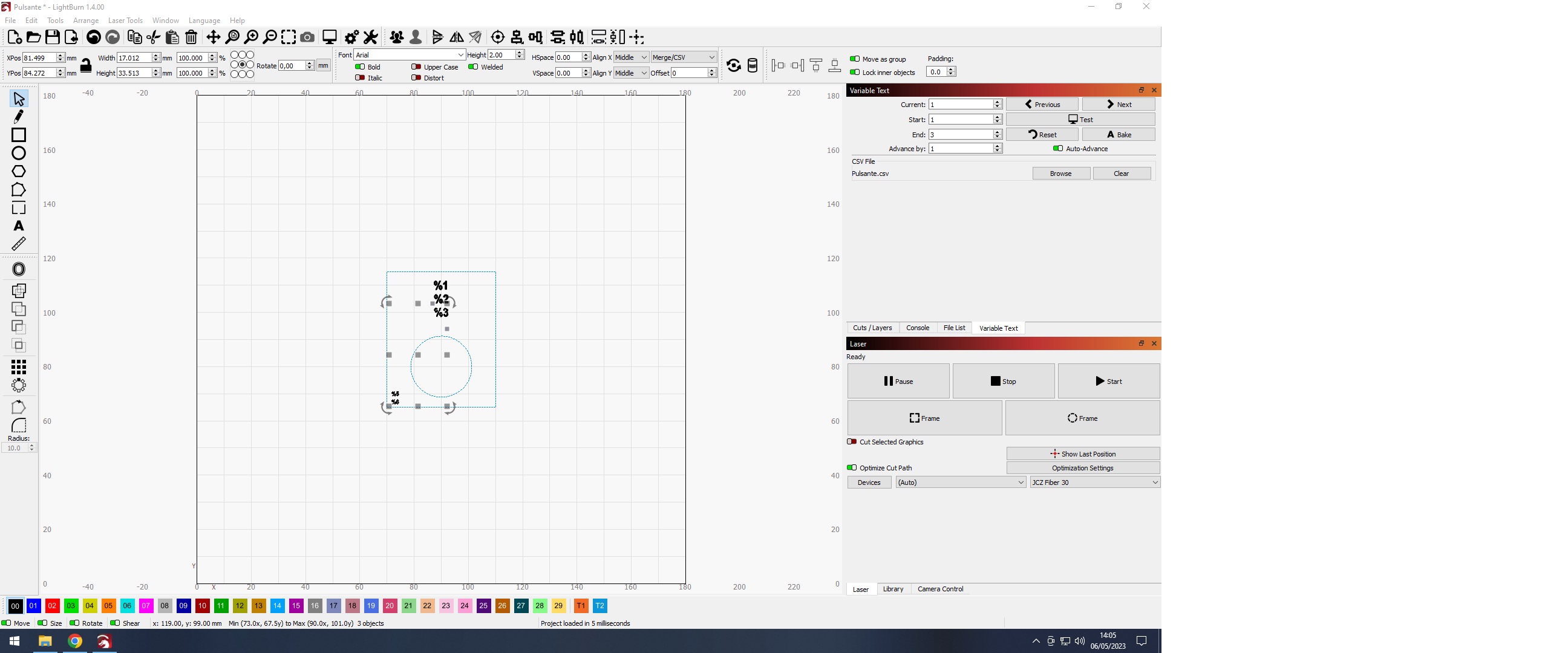
I have to mark thousand of alluminium plates and each one has a different text disposed on different rows. To do that I’ve prepared an Excel file with some columns that corrisponding at the specific row in LB, and exported in CSV format.
I have setted each row to the corrisponding column using % symbol. In this job not every cell has text and consequently in my CSV there is a blank space.
When i click on “Preview” everything looks like good, but…
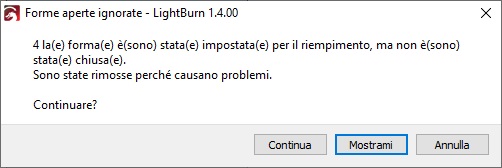
Sure, I’ve made some test… if every field in the CSV has text there are no problems, but when I have a blank field the error about “open shapes” appear and I have to click CONTINUE for each row to start.
I normally use pedal for this type of work, and if i have constantly to check LB and click to continue, this make me lose a lot of time.
Maybe there is a trick to “hide” this alert. Have you idea?
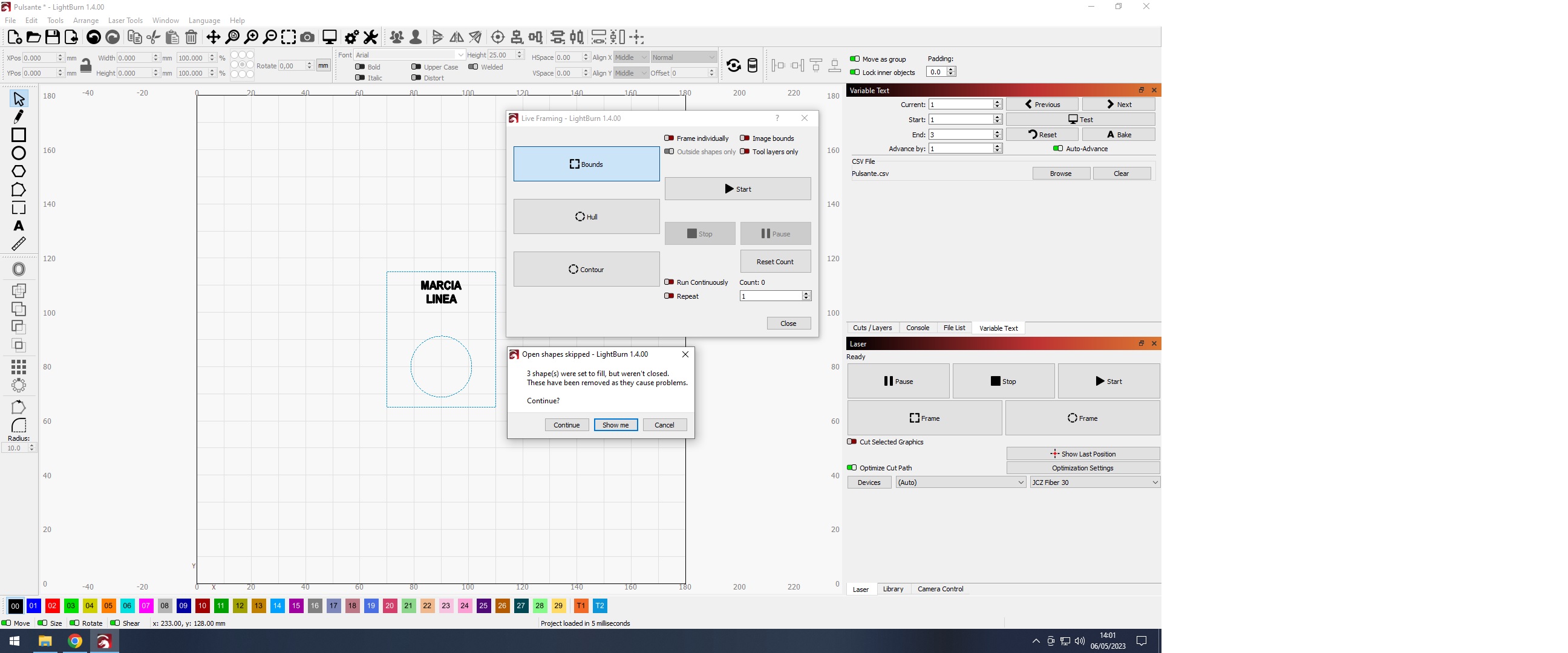
As you can see in the picture below, if i have some empty cells (3rd row and bottom left rows in this case), the error appear. When i click Show me, LB select the empty rows.
Okay, I understand partially why I couldn’t reproduce it before. I was using “Line” instead of “Fill”.
However, even then I couldn’t immediately recreate with my original test file even though the issue was apparent with the file you sent. I’ve been playing around with your file that does show the issue but I can’t isolate exactly what it is that’s causing it.
For example, changing “MARCIA” to “marcia” on the first row allows this to work. It’s not clear to me why.
This is because line mode doesn’t assume closed shapes so LightBurn won’t complain. To me the potential bug is that some unintended shapes are being created under certain conditions which I couldn’t identify.