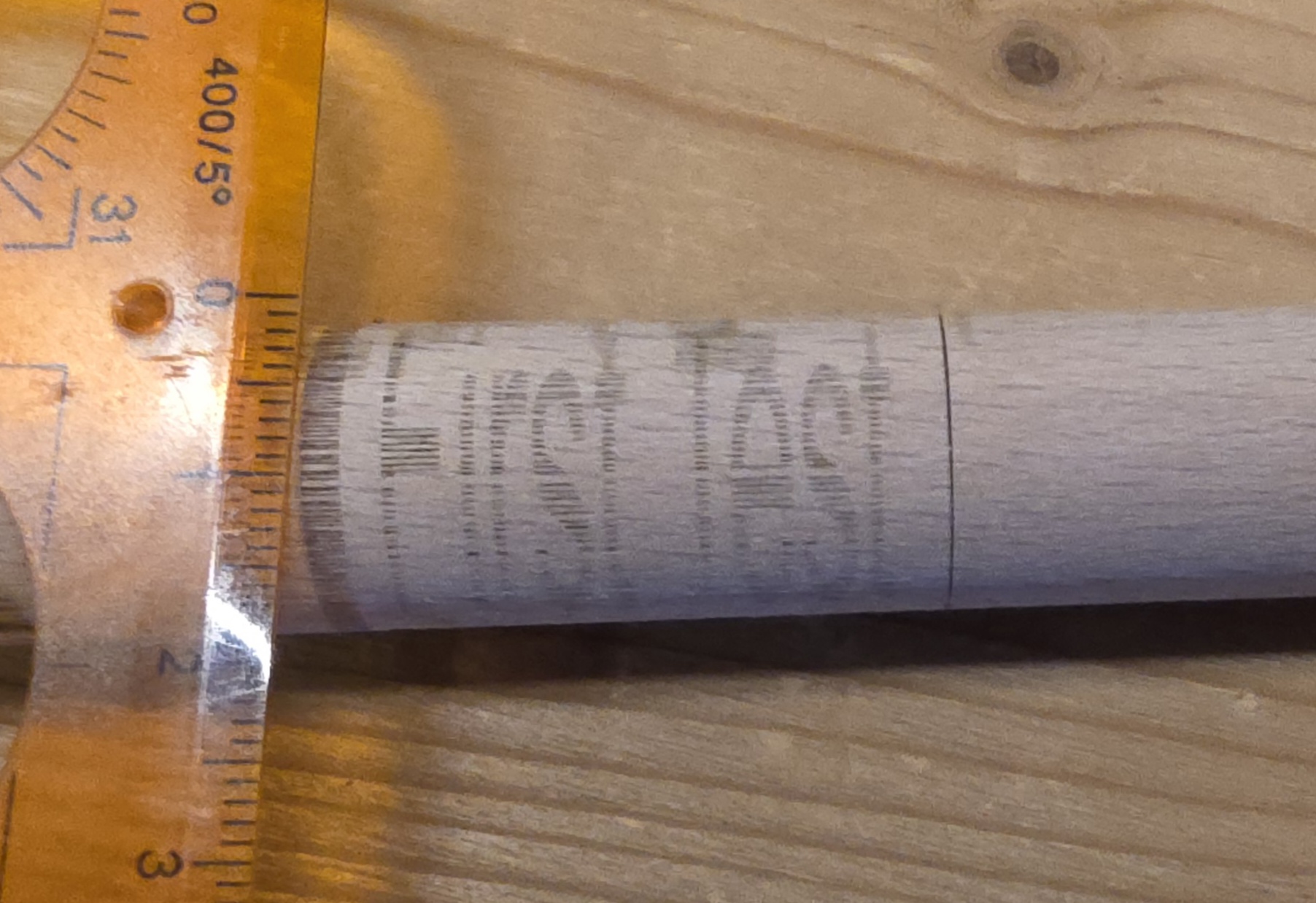
At first read your steps per revolution are probably incorrect. What happens when you hit the TEST button? Should get exactly one revolution. As far as adapting to circumference, why? It doesn’t adapt to the size of an object on the flat. Maybe I misunderstand the question.
Commarker’s rotary manual says, it’s 12800 steps per rotation, which makes sense, as the laser spot dimension of the UV laser beam is about 0.0019mm.
After digging further in the web, there could be an issue with the laser’s mainboard, as the first baatch of Omni X lasers has been delivered with a mainboard error, that causes issues with Lightburn and rotary.
I am now waiting for repsonse from Commarker support.
This has nothing to do with each other at all. The steps per rotation is a hardware setting for the rotary stepper motor. The rotary can be used with any laser, with any beam size. The beam size is totally independent from the rotary steps.
If you enter the 12800 steps and click the test button, does the chuck turn exactly 360°?
This is really dependent on your motor drivers. My fiber is set to 12,800 steps/rotation, that’s what the stepper motor driver is set.
Since this is a grbl machine, I’m not sure how that works. Degrees/step are not done this way on either of my machines, it’s usually based on the driver setting.
Since this is a chuck type rotary, there isn’t any other way to set it up that I know of.
On my fiber, it works the same as my co2 with a Ruida controller. I use both of the rotaries I have on either machine, depending on the job.
If the machine is setup correctly it should do 1 rotation and then back to zero when you click TEST.
@RonSa: Quite interesting and also hard to understand, what mm per rotation really means. I’d understand degrees per step: But fine - it works for you.
@jkwilborn Thanks for confirming, that the “Test” Button initializes one rotation and back.It’s kind of logical, but could be described in Lightburn’s manual or in a tool tip for the button.
As I mentioned Commarkers’ issue with the lasers’ mainboard I’d let it rest here and wait for Commarkers’ support to answer that, before keeping you guys trying to help me.
Is your rotary directly driven off the motor or is it go from motor to pulley then to the chuck?
This matters as far as setup is concerned. I would think they’d tell you in the Commaker documentation.
That’s 1.9 microns… AI says …
UV Laser 10–30 µm
My fiber is about 15 microns (0.015mm) for a short lens and about 50 microns a much lower frequency, as it’s still within the IR spectrum.
I use an on-line calculator to figure spot size and my depth of focus (dof). It should confirm or deny your spot size and give you a basis for it’s associated dof.
This indeed sounds like a defective board. Changing the steps/mm should never affect the function of the movement (only the distance). So it sounds like the board can’t compute the stepping timing in other cases.
Let’s see what they respond.
Let me see if I can explain how I understand it:
12800 = 0.028125 Deg/step.
With 12800 step/rev we are getting 1440 degree, 4 times more.
So 0.028125 ÷ 4 = 0.00703125 Deg/step.
For 360 deg ⇒ 360 ÷ 0.00703125 = 51200 steps.
Correct. If the microstep driver gets 3200 pulses from the software, and is set to 3200, it will command the stepper motor to rotate 360 degrees. A gear or belt/ pulley reduction may change the chuck rotation, but the stepper motor will rotate 360 degrees. If the microstep driver gets 12800 pulses from the software, and is set for 3200, it will command the stepper to rotate 1440 degrees.
If there was a 4: reduction drive, it would rotate 360 degrees.