I suggest you try the tilt test. Turn off the machine, mover the gantry to the front. Tilt the machine at 45 degrees. The gantry should slide towards the back rail at a consistent and controlled pace. It it does not move, your belts are too tight. If it slams back against the bottom of the slope, it is too loose. Repeat for the laser head by tilting the machine to the side.
2 Likes
Do not confuse Origin and Home.
- Home is a Machine position determined by (you must have) limit switches. This is a fixed location and cannot be moved.
- Origin is a program position and can be set anywhere in the machine workspace. It is used as a free-floating start position.
- They could be the same location, but do not have to be.
Use Home and Absolute Coords until you are comfortable with the coordinate system. Then you can play with Current position, like when using a Rotary device.
2 Likes
yes it does have one that i see. I don’t see more than one.
It does not move at all either way.
This indicates your belts are too tight. Loosen them up until it passes the tilt test.
Once that is done, we can work on the Homing and positioning issues.
I loosened the belts on both the left and ride sides to the point that they are not even touching the wheels in an attempt to get it to move freely and it doesn’t move without me pushing it. I am wondering if it is put together incorrectly. But watching the assembly videos it doesn’t appear to be so IDK.
Do the plates on the ends of the Yaxis have wheels riding on the rails? If so, there might be an adjustment there (eccentric cam) that adjust for the ride on the rails.
Yes there are wheels there. I will check that out.
That fixed the tilt test problem!!! It rolls freely now at a consistent speed when I do the tilt test. Finally something positive!
2 Likes
Excellent! Ok, what is next?
Ok, let’s see where we’re at. You have the gantry and laser head moving freely with the tilt test. Did you retighten the belts or are they still sloppy? You will want to do that if you haven’t, but not so tight that movement is hindered.
You said you only see 1 limit switch. There has to be 2, one for each axis. One should be on the gantry and the laser head should make contact with it when it moves fully left. The other one should be on the frame and the gantry should make contact with that one at the front. They can be installed incorrectly where contact isn’t made and that would account for the grinding when homing. You need to verify their presence and that contact is being made. Make sure the wires are connected correctly as well.
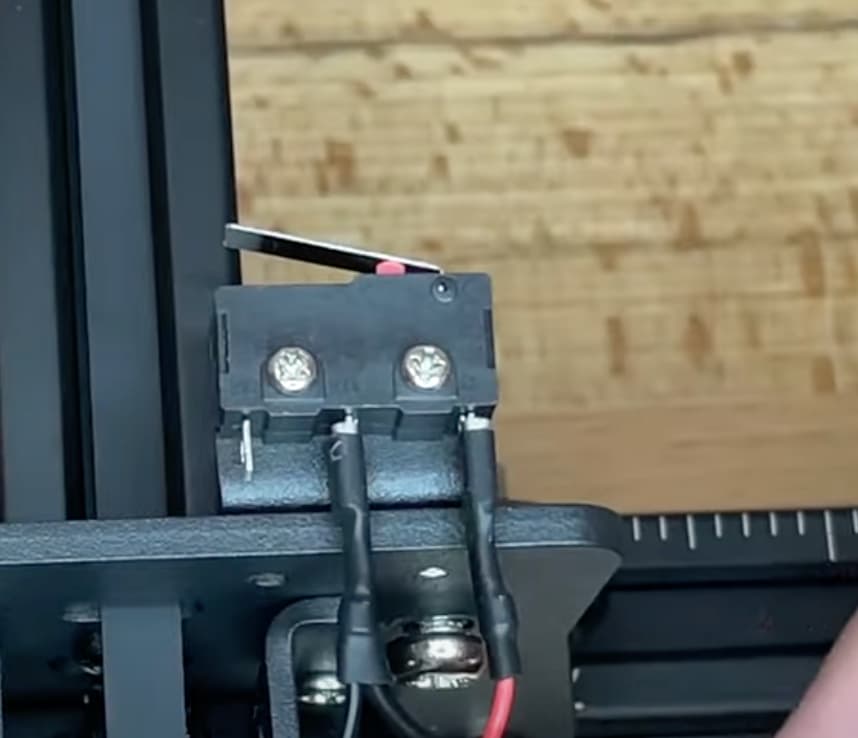
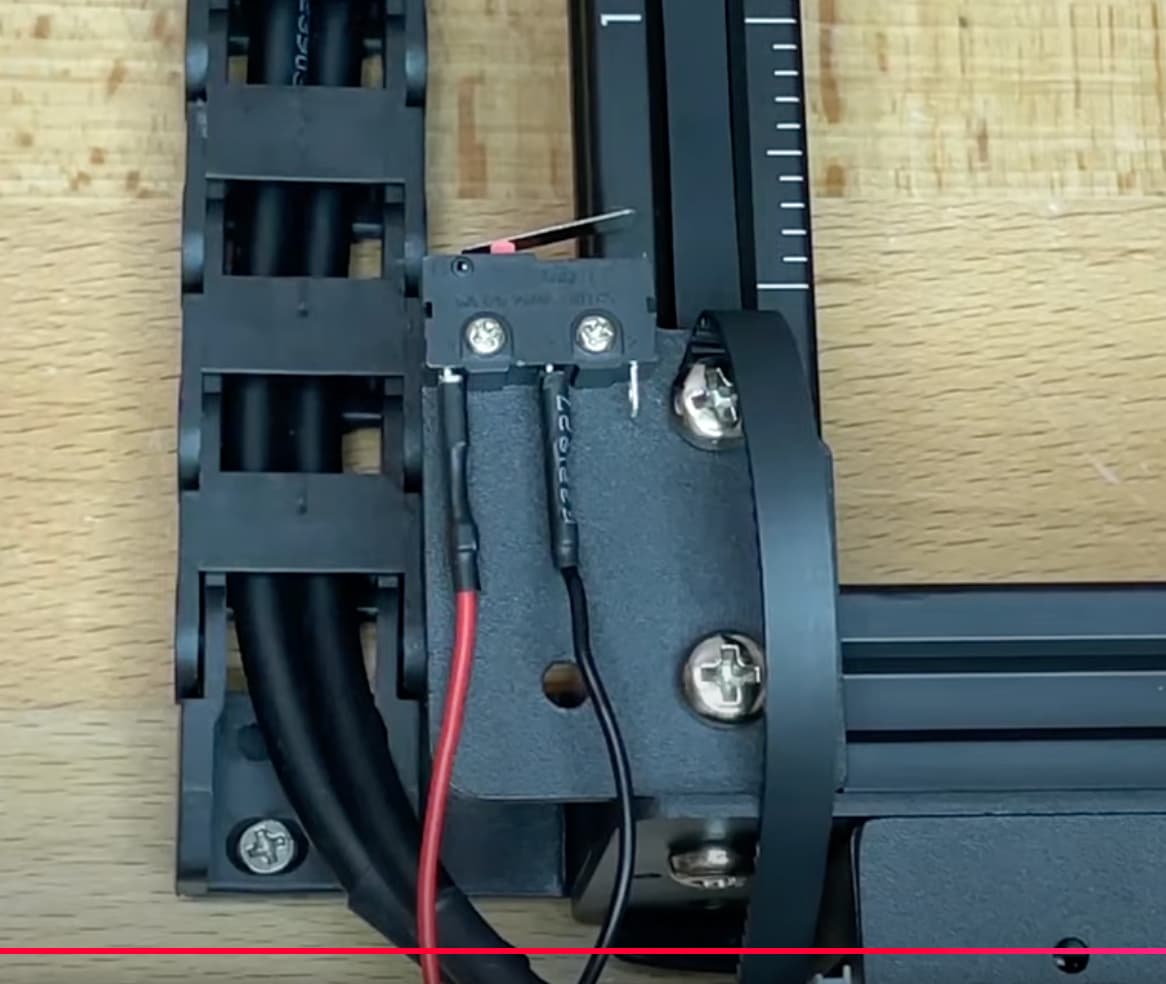
Did you assemble this or did you get it preassembled?
Have you had any successful engravings?
1 Like
It was pre-assembled. I still don’t see a second switch. Maybe it’s the thing in the picture that looks like a little yellow button. It kind of looks like the other switch but without the silver piece that sticks out. But it still does make contact.
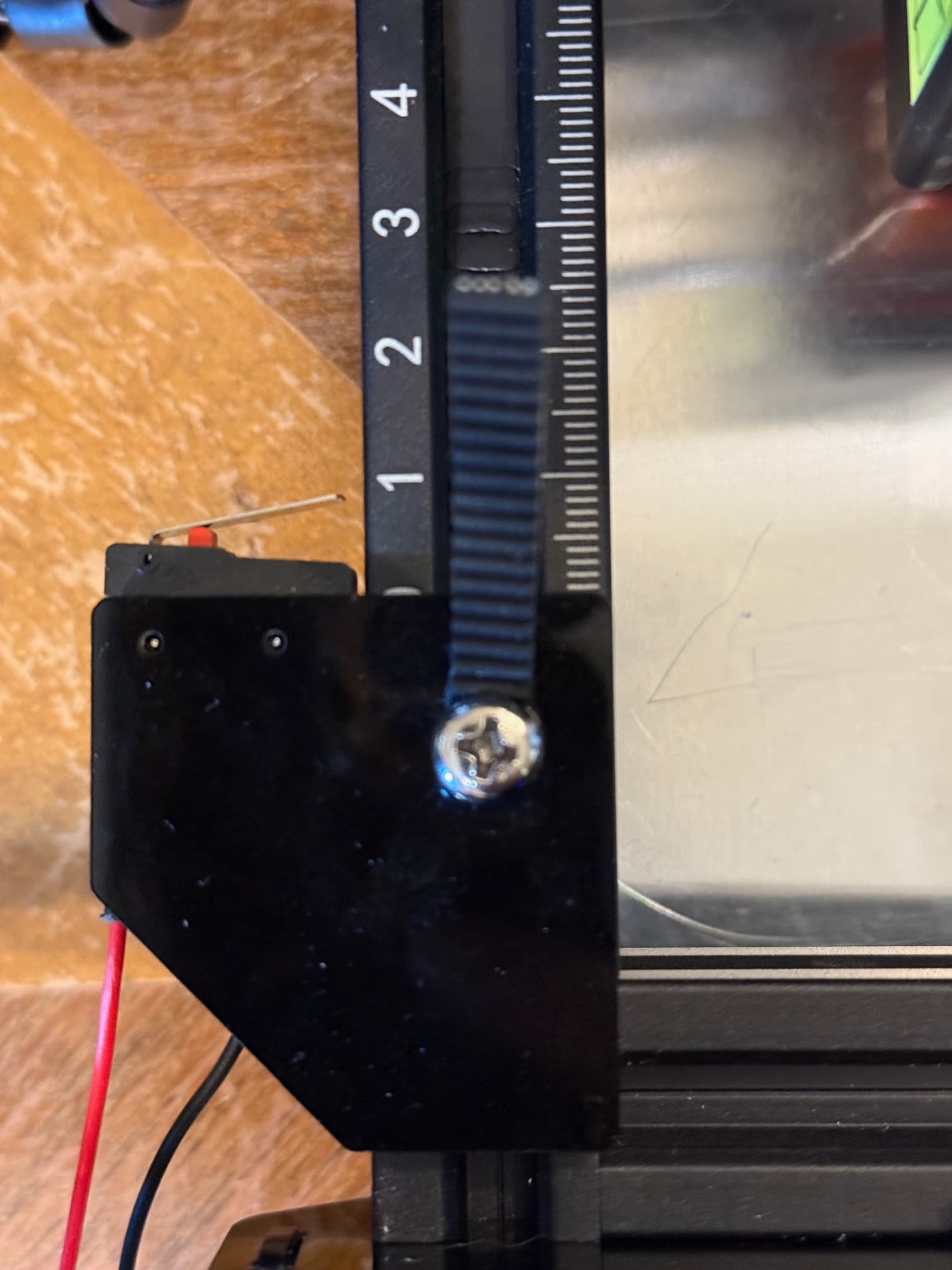
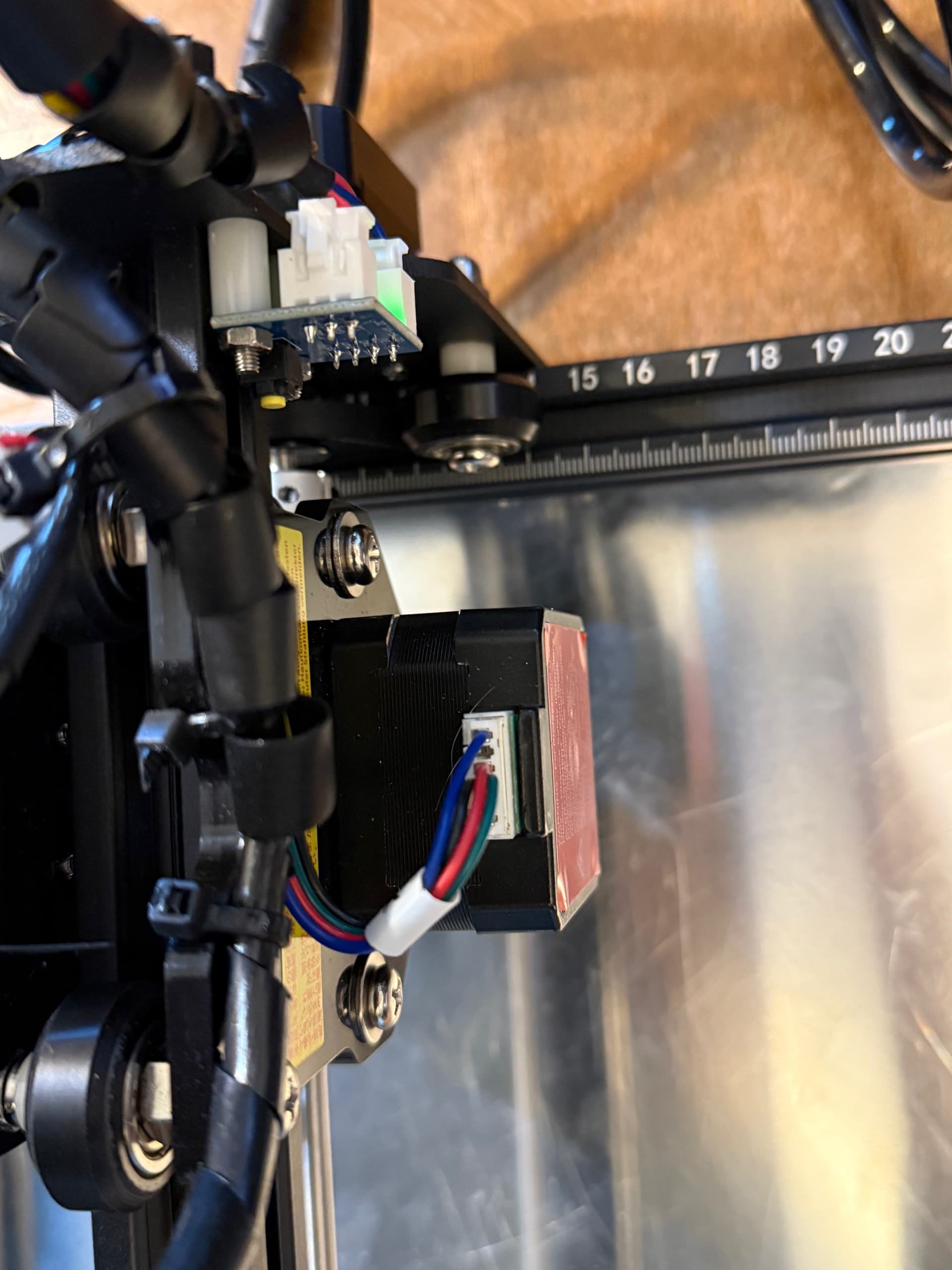
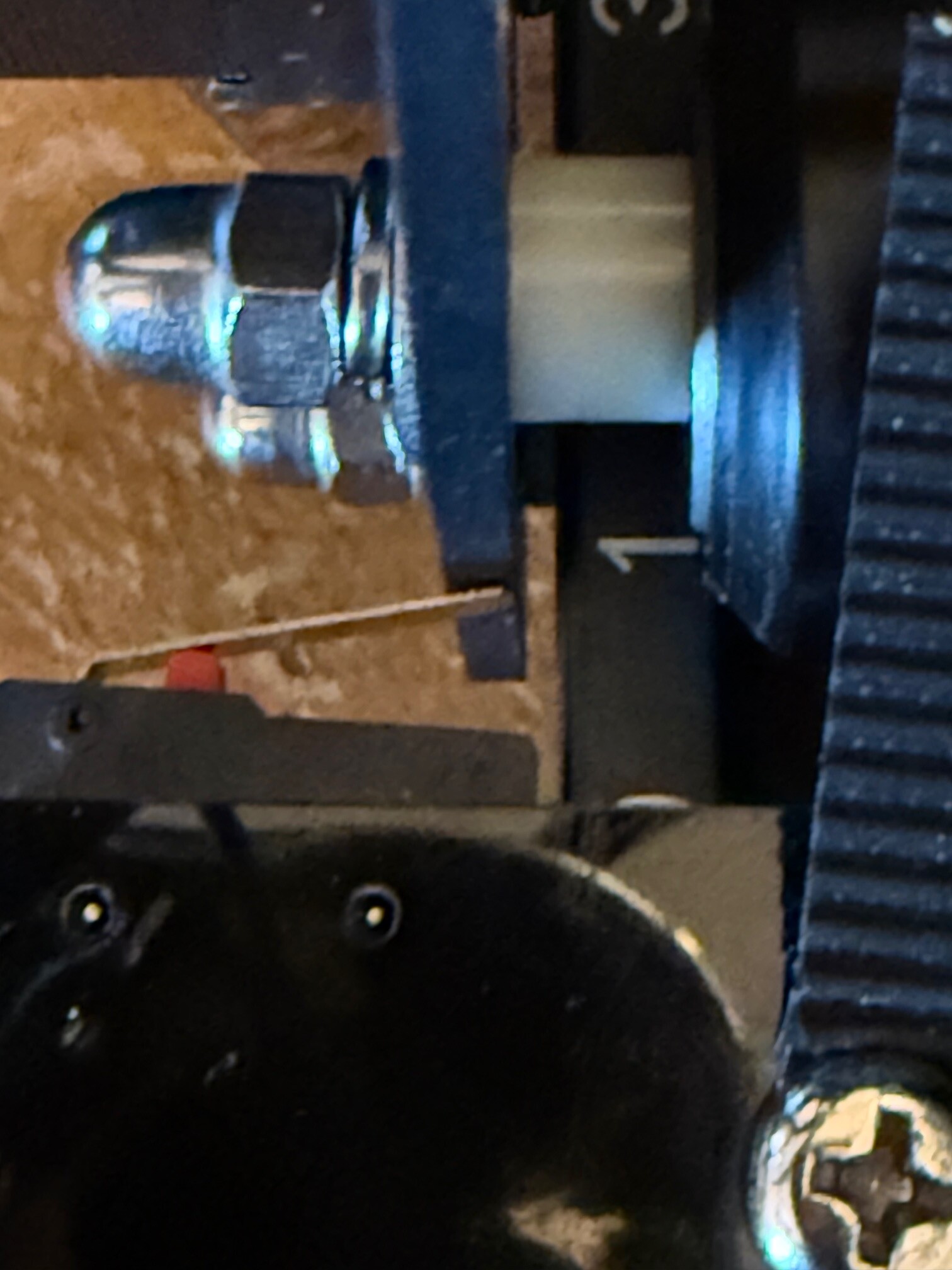
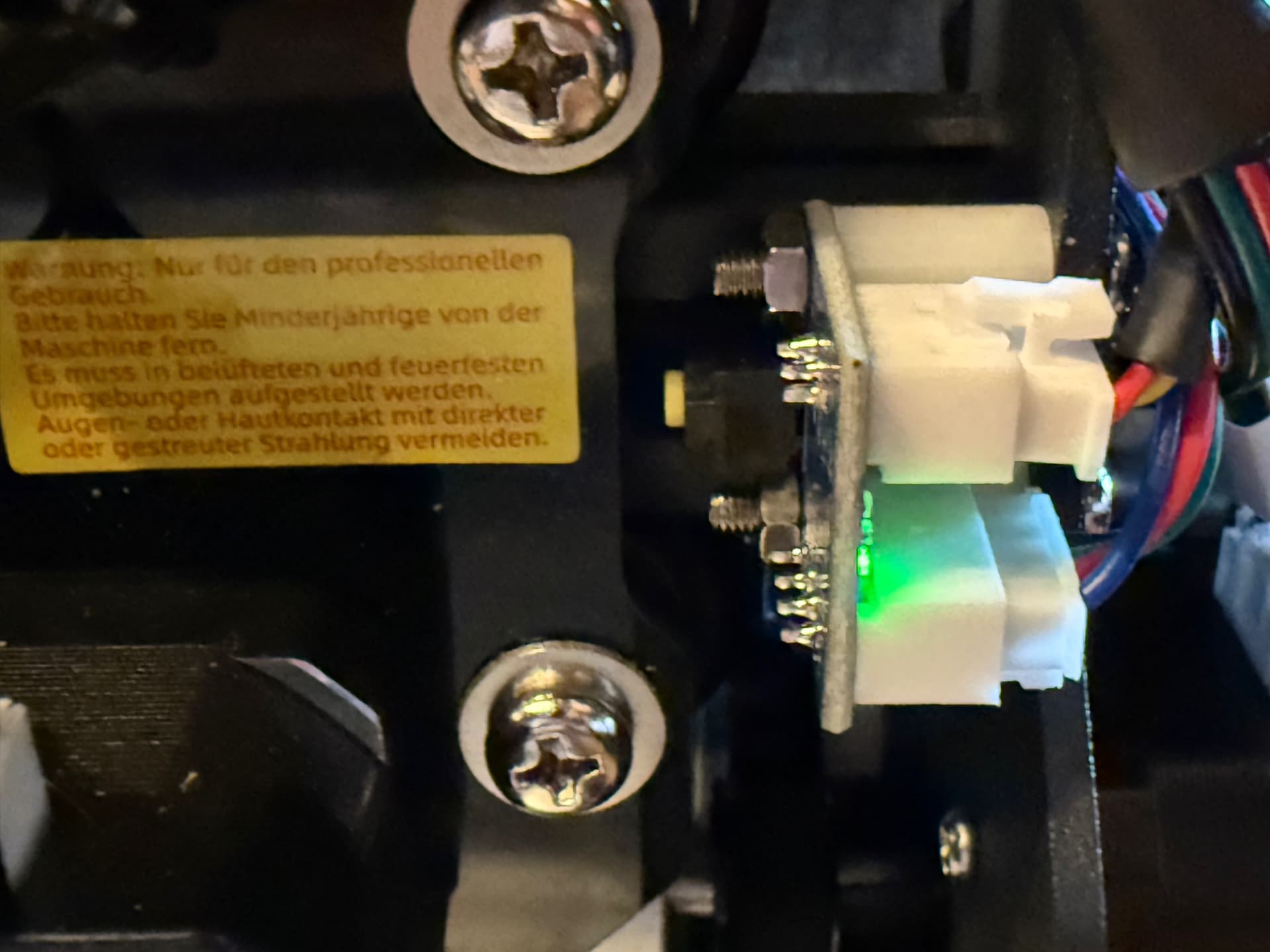
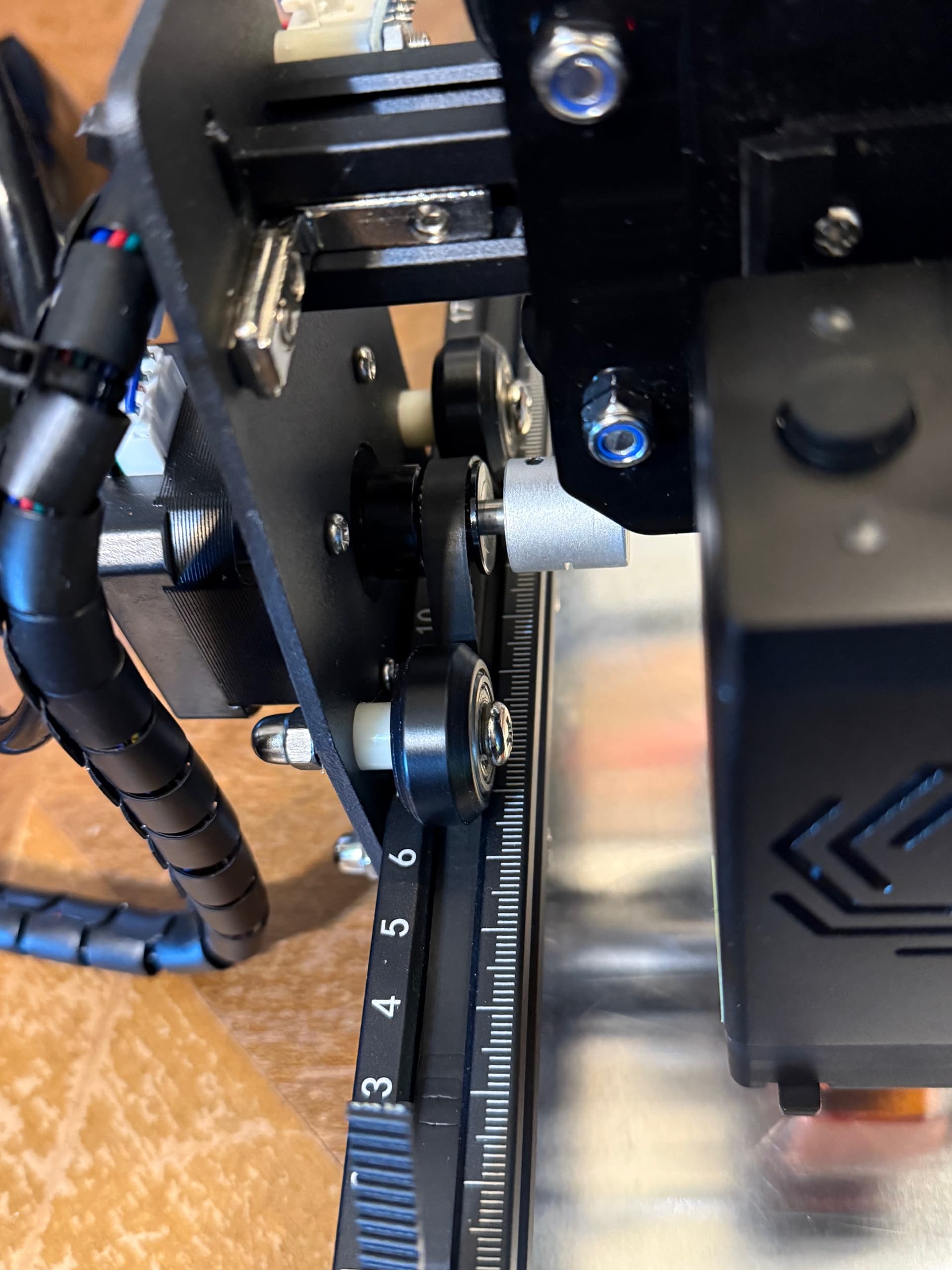
There’s a green light next to it. The thing the laser is mounted to touches it an activates it when it goes to the left. My pics are not as clear as yours but maybe they will help.
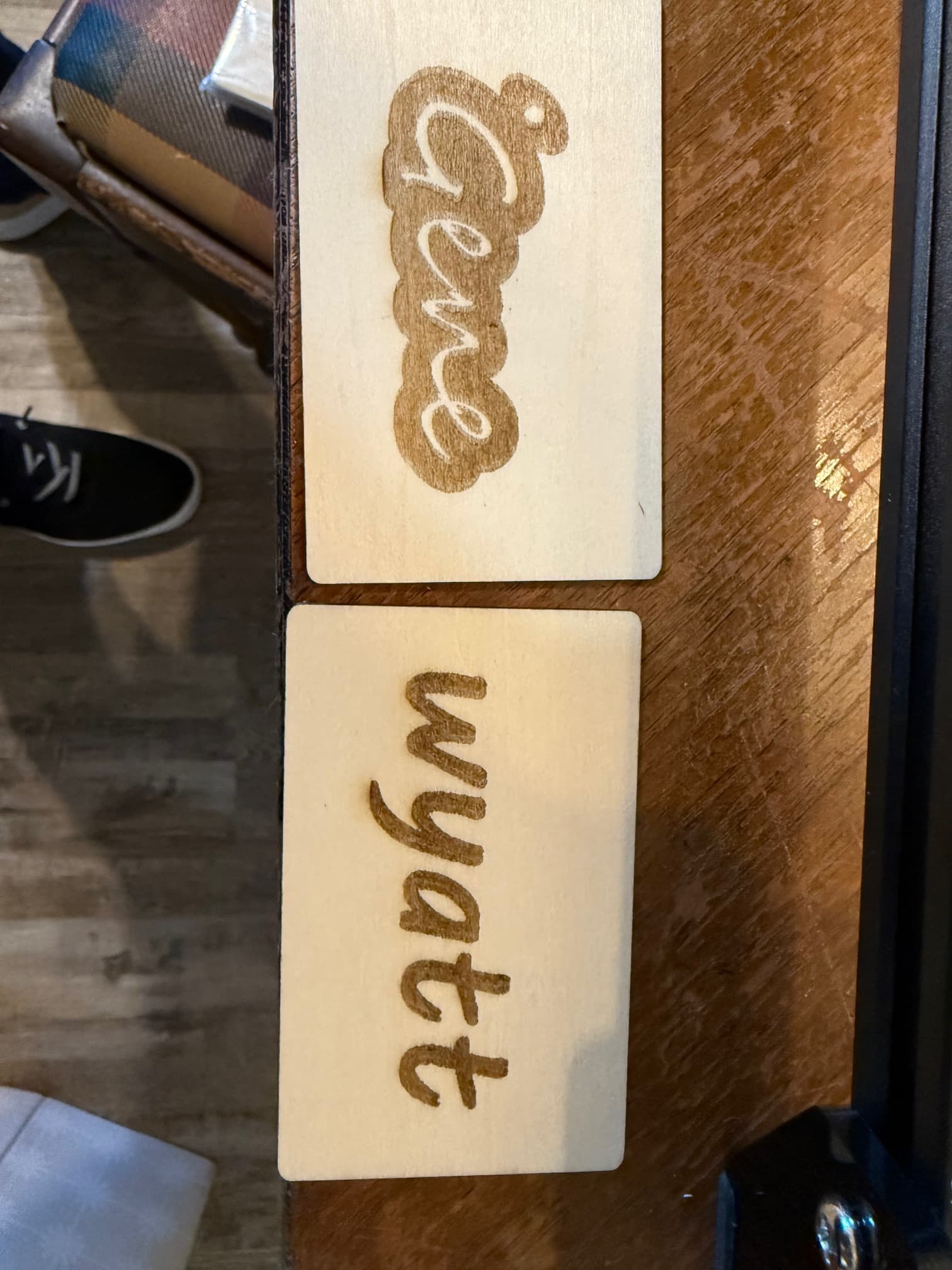
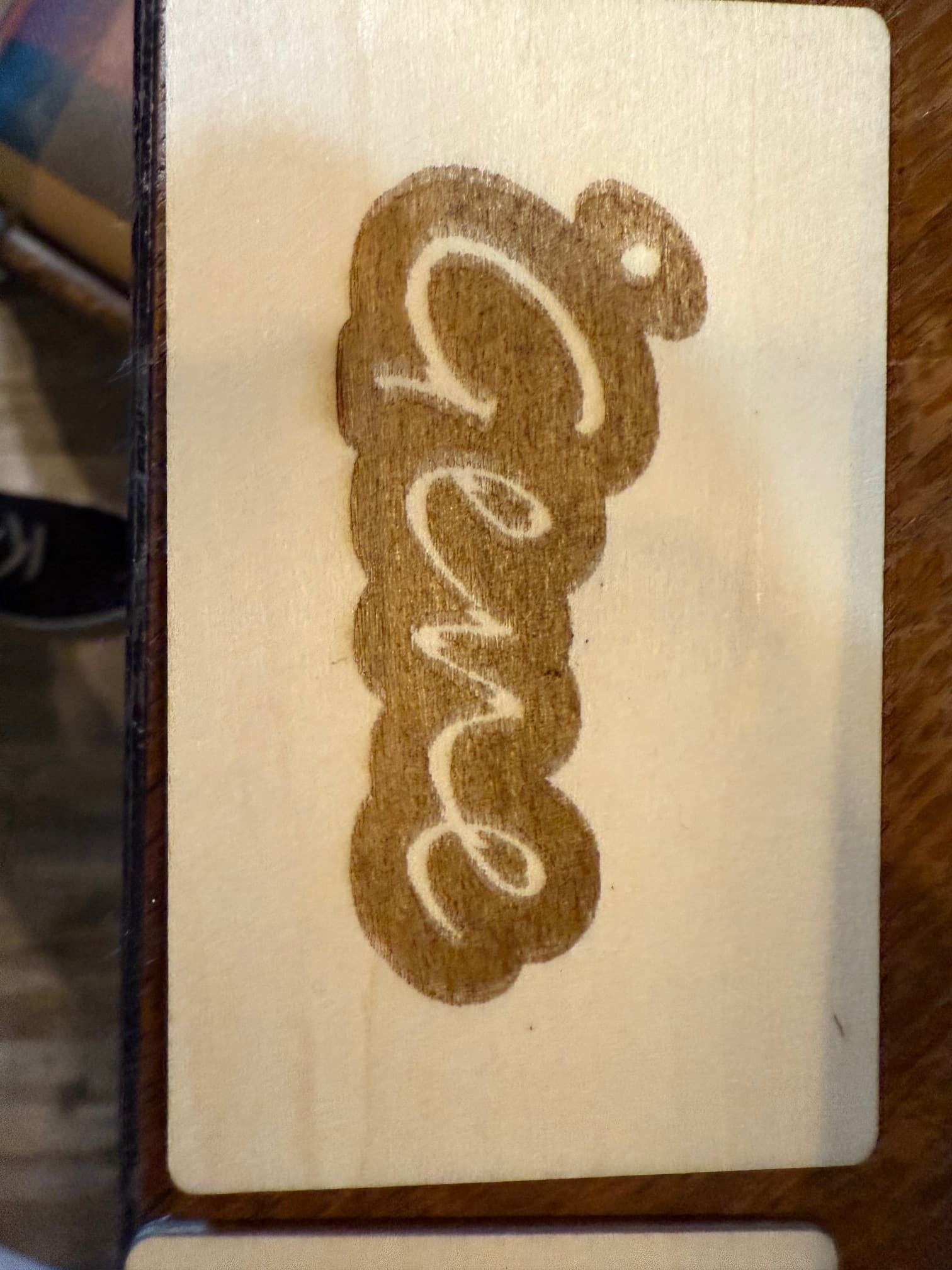
Idk if I’d call these successful but here are a few things we’ve been able to burn just testing things out and trying to figure it out. The two names, Wyatt and Gene, are what my daughter managed to do after many failed attempts. The one on leather with the B and The Baker Family on it is what I managed to do yesterday, but for whatever reason, the B and the name Baker jumped up out of the frame. It isn’t like that on the screen in LB. I have no idea why it did that.


The pics I posted were screenshots from a YouTube video of someone assembling one. It’s a couple years old and they may have made changes to the switches used since then.
Looking at the way the wires come out here, it appears that they may not be on the correct terminals. Turn the laser over and verify that the wires are on the same terminal as the pic I uploaded.
Is this as far as the gantry goes? This switch doesn’t appear to be activating in this location. If the gantry is all the way to the front, loosen the mounting screw(s) for the bracket the switch is on and slide it until the switch clicks and lock it in place there.
I believe you are correct about the yellow button being the limit switch on that axis. The fact that the green light changes when it hits indicates that that one is working.
When it’s homing, it goes on into the silver thing and activates it but pulls off it after that and parks where it is now.
Ok, that is normal activity. I thought you said when it homes it just grinds in the corner. That’s the issue I’m trying to rectify. Is that not what it’s doing?
Yes it was actually doing that for sure. But since I adjusted the wheels and the tilt test passes it seems to have fixed that problem.
Good. Homing is working correctly.
What is the current status then? What are you having issue with?
I totally missed your second post today. Maybe I was responding when you posted it, IDK. Give me a few minutes to analyze and I’ll be baCK.
My guess is that the Y axis belt is too loose and it jumped when trying to go back to the bottom for the name. I also notice some scan line errors in the other engravings. You need to go through the entire machine and get it adjusted and chack for loose pulleys, belts, etc. I will link to a guide below.
This file will verify slop in your system. Scale it up to fit your work area and run it on cardboard at high speed with just enough power to get a good marking. Turn off Optomize Cut Path in the laser tab. Post a pic of the results.
BacklashTest.lbrn2 (65.5 KB)
This guide shows all the areas to check and adjust. It’s for a different brand of laser but all the parts are similar.