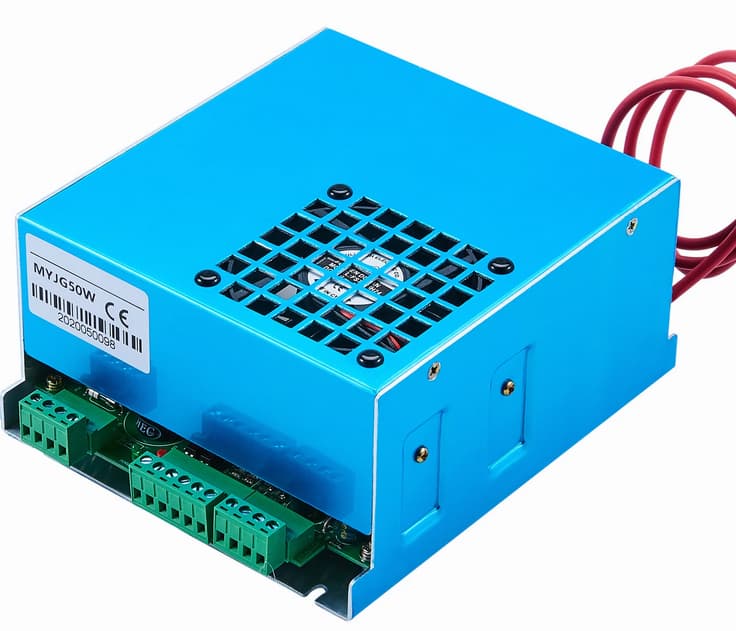
So my generic 50W Chinese 5030 blue laser with Ruida 6442 controller become to acting weirdly (it ran fine for several years).
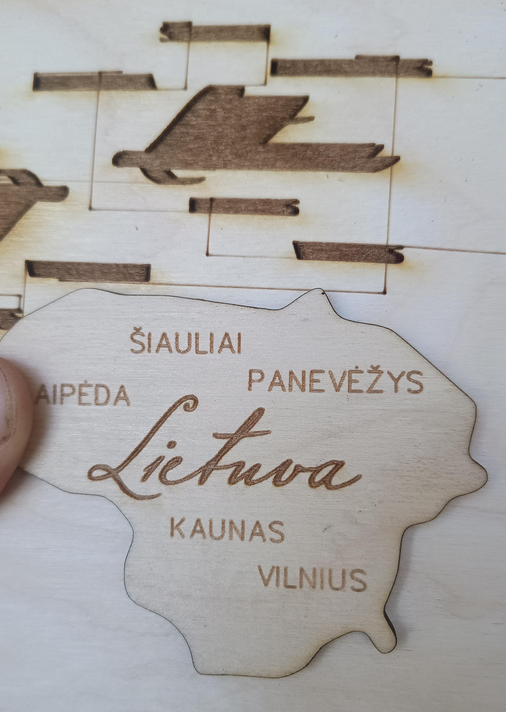
It draws the lines lines while laser head is moving between different parts of the job (both cutting and engraving) also during engraving it engraves everything. Both issues you can see at the picture. An half moth ago I have replaced laser PSU and everything look fine until I begun to engrave (instead of cutting). It was something like short circuit sound and everything repeated again…
I have tried to change Ruida controller output from CN5 to CN6 and expected that it will help, however it was unsuccessful - the results were same… Then I found the problem why it happens. I measured voltage L-On 1 and it is 1,9 V on idle if PSU is connected and 4,5 V if PSU is disconnected. As I understood 5 V = laser don’t shooting, 0 V = shooting at peak power. So that is completely normal that it is shooting while any signal in other line (L-AN1) exists…
It looks like Ruida motherboard replacement could be the next logical step. However, I am not sure if it is really the issue, because while the PSU is disconnected the power looks normal. Furthermore it costs about 300 eur, tired to buy and replace random stuff for this devil’s machine while I am not sure if it is root cause of the problem… Could you help me to solve this?
That seems like a fault in the power supply input, because the signal should near 5 V in both cases.
I assume you measured that voltage between the L-ON terminal and the nearby GND terminal.
Also measure the control voltage at the power supply, between the H and G terminals. It should be the same: a different voltage will indicate a wiring problem.
If the power supply is still under warranty, the seller should send you a good one when you present your measurements. That may not happen, but it is certainly worth trying.
I have measured voltage near PSU terminals. It is the same - 1,9 V. Also I have measured impedance of every three wires which goes from Motherboard to PSU. It was less than 1 ohm, so they should be alright.
Unfortunately the laser is too old for any warranty claims. Also it is just generic no-name machine from Ebay. I didn’t give high bets for warranty support when it was brand new, and after all those years I shouldn’t expect for it now.
Actually I have tried to solve this and already replaced the LPS into the new one. So there is very small probability that old and new power supply has completely same problem.
If you swap the output of the Ruida, it’s different circuits and should run the lps fine if there was an issue with the Ruida. If you make the swap to tube 2 and have the same results, I’d say you got two bad lps.
Is there an ability that something who supplies 5V for both L-ON is electrically dead?
So it could be possible that something destroys my PSUs? Could it be that controller kills my PSUs? If I buy one more PSU, there is probability that it will be destroyed again, and I will need to buy 4th one…
I measured voltages just with the new PSU but since symthoms are the same I believe that voltages are also the same.
The controller has an internal pullup resistor to 5 V, which is why L-ON is 5 V with the power supply disconnected.
The HV power supply also has an internal 5 V source, so the H terminal should be 5 V with the controller disconnected.
There are only two signal wires (and GND) between the controller and the power supply, both of which carry 5 V logic levels. You’ve measured the voltage when the units are disconnected, so there aren’t any damaging voltages present.
As I mentioned above, it’s possible to get a defective “new” power supply and perhaps have it replaced under warranty.
Pffft! Good catch. I’ve been consistently wrong on that through this whole thread.
To ensure I have it right: the L-ON controller output is connected to the L terminal on the power supply. Is that correct?
Jack’s catch suggests something that might help confirm the problem: use the other power supply control input and flip the signal polarity to match.
If the power supply control input has been (mysteriously) damaged, the other input may work correctly.
Try this:
Move the L-ON wire from the power supply L terminal to the H terminal
In LightBurn’s Machine Settings, flip the Laser 1 Output Signal option from Low to High
Because the Ruida manuals use words that do not match the menus displayed by the controllers through LightBurn, the wording may be different on your machine.
For example, on my KT332N controller the polarity option is under Vendor Settings and is not mentioned anywhere in the manual:
Sorry for a late reply and thank you very @ednisley and @jkwilborn much for useful tips.
To be precise the ''new" power supply was bought some time ago as spare part for replacement. It was about half year ago, and Aliexpress is not the best company to deal with regarding warranty support.
Unfortunately I am failing to find H terminal of the laser power supply, I am not sure if it even exists in my laser PSU…
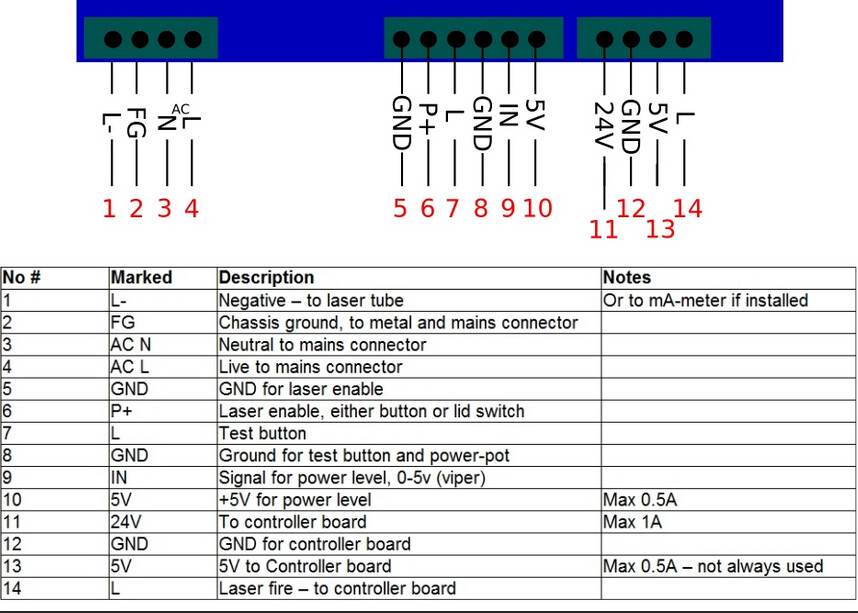
BTW, I have tried to swich L-ON output from terminal #7 to terminal #14. Results were completely the same…
Does “Terminal H” even exists in my PSU?
And one more question. If I set Laser output high in Ruida settings it has strange voltages:
Ruida is connected to L terminal: 0.2 - 0.3V
Ruida is not connected to the laser: 0.2 - 0.3V
Both original and repacement PSUs have the same looking and the same pin layout. I bought it on prupose to make cable replacement as easy as possible to avoid any wiring errors.
However, pretty much all the advice you’ve received from everybody was based on an incorrect assumption about what sort of power supply was in the laser.
With that in mind, if you unplugged the old supply, plugged in the new (identical!) supply without making any wiring changes, and the machine did not work correctly, then IMO you got a dud power supply.
If by “not connected to the laser” you mean “not connected to the power supply”, then that output will be high (about 5 V) only when the tube should be lasing. It will be low (about 0 V) at all other times.
Pressing the controller’s Pulse button should make it go high, assuming the water flow sensor is happy, the lid is closed, and so on.
If it does not go high when the tube should be lasing, then the output is damaged.
@ednisley It is 0.2 ~ 0.3 V no matter if PSU connected or not, no mater if firing or not, it is always in the same range. While power level is set to low it goes from 1.9 V to 0 V
What I probably missed to note, is that new PSU were good for several cuts, but when I began to engrave, it hold up just several seconds. The problem on old PSU also occured during engraving process. Maybe my controller gave voltage spikes or something like that… (sorry I cant measure it) I think I will try to replace Ruida controller motherboard. And if it doesn’t work I will try to gen new PSU. And if it doesn’t work I will give up… Just joking I will back here to get more support Thank you very much again!
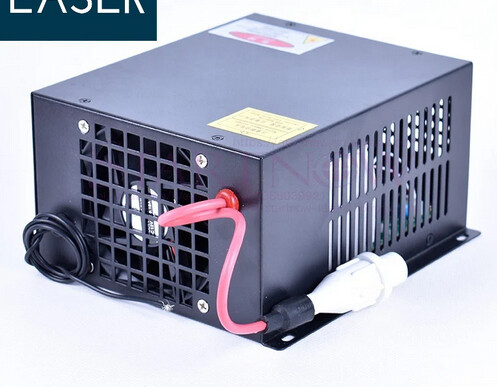
You problem is you have a crap lps, it’s for a k40 type, not something with a real controller. Pitch that lps and replace it with one like @ednisley posted.
You’ve picked the lowest cost replacement lps and now you’re looking at a >$500 fix… get a grip.
So after buying new PSU I have to:
A: Cut new PSUs connector, and keep my current laser lamp? (which would be stupid since current connector is very bad)
B: Buy a new laser lamp with a proper connector too?
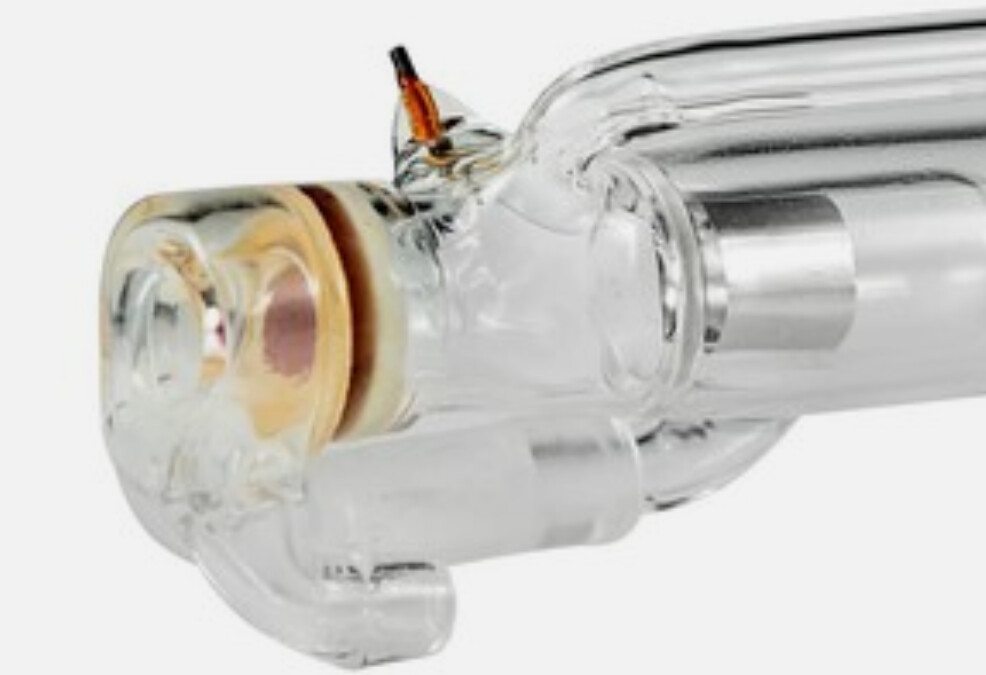
Where did you get a tube like this? Although I’ve seen them, I’m on my third and have never had to actually solder to a metal post on the anode. This also needs to be insulated as there is exposed HB on the anode.
The orange wire that has a cover is the anode on mine.
You have to do it quick as the heat could cause a problem with nearby glass. The other option is a mechanical connection.
I just by HV connectors from Amazon and attache them with the internal screw. Be aware there is a couple sizes of HV wire. The wire needs to be snug in the connector so there isn’t a way for the HV to reach out and touch you.
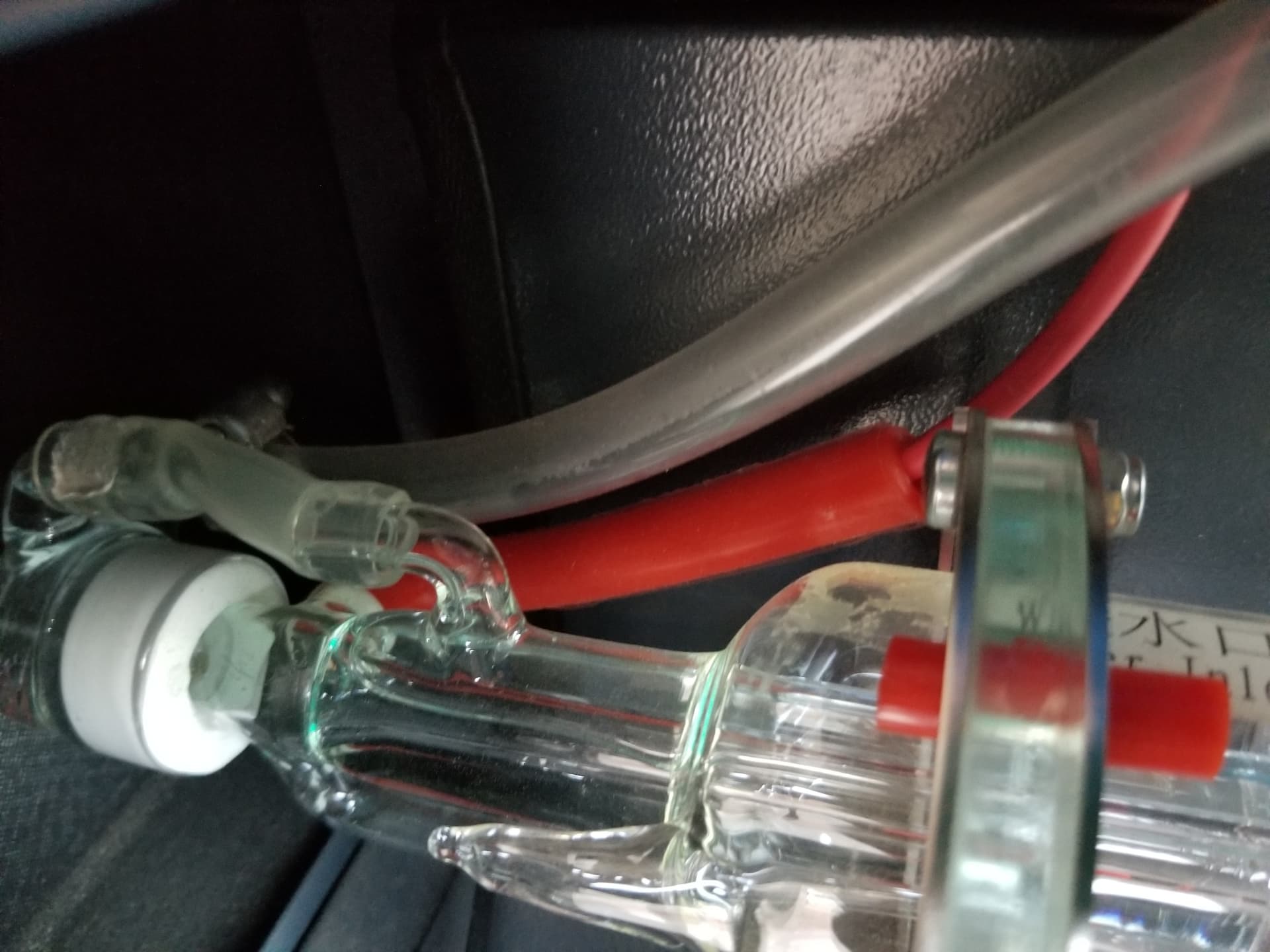
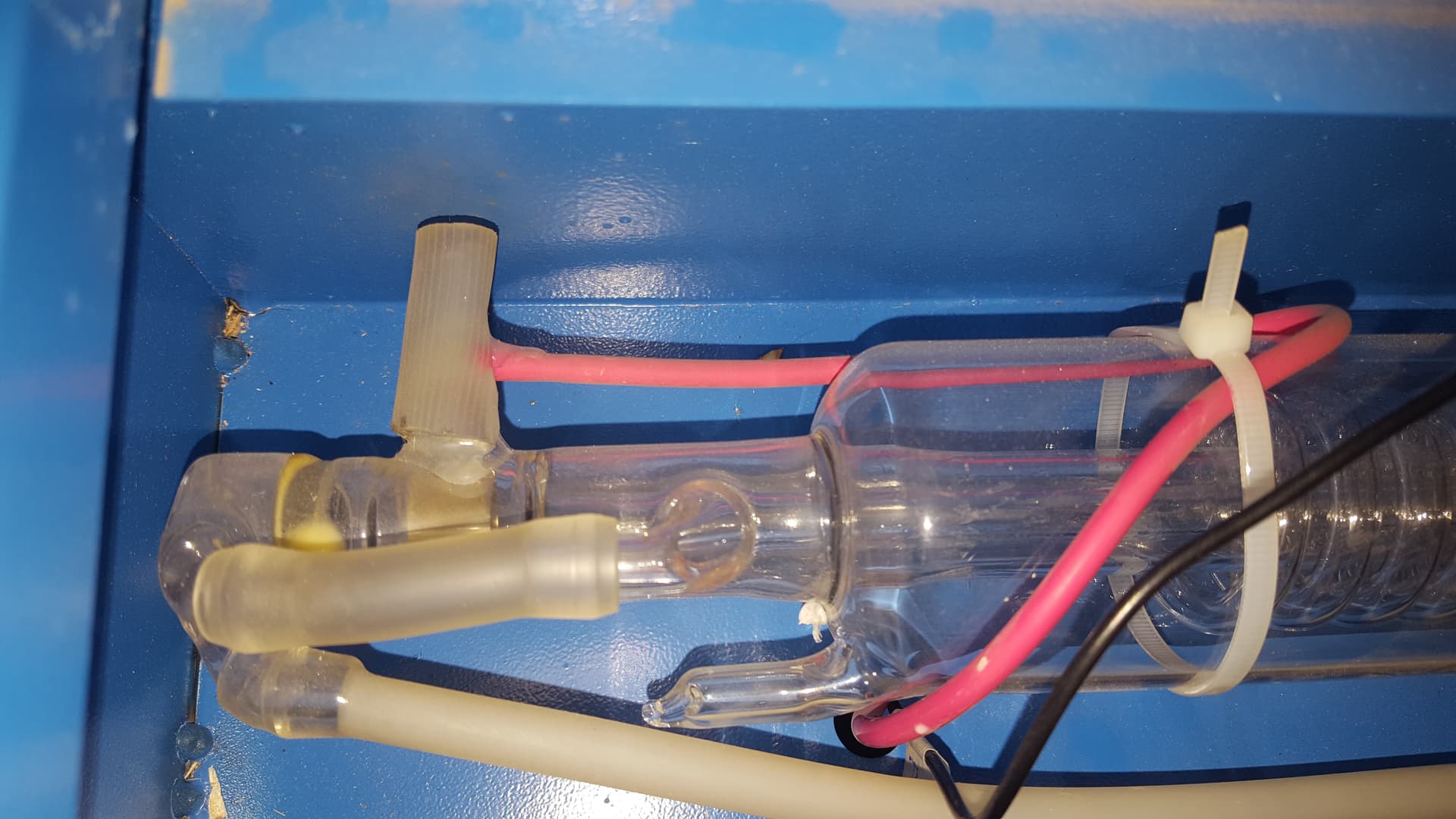
Actually I don’t even solder them. The original tube had wires spinned around those terminals and some isolating material around it, something like here:



 Thank you very much again!