i cleaned the laser, noticed a loose cable, put it where i thought it goes, and the laser head isnt moving.
The machine does fire (hitting pulse), the machine connects to the PC. and lightburn detects it… i can make a shape and hit frame, but the laser will NOT move.
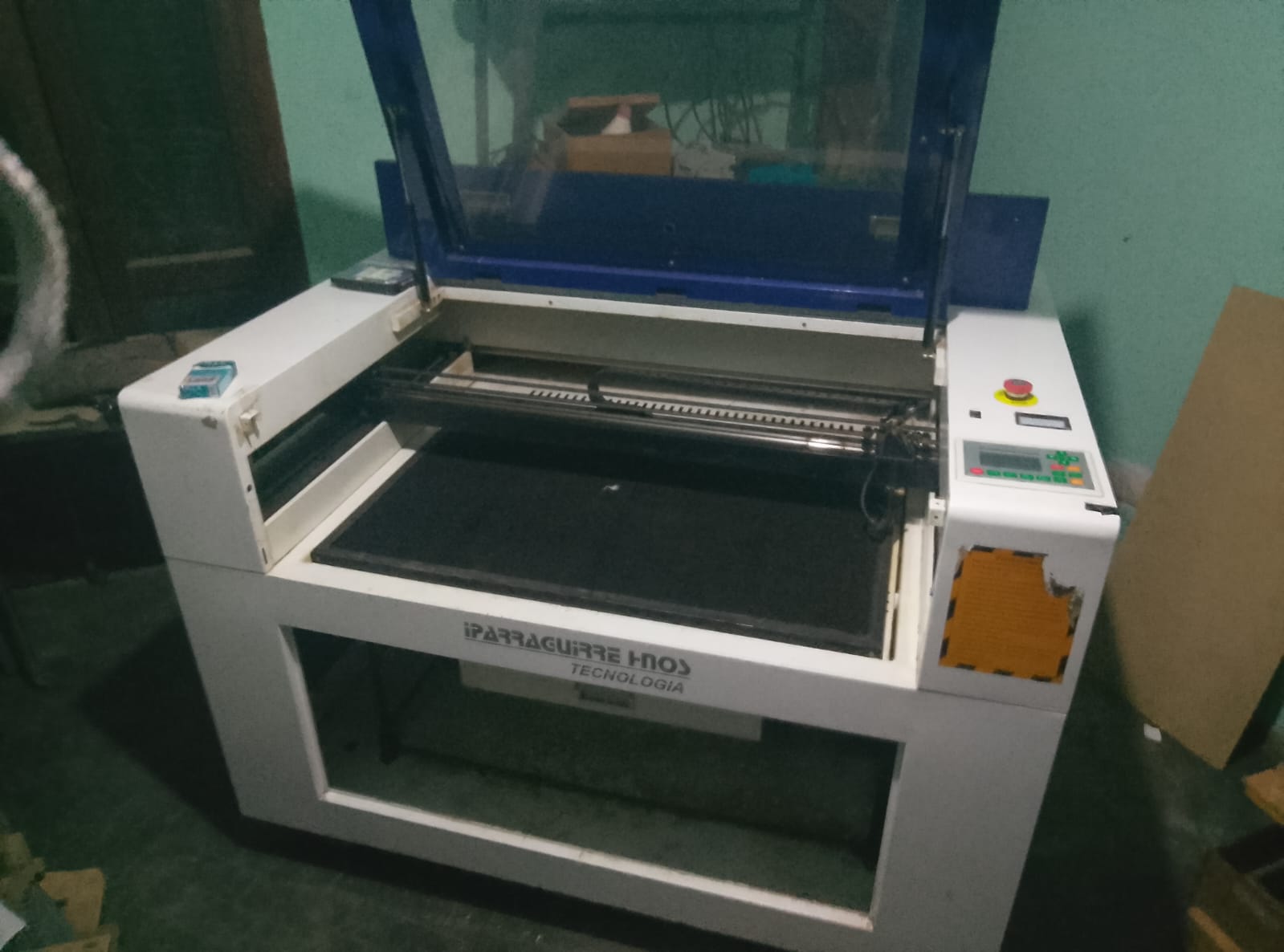
Its a 60x90cm 80w CO2, the peripherals (current stabilizer, air pump, extraction fan, and water cooler) all seem to be working fine, just that it will NOT move.
so ive taken some pics, perhaps you guys can detect something im not seeing.
i doubt both axis controllers would fail at the same time.
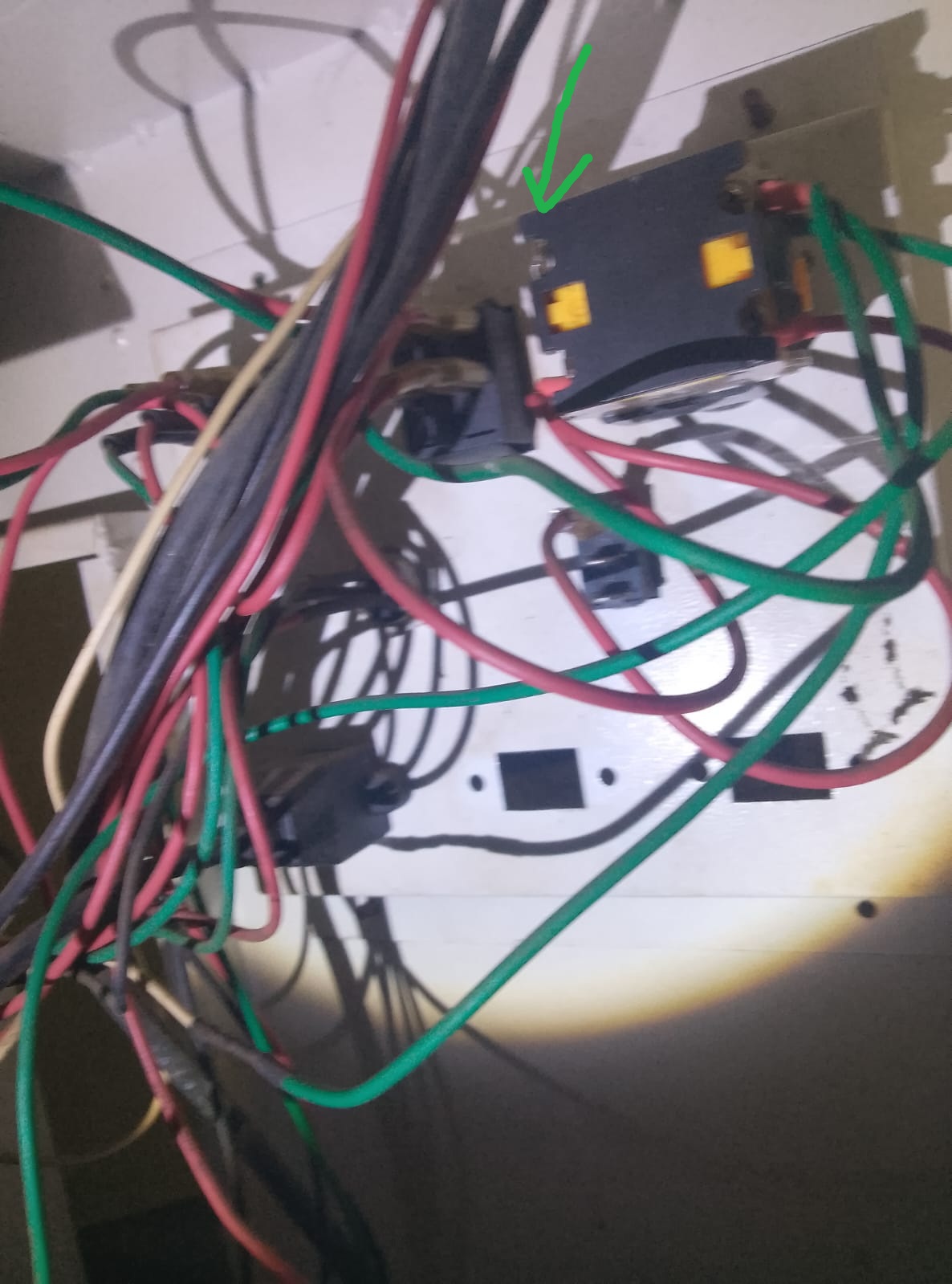
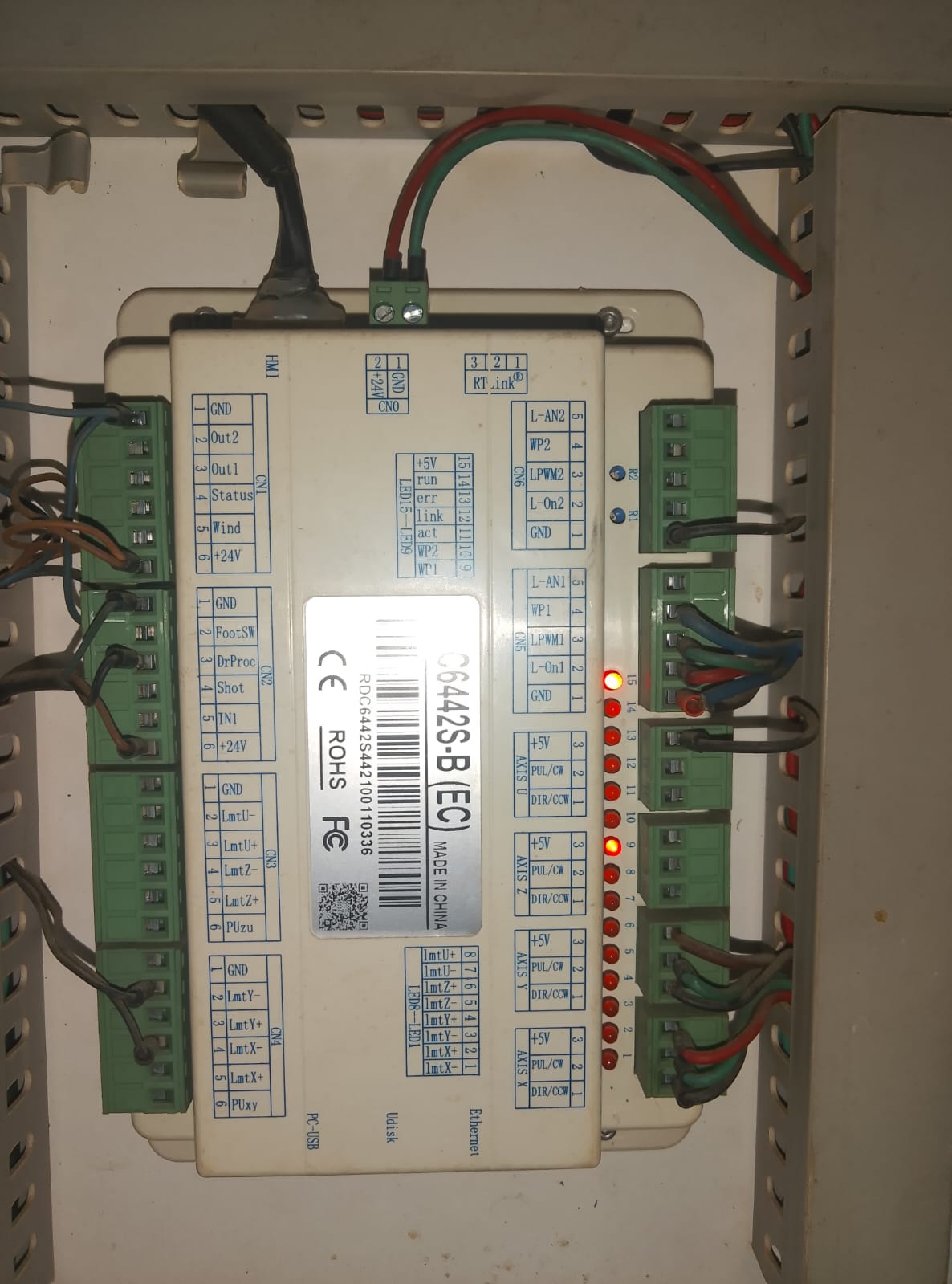
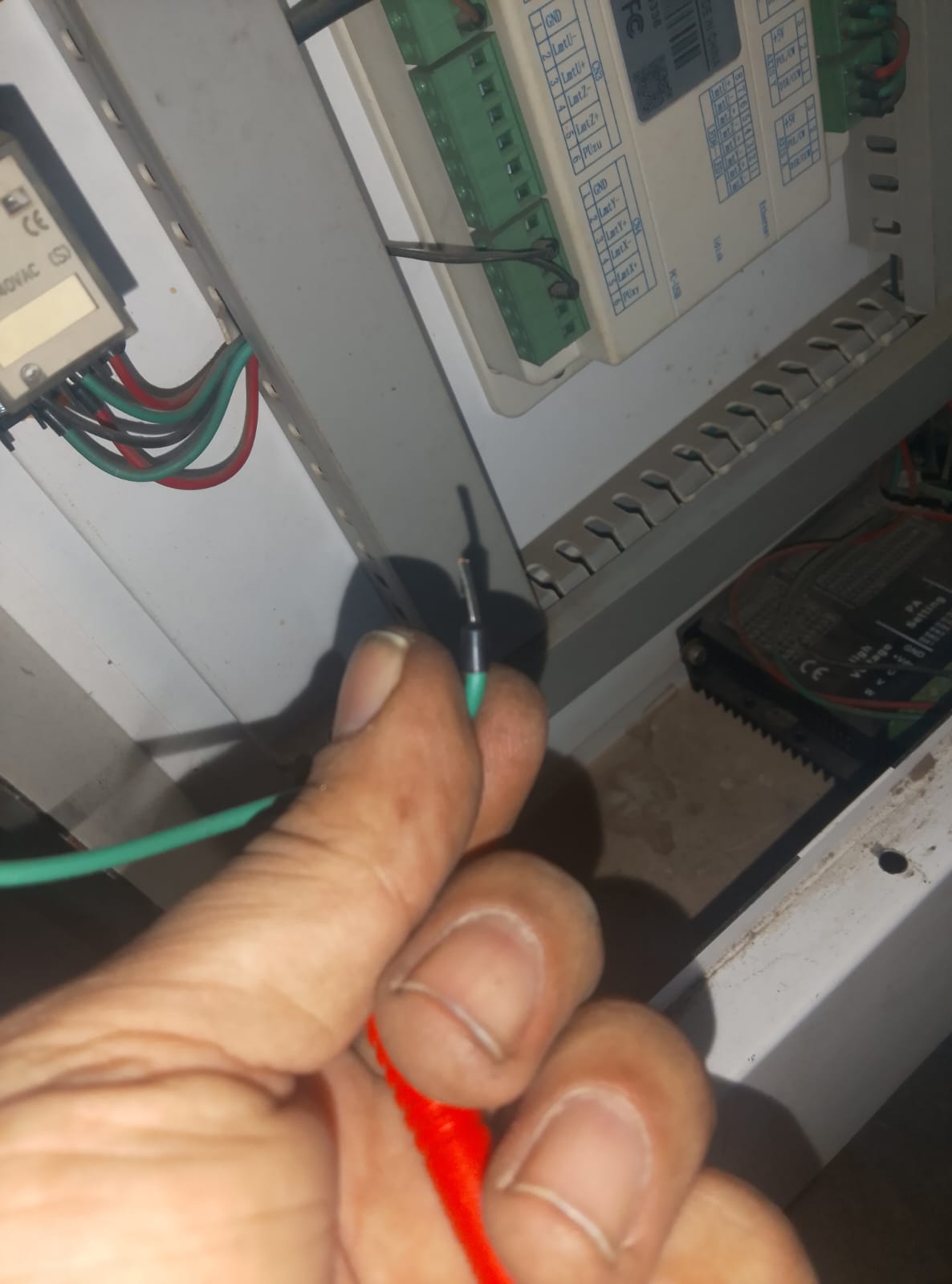
the cable i found loose, was a green cable, i stuck it in the main switch, the big yellow thing in the top right of the image, in the slot that had a loose screw, and no wires. (marked with an arrow)
Did it work before hooking the wire up? Where does that wire go? What does the switch control?Randomly hooking a wire up without checking is not something I’m comfortable with.
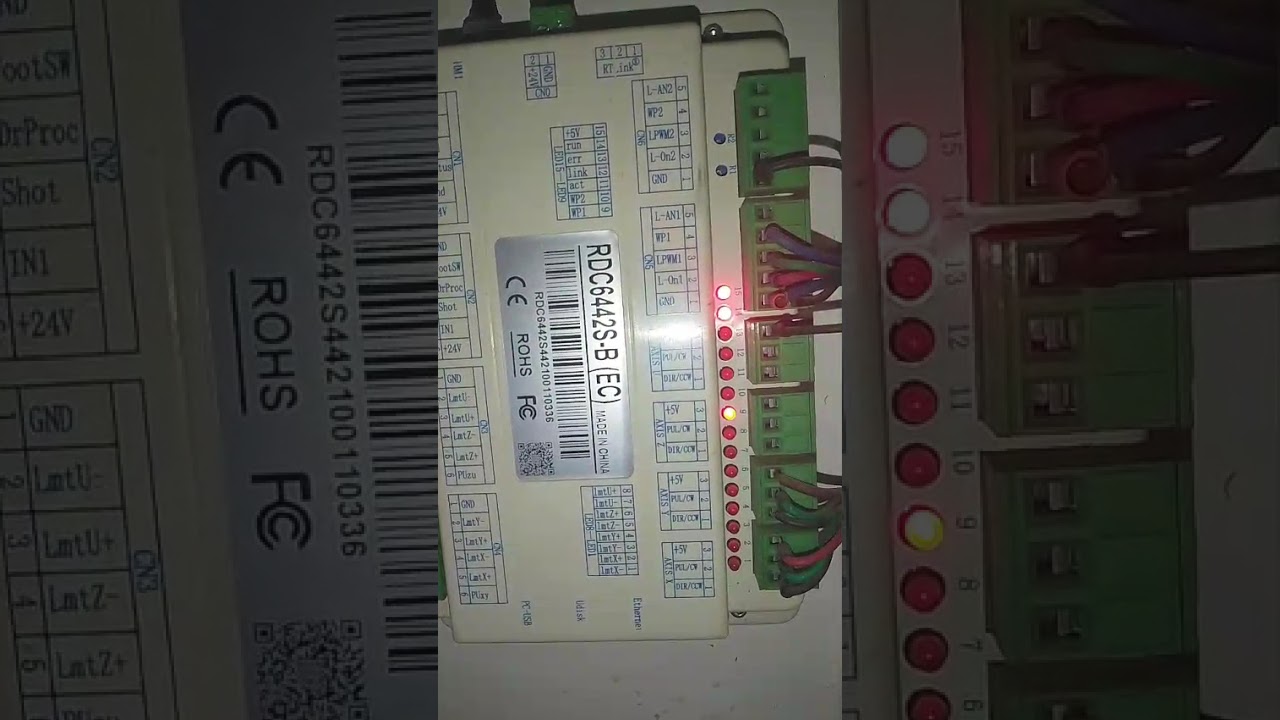
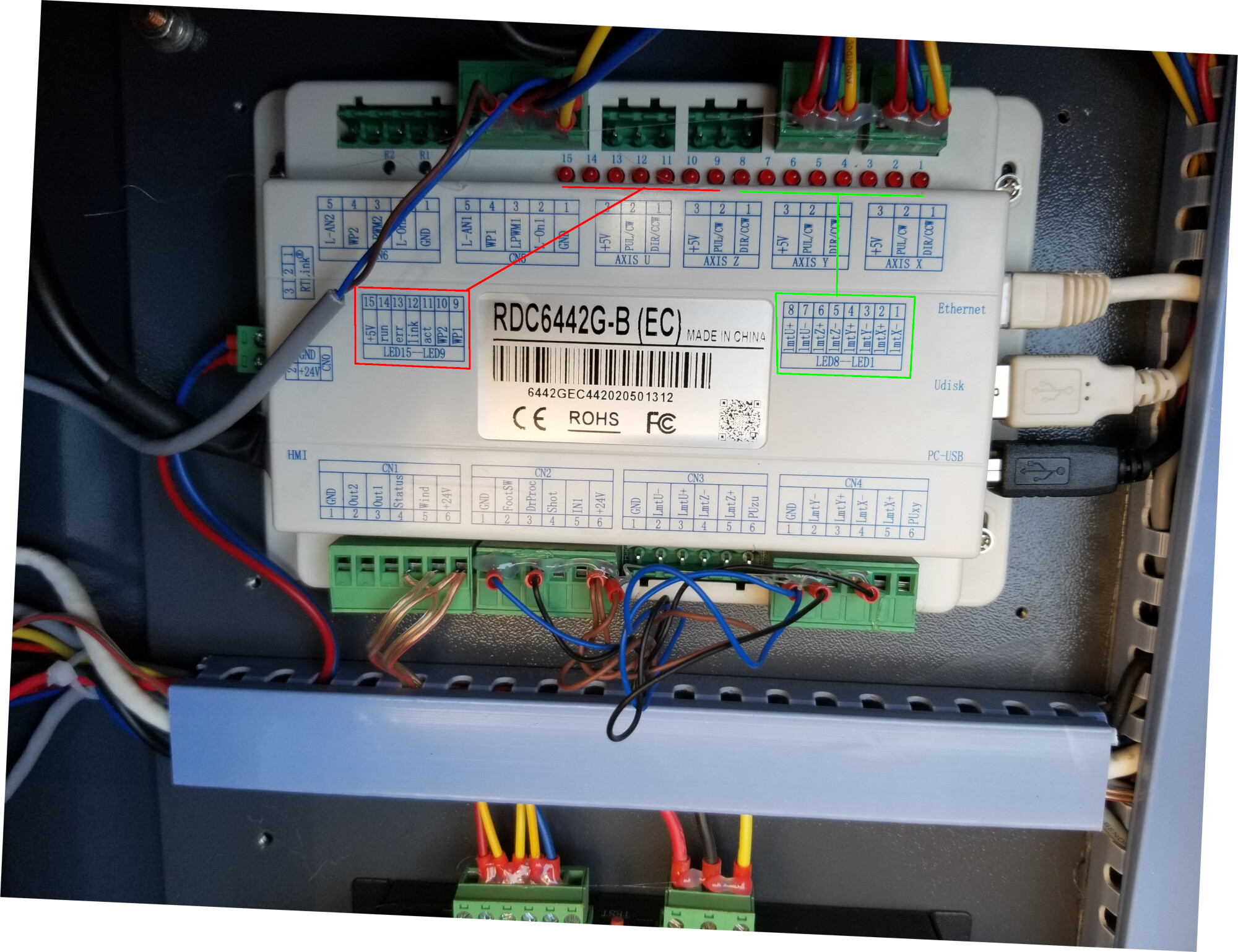
ok i restarted it…. light 14, the one that blinks… takes a bit to start blinking. 15 turns on immediately, 9 as well. I turn off the water chiller, and light 9 does turn off.
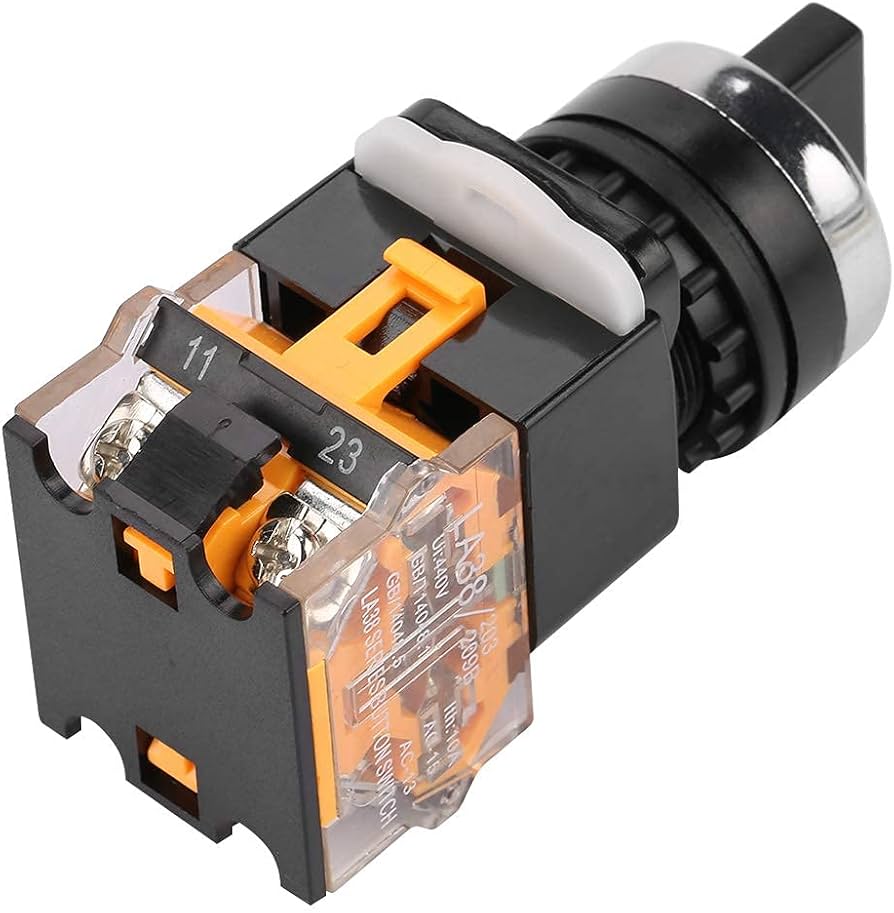
I read ur comment ¨not comfortable¨… yup! i was NOT comfortable either. The thing is the wire had a ¨metal post¨type connection. and the only thing that recieves that is the main toggle rotary switch,
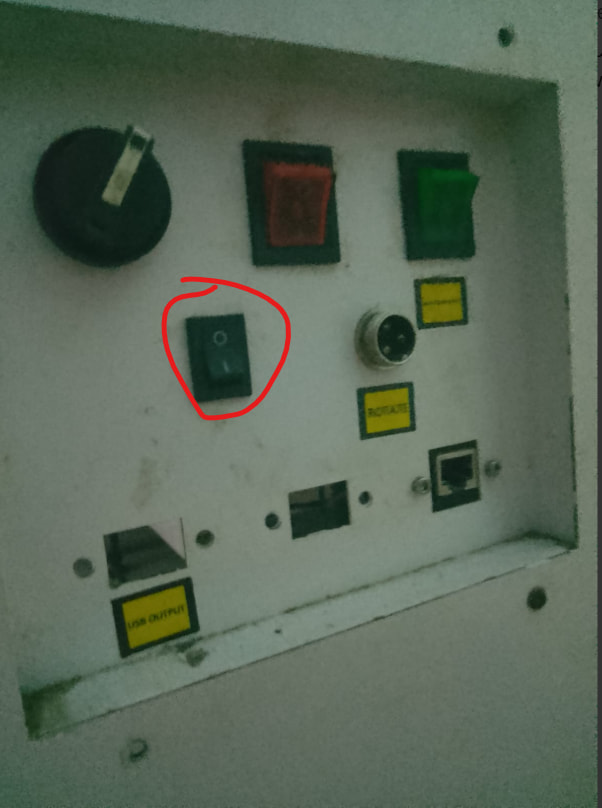
it all worked last time i tried using it. i went on vacation, got back, and wanted to do a full cleaning and service. I cleaned it… turned it on, calibrated the mirrors… everything worked. that was light night. today… i go to use it, and it wouldnt move. i look and see the loose wire that appears to go to the rotary switch. the switch has 4 connections in the back. 2 have red cables.the other 2… one was empty with a loose screw and the other had 3 greens going to.
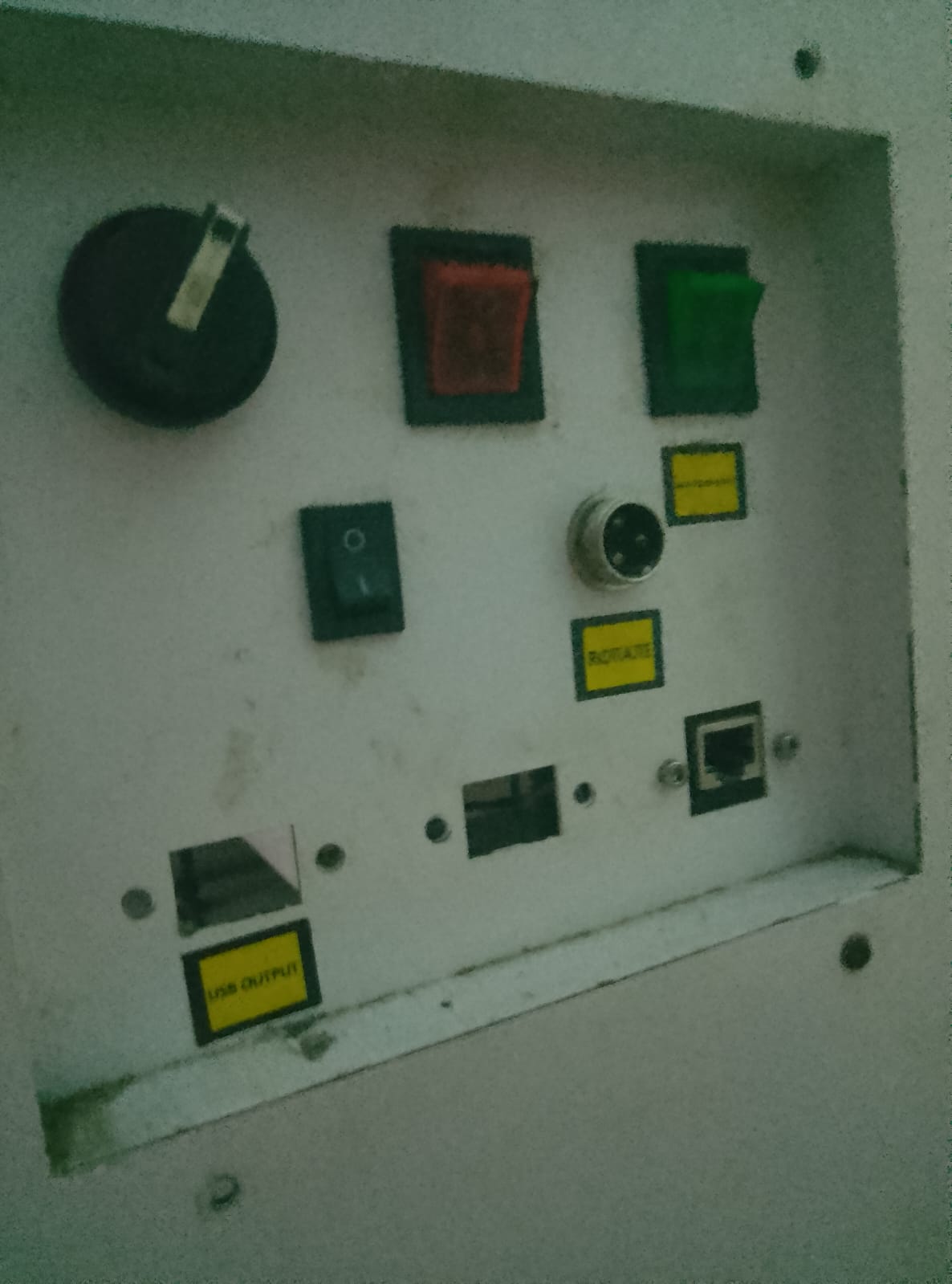
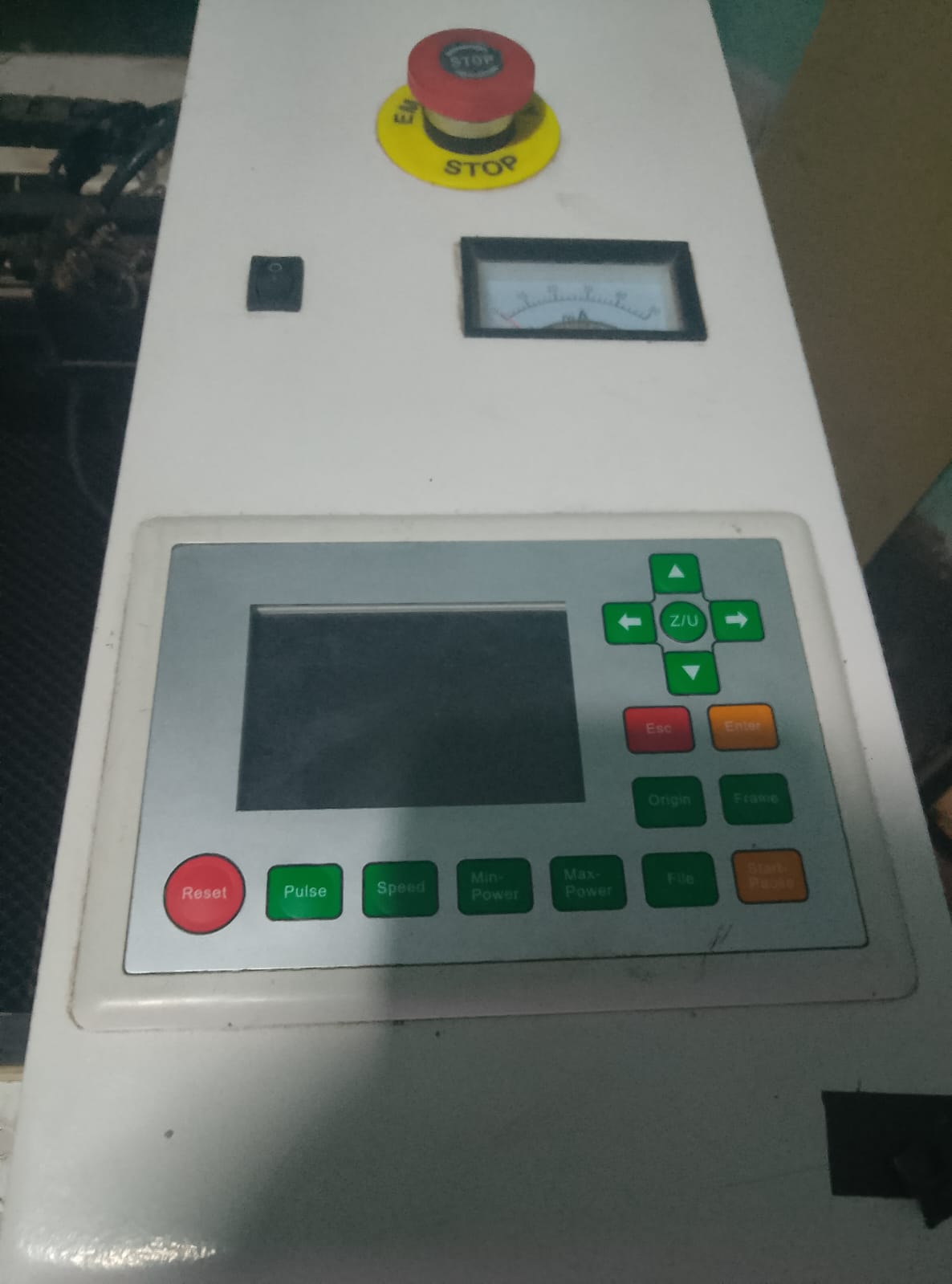
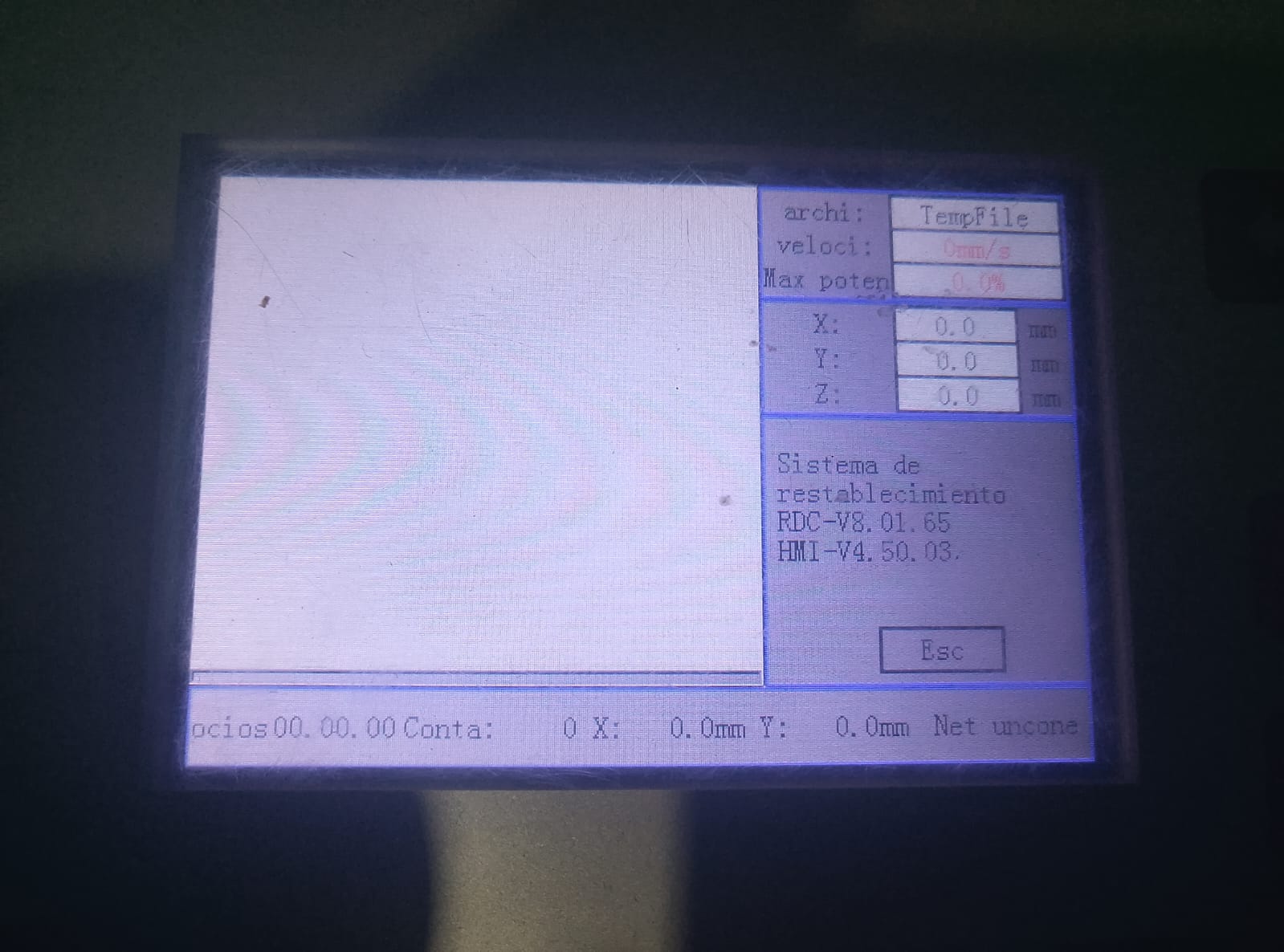
How does that happen with no cables in the controller’s PC-USB, U-Disk, and Ethernet jacks?
I’m serious: the controller has no connections to the outside world. If LightBurn is connected to a laser controller, it’s not this one.
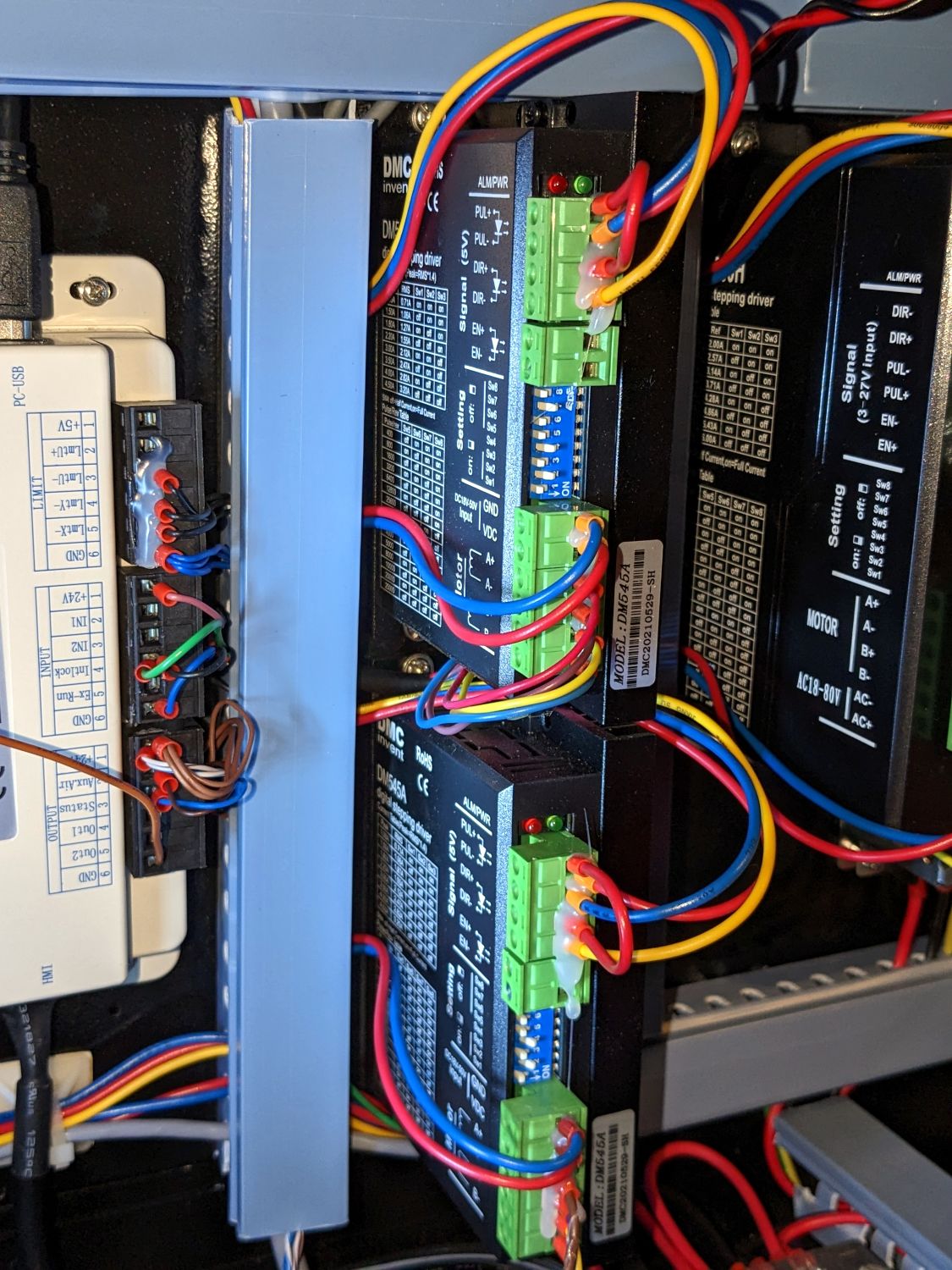
The stepper drivers for the X and Y axis have a green LED indicating they have good power and (maybe) a red LED indicating an error condition. For example, in my machine they’re near the top of the drivers:
ummmmm i disconnected the USB from the controller to the PC, to take pics and i blew air over everything thinking maybe dust.
ive never noticed lights from the axis controllers… i do feel like maybe there should be more lights on tho! im going to check now continuity of the green wire that i placed… w the other side´s wires…
and …
how can i check if the axis drivers are recieving electricity?
Ok so… i checked continuity of the toggle switch, it seems to be working fine.
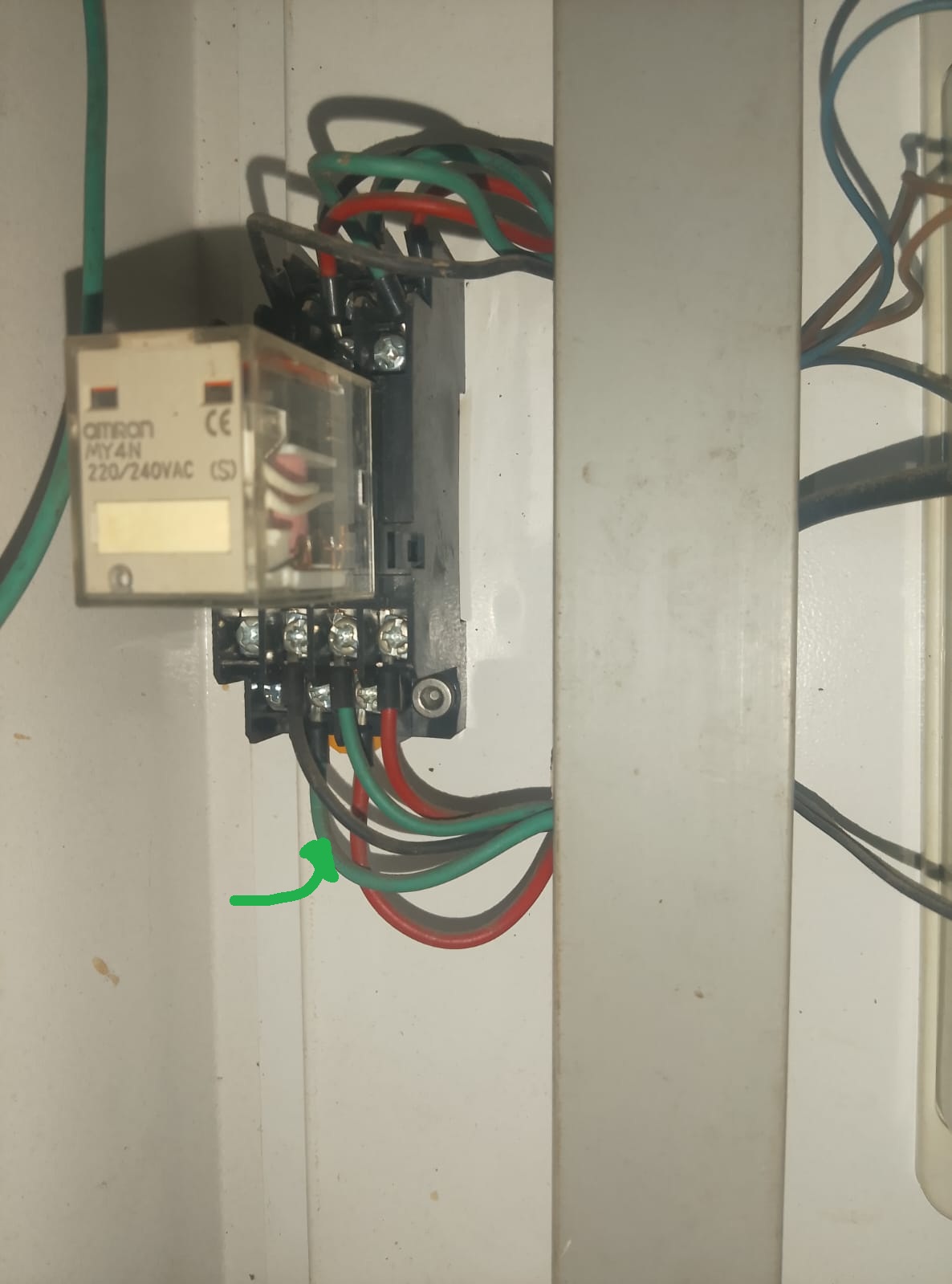
the green cable that was loose… i checked where it goes:
it goes to that crazy fuse looking thing, to the bottom, green, left cable… (theres 2 rows of 4 slots on top, and 2 rows of 4 slots on the bottom. its in slot 2, bottom, section, bottom row… green arrow in the pic.)
im going to grab a beer while i accept that this, laser problems and LB forums, has now become my friday night plans. you guys rock.
It’s not considered OK to double post here like it is on some sites. It puts more of a load on staff and users trying to help you.
Unless this is fixed and it’s a new post? It seems to be the same issue, but the wording is a bit odd for me.
Maybe @JohnJohn can check it out and, if need be, move it your other thread here or vice versa.
On a Ruida, usually, when it’s illuminated it means active. So led 9 is Water protection input and it’s status is displayed on the leds. I think if you invert one of these, that hardware isn’t smart enough to realize that it’s been inverted by the user.
If you turn off the coolant pump or it fails, the led will extinguish. Of course, this makes the assumption that it’s wired up to detect this circulation failure.
These two tables on the Ruida identify which leds mean what.
Led 15 indicates you have 5V generated from the Ruida. Led 14 is the RUN led, it flashes after it boots, indicating it’s running.
Did you look at the motor drivers to see if the error led is lit?
When you put the wire back, how do you know where it goes? Usually these types of electronics are very dependable, but depending on yourself to hit the e-button, is dreaming. Most of the time a bad connection burns something out long before a human can detect it.