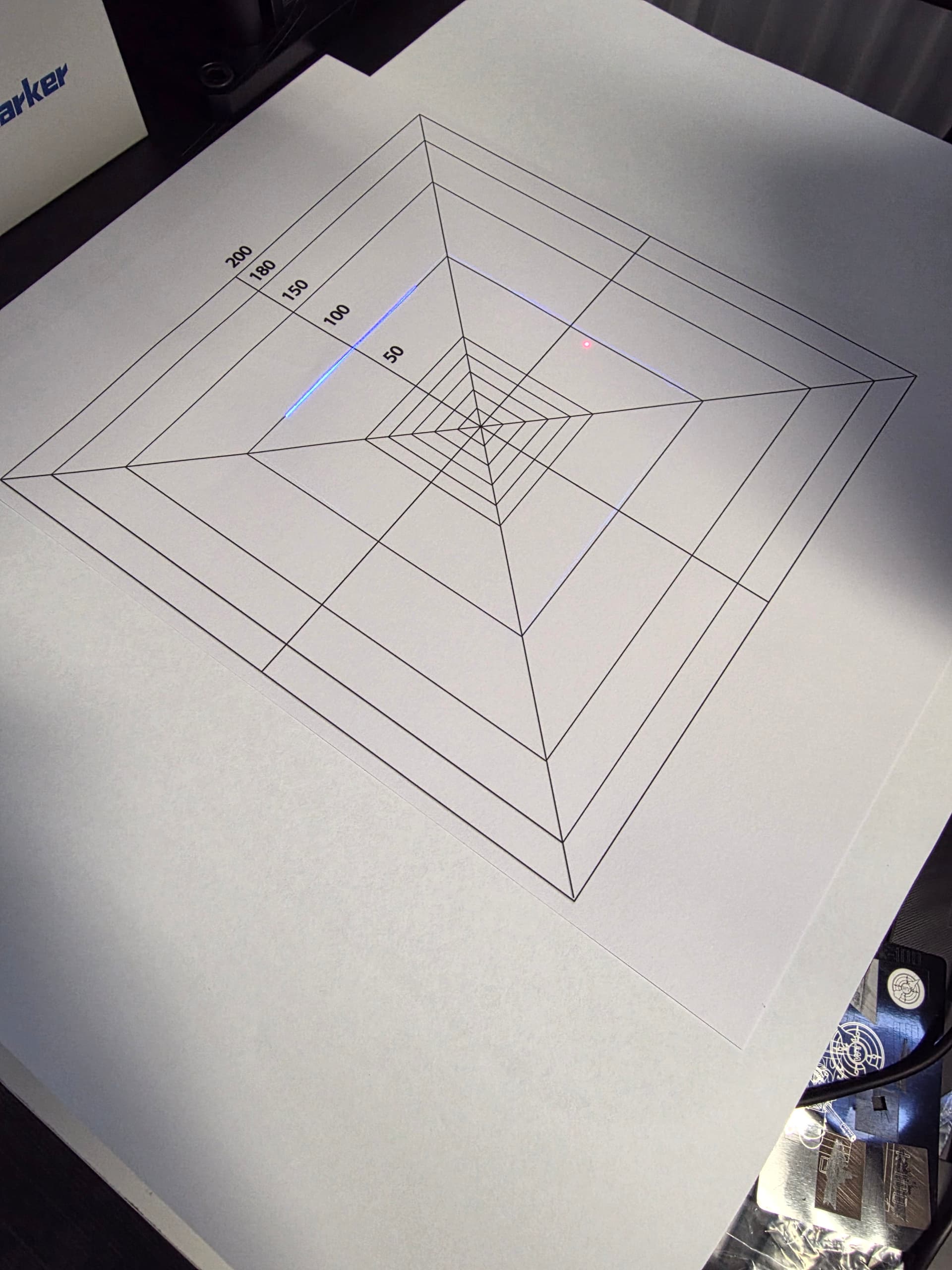
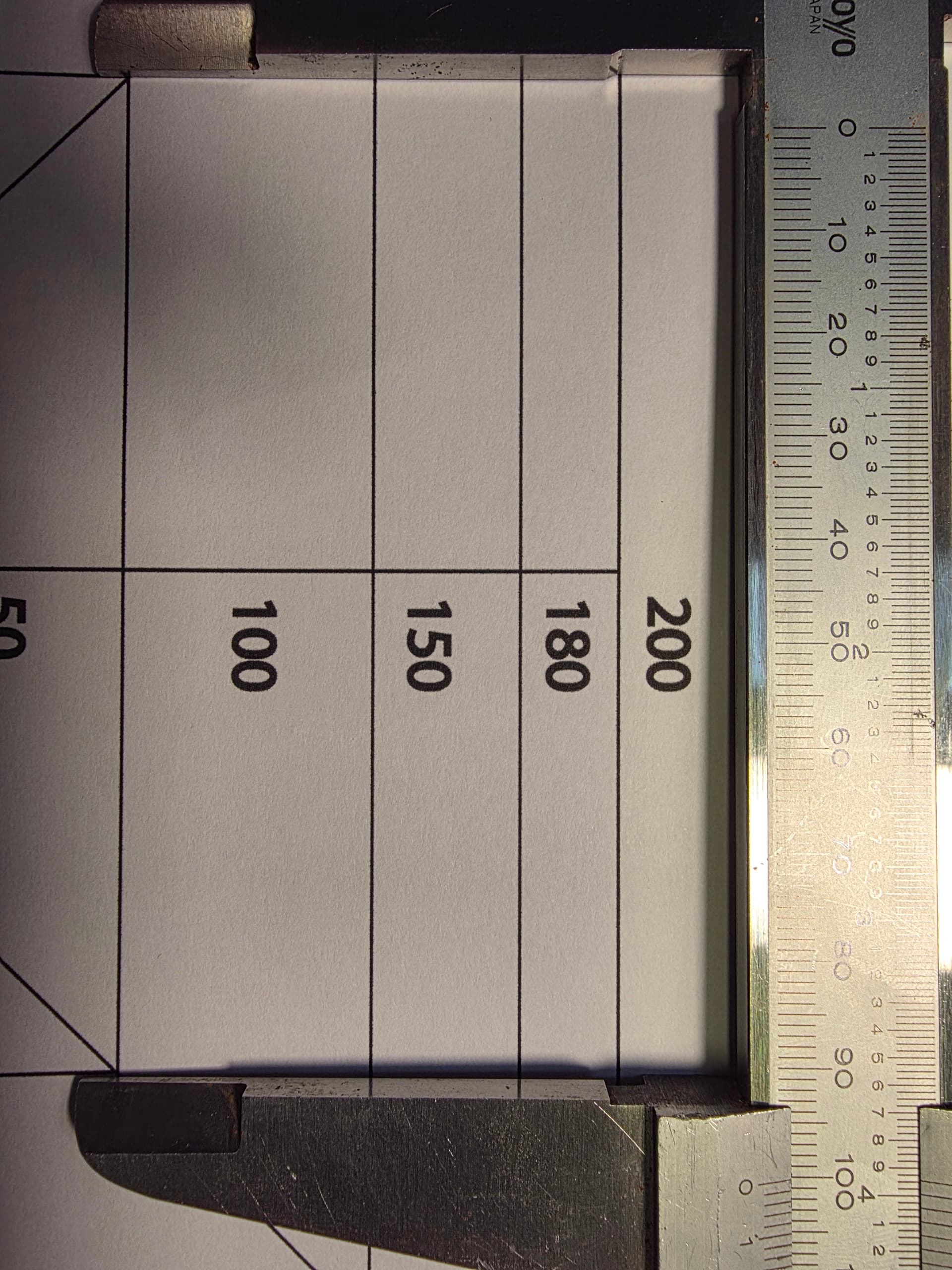
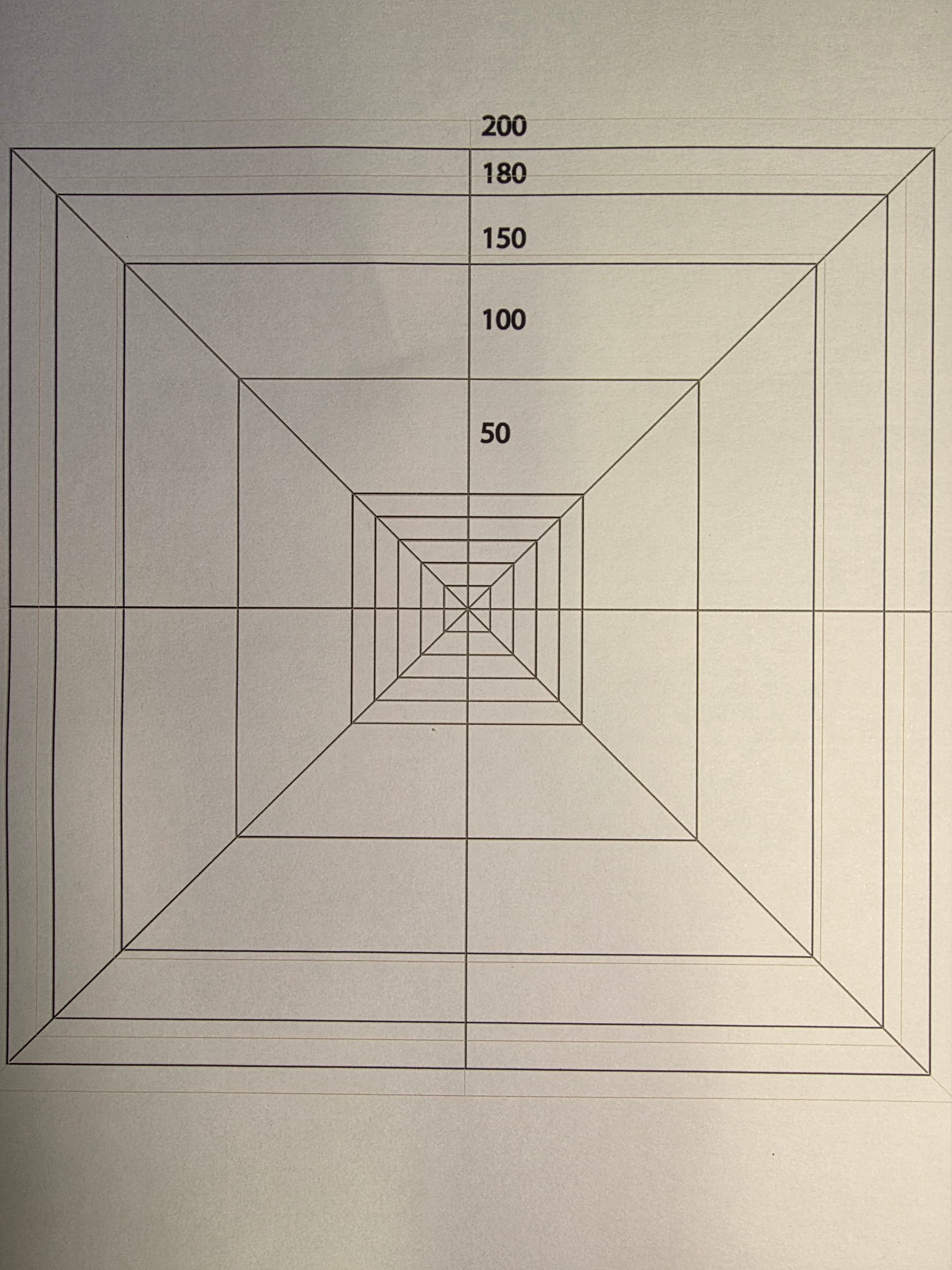
Unfortunately there is no config file that comes with the Omni X - I’m working on building a bundle that we can provide here on the forum, and to forward to Commarker. I’ve only just got the machine set up though.
The Commarker instructions actually state to set up and skip the import during the LightBurn guidance in their own docs.
How will you want me to recalibrate the lens? This is a 250mm lens, if I do a 100mm calibration the square will be wonky at when marking larger squares.
The Omni X doesn’t work with Lightburn’s 9 point calibration yet.[quote=“Albroswift, post:11, topic:184586, full:true”]
I’m thinking set the % smaller in the 9 point correction screen
Please keep us informed if a resolution is found. I als have bthe Omni X and no Config files. I was able to use the LB lens correction tool though.
I did notice, after the fact, that Commarker Studio shows the lens correction data for the selected lens. This can be found under “Device Settings”, “Field”.
I have reached out to Commarker about my rotary not working correctly with Lightburn. They are apparently working on a new motherboard, exerpt below:
We sincerely apologize for the inconvenience.
In fact, regarding the rotary function, the Omnix’s built-in software is designed to operate more smoothly because it allows you to adjust the parameters of the rotary axis for better performance. However, LightBurn does not have this function, so the rotary axis may not work properly.
Currently, our newly developed motherboard comes with a toggle switch that can effectively resolve the LightBurn-related issues. It is still in the testing phase, so there are minor issues at the moment. Once testing is complete, we will resend an improved motherboard based on your order, which we believe will solve this problem.
Hey Will, no progress yet - I honestly haven’t had time to get on the machine, Support duties take up the vast majority of my time. That said, I have some time scheduled for tomorrow to dedicate to the Omni!
I built the rotaries last night and moved it up to its new home in the shop, so it’s ready for action.
ComMarker sent me their 200x200 Lens saying it is within tolerance but… After calibration it is still scales wrong about 1.3mm and the center point is -0.8mm on the y axis (shifted down)
It’s good enough for most engravings, but I wanna use it for pecision work.
Are you able to provide a timeline as to when the fix will be coming?
Hello Colin, Thank you for the help on this issue, seems I have the same issue… scaling. This Omni X has been a bit of a pain lol
Has there been updates on the corrections? I have all the X & Y % adjustments figured out finally.. just the scaling is off the smaller the box i make. lol Anyways, Thank you.
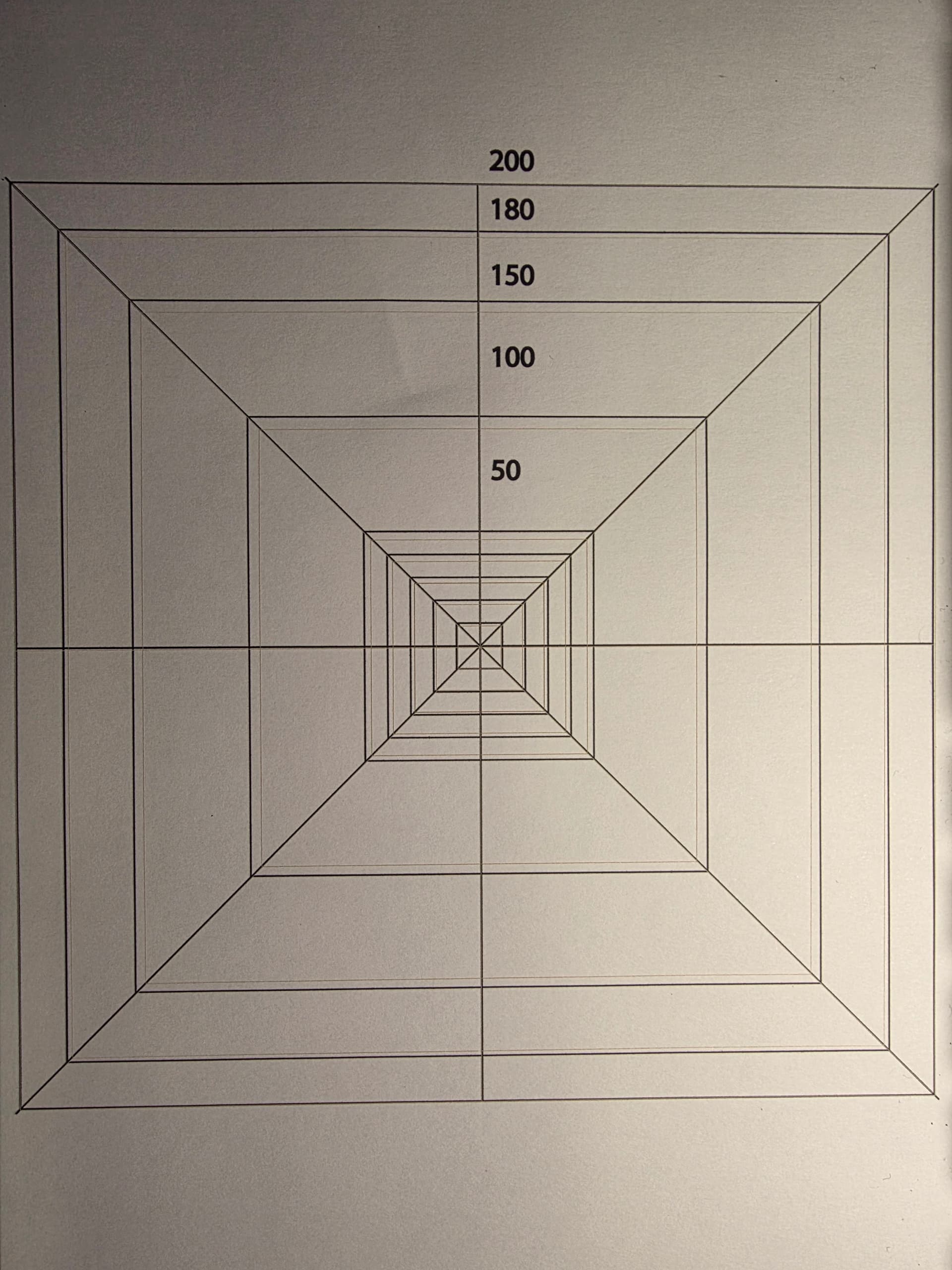

 the pain for being an early adopter…