Ok, I lied about the no effect. When I first drew a 200 square with the calibration file loaded in Lightburn, it was much larger than expected in the preview so I didn’t follow through with the test grid.
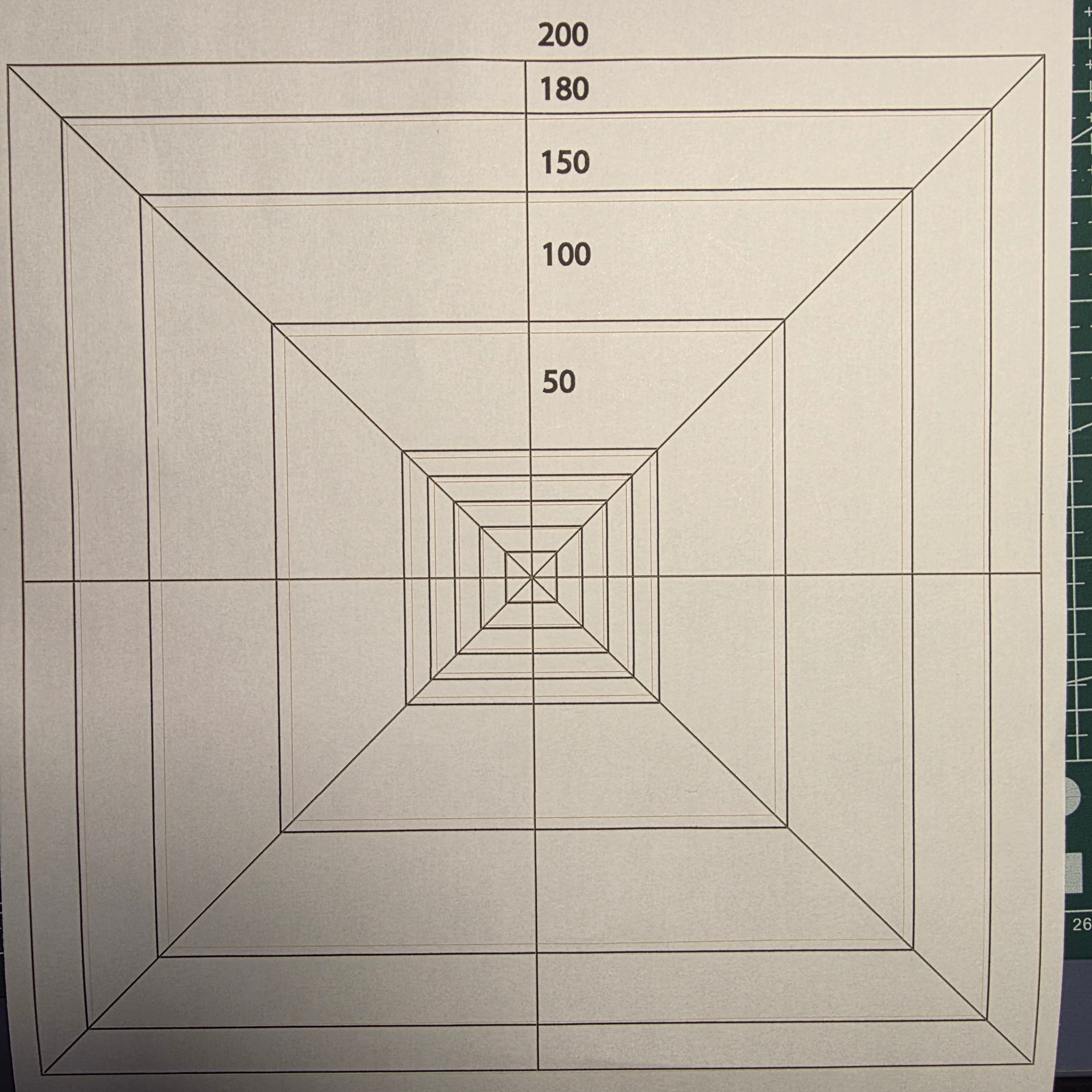
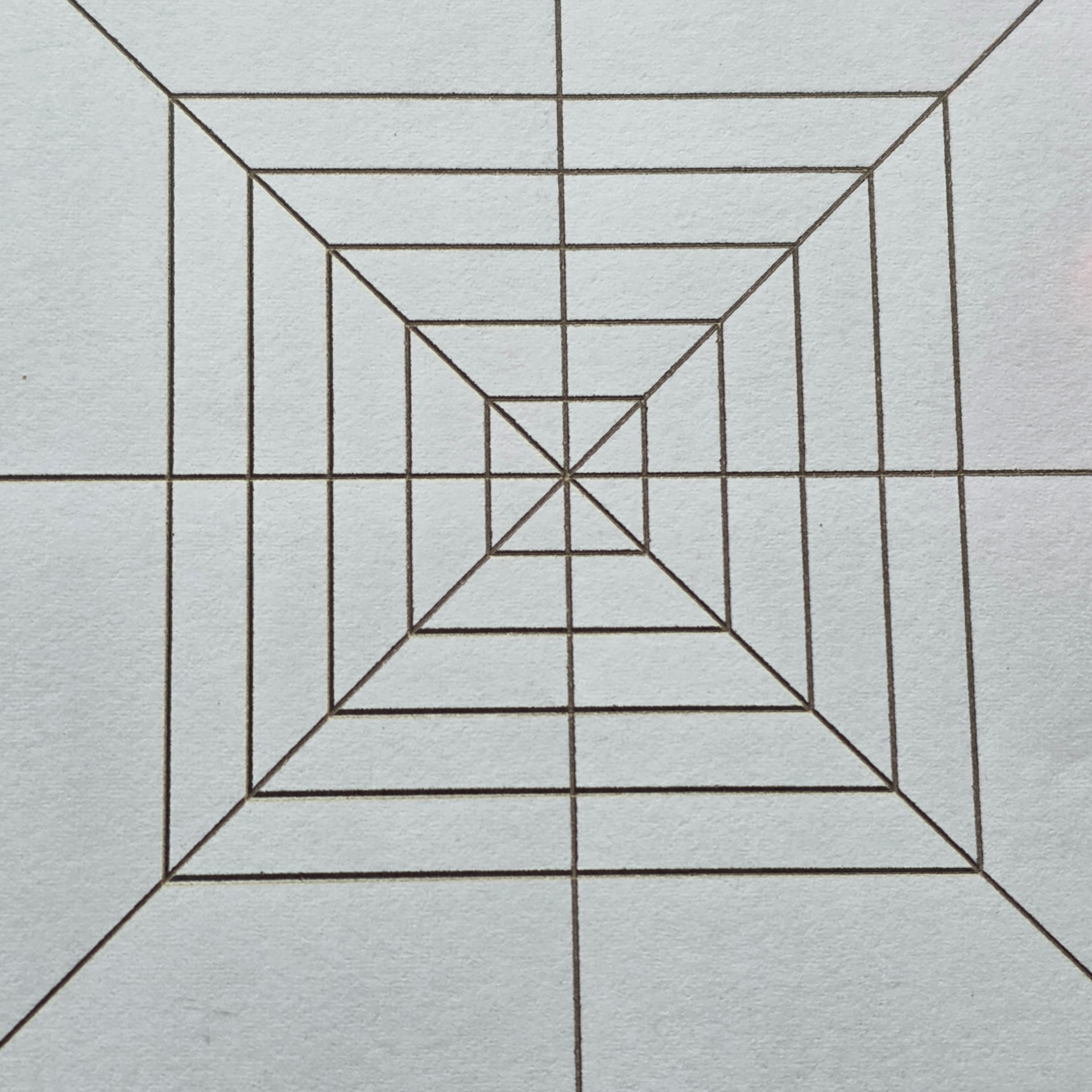
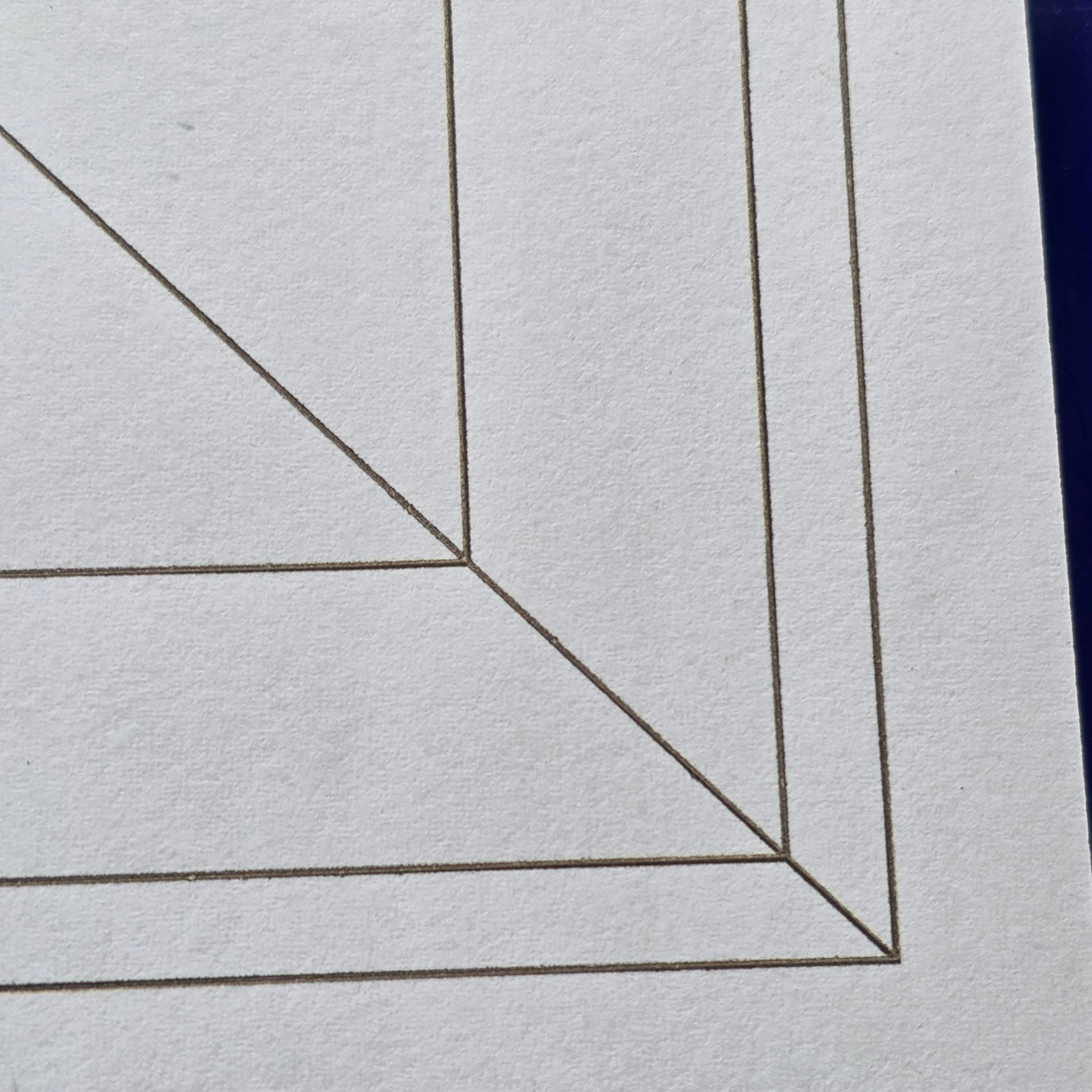
I have scaled the whole test grid down to 191 and here is the result.
It is not a bad square, but the non-linear distortion is still present.
I recently went through the same problem with ComMarker tech support. With the 250mm lens my focal distance was 275mm. Attached is the gcor file they sent me, disguised as a txt. They sent a video that showed how to install it. They also sent that same version of ComMarker Studio. It has field settings for a 17x17 point test. I’m sure I can get more accurate values by measuring the XY coordinates of all 289 points, but their files is good enough for me.
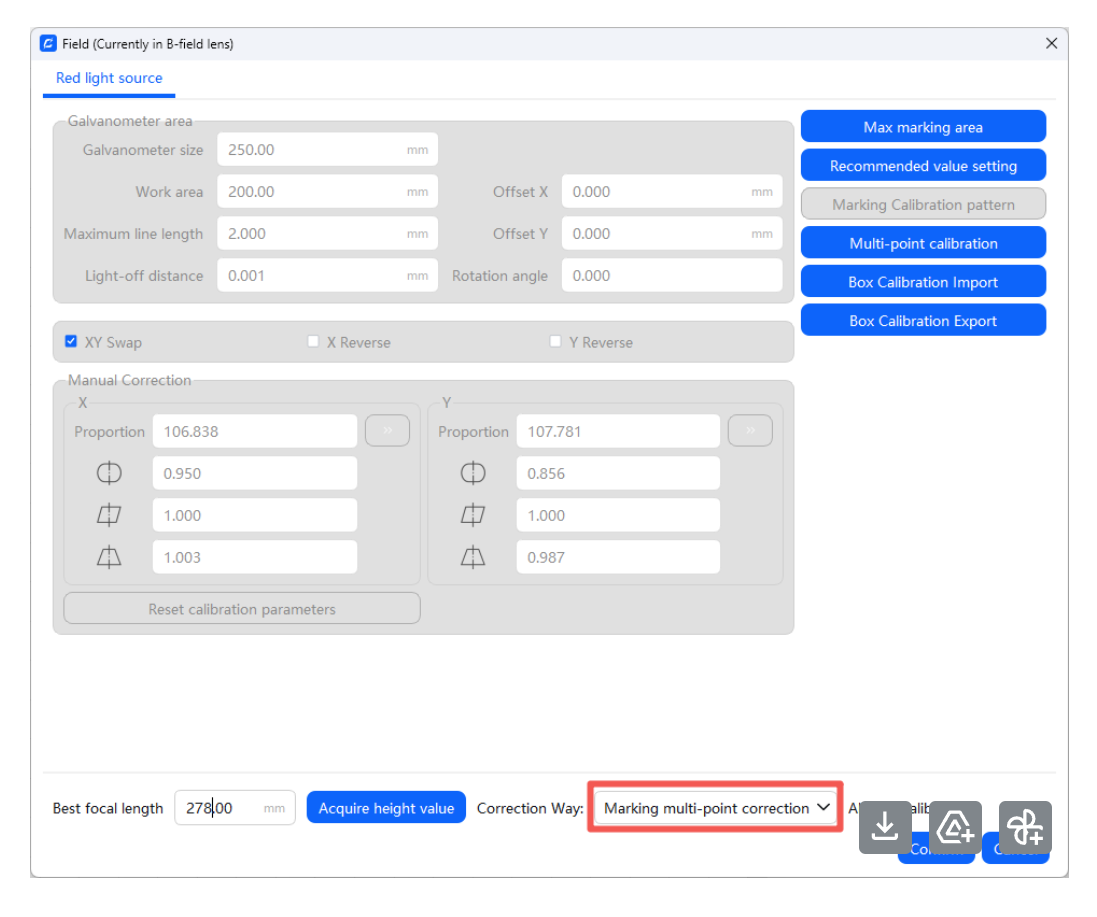
They also sent a short calibration import video. It showed that they had a bunch of calibration files on hand for every even number focal distance. Instructions were: Set lens to B, open Device Setting: Field. Set Correction Way to Marking multi-point correction. Open Multi-point calibration, Import, select the gcor file, and confirm.
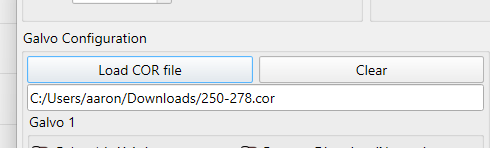
It vastly improved my squares in ComMarker Studio, and I was able to import the calibration file into Lightburn as a cor file, but my squares in Lightburn were still all messed up.
Lightburn isn’t working and ComMarker Studio is missing all but the most basic graphics commands, so I’ve been doing all my editing in Inkscape. It’s not bad, it’s a learning curve, but I definitely look forward to Lightburn support for this weird lens.
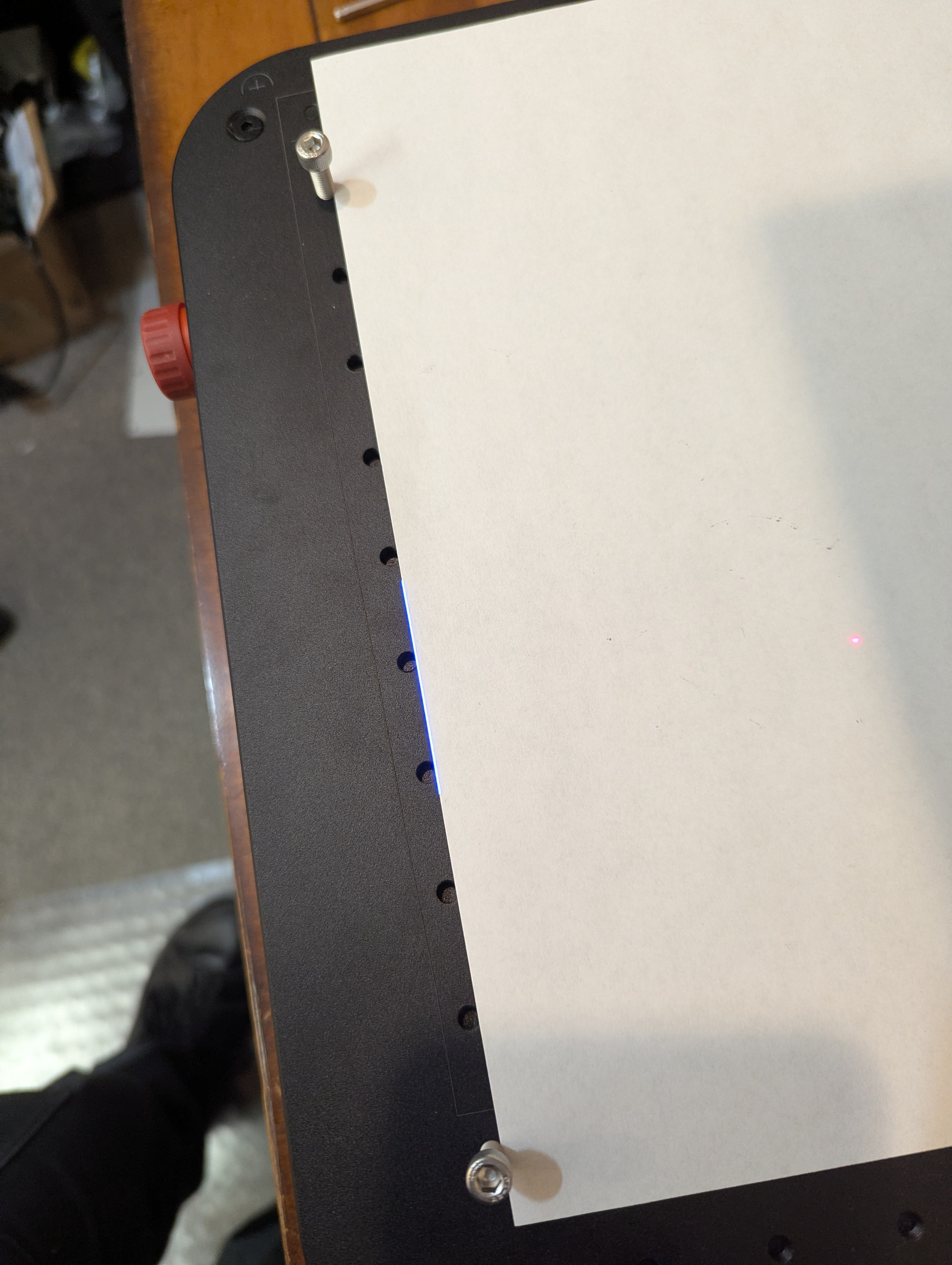
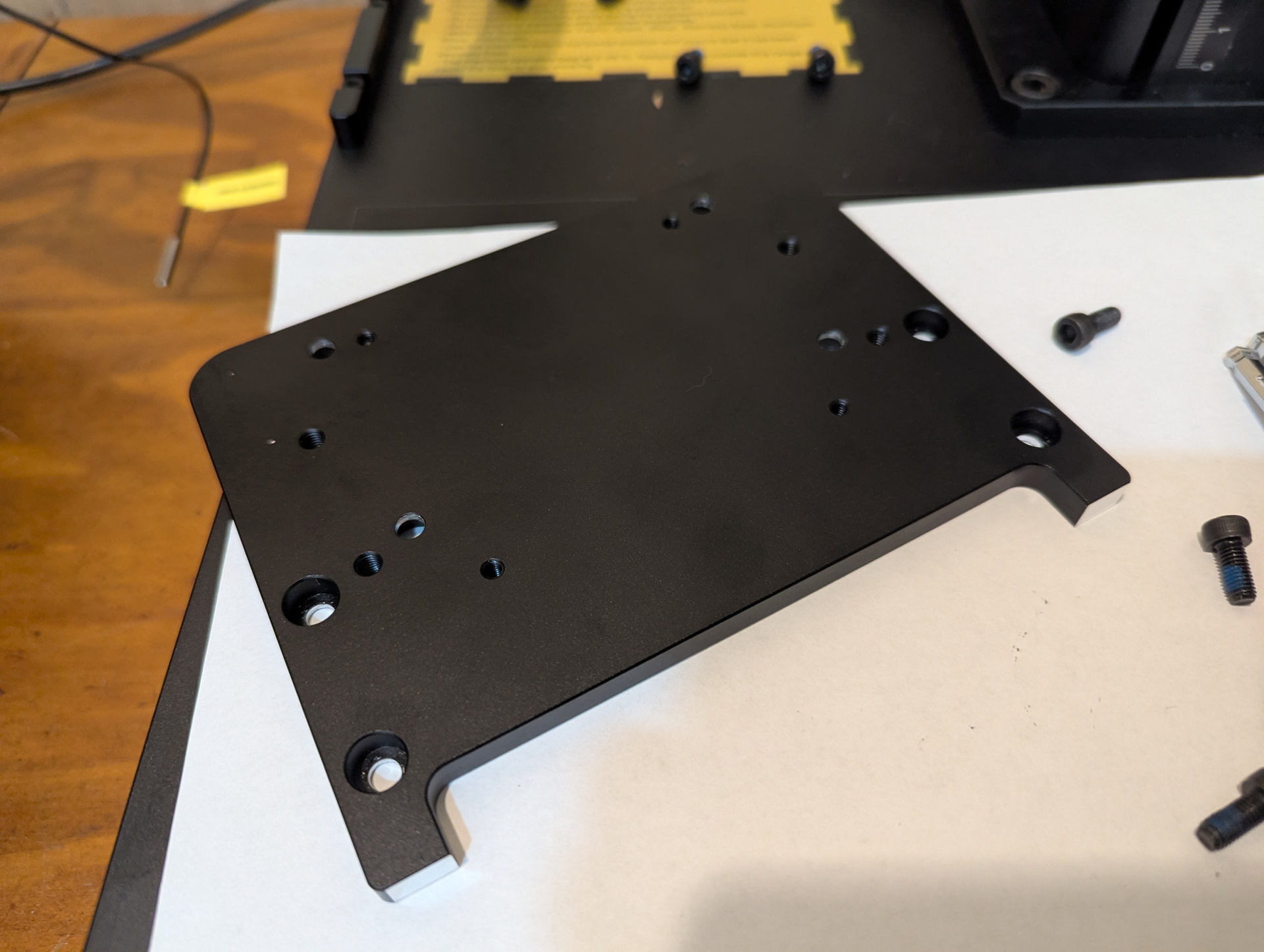
I forgot to mention, I had some mechanical problems aligning the laser to the screw holes. I put screws in the holes then held a piece of paper against them. I drew a line in ComMarker Studio, hit preview, and moved it up until it was on the edge of the paper. It was like 1/8" off on one side. I rotated the base and the laser as far as they would go and it still wouldn’t align. The piece that the laser mounted directly to had chunks of metal sticking out far enough that the screws were at their limit, I couldn’t rotate the part. I machined off about .030" from both sides (see the shiny bare aluminum tabs in the picture) and that gave me the room I needed to get the laser properly aligned.
The Omni X uses a custom control board which means the BSLapp can not detect it so I can’t even use the calibration tool on that… please Lightburn you are my only hope… This very expansive machine has less than 20 hours of use in the last 6months due to the nonlinear scaling problem…
I just calibrated a BJJCZ board with the ezcad 2 25point today. The .cor file worked perfectly in lightburn. 200x200 lens, I only tested upto 190x190, But the result was amazing.
I then made the test grid in illustrator and cut the file with the Omni in lightburn with no calibration then measure the values and input them into ezcad’s calibration software. The .cor file that generated had no effect on the machine. I then tried other .cor files all did nothing. This was done in v1.7 Since v2.0.1 freezes when connected to my BJJCZ machine for some reason.
Is there any update to a built in muiltpoint calibration for lightburn?