Yes Ive sorted it thankyou. By chance I disabled the DPI scaling tabs and now appears to be working fine. Although Ive just started getting back into it, …hopefully no other glitches. Thanks for your message, appreciate it.
This was what fixed mine. Was set to 150 on windows scale. Followed your instructions for independent settings and all back to normal
Thanks
Ceri
2 Likes
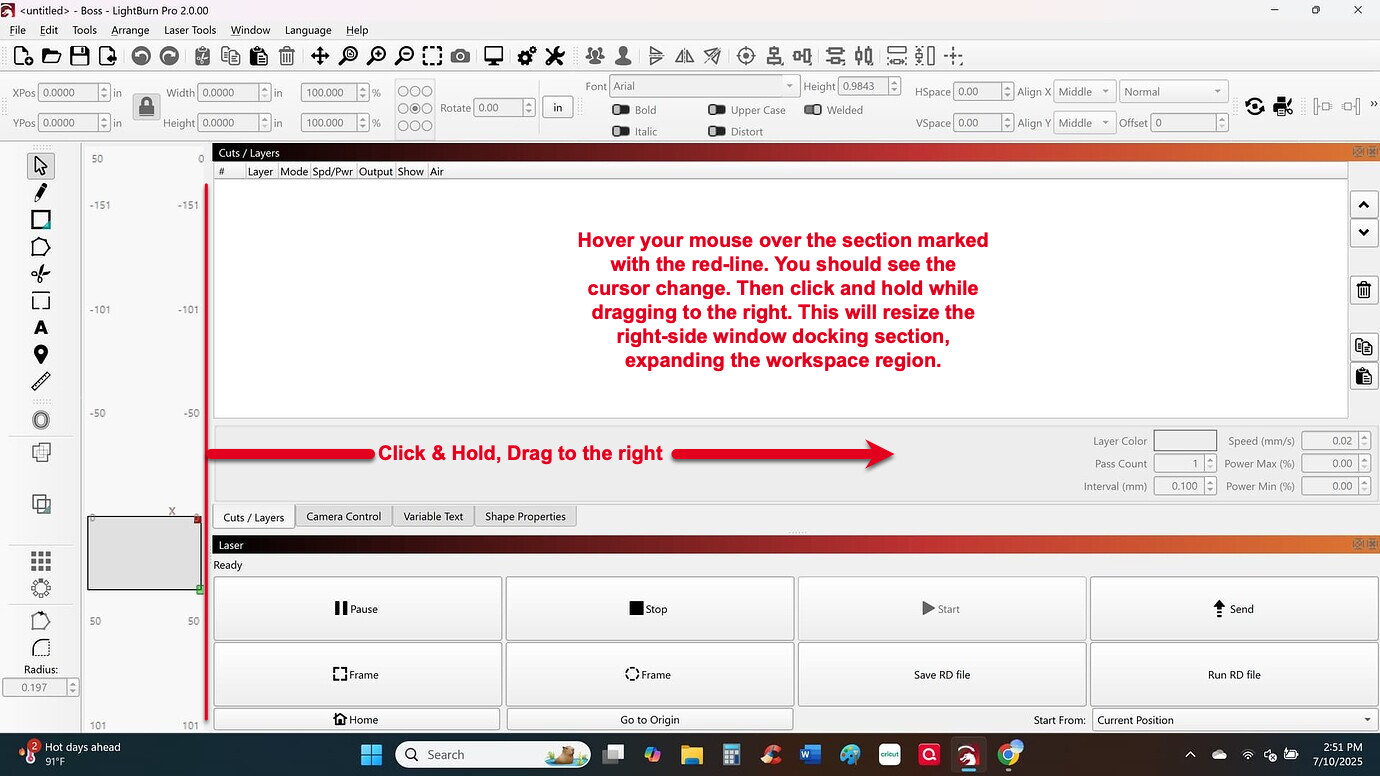
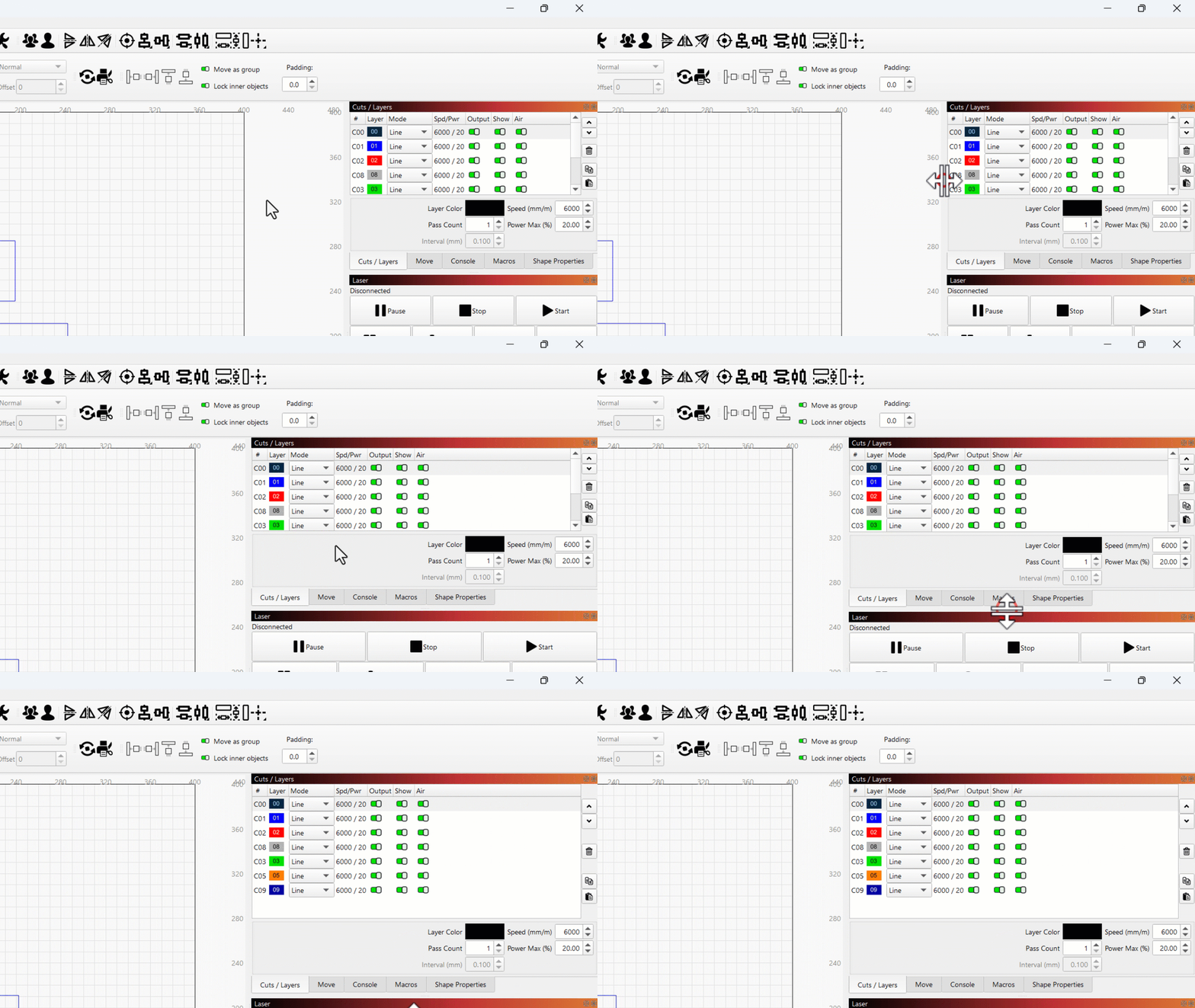
Ok I was able to try this suggestion and it has not resolved the issue for me. It still looks like this which is super frustrating. When anyone updates a program, they don’t want to have to reconfigure settings, change things within settings, it should have just updated the program. This doesn’t fix it for me… what is your next suggestion??

Hi I’m having exactly the same issue since updating to 2.0.00, for all intents and purposes the update is behaving as if it’s running in safe mode, there has no changes made by me other than clicking on the suggested update, it has now rendered the program pretty much useless. How do I revert back to the previous version?
Hi Guys, I have just gone back through the posts and followed the instruction to change the high DPi (within display settings) buttons to off, the issue for me resolved.
Thanks to all.
1 Like

Reply it is not a goog upgrade. Can suddenly not cut through, not homing, there is so many issues and wasting material and time that I do not have.
I even send them a message and requested support - NO ANSWER
Hello Crystal,
I could not find your recent request in the inbox of support@lightburnsoftware.com.
But I see that there were previously other issues with your Ortur that are more likely to be hardware / firmware-related.
Please follow up on our last email there.
This topic was automatically closed 30 days after the last reply. New replies are no longer allowed.