soo what would you suggest that I would do that we can solve this issue of mine? 
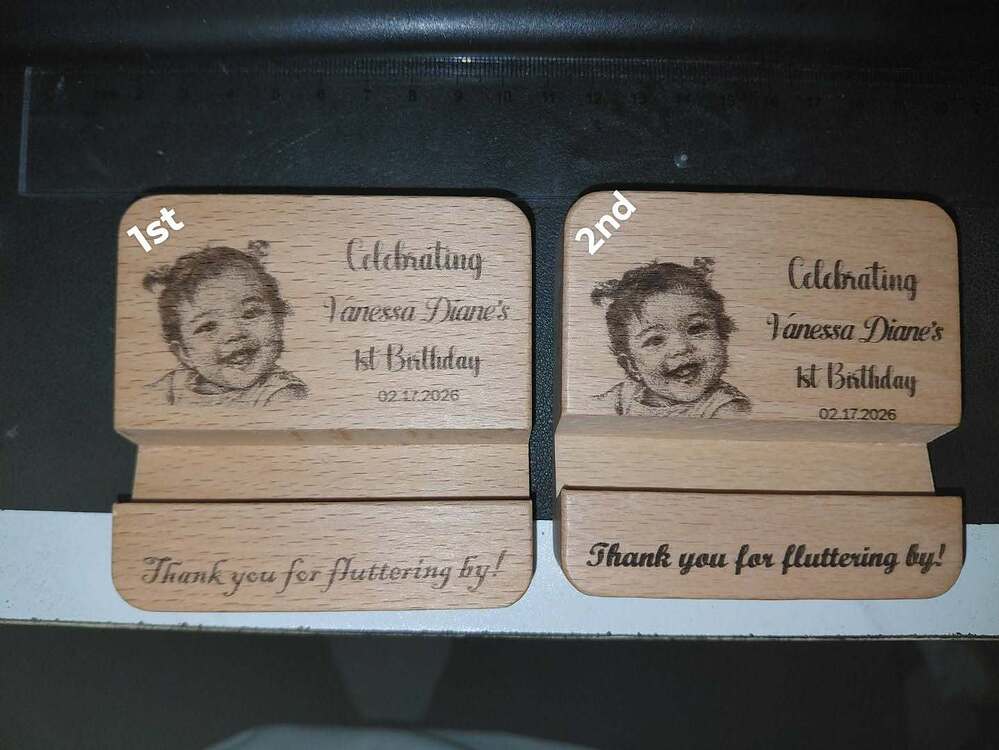
Change your axis direction and change your orientation for the art work. Go through the four permutations and compare the results
0 scan angle, horizontal art
90 degree scan angle, horizontal art
90 degree scan angle, vertical art
0 scan angle, vertical art.
It’s worth a triple check to verify the set screws on the pulleys are guut and tight. At least half an ugga-dugga.
Is your base plate tight to the laser frame, or do you have some wiggle?
1 Like
Not sure.
Your wasteboard is affixed to the laser frame so it cannot move, correct? That is imperative.
I don’t use a wasteboard, I have a fence attached that I register my workpieces against. There is no chance of placing something on the wrong measurement line that way.
Just an off the cuff thought, are your motors in a locked state after homing, or between jobs?
IE: after homing can you move the axis position of your laser carriage by hand easily, locking the motors will keep the position after homing. cable tension can effect position after job has finished or after homing & position can easily be lost if not.
Some will say it will overheat the motors, but that depends on if the motors are maxed out on power.
check Set $1=255 in machine settings that will keep the motors powered.
If you are going to leave the machine idle for a while, and do not want to keep the motors powered type $SLP in console to sleep the machine.
This topic was automatically closed 30 days after the last reply. New replies are no longer allowed.