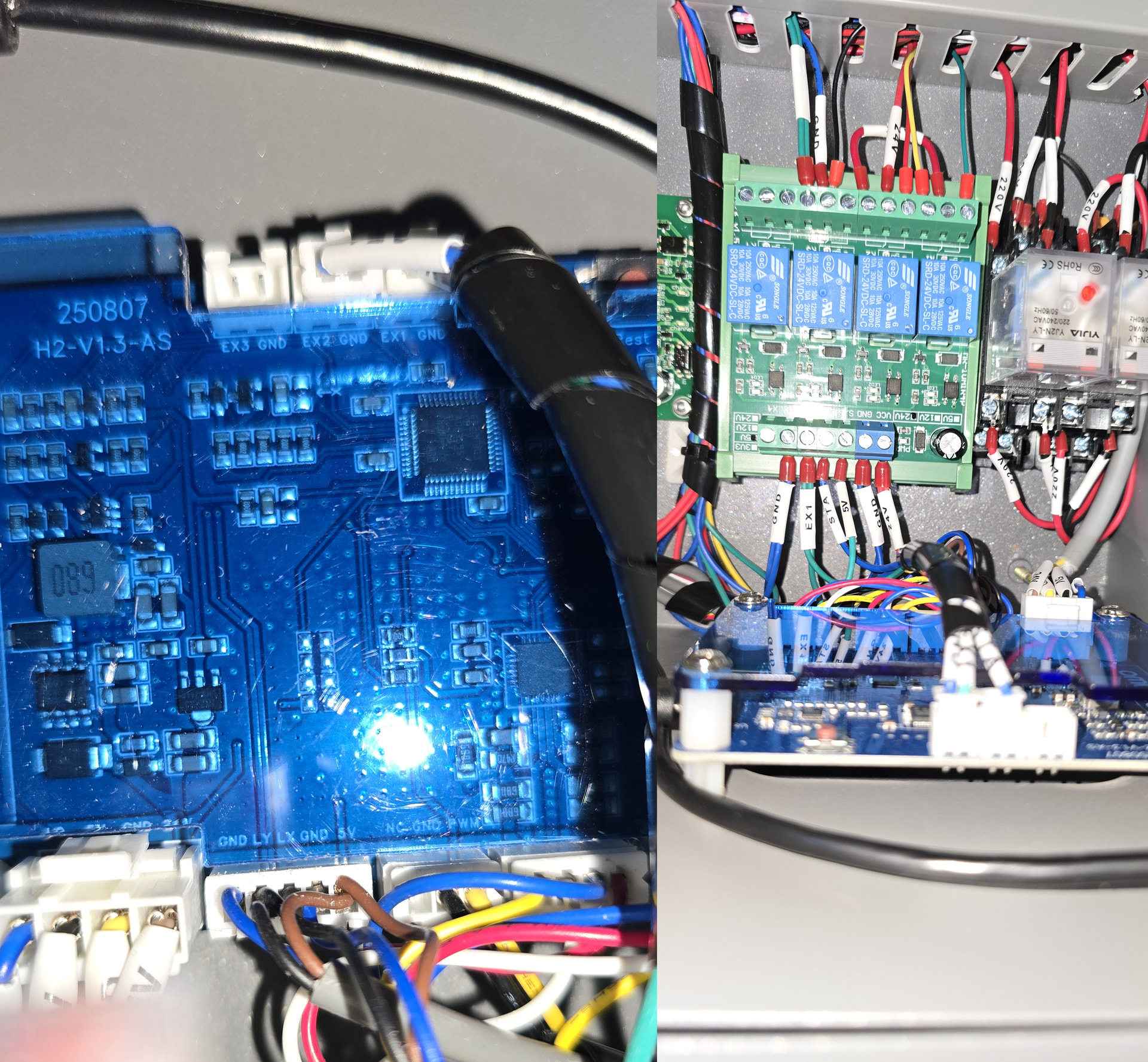
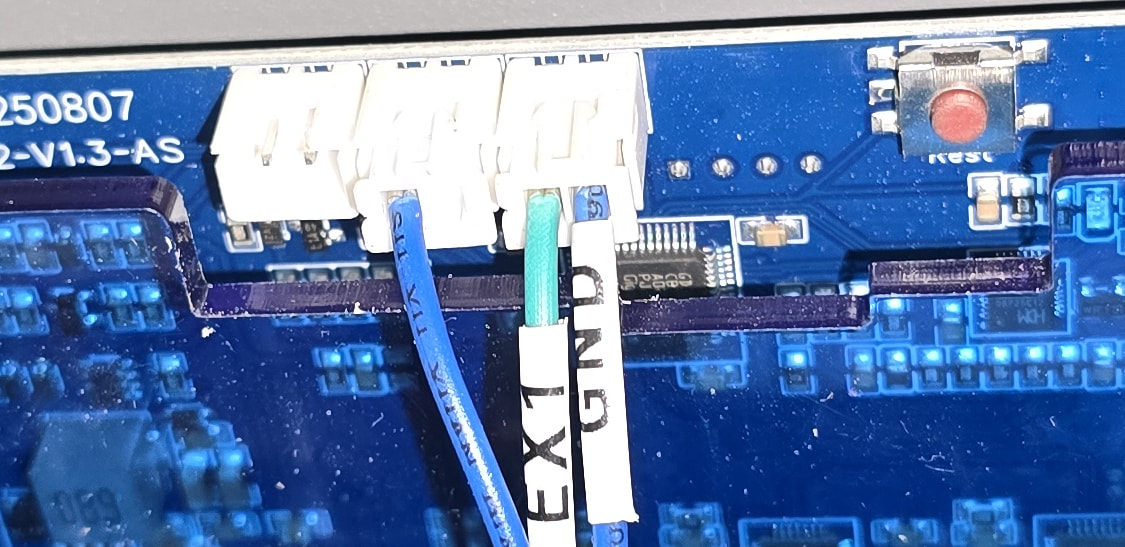
My thinking would be be that lightburn could send out a ‘basic’ one way serial stream to an arduino.
You’d have a tick box to enable ‘arduino output’ in lightburn,
When that is selected it gives an extra ‘com port’ selection box like the one for the laser controller connection, and once the com port and speed it runs at is set up you could have it connect automatically to the arduino on that com port when lightburn starts,
similar to how the controller in the laser does.
Lightburn would need some extra code adding so that then when it sends certain G-codes to the lasers controller… say the M8 - air on command, it also sends a trigger over the serial stream for the arduino to ‘hear’,
After that it’s a seperate thing to configure the arduino that listens to the serial stream and how it does things in response to those commands from lightburn, and that would be upto other people and not the lightburn team.
i imagine there could be a timing issue as it’s likely the arduino serial stream would not be synched to the G-code mainstream perfectly, or running as fast as the GRBL controllers stream,
but it’s not like the arduino would be controlling anything really important like the lasers output that needs nanosecond precision,
so if it receives the ‘turn on fan’ code with 100ms of latency it’s not the end of the world.
After all, this is for a universal ‘lightburn’ ancillary output controller for automating the turning on and off of air pumps, fans, status lights and so on,
But it’s adding features to peoples laser cutters that are not available on their main laser controller (or are available, but no one knows how to access the commands, let alone connect to the relevant pins on the mcu on the lasers board)
And as this would add features not available with other laser controller programs it might help people decide to buy lightburn over using other programs.
this could even be an addon to the main lightburn program that you pay say 5 or 10 dollars for perhaps?
as not everyone wants it, ruida controller owners likely don’t need it, but the cheap laser cutter GRBL controller owners would likely find it useful to automate things they have to do manually now.
:
That serial stream from lightburn could be something like CSV’s, so
‘A0, B1, C0, D0, E0, F0, ;A1, B1, C0, D0, E0, F0 ;A1, B1, C0, D0, E1, F0, ;’ and so on,
A could be air pump, B = fan and so on,
when the number after the letter changes, the arduino does something… 0 being off, 1 being on.. so in the stream above, the fan is already on (B1) and the air pump turned on (A1) in the second repeat of the stream after the ‘;’ delimiter character,
The code that runs on the arduino would be a basic state machine,
It would be easy to provide a simple arduino sketch for people to load onto their arduino that controls a few pins, but as it’s an arduino sketch it can be very easily expanded on by the end user if they want (or by others who share their sketches)
The basic sketch handles starting the serial port and connecting to the computer, and once lightburn is running and the serial stream active, the arduino is just turning pins on and off when the relevant CSV changes in the serial stream,
.
So most of the time it sits there listening to the serial stream from lightburn doing nothing.
When there is an ‘M8’ trigger in that serial stream, the arduino takes a pin low and the air pump relay turns on,
when it receives an M9 trigger in the serial stream, it takes that pin high and the relay opens, air pump stops,
similar for extraction fan commands…
Not sure if there’s a G-code command for fan control, but there may be ‘starting job’ and ‘ending job’ G-codes?
and if not, maybe when the ‘laser fire’ command is sent to the GRBL board, the arduino’s stream gets a trigger and the code running on the arduino takes the extraction fan pin low to start the fan.
Then when the laser firing G-code goes off and thus the arduino’s serial stream changes to show the laser is no longer firing, a timer (running on the arduino of course) holds the fan pin low for longer than the time it would usually take to go between travel moves to the next part of a job and another ‘laser firing’ command is received that resets the timer etc.
If there has not been another ‘laser firing’ code, the arduino considers the job ‘finished’
then it starts a ‘run on’ timer to keep the fan on to clear the smoke after the job ends, and then when that run on timer expires it takes the fan pin high and the fan turns off / down to a low speed.
That same ‘job in progress’ trigger would be ideal for the air pump start and stop triggers too, with the M8 and M9 ones triggering the ‘full air pressure’ bypass solenoid for cutting layers.
:
As it’s up to the end user what they add to the arduino program for how it responds to the triggers in the serial stream this makes it extremely customisable,
if one person wants to flash a light outside the room saying ‘do not enter, laser in use’ they’d just add code to the arduino sketch that drives the pin the mosfets the light up sign is connected to high and low at the speed they want when the ‘job started’ code is received by the arduino.
If they want a push message sent to their alexa to say ‘your laser job is finished’ they’d add all the code needed on the arduino sketch that triggers when it hears the ‘job finished’ command etc (an ESP32 would be better used here for it’s wifi connectivity, where it can then talk to smart plugs to turn a fan on, or to home assistant and so on, but they can be programmed in the arduino IDE too, so are simple to write sketches for)
:
but as you can tell, software stuff is not my thing really, i’ve just used arduino’s to do things like this in the past,
one was to listen to a CSV serial stream from a bus driving simulator and turn pins on or off when it receives a 1 or a 0 for the relevant item.
This then turned lights on a vehicle dashboard on and off, moved gauges and displayed text on displays etc, and it was able to keep in sync very well so that the flashing indicator (turn signal) light on the dash matched the one on the computer screen.
so that’s how i’m imagining this working with lightburn, once a serial stream from lightburn is accessible the sky is the limit to what can be done with this.