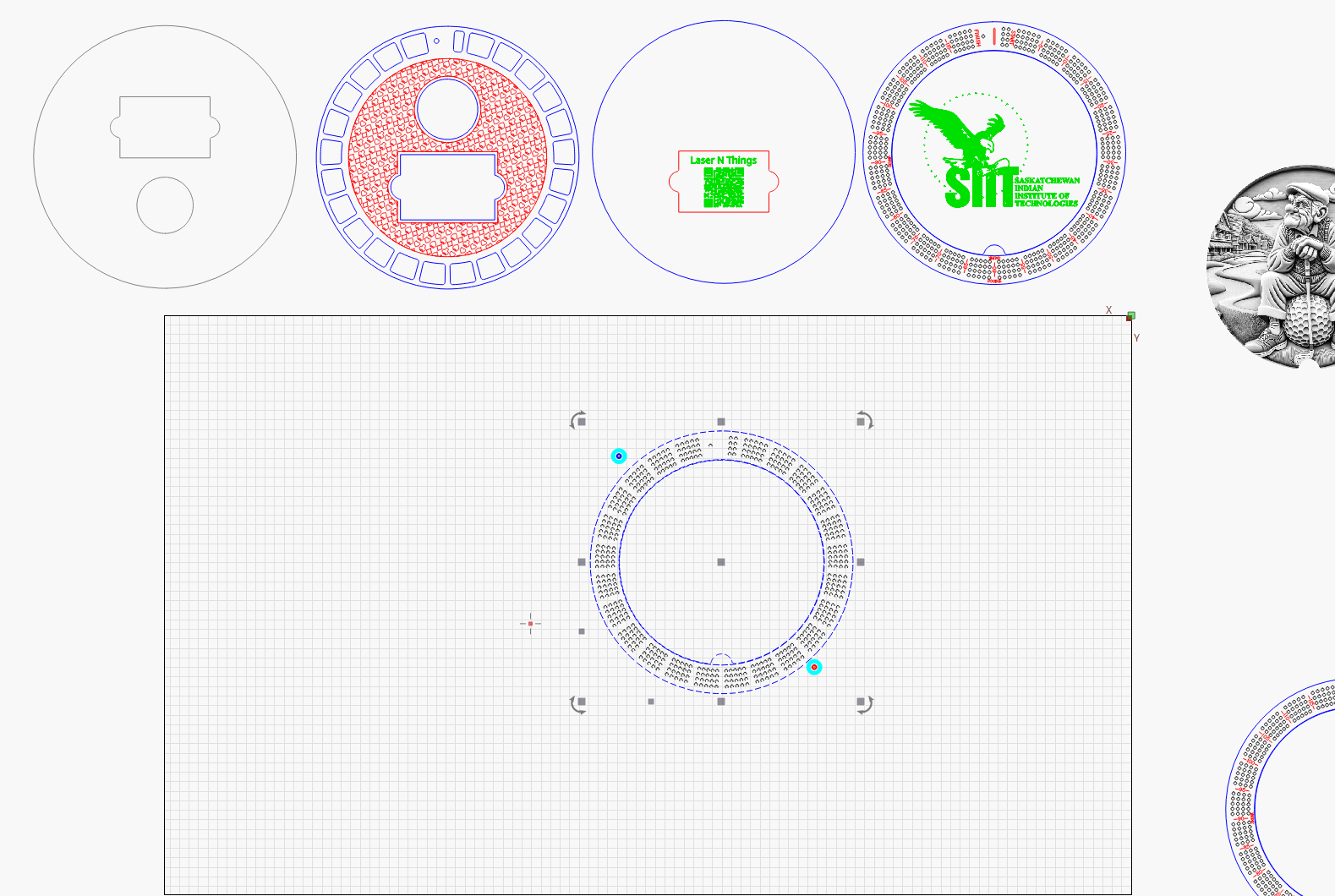
I just had the strangest thing occur. I was using LB’s print and cut to cut out a couple of images. Board was 12x24 and had 2 images to cut. First one cut no problem. Second one though had some problems. LB announced that there was something over the bed limit do you want to continue. Y/N. selecting yes, LB sent the data, but laser quit immediately since something was out of limits. I checked the bed for extra data and there was nothing. I moved the board since I had dots for both images and redid print and cut setup. Once again I sent and something was off the bed continue Y/N. When I selected yes, laser cut the image I had selected and then moved over about 12” from the cut and started cutting something else. Something that was never on the bed at all and shouldn’t even be in the picture.I suspect it was cutting the image just above the bed in red/blue. On the first image (12x24" board) None of the cut’s above the board were a problem as I was cutting near the lower right of the bed. Board was not moved from the first cut. I just moved the laser over and redid print and cut.
One other thing. I had an open vector on a laser map file. it was just the wrong color. When I selected Show All open vector’s, it ungrouped EVERYTHING on the layers with open vector’s. This screwed up 40+ map files that were on the workspace and I ended up redoing everything. If it was a closed vector it was fine, just open ones. So I use red for a score and all roads are scored. every map has roads and they were all upgrouped. Other layers using score for outlines, were fine. Please Please Please do not ungroup all vectors to show us the open ones. Or provide a warning so it doesn’t happen to someone else.
I don’t have answers for why it happened, but the undo command would have restored everything to its previous state without having to redo everything. I use undo (Ctrl+Z) all the time.
I do as well. When I know what’s happened. It was odd behaviour that I wasn NOT expecting and it bit me hard. Cost me 3 days work restoring graphics and making sure the library was updated.