Yes, that’s the closest way to describe it. But, when I click, select on or off “Show”, I expect it as a separate action and the focus is still on the selected shape. It makes no sense that the action focus “automatically” jumps from the on/off input field to the “Mode” drop-down where the arrow keys can still scroll through the 3 options. That effect occurs with or without a shape in focus/selected. The menus should be selected first before their function can be changed.
Furthermore, the color of the menu fields changes “uncontrolled”, sometimes the entire row is marked “active” which I consider correct, but the arrow keys can change the highlighting of a single, 2 or all 3 fields, (without activating/deactivating the field’s function)
There should only be one action at a time, when the function is selected and it should only apply to the selected function with its associated controls.
The arrow keys should not be able to be used as the tab key, that is the tab key’s job.
This malfunction is also seen in that you jump directly from “Show” to “Mode” with the up/down arrows and continue to cycle through the 3 options with the up and down arrow keys - (not with the L/R arrows).
The arrow keys should be used in the same way as in the top menu line, here you cannot cycle through the list either, you must actively select a function first before you can in some cases use the arrow keys for further action.
Sorry that I can’t express myself more professionally, but I hope it makes sense.
Yes, it was a “test” file, I was supposed to test some design… I’ve been pretty busy the last few days with some nice orders, so it’s been running really fast on the computer… if I remember correctly it was during the shutdown itself, after I chose not to save my session…
I’ll pay more attention to that next time.
I’m still a bit busy, but I have to report these issues to keep Lightburn at the top:
1 - After using version 2.1.00-RC2 for a few days in the same Windows session (I usually hibernate the PC)
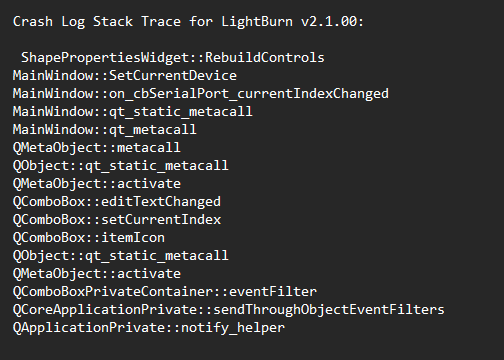
after accessing Settings, when I clicked on the X to close the window, Lightburn crashed.
The first Crash_Log is from the version 1.7.04
Crashes related to letting the program run over a long time with hibernates involved are notoriously difficult to reproduce, but it’s possible that this one has already been fixed in the latest version.
Do you recall which of your many devices you were using here?
If you can reproduce this same crash, it would help us locate the issue if you could capture a Debug Log and sending it to support@lightburnsoftware.com
I confess: I peeked at your “Custom GCode for Plasma”, and the “WAZER” devices and see your elaborate device configuration and custom scripts.
Is everything working to your expectations?
If you would like to share details, I would be thrilled to read an article about it!
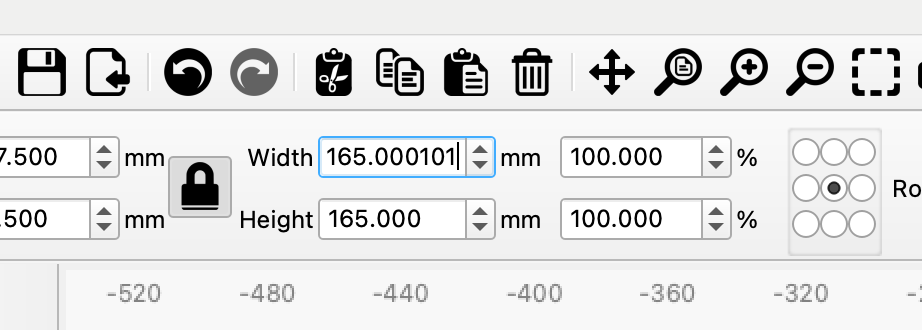
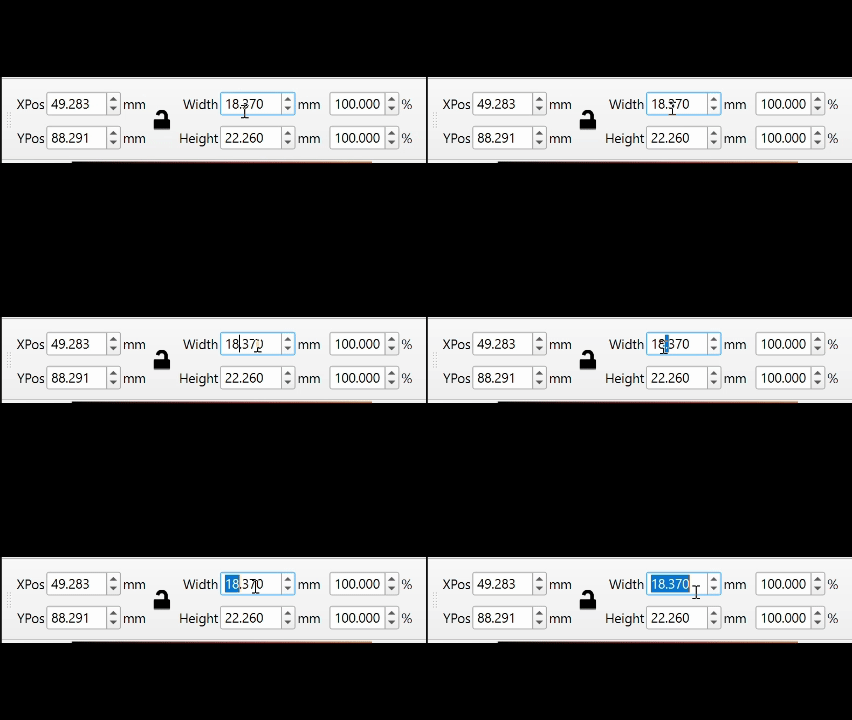
Would it be possible to place the input cursor at the start position when activating for entering new values?, preferably on all the fields that act in this way. Having to clear the old values before entering new ones is not practical.
WTH, I just noticed that LOG 1 is from January 24, 2025, which means that Lightburn did not write the crash file on the first error. I searched the system to see if it was somewhere else, but found nothing.
The laser in use is the -GRBL-M3_to_M4.
Many of the other profiles were created to check the output and thus try to help other forum users.
I have tried to reproduce the error with similar steps, but it did not happen.
That’s not exactly what I was thinking, but a little faster than deleting the existing content manually before being able to type a new value.
My idea was more of a click in the data field and then typing new content, without detours.
But, the triple click function is a useful compromise
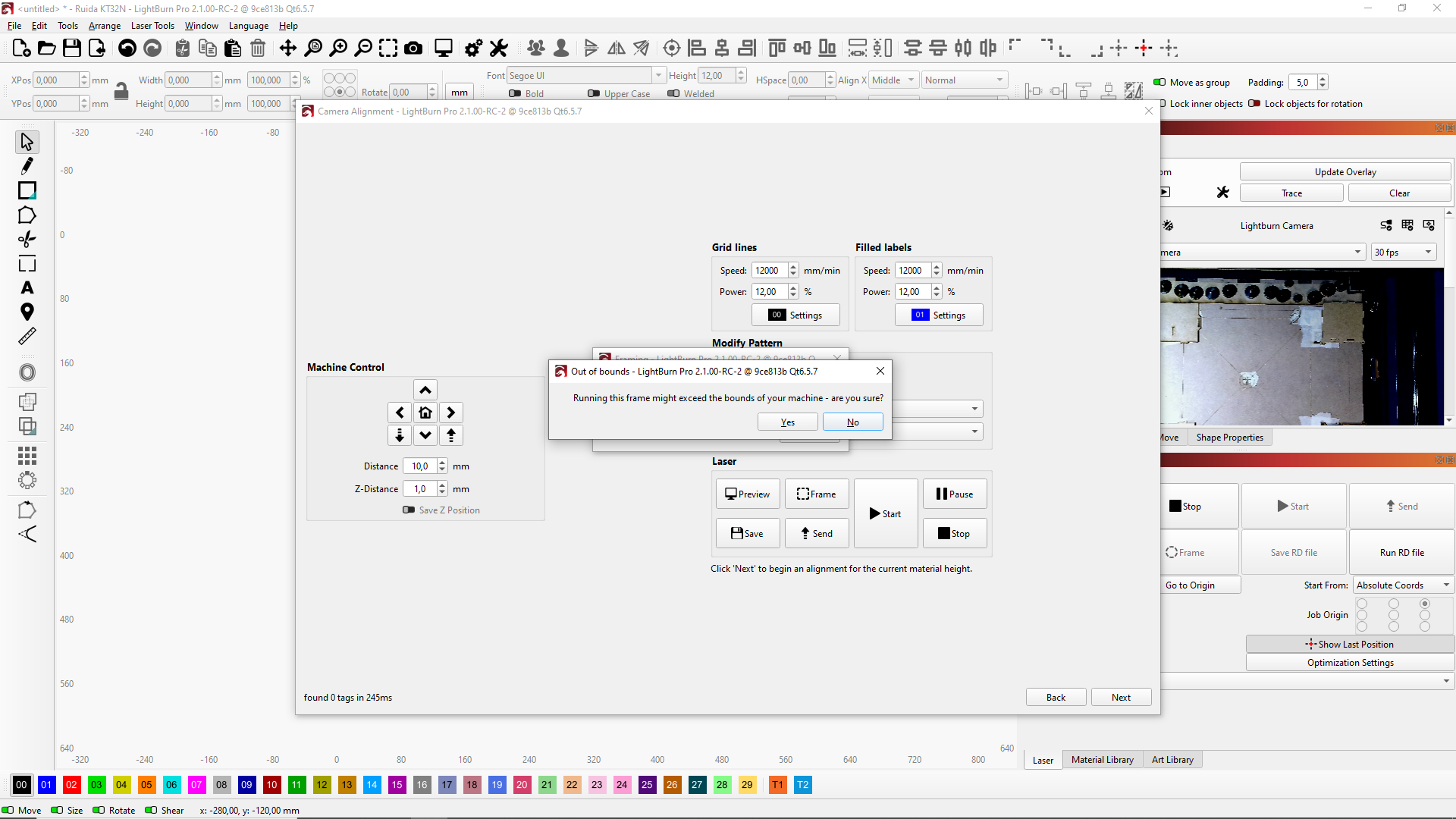
1 - Before 2.1 sometimes when opening a new window the camera output goes to the new window and after closing don´t return to the first window, Don´t know if this is already fixed or it´s random but it´s not happening now.
2 - Three time in a row I double-click an entry on the Cuts/Layers window and it took 10 seconds to open the Cut settings editor.
Forgot yesterday: 2.1 has set a very unusual Fast White scan speed of 59mm/m.
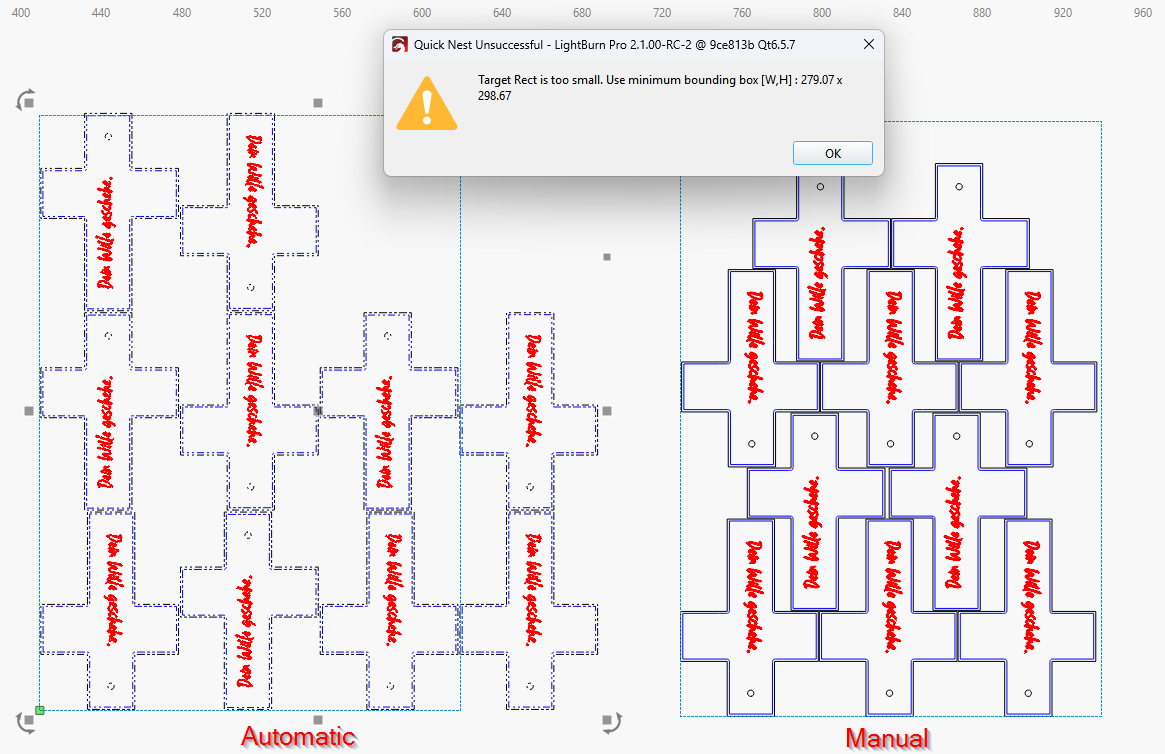
2026-02NestingChallenge.lbrn2 (102.0 KB)
Here it is.
Yep, I know, nesting is a really nice computational problem I was surprised that it’s really that fast right now.