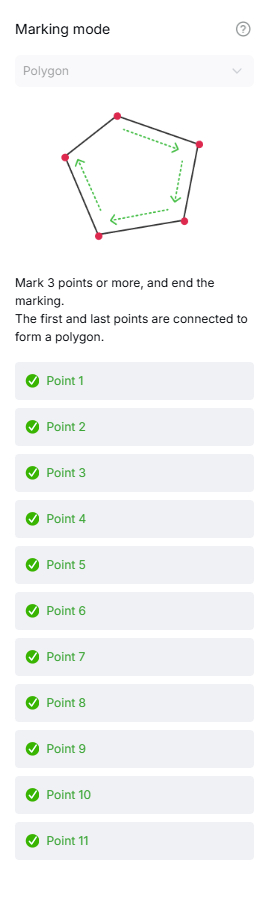
So, I have the XTool S1, which doesn’t have a camera. and I engrave complicated designs, like crosses und live edge pieces. Is it possible for you to include something like the “marking mode” found in xTool Studio? Move the laser to specific coordinates and set a marker.
basically something like a list with coordinates that makes up a shape.
NicholasL
October 13, 2026, 9:54am
2
Hi Jakob,
There is a Fider request here for a digitizer funcrion, please upvote it.
Are you using Windows or Mac? If Windows, I have a little helper app you could try that will capture points and send them to LightBurn.
You might also be interested in this:
I received my S1 a few weeks ago, and love it, especially after coming from a homemade laser setup. The one thing I missed was having a camera, and using Lightburn. I missed being able to sit by my computer, and move the laser, see what I’m doing, controlling the laser by really using the camera. Updating the overlay, etc. I tried many cameras, different placements, and found the right camera. I had to then design a mount, a cover plate and a bottom plate. After testing the camera location, I m…
JoeSpanier
October 13, 2026, 7:38pm
3
Standard Print and cut works for this quite well on the S1
NicholasL
October 13, 2026, 7:44pm
4
I thought that too, but I’m guessing that he has cross-sections of wood with organic edge and wants the outline in LightBurn.