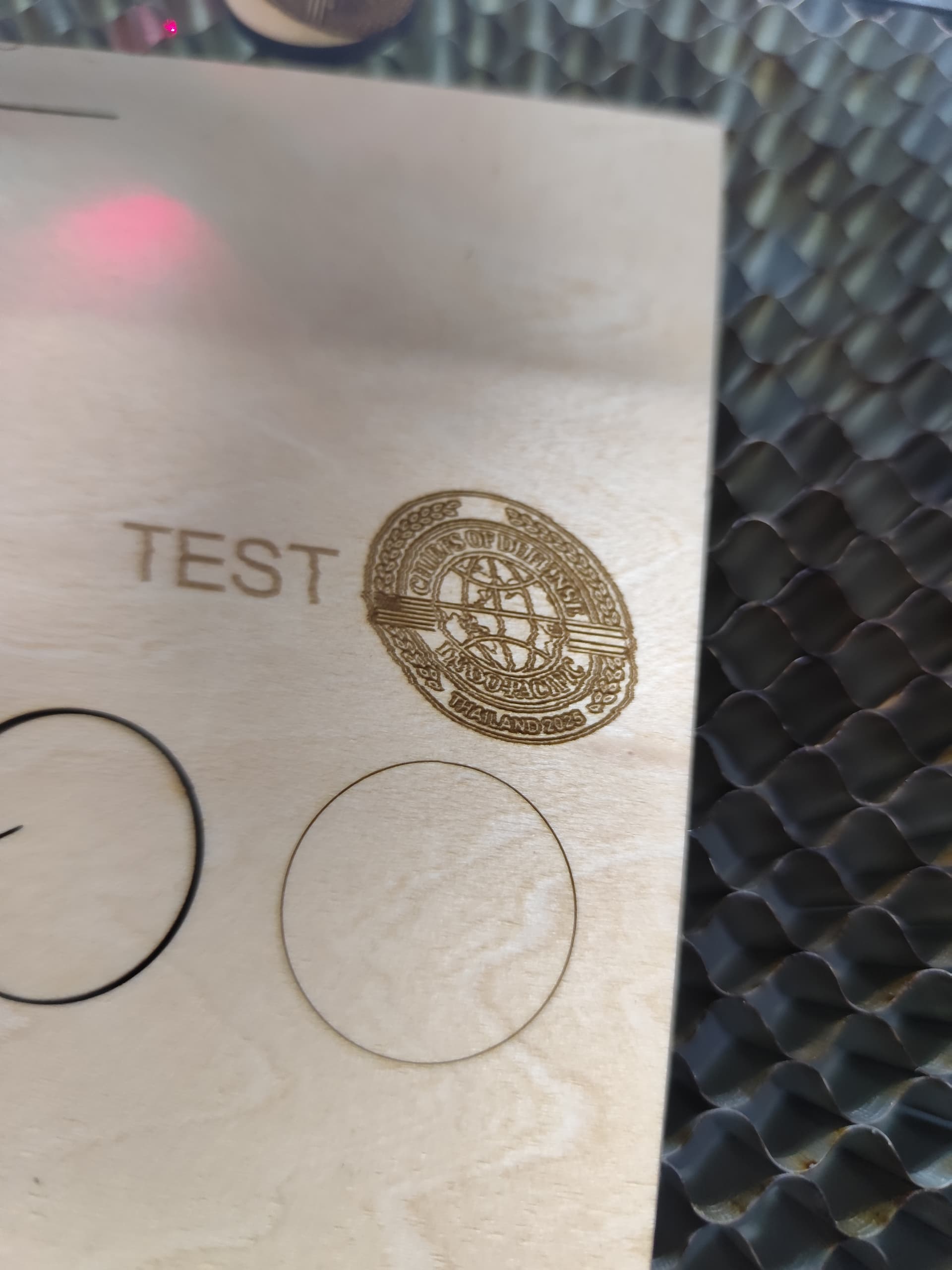
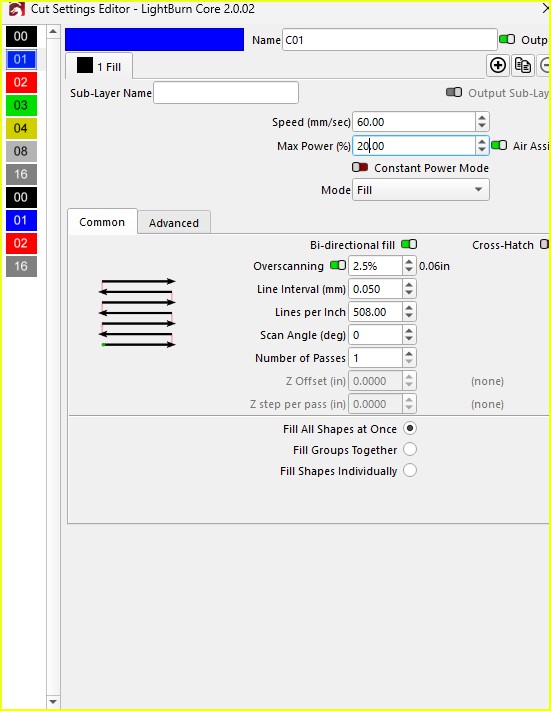
The tensioner for the Y-axis is already fine, and I believe the cutting and line work are not a problem. The issue is with engraving wording or pictures. May I know what the real problem could be? Does it have to do with the settings?
I usually use the Atomstack X70 Pro Max, but now I am using a CO₂ laser for the first time.
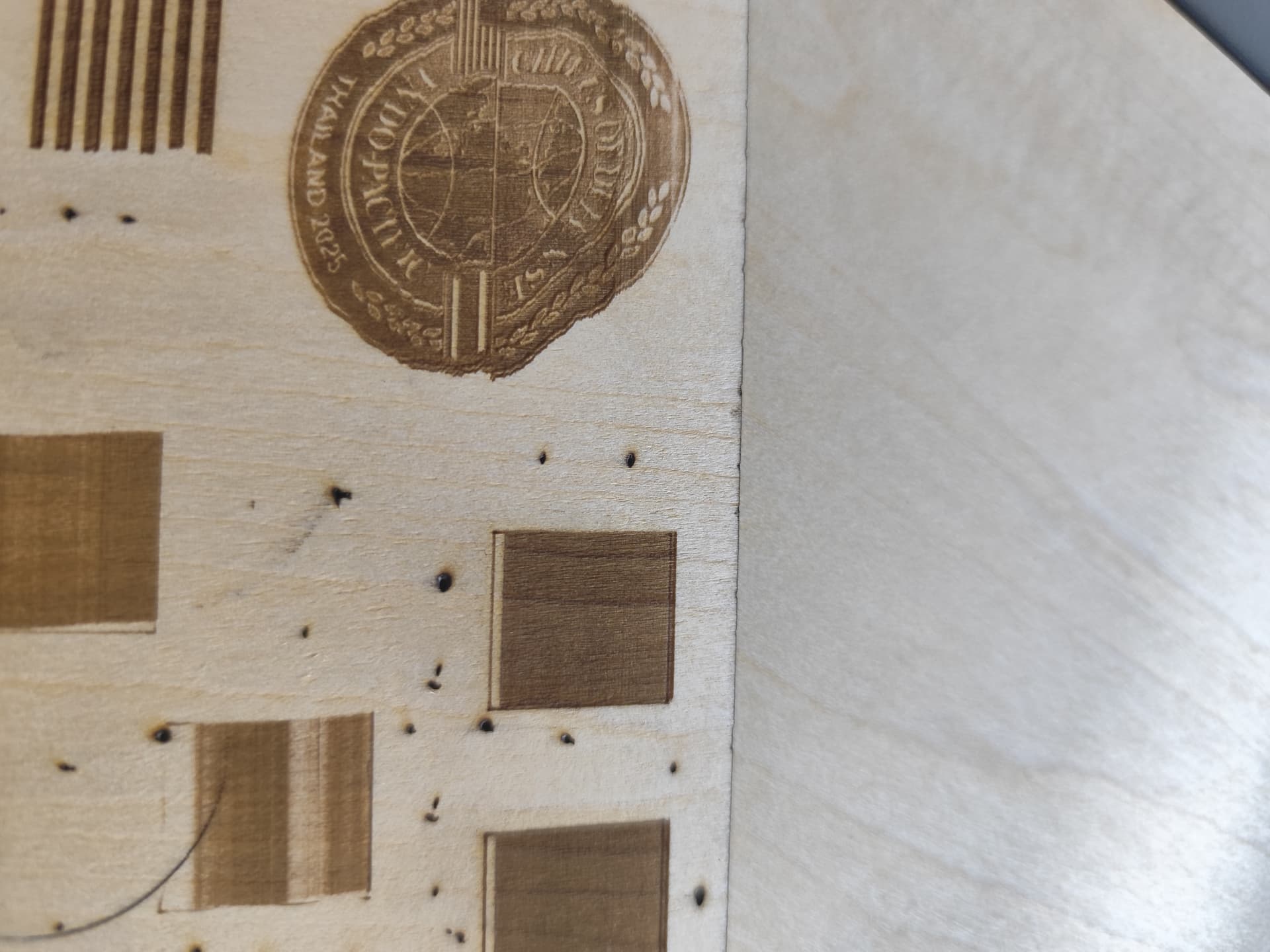
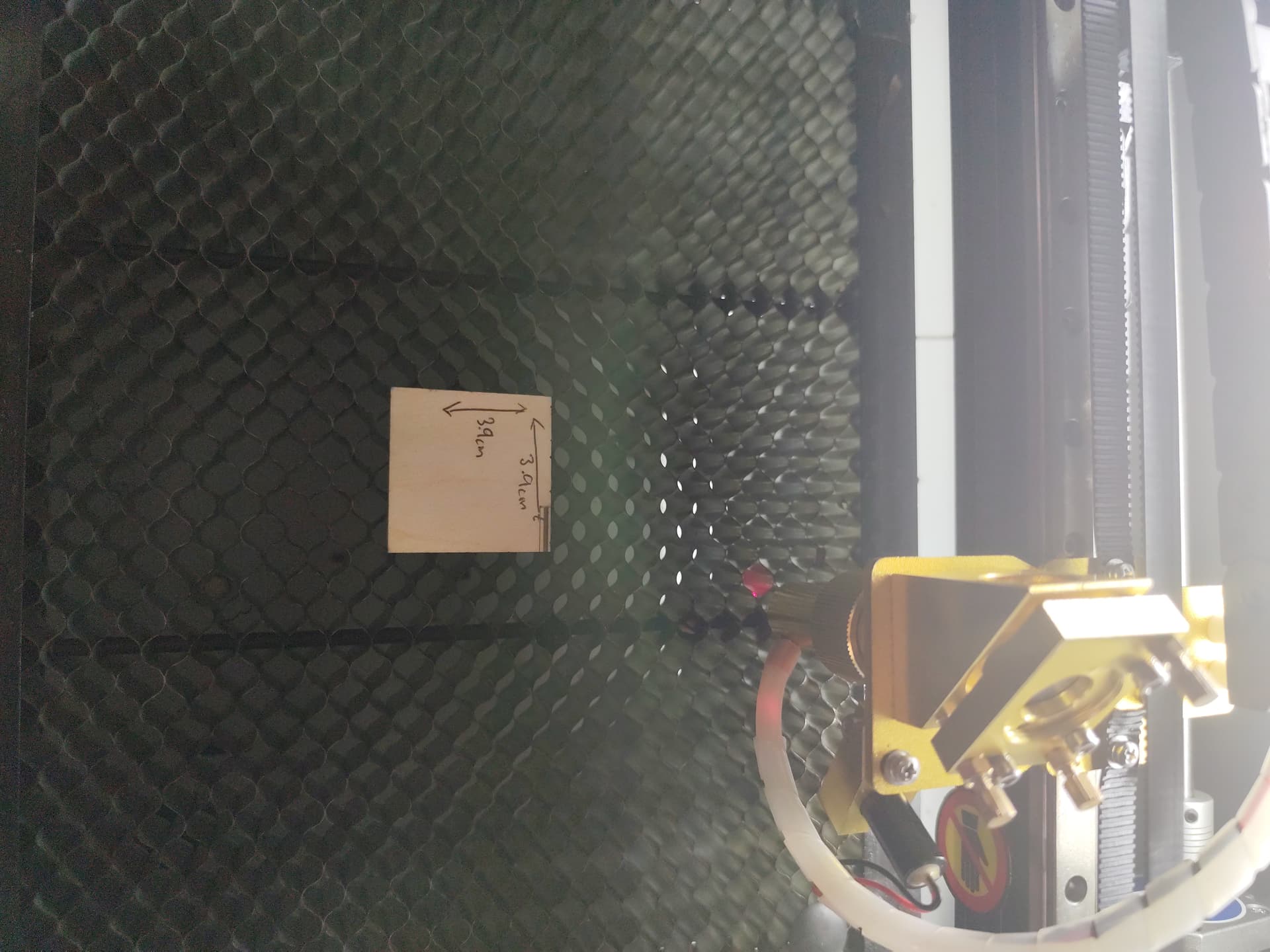
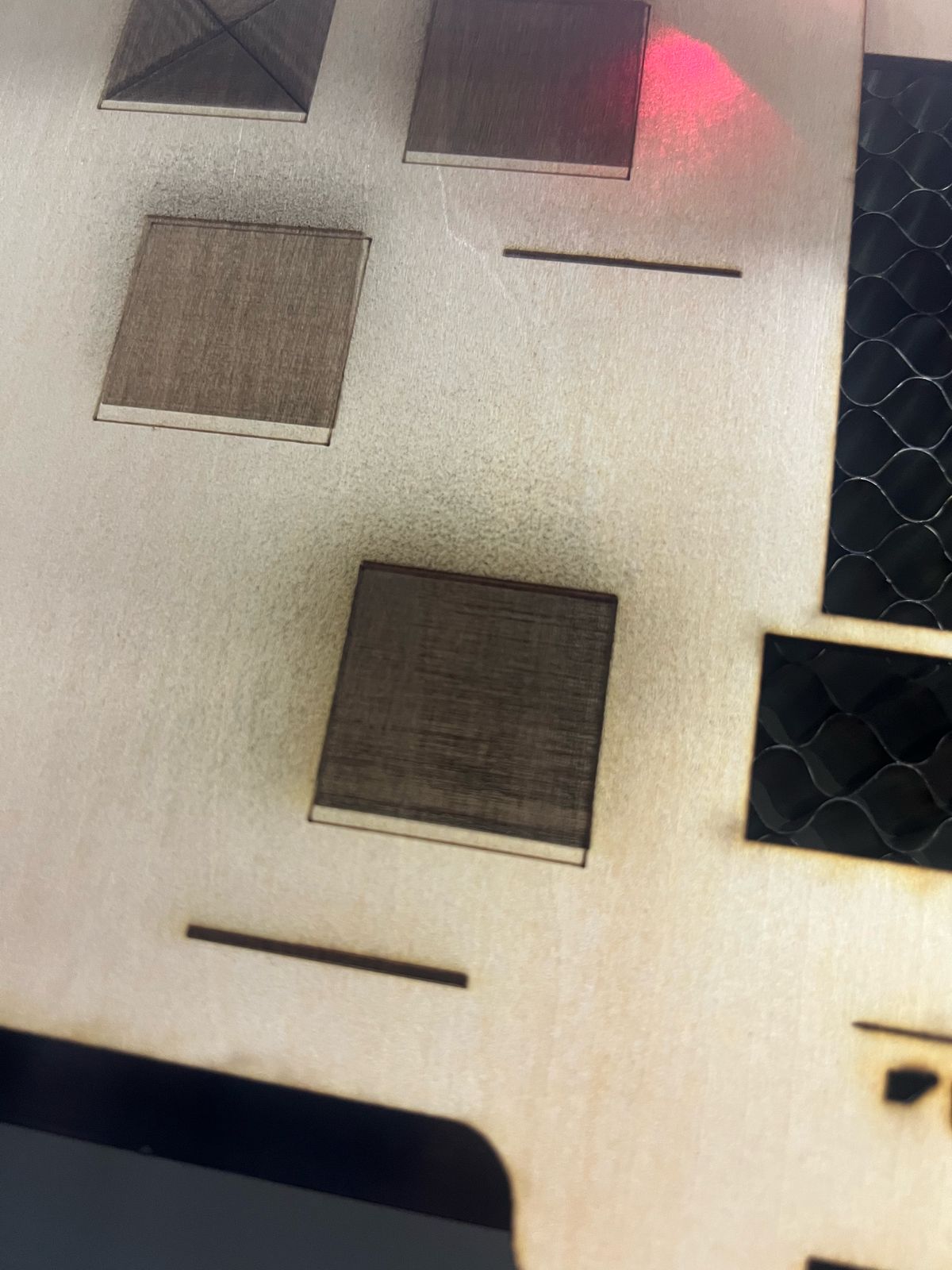
I already tried engraving at low speed, but when I engrave a square, some parts are missing at the starting point. The cutting lines are fine with no issue, but in engraving, some areas at the start are not engraved properly. The belt is in good condition, and the tensioner is set at 90 degrees on both X and Y. However, I also notice that sometimes the start point shifts far from where it should be.
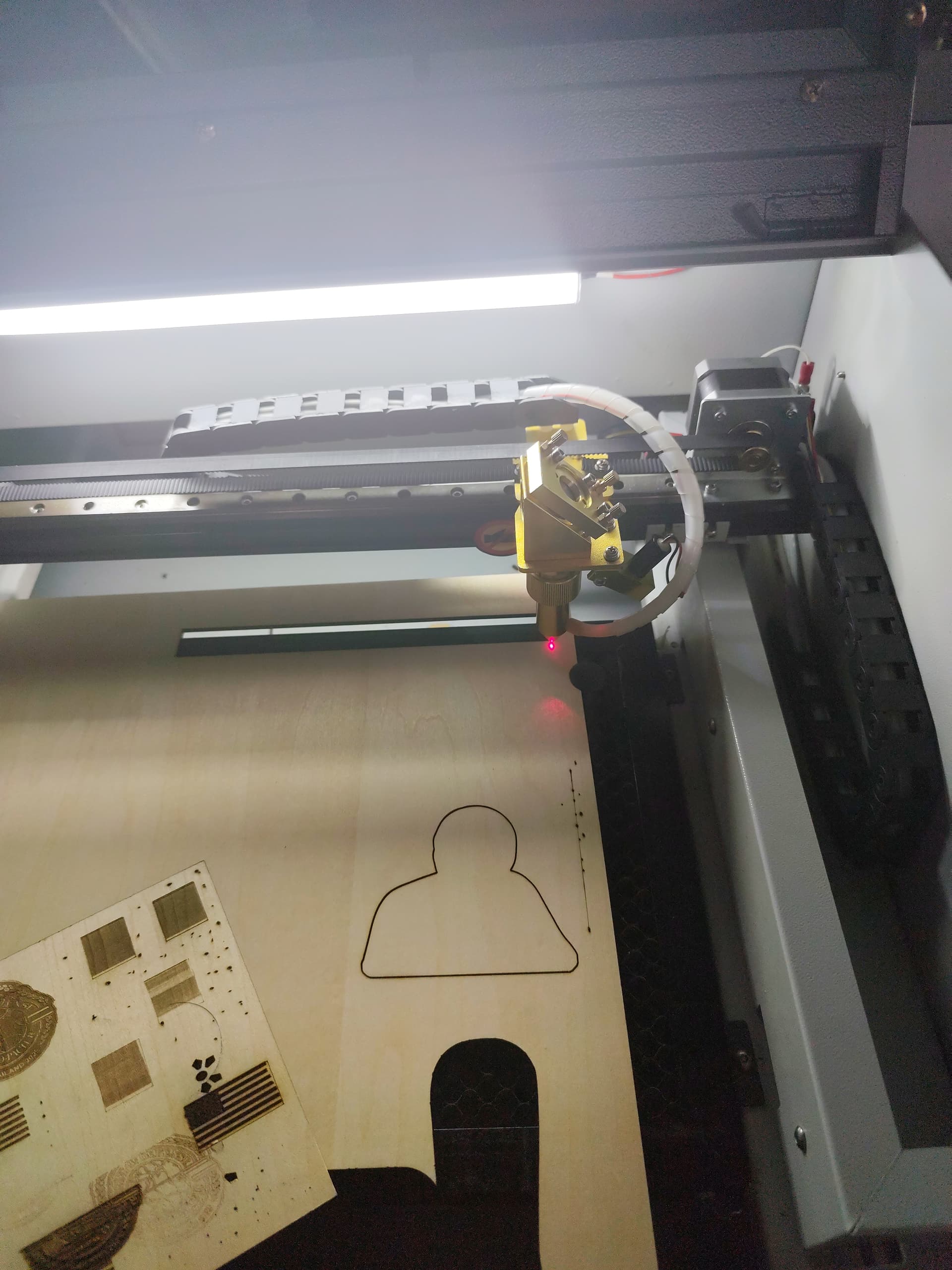
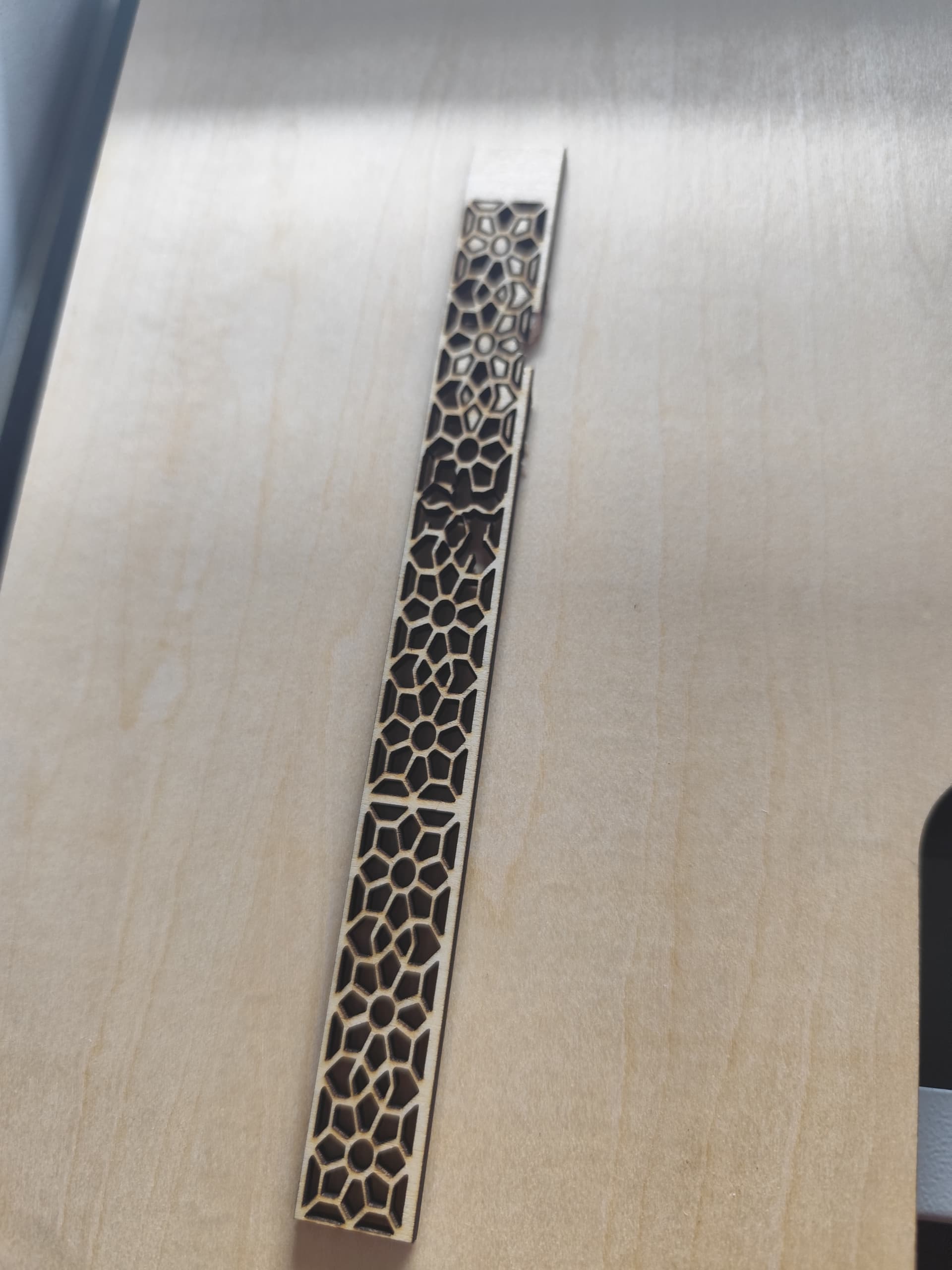
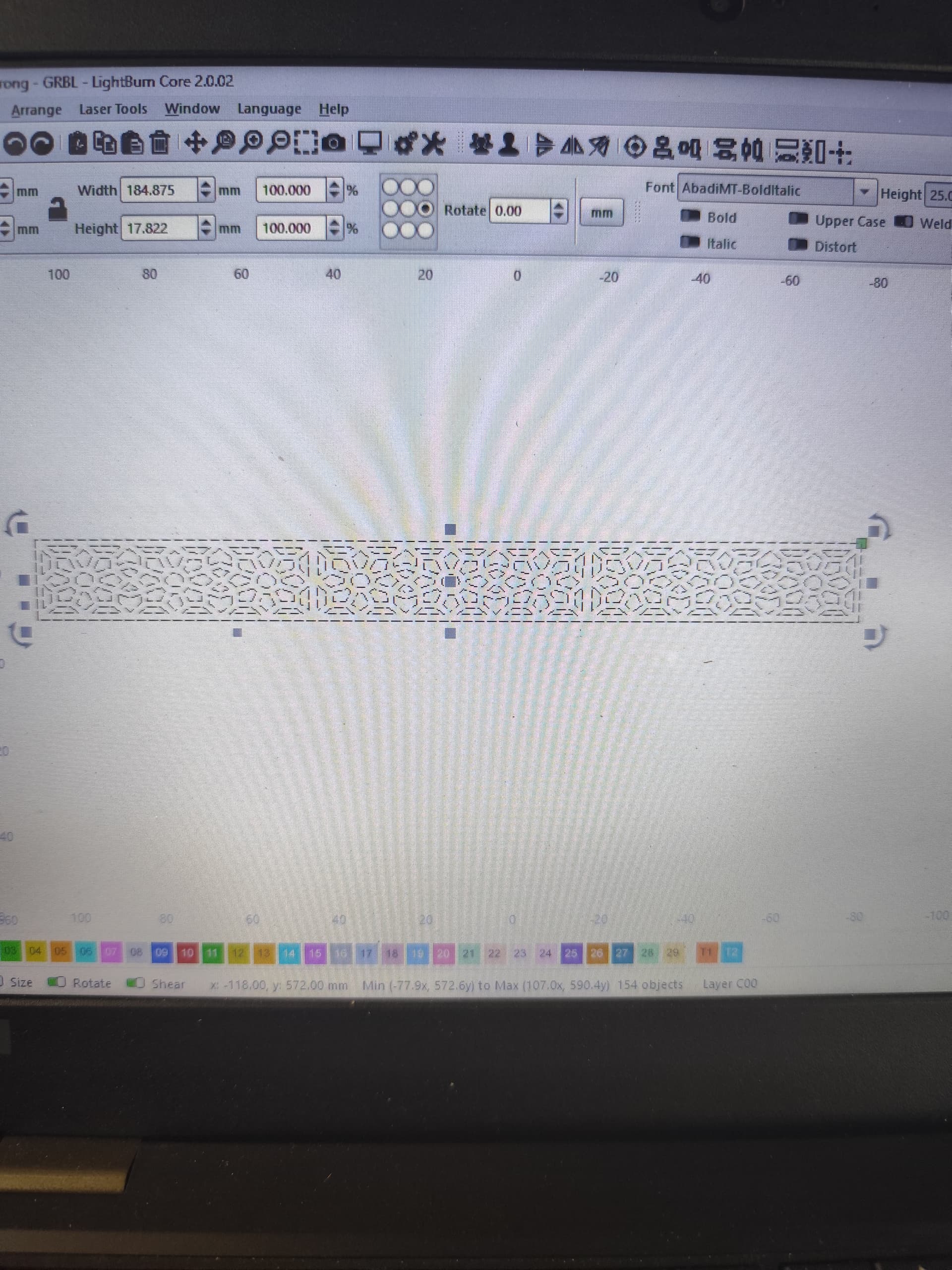
Okay, another problem. I sometimes think it might be related to the axis, but in LightBurn the cut lines look perfectly in shape. However, after cutting, the actual end product is not right — the laser head keeps moving.
This is already my 4th day struggling with this machine and I’m really sad about it. Please, can anybody help me?
But also my concern regarding the lightburn seeting
I tested by first outlining a square, then engraving inside it using a duplicate to check the engraving movement. However, the engraving does not align correctly with the square outline — it misses the line
Dont be sad about these issues, they are part of your learning.
I am also quite new to lasering and also it took some time to get it working properly.
Look at this link, it tells you how to properly inform other forum members about your machine and which screenshots will give them the information they need to help you solve these starting out problems.
I should have given you this link yesterday.
When you give the full name etc of your machine other people who use the same machine or have knowledge of them will know what to suggest.
As to the quality of your results, this is some mechanical issues and if you search in the Previous Topic’s you will find out how people solved similar problems
.
Lots of reading but it will be to your benefit as you will learn other things too.