Laser just started doing this today, no clue why but any ideas would be greatly appreciated. I can’t upload the video but it is randomly moving up to places in the workpiece that it shouldn’t also like the controller is malfunctioning
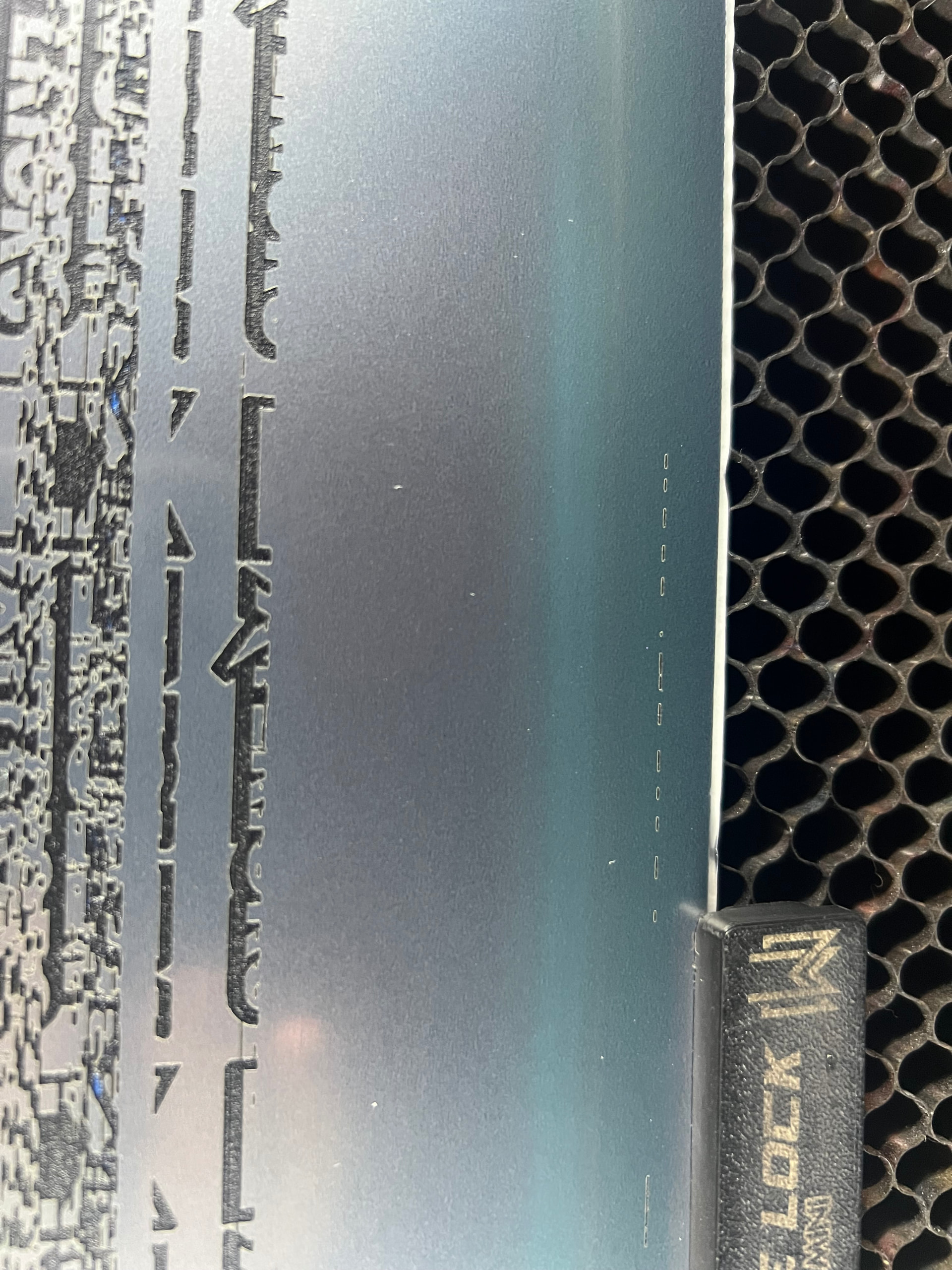
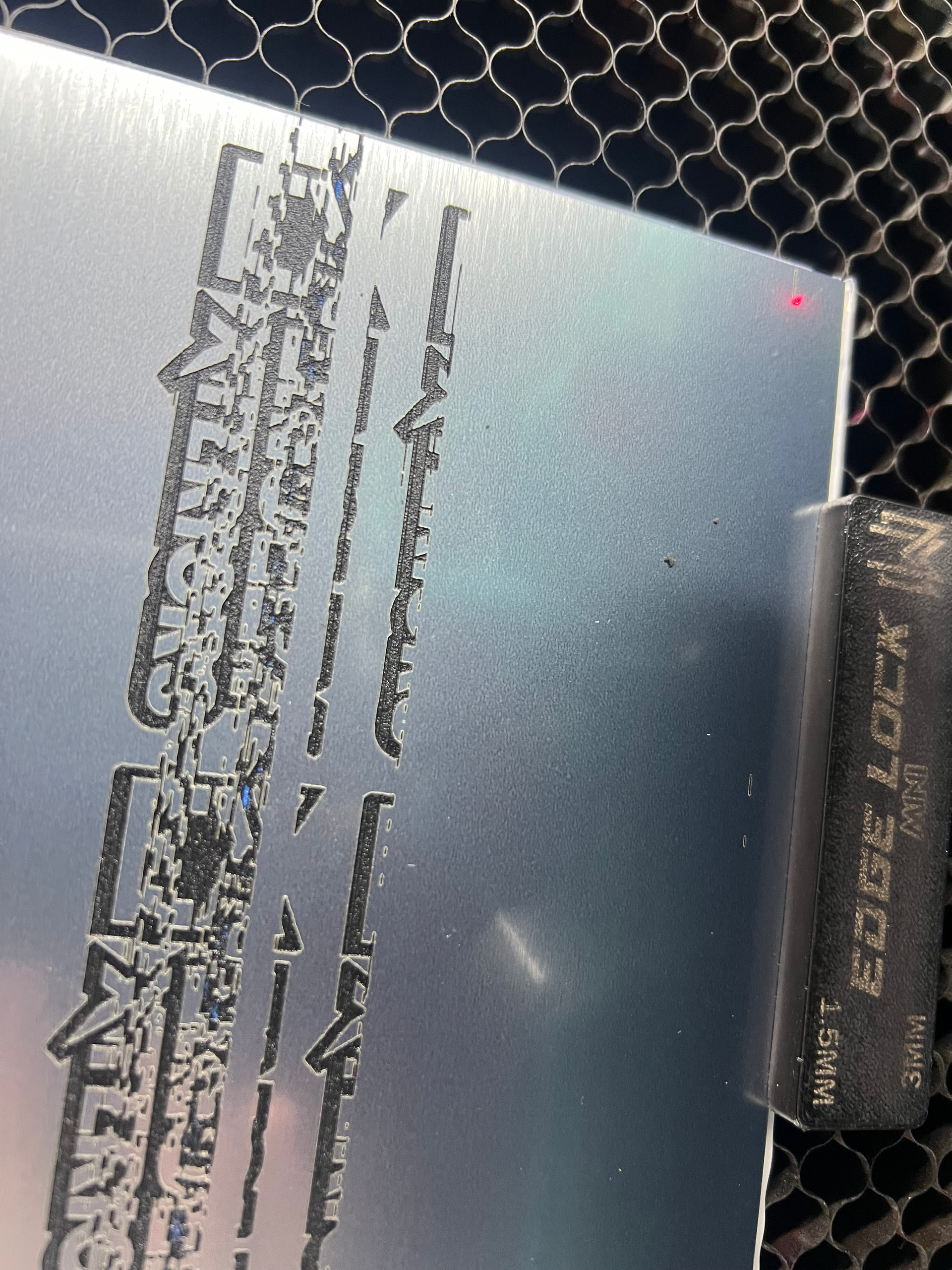
Does it boot OK, without your intervention?

Video for reference
Yeah booted up, framed fine and ran okay for the first bit
As a rule of thumb, if you haven’t changed anything in LightBurn, don’t change anything in LighBurn.
Assuming the PC is connected to the controller with a USB cable, most likely the cable / connectors have worked loose or failed.
A cable with ferrite cores on both ends, bought from a reputable supplier (rather than a randomly named Amazon / eBay seller who also offers beach attire and kitchen utensils), seems to resolve many problems. IMO it’s because the ferrite cores justify a price high enough to allow better (or any) QC for the internal wiring.
Some previous discussions:
However, if it’s a Ruida controller, using Ethernet will eliminate all USB problems.
Some previous discussions cover the situation:
1 Like
So it would be fine to run an Ethernet cable to my laptop while I wait for a new USB to come in? Is there anything different about that connection I need to do different as far as settings?
Ethernet is a networking protocol. This means you have to plug it into the network, along with your computer.
Although you can plug Ethernet directly into a PC, you have to know enough about networking to get it to work correctly. On many machines, you can’t configure a single port (Ethernet) to anything other than your network settings, so you could loose network communications. I have done this on my Ubuntu Linux box…
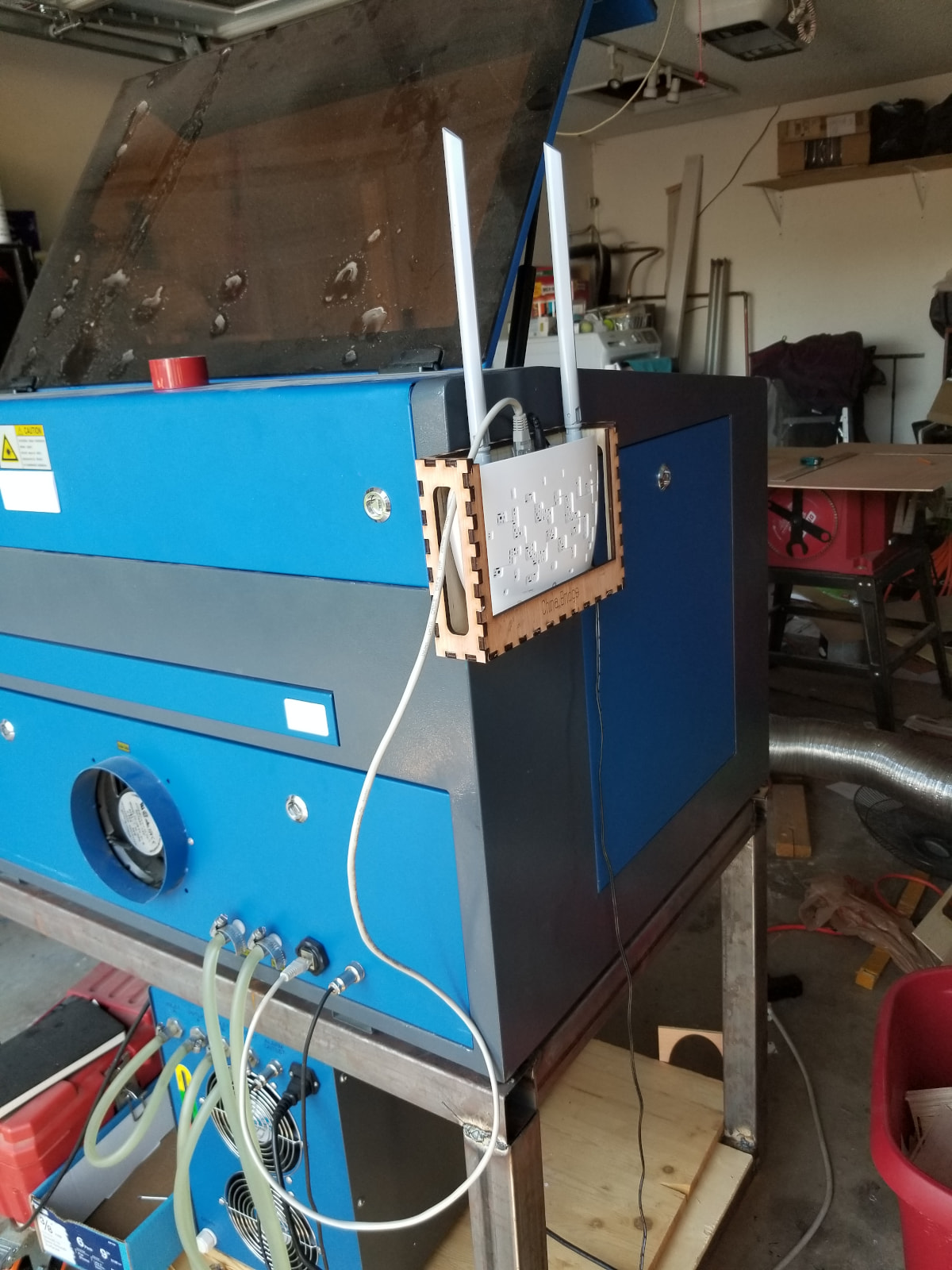
Just run it to your router or switch, so it’s part of the lan and connect to it with Lightburn. Mine is on a WIFI bridge that set me back $12 from Amazon. It’s in the garage…
There is also the Raspberry PI…
It’s discontinued, but you can still build your own. All it takes it to load their software on an SD card and boot it… The article explains how to do this.
I think, once you’re started using Ethernet you won’t go back to USB.
Good luck… sing out if you need help.
1 Like
Thank you! I appreciate all of the help!
When you start using Ethernet, you will never go back to USB, because It Just Works™. 
The doc gives the setup:
With a direct cable between the PC and the Ruida, the PC will come up with a Link Local address for that port, something like 169.254.0.22. Set the Ruida’s IP address to the first three octets, with something else in the last: 169.254.0.23. Then tell LightBurn what you set for the Ruida and it should connect.
If not, we’ll need more details about the setup.
1 Like