I am operating macOS Sequoia 15.5 on Apple M1 system. After installing v2.0.00 and trying to cut
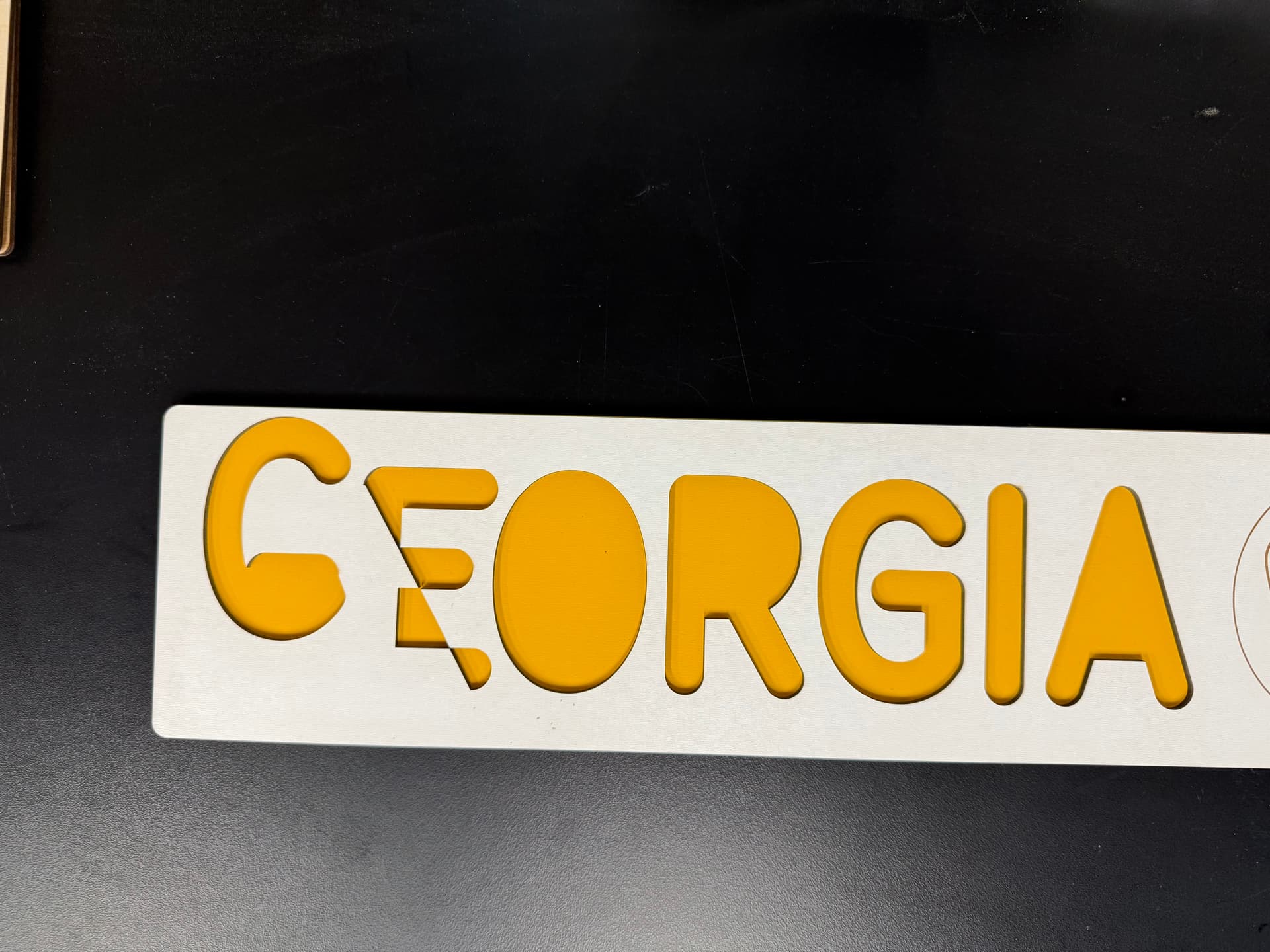
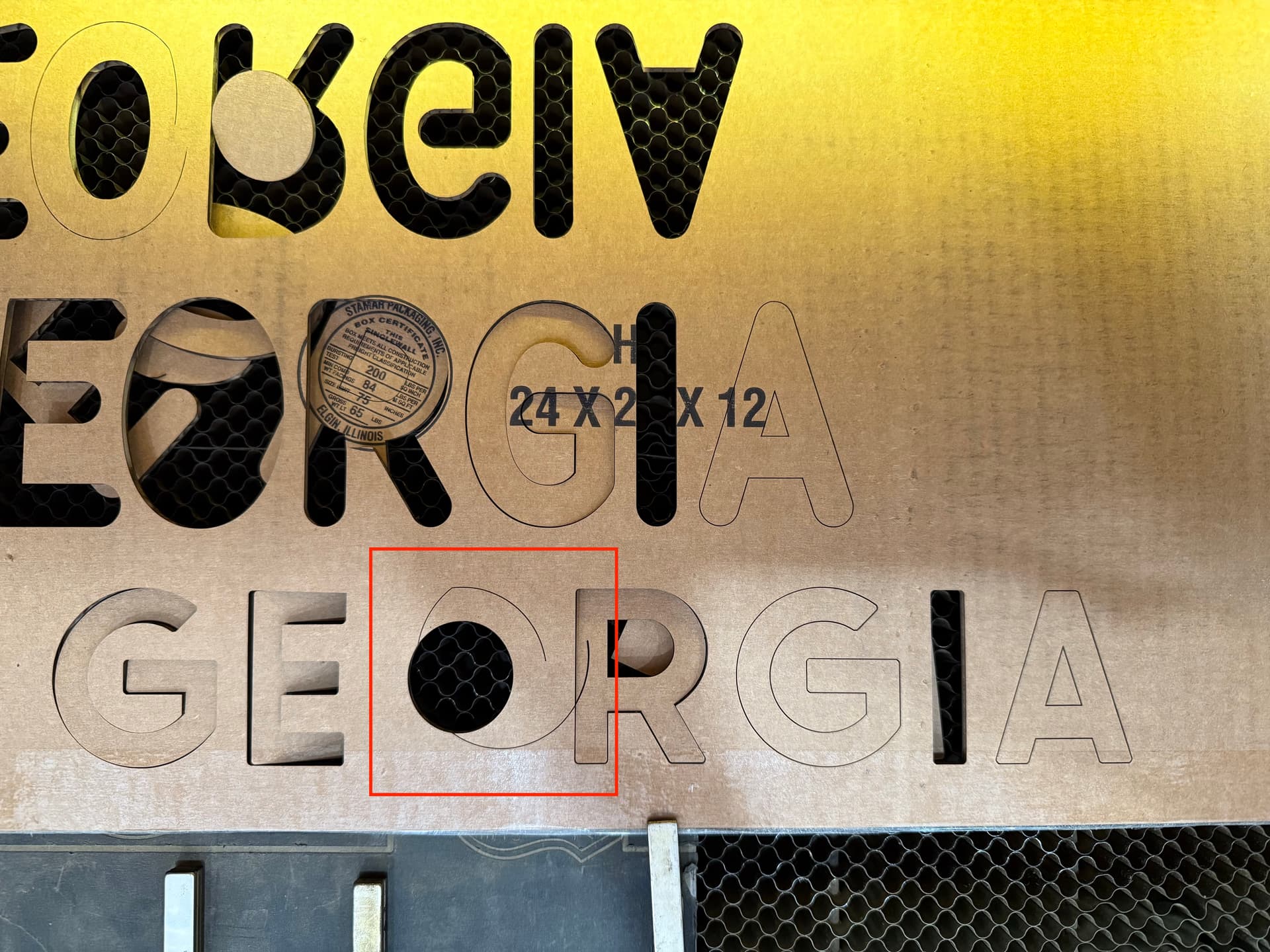
the laser will jump and cut a line that does not exist on the workspace? I tried multiple times to cut different images and the same occurs each time. I did the update and the same issue.
I have reverted back to 1.7.08 and no issues. Any suggestions would be appreciated,
Hi
This indicates that either there were debris in the gutters or some other mechanical problem such as some pulley screw with little tightening for example or low tension belt.
That I have knowledge of, software update does not cause this kind of problem.
The fact that, in reversing the version, the defect was missing will have been coincidence.
But it’s my opinion. 
Thank you for the response, but unfortuantely it is definetly something between the software and the machine.
I can run the previous version of LB 1.7.08 with no issues at all, cut or engrave. The second I switch to the update 2.0.01 the same issue occurs I used multiple files and the exact same ones so that I would have a direct comparison.
So frustrating! Just want to use the new version!
If anyone has thoughts or suggestions, please…
Check to see how many files are in the Ruida. They do strange things when it’s memory is full.
If you can, delete them all..
I run Linux, so I’m still using 1.7

If you don’t have problems with the previous version and they only appear with the new version, I have to agree that something in the new version is different from the previous version. Not a problem per se, but something different that affects the work after it is sent to the machine.
I have no experience with Ruida or machines of that kind so I suggest you follow @jkwilborn advice.
Did you discover why? I’m having the same issue after upgrading.
Just like you, old version runs fine which I’ve used since 2022. System was too old for Version 2.0.02
So, I Bought a newer mac and now I have a 2019 Imac with OS sequoia and Ruida 644xs.
Its obvious which cuts don’t belong.
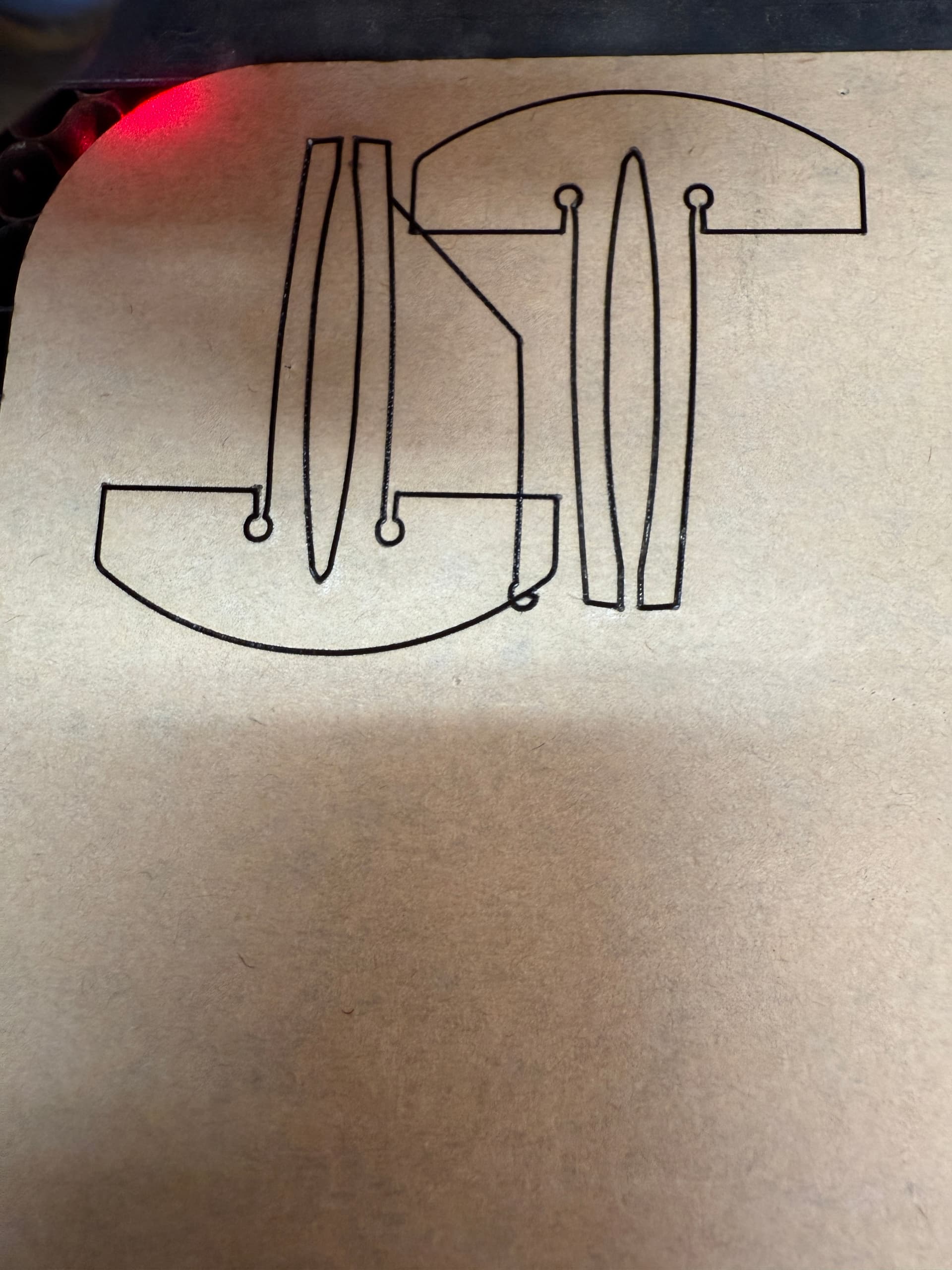
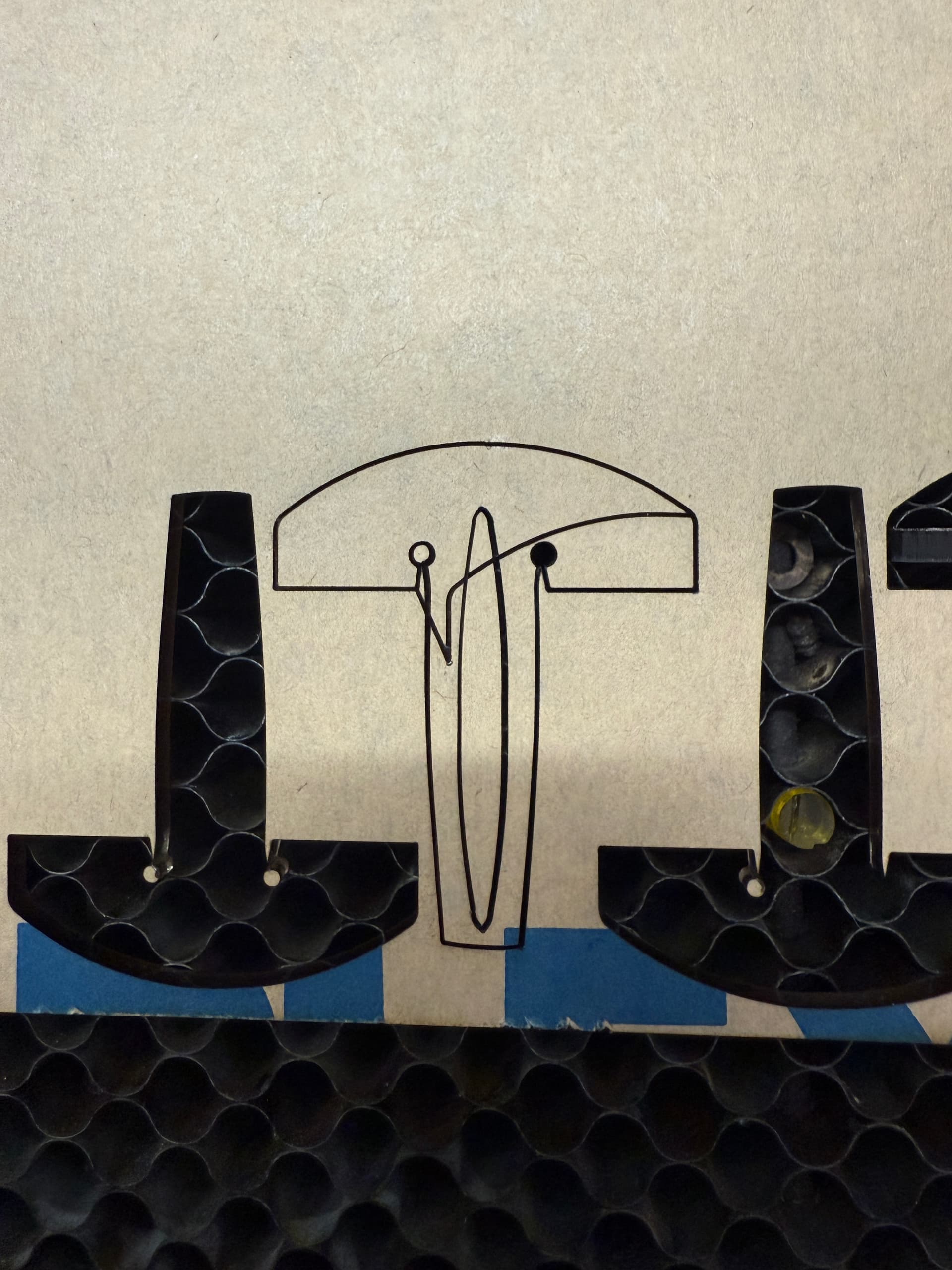
I Edited the File but it still goes Rogue but in a different way.
I think I have solved my issue. I switched to an ethernet cable (previously using USB) and I don’t seem to have any more issues. It has been only a day, but it seems to be working fine now with the newest update of LB.
Hope that helps
Surprised we didn’t mention that. USB does some strange stuff sometimes. I spent less than two weeks messing with it, finally just went Ethernet.
Glad it’s fixed, so to speak.
I have been trying to get my laser to connect to my mac via ethernet but so far unsuccessful.
Hopefully a friend who is tech Savey dropping by later tonight to see what I’m doing wrong.
If i get the laser and the Mac communicating via internet I’m hopeful that is the problem.
Here is another Pic showing the variety of shapes I get by just pushing the start button.
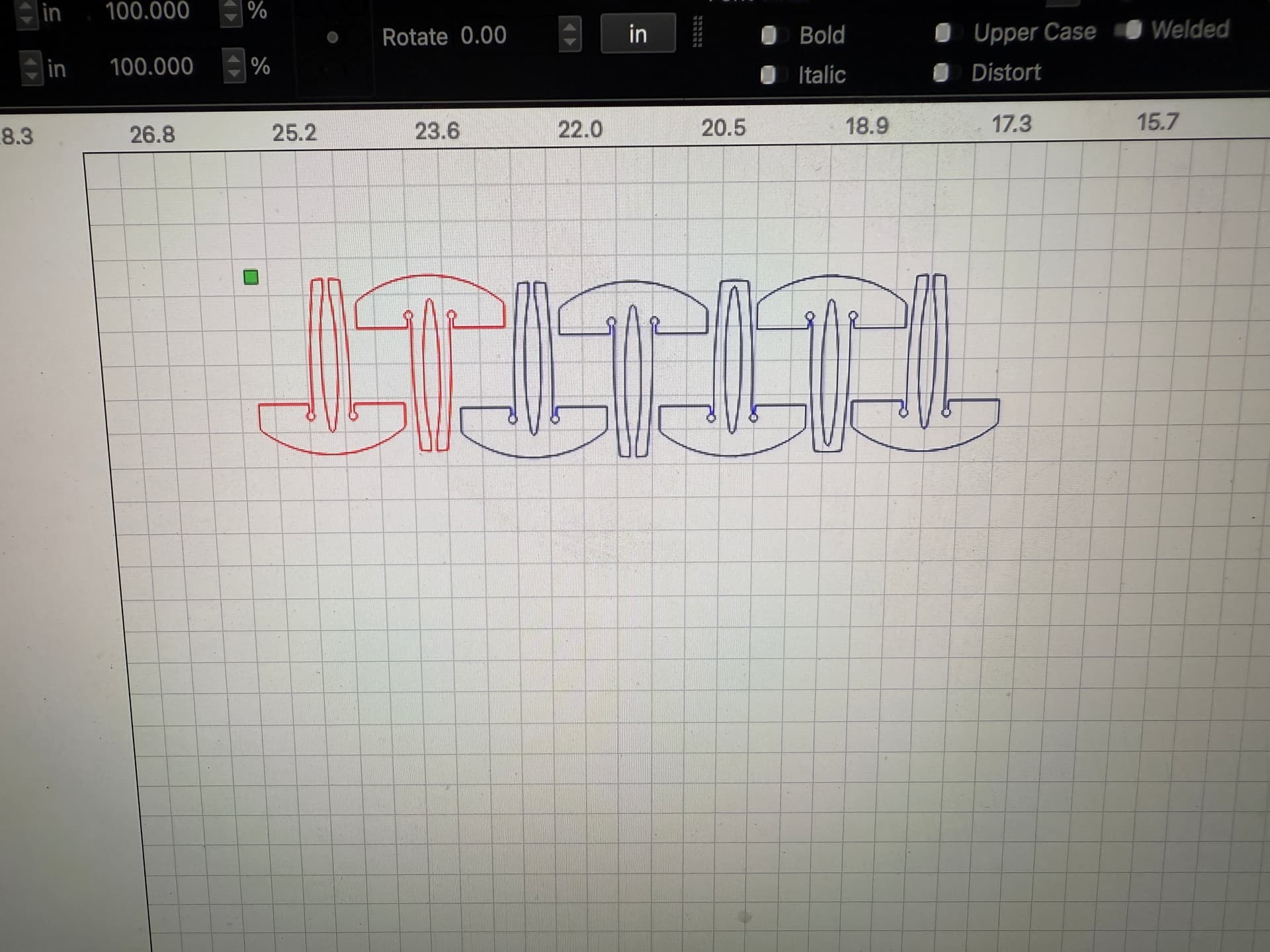
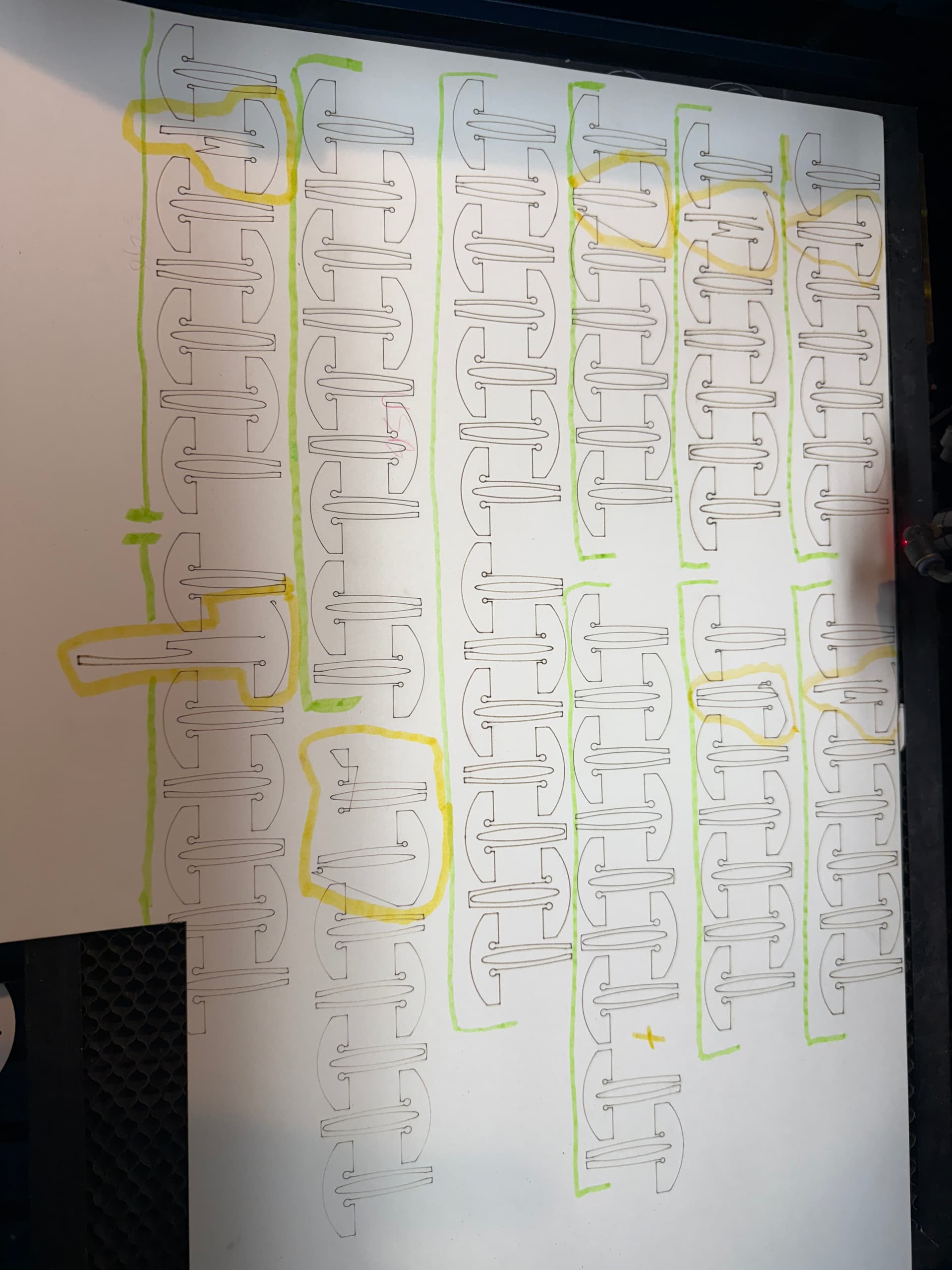
of shapes I get by just pushing the start button.