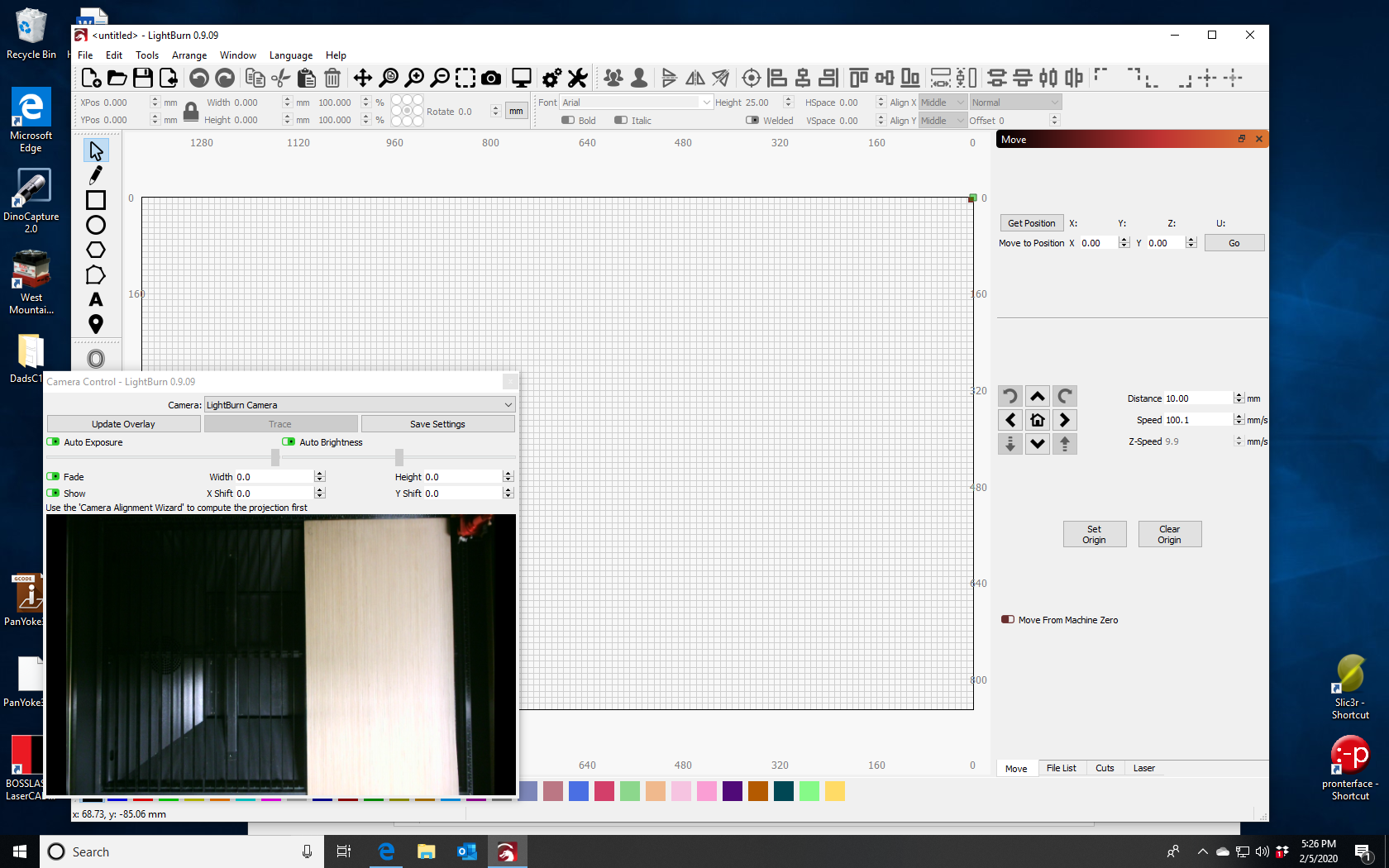
The Boss HP series uses a Trocen AWC controller, and they don’t allow me to change the origin mode - you have to do that manually from the controller menus.
On the controller, press Menu, then go to Common Parameters Setting (7), then Work Mode. Change the Origin Mode setting to ‘Soft Origin’ (the software chooses the origin) instead of ‘Key Origin’ (the user presses the Origin key to set the origin)
With the HP series, you also have a movable focus head, and a Z bed, and that’s going to cause trouble too - the moving head means that your focus plane changes, and that throws off the camera calibration. If you’re able to use the controller without changing the focus distance of the laser, it’ll work (it will work if it doesn’t change more than 1/4" in general).
Thank you for the quick reply. But I am still a bit fuzzy on what to do. I changed the setting in my Boss HP5536. But now what ? do I redo the camera calibration, I assume so but what settings do I do differently, Setting origin ect. I really don’t want to spend another 10 hours trying to get this done. I have plywood that needs to be burned. I am now able to at least get it to put the target image in the middle but I get an error of “engrave beyond size” on the Laser. I know it is smaller than the bed
any ideas on that?
You just redo the calibration, and this time, because it’s set to work with absolute coords it should work as expected.
I’ve just run this myself and there is an issue when running in Soft Origin mode in the controller - you need to set the Job Origin corner to the same corner as your physical machine origin. You shouldn’t have to do that, so I’ll fix this, but for now if you change that setting in your main page you shouldn’t get the engrave beyond size error any more and everything should work.
Ok I just kept trying settings until something happened. I finally tried enough combinations and got it to work but I have no idea why. I sure wish this was something I could follow and understand but there isn’t any clear documentation that I can find that will allow me to comprehend what is going on. I am now trying to overlay my cut files over the image but the camera freezes up or the software freezes or the laser will not respond. I have now lost all my camera settings and have to start over. Man this is a very unstable product. I don’t know how I will ever be able to make this work auseful tool.
I added an extension.
I have another USB camera connected but have removed it ti see if it resolves anything but so far it has not. I can see the camera in the camera view but cannot update the overlay
You can’t just use an extension wire - These cameras push about 50mb/sec over the wire (the limit is about 60). You need what’s called an ‘Active USB 2.0 extension’ which is a device that reads and repeats the signal, amplifying it in the process. If you go more than 15 feet with a generic USB connection you get signal loss, which would explain why you’re have the problems you are with the feed.
An alternative is to put a USB hub in the machine, plug both the controller and the camera into the hub, then connect the hub to your PC - that means you only need one wire, not two, from the laser to the computer.
I have not tried that specific model, so I can’t say for certain that one will work, but it’s rated appropriately. The camera draws a decent amount of power, so it might be better to use one with an external power supply (the one above allows it optionally)