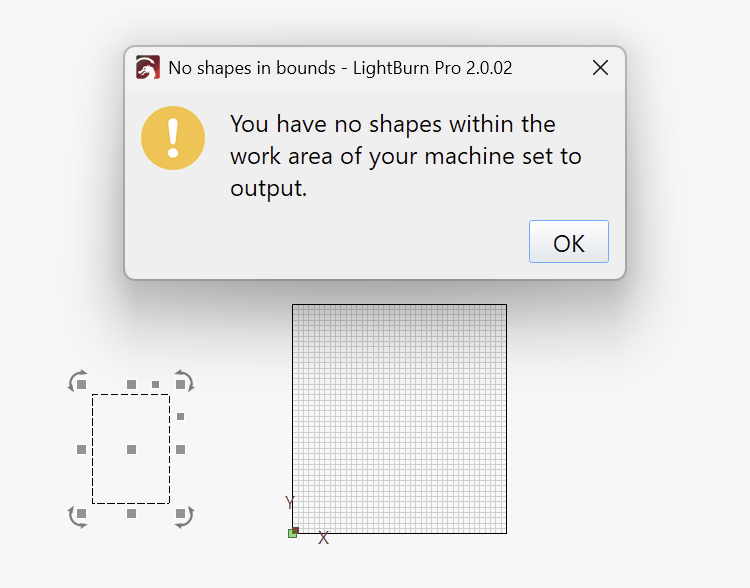
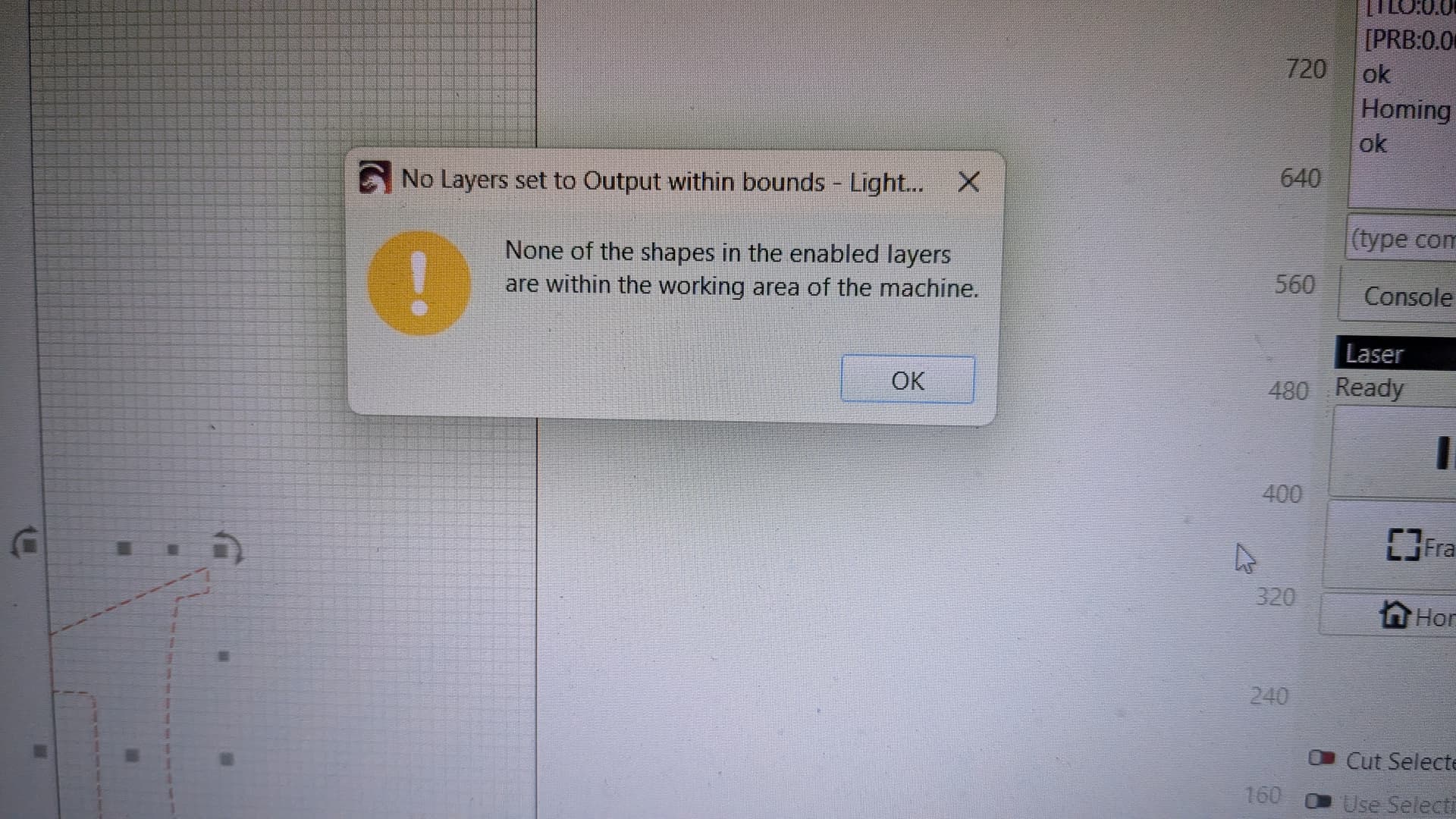
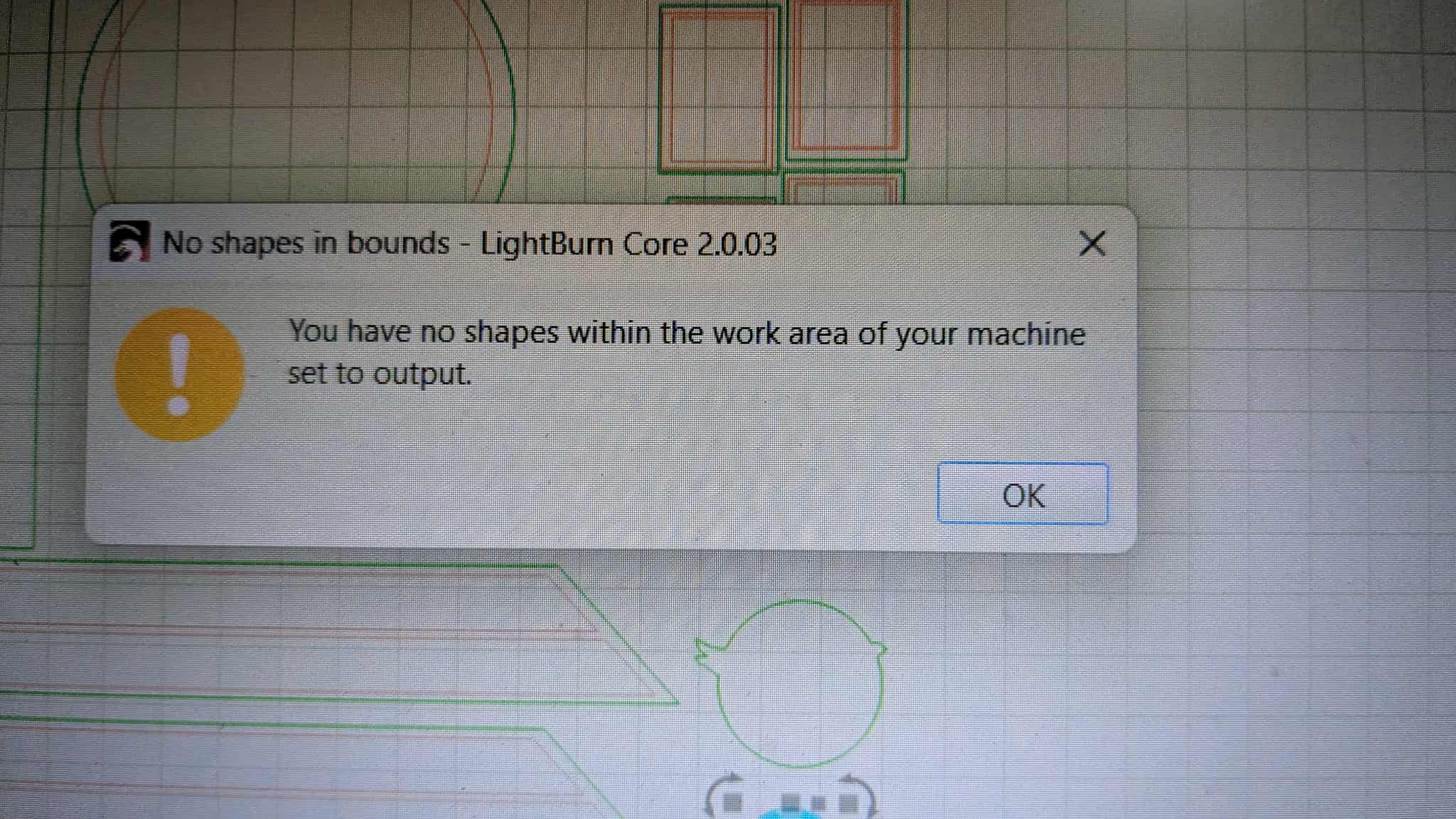
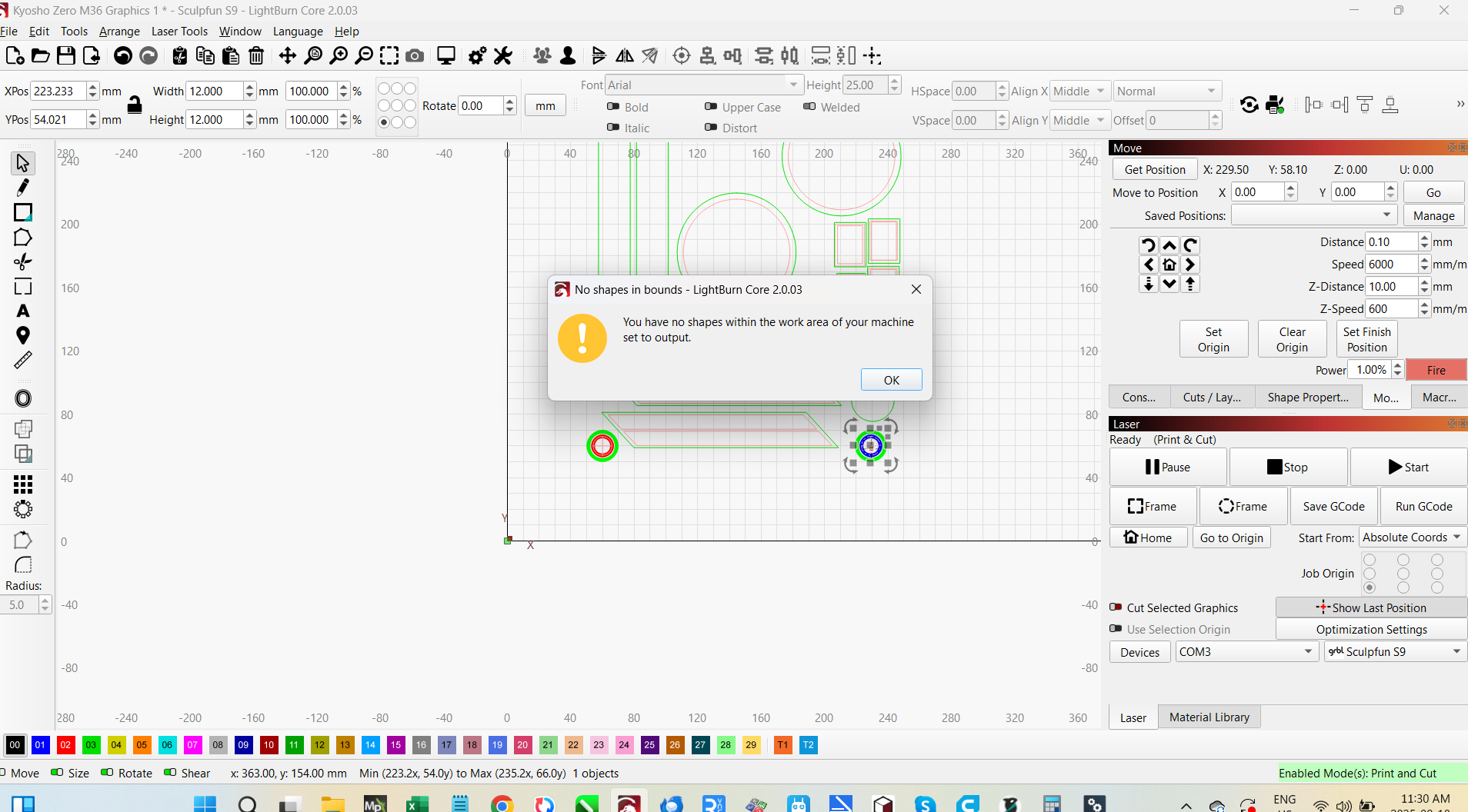
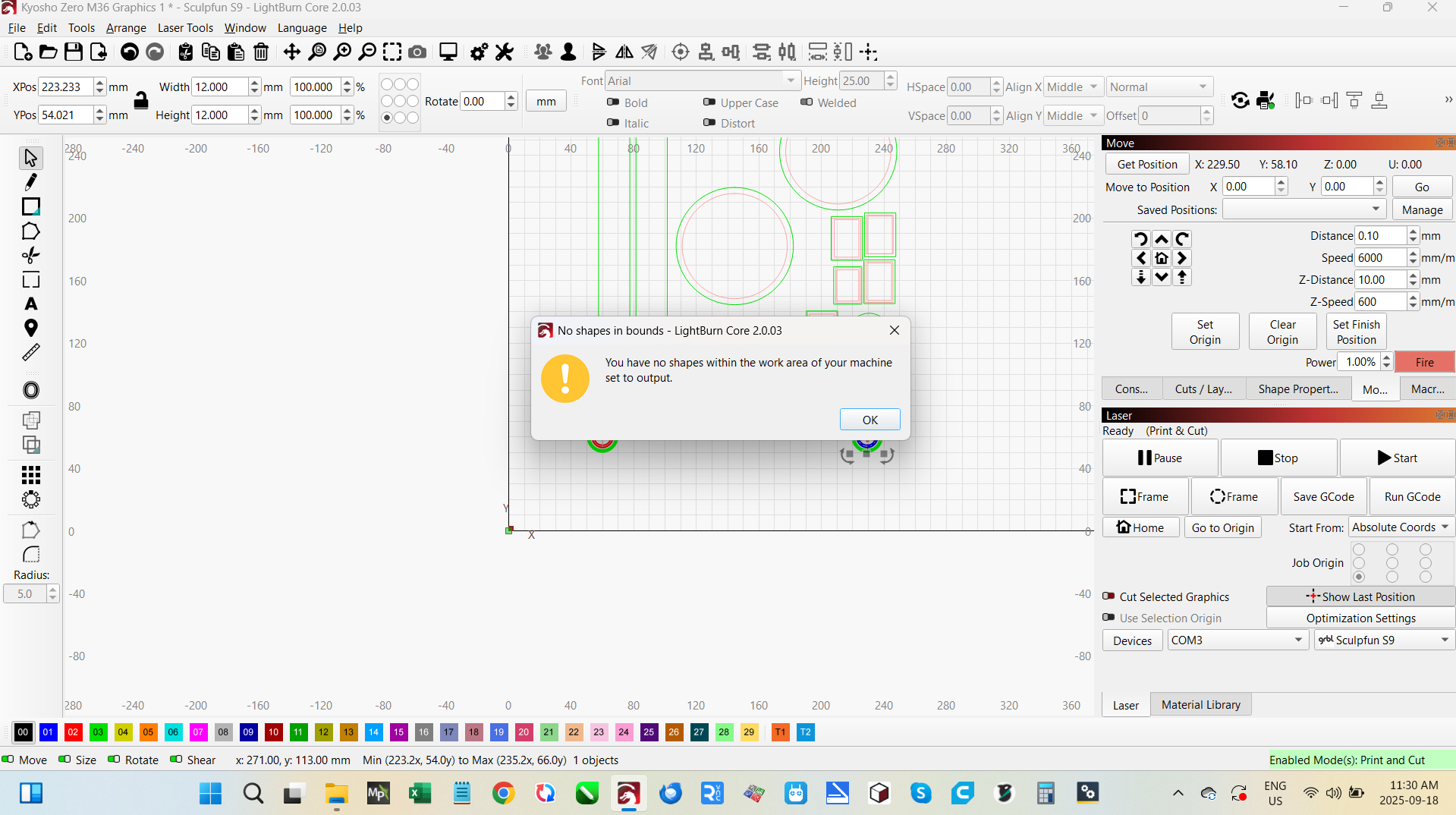
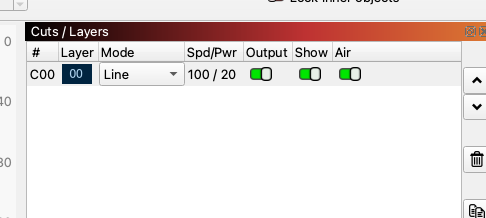
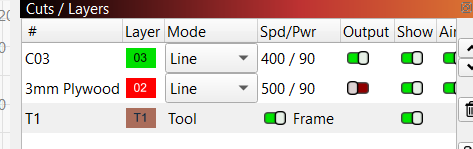
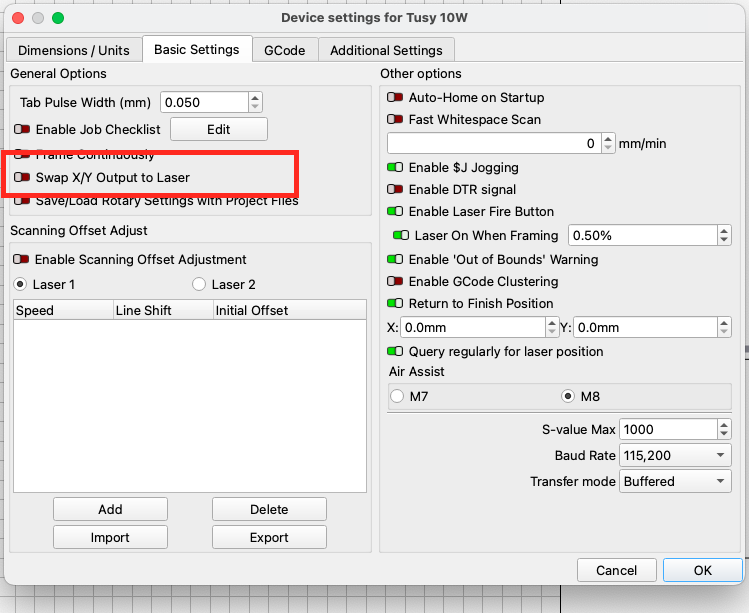
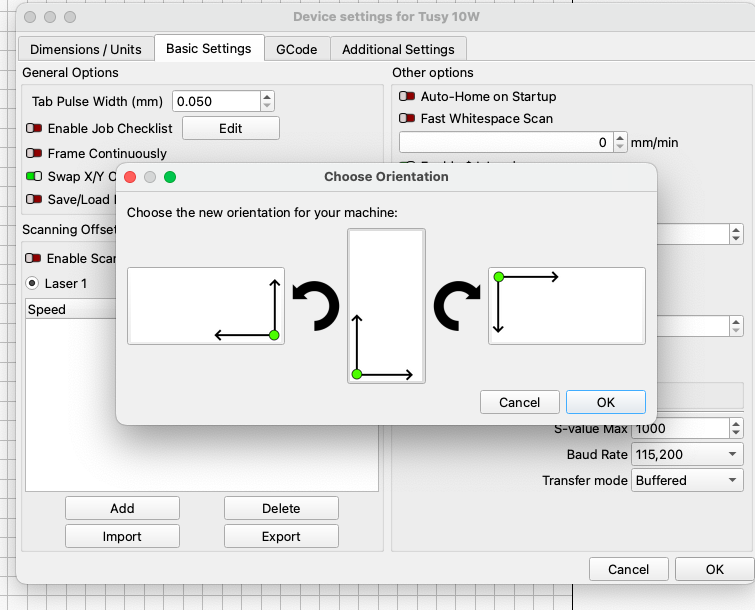
Just upgraded the the latest and greatest and now I can’t run the machine as it gives me this strange error
None of the shapes in the enabled layers are with in the working area of the machine.
never seen this before. Any suggestions would be appreciated.
Move the object on your workspace until it’s fully within the workspace boundaries and let us know if that gets it sorted for you. Your screenshot looks to show that the selected objects are partially in the workspace and partially out of it.
actually the part is sitting with its origin at 0,0 so not off the workspace. Whats odd is I changed the layer to a different cut profile and it worked fine. Not sure why.j
When you run into errors like this, check your Preview Window to see if it adds any additional context, especially if you’re near the extents of your travel area.
oh this problem is driving me nuts.
Today I tried to do a print and cut.. That was a disaster.
So I homed the machine as I normally do. I then jogged to the first print and cut mark alignment mark. I then highlighted the second one and hit jog. the laser raced to the left end of the machine and crashed into the rail I had to kill the power to get it to stop.
I then tried again and jogged to the first spot. I have done this numerous times in the past.
I aligned the laser and this time jogged to the second alignment point and set it. I set no scaling and hit go. IT reported there was nothing in the work area.
I then noticed that the laser pointer in the Lightburn screen was way off to the right and outside the print. I jogged it back till the laser was back into the image. I then relocated the item I was going to cut. This still didn’t work.
i am starting to think it has something to do with the cut item being in the lower left of the work space in lightburn. Not on the cut bed. But I am just quessing.
Oh and if I hit preview it gives me the message there are no shapes. So no additional data can be found there.
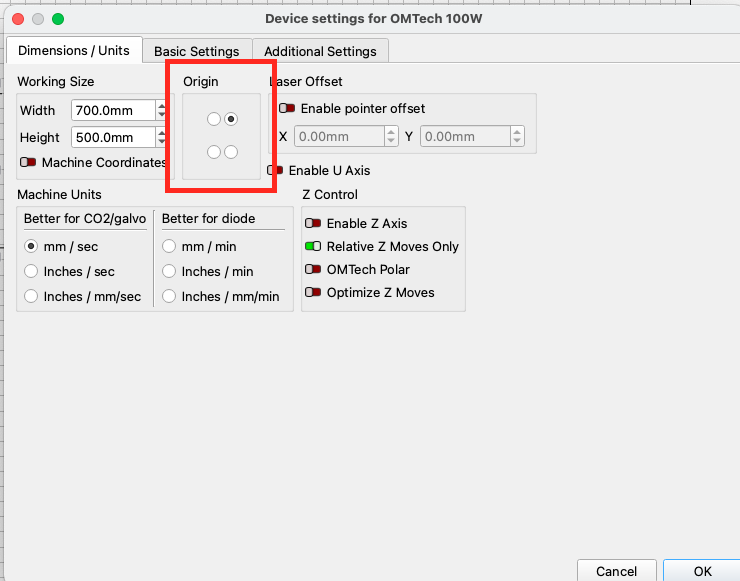
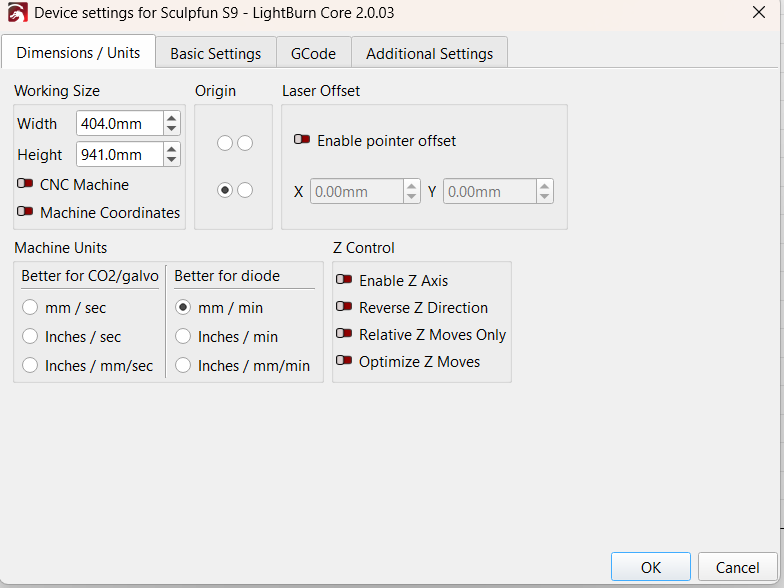
man I wish I had never upgraded. My machine is for the most part useless now. I am trying to cut decals and no joy. I just can’t see anything wrong. Other then if the drawing is in the lower left and the machine origin is lower left as it has been for 2 years or more. Then I jog to the first alignment point and then tell it to jog to the second it hits the rails. IF I manually jog to that point and set it. It goes into the rails or tells me there is nothing to cut. There is some change to the way it deals with the artwork in the workspace that I have not figured out yet.
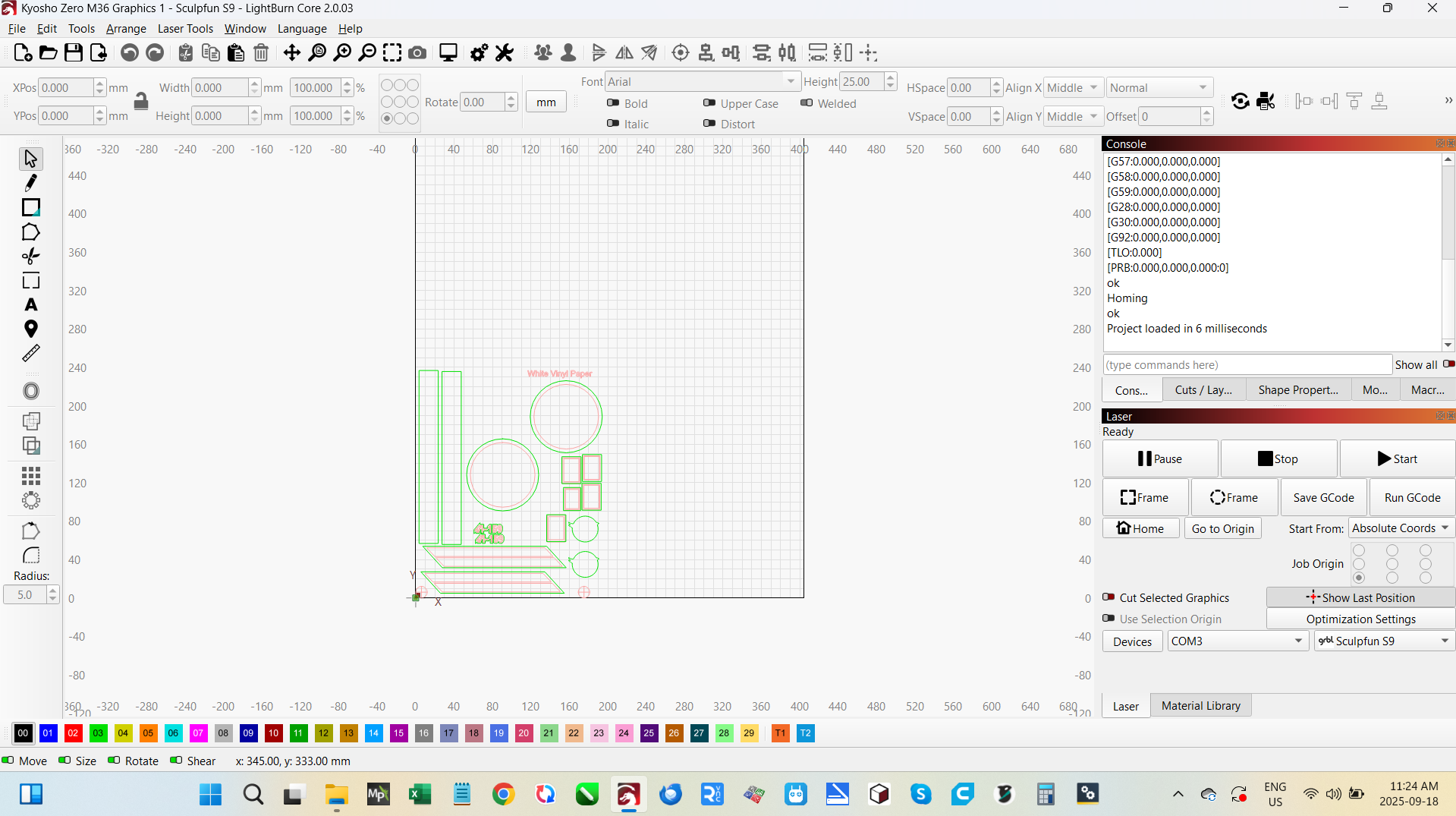
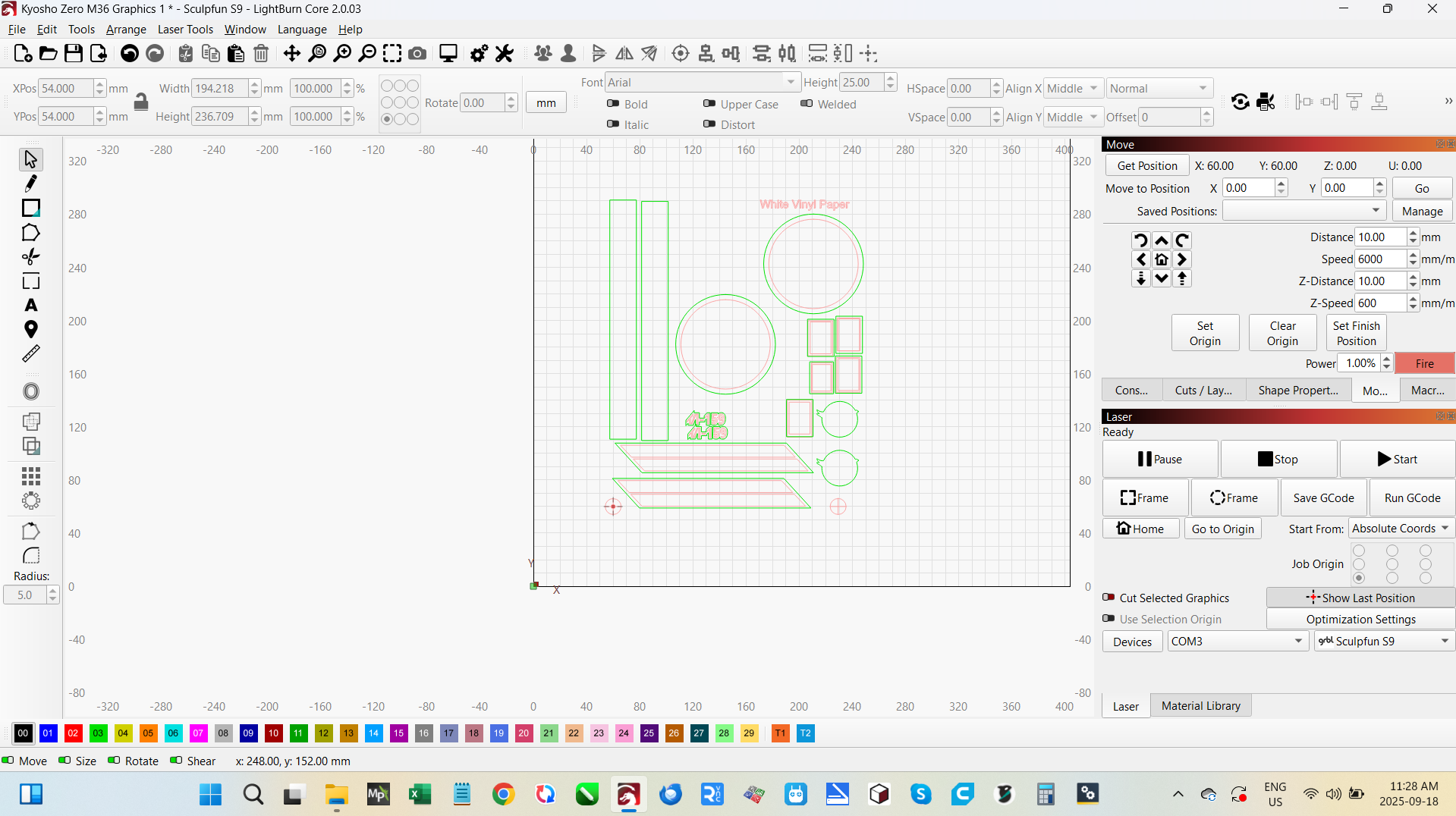
ok here are some screen shots.
In this case I loaded the file.
Homed the machine.
Jogged 50mm x 50mm from the home position.
I lined up the laser dot with the cross hairs on the first alignment position and set it.
I then jogged to the second position dialed it in and set it.
I then clicked on preview and it said there are no shapes in the working area.
I have tried every thing I can think of.
I have jogged direct from the home origin to the first alignment point. With the drawing at 0,0 the first alignment point is 100mm off so disaster.
If I drag the laser head over to the first alignment point and physically line it up. Then set the second and hit frame. It may frame closely but not correctly.
And in almost every case it says it’s got no shapes to cut other then if I set it manually to that location or it races off in one direction or another and hits the frame. Even the stop switches are not honored. It just crashes and grinds away.
If you need other information I will gladlly grab it…cheers
just tried again.
Homed the machine.
Standing in front home is in the upper left corner.
I then jogged the machine 50mm to the right and 50mm to the front.
I then moved the graphic to line up with the current laser location and set the first print and cut alignment position. I then moved the printed item and lined it up with the laser dot. So not the laser and the print are in the same spot.
I then jogged to the second location, lined it up and set the second position. So now the print is in theory lined up with the laser and with the image in the work space. So in theory I am good to go.
I hit the frame button and the laser raced off to the left hitting the railing and grinding till I hit stop.
I know I am missing something just not sure what.
I may uninstall lightburn and try a new install and setup.
yes all the layers I want to cut are enabled.
I uninstalled and reinstalled.
No change.
IF I set the first and second alignment locations and do a frame. It seems to frame it.
IF I do a preview it works.
But if I set Align outputs to print and hit frame it races off to the left (looking at it from the front with home in the upper left corner) hits the rail and ignores the home switch.