Hey there, after a few years of beeing out of lasering im back. With a new Model of Omtech (Pronto 35 - 80/90Watts)
[Edit]: I fixed Question 1 myself.
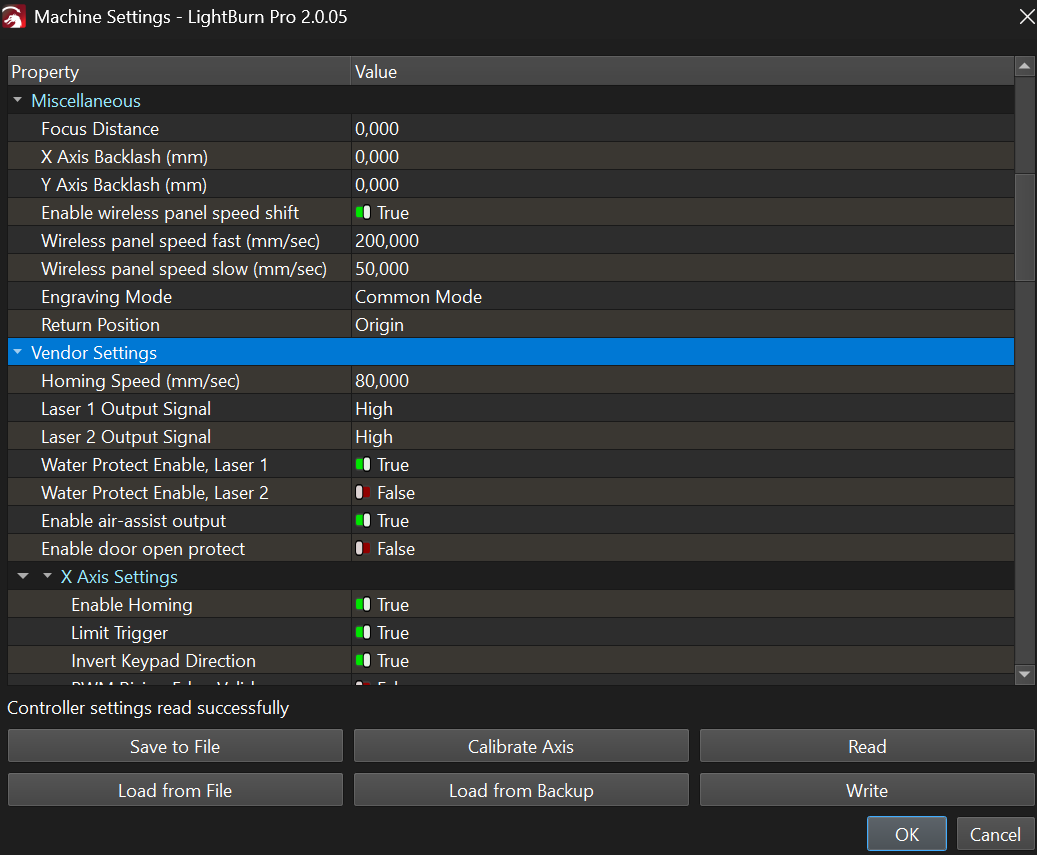
Solution was to set “Laser 1 Output Singal” in the “Maschine Settings” to: Low
Question 1:
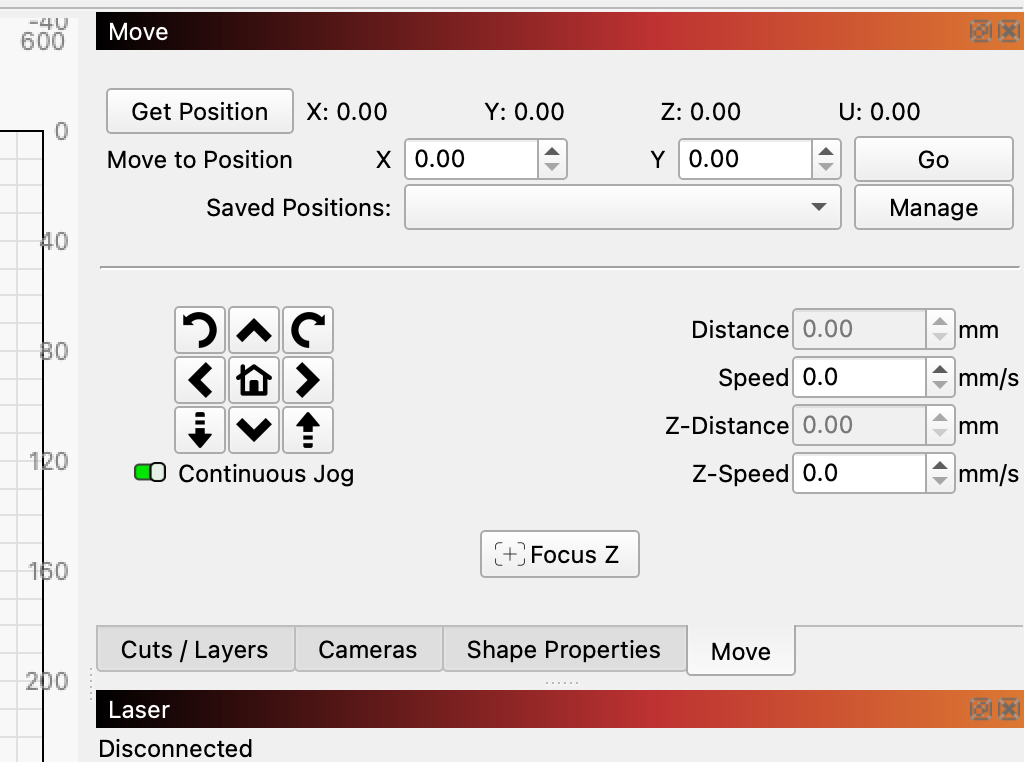
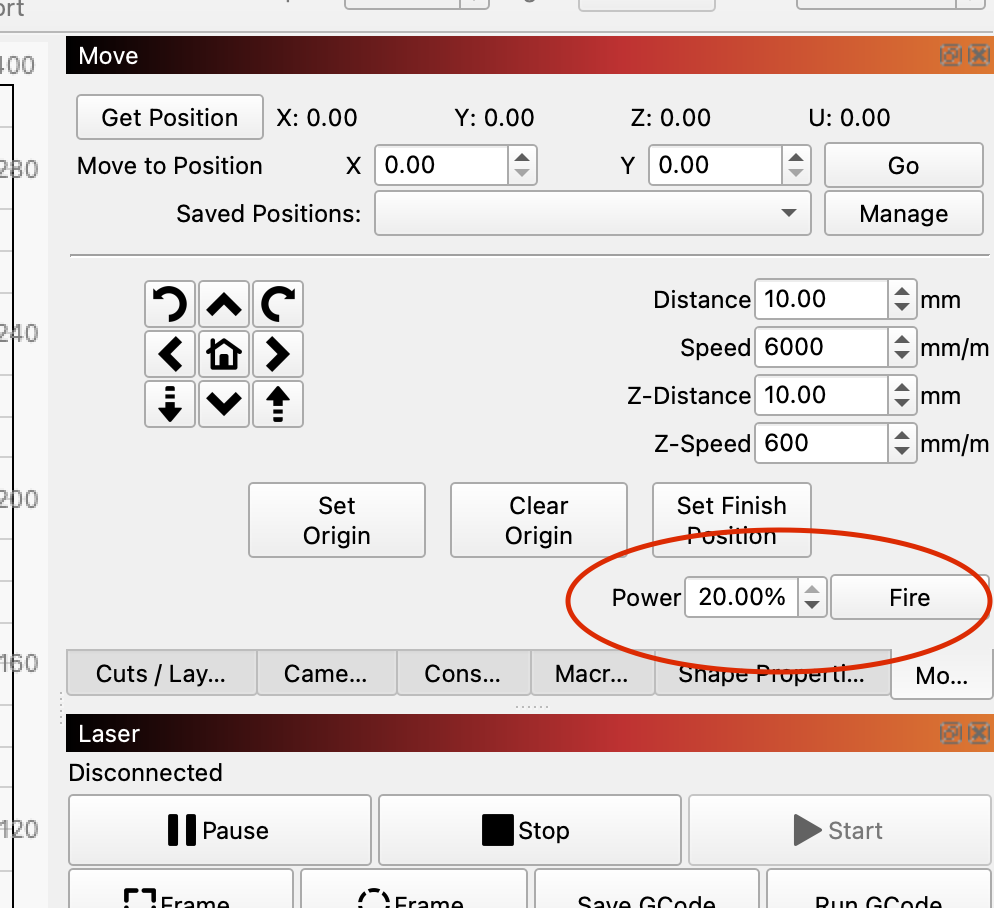
I actually face an issue where the laser beams while framing/ pressin reset button. I’m not able to enable the fire button, because the Option to enable it, is not given.
Im not in the beginnder mode. Using latest lightburn version. 2.0.05
[Edit]: I fixed the second Question myself.
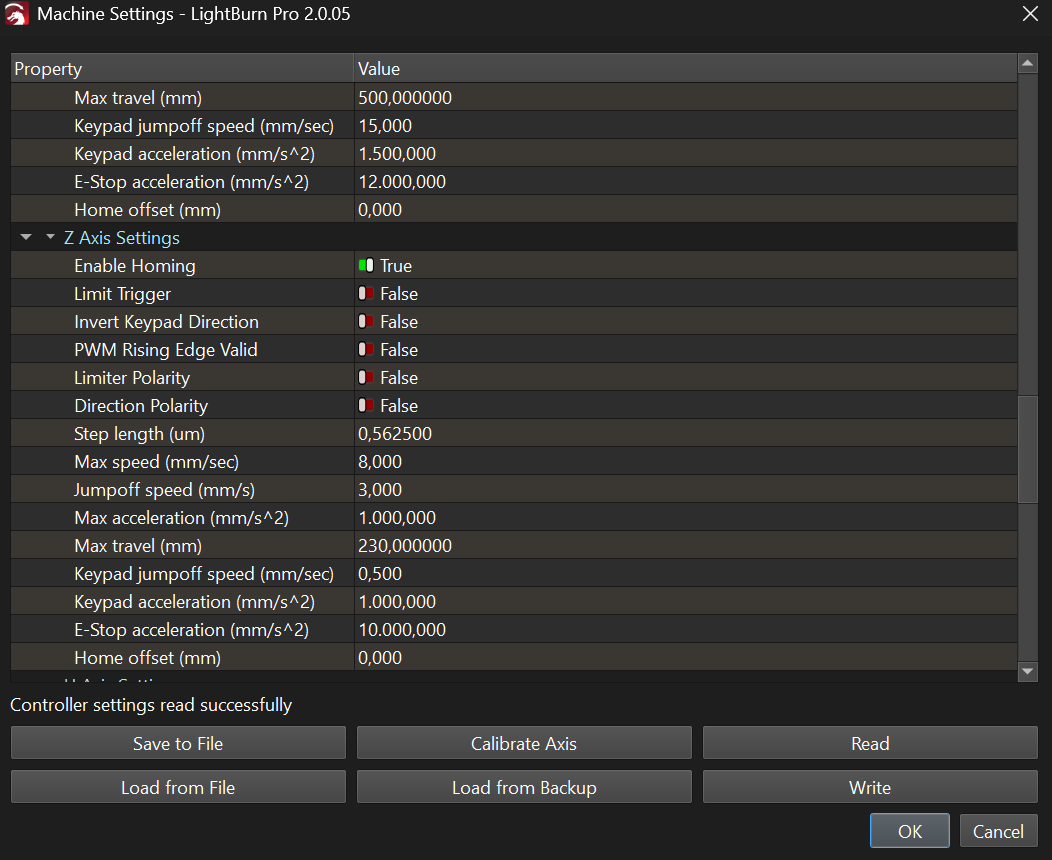
Solution: Set “Focus Distance” and Z Axis → Limit Trigger = true
Second question:
My Laser has autofocus. If i press the autofocus button on the controller, the bed is going up until it hits the laser head and stops there. Its not going down. Is there additional setup requiered?
Third Question:
Is it possible to have the Exhaust fan always on? It is plugged in directly to the laser and is controlled. But imo i needs to run longer after a job is done.
Fourth Question:
After a Job, my laser is not going to my “Home Position”. Instead it goes to “Quite to the middle” of the work area. But i want it to go back to the rear left. How can i set this up?
Fifth Question:
After each Job, i need to press the physical “Reset Button” on my Laser, otherwise the tube wont fire on the next job. Any suggestions to this?
Last but probably not least:
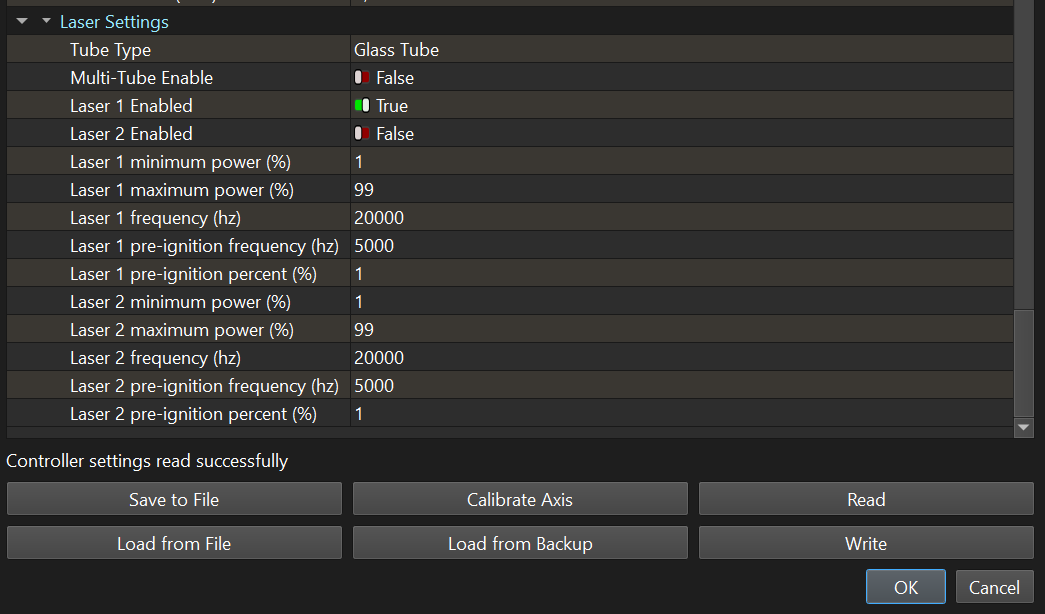
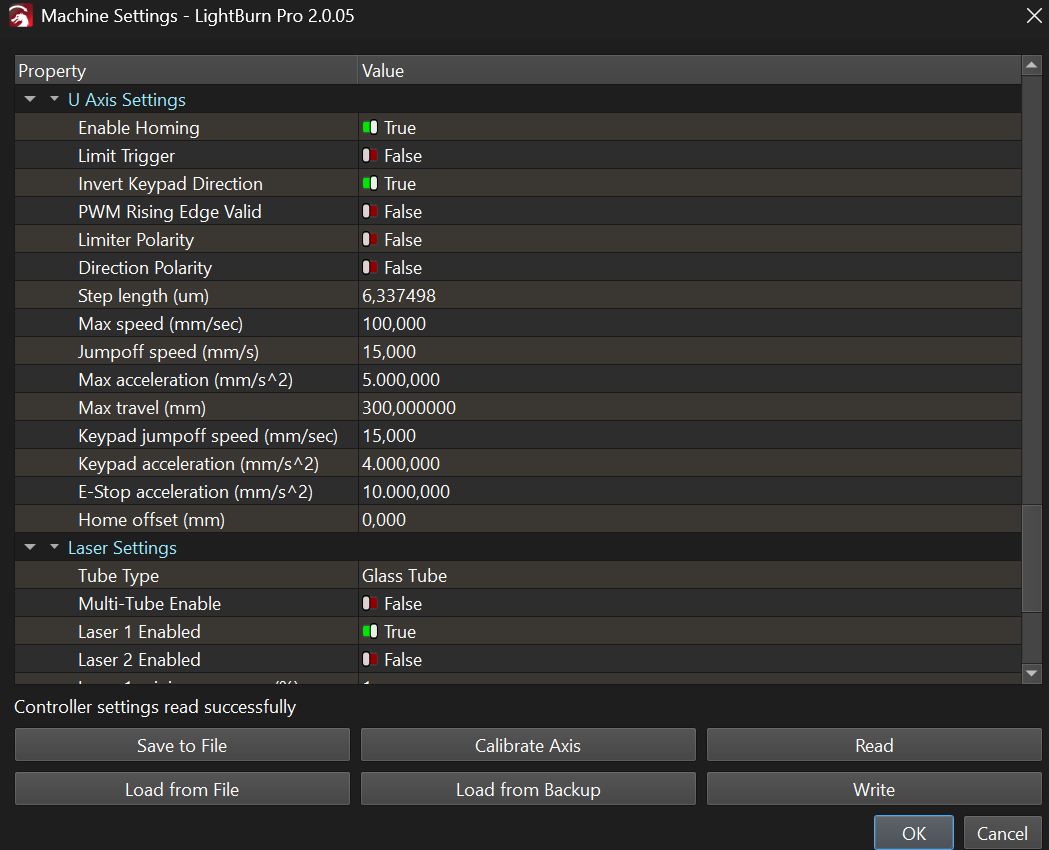
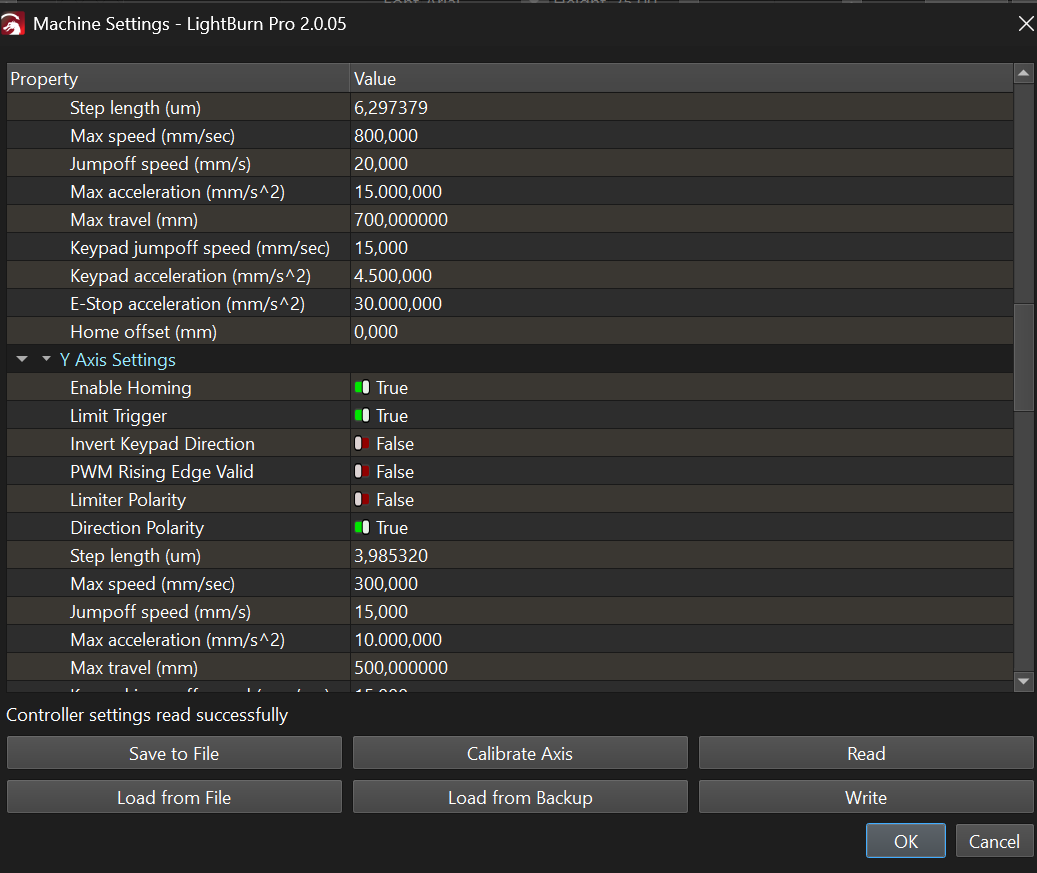
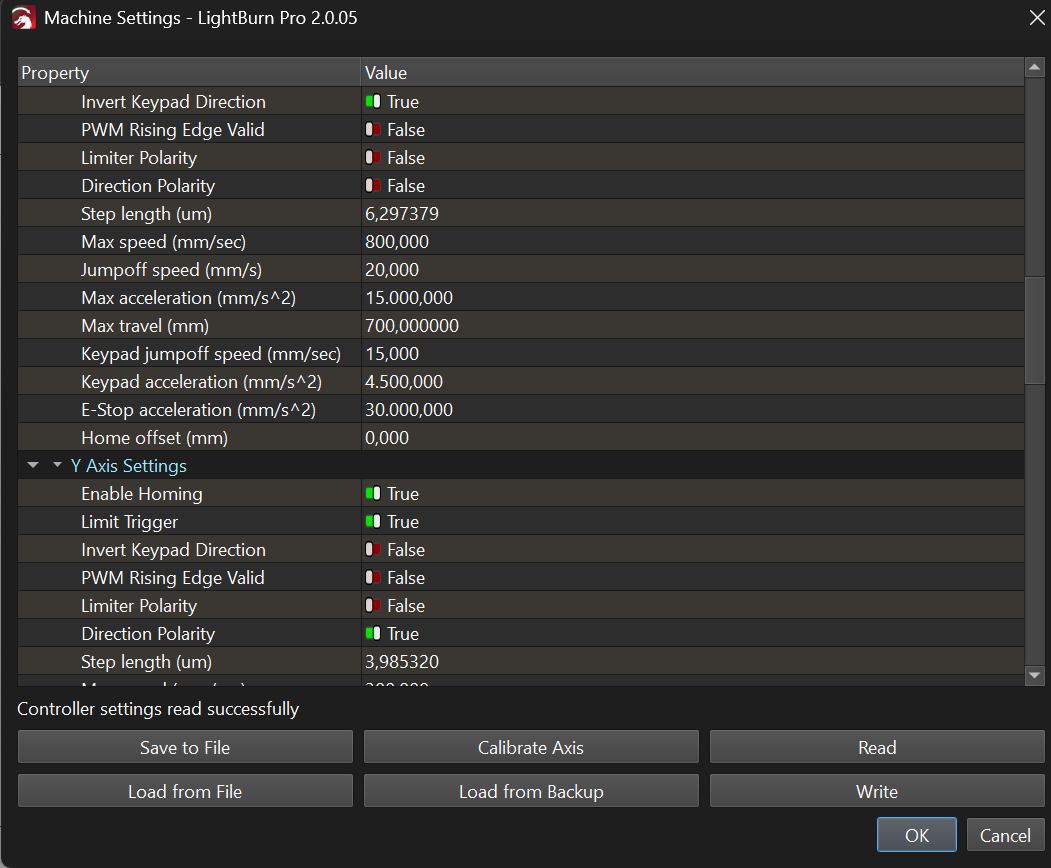
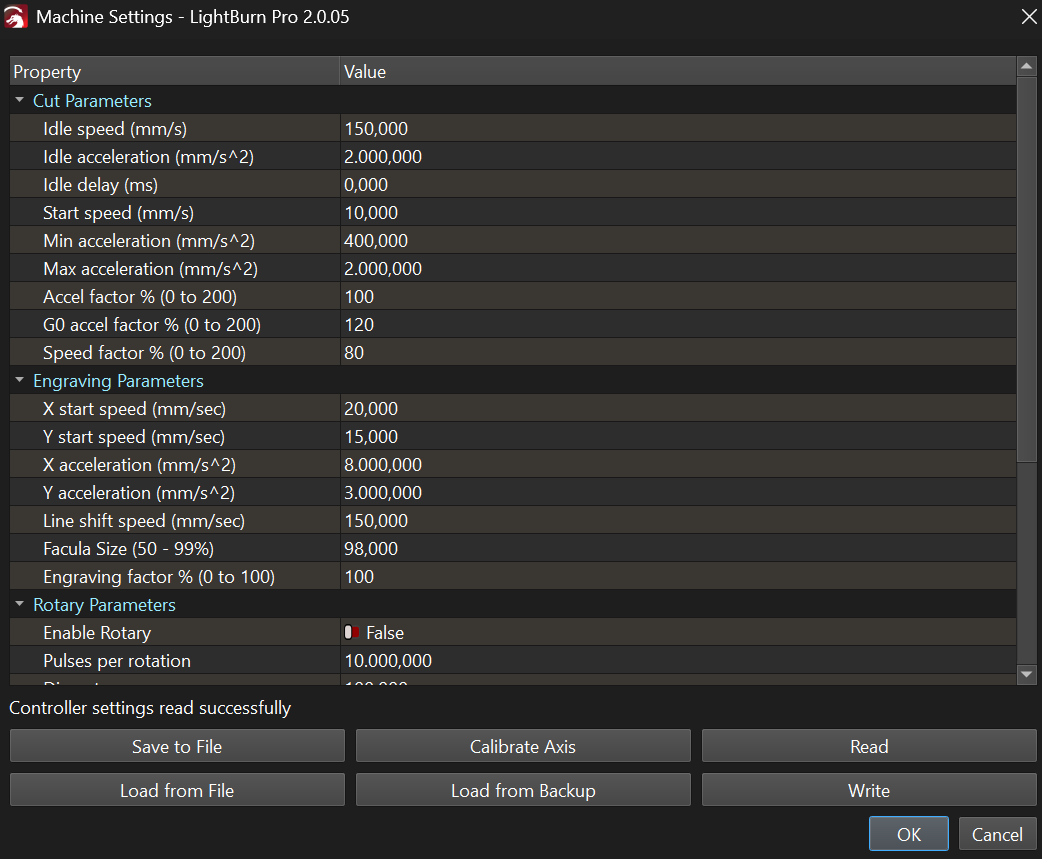
Can someone tell me if my settings are correct for the laser im using:
I don’t want to sound like a primary school teacher, but when you ask for something and people want to cut Polyvinylclorid…, I can’t keep quiet, - just don’t do it.
Once you’ve burned yourself or something else that shouldn’t be burned, don’t do it again, trust me
All the other questions about your machine, here you should be able to rely on the basic settings that come from OMT with your machine. Later there is the possibility of optimizing - if needed.
I forgot about remote control of laser machines, that’s also a no go.
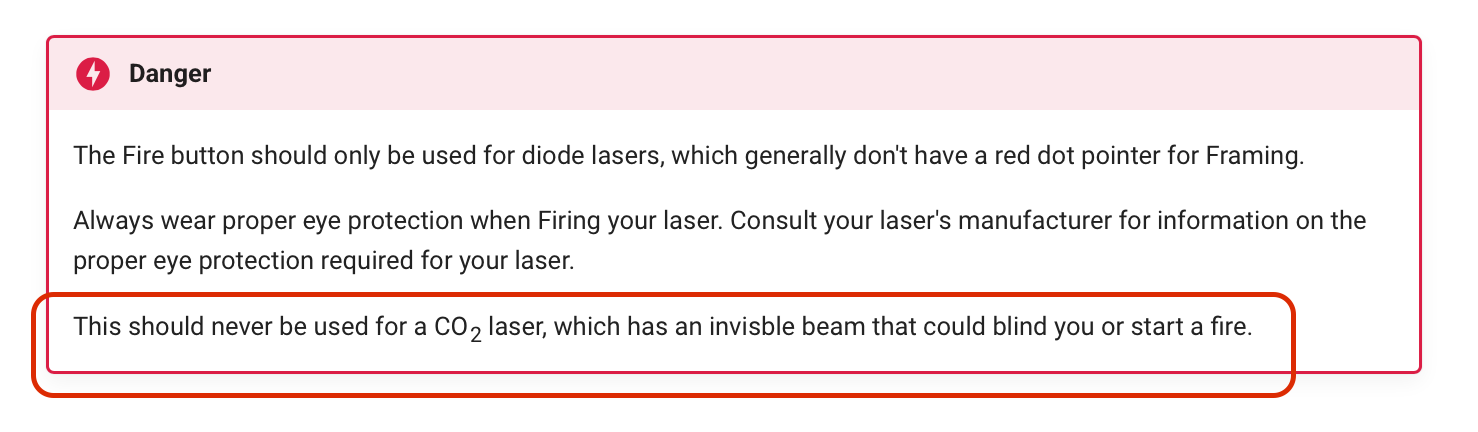
My best advice is if you have the “laser active when framing” function, turn it off. Doesn’t your machine have a red laser pointer built into the nozzle? If not, retrofit one, I use it and like the function, others hate it (I don’t know why)
I personally use a camera to orient subjects and the laser itself, highly recommended and makes framing unnecessary.
I’m a bit confused or didn’t read your original message correctly. I only have this feature option in my diode laser (and the K40 had it too) but not on my DSP laser machine.
That’s the right way to do it, but the physical distance depends on the position of the sensor. The description suggests the machine has some kind of contactless sensor(s) on the sides, so be certain they cannot / did not move with respect to the laser head.
Use a focus gauge to verify the autofocus position whenever you have doubts about the focus.
The “318 cfm Turbocharged Fan” is probably switched by a solid-state relay connected to the Ruida controller’s Status output.
If that’s the case, then disconnect that wire from the terminal, connect it to an adjacent GND terminal, and the fan would always run.
Or you could connect that wire to a SPST switch to GND to manually control the fan.
That’s determined by the controller. Check the Machine Settings for something like Return position, which will have a choice along the lines of Origin to return to the home position.
Going out on a limb with this notion, but …
If the PC is connected to the laser with a USB cable, that can cause all manner of intermittent / baffling / peculiar problems.
The solution is to use a wired (not WiFi) Ethernet connection: