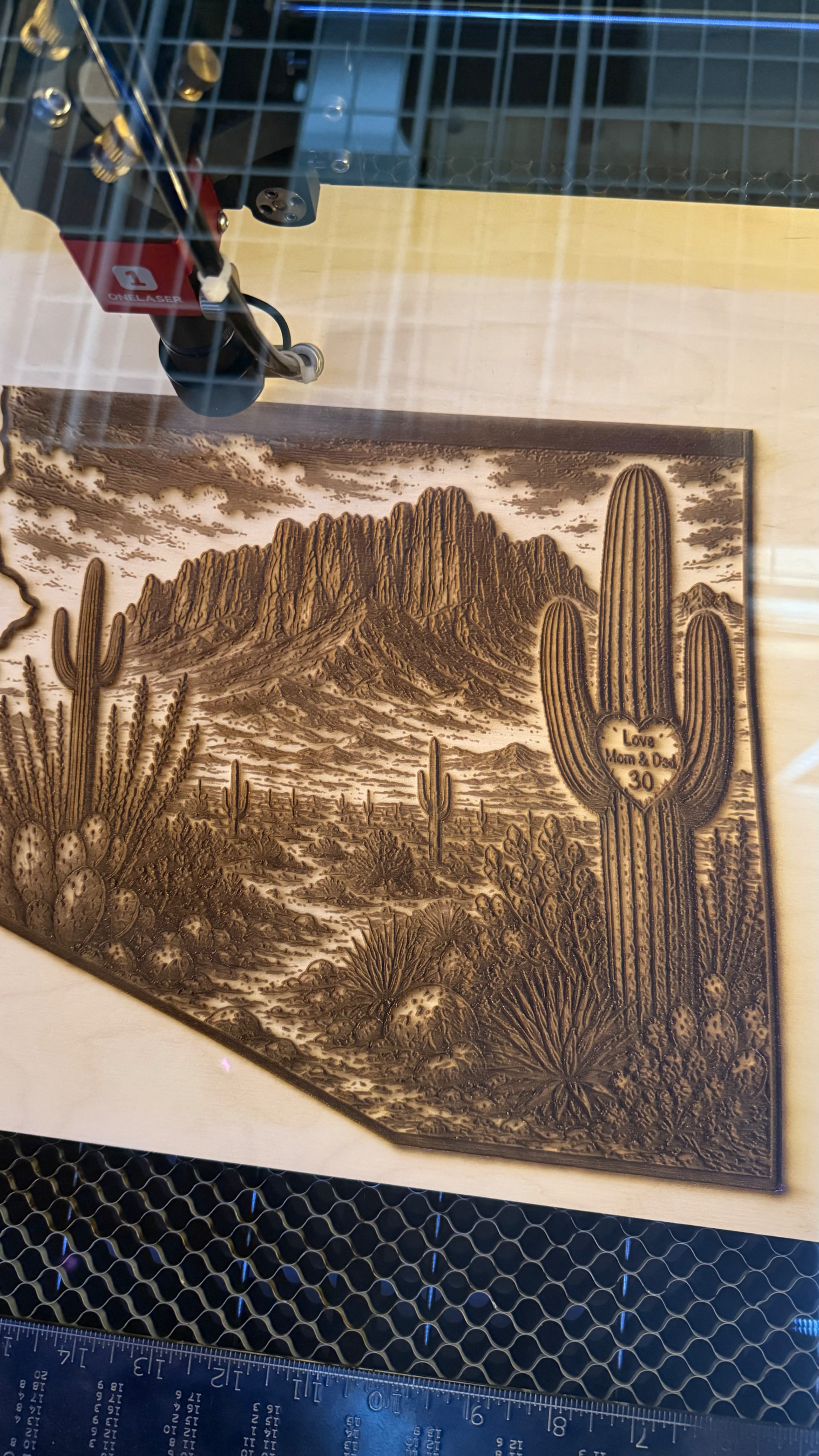
My Hydra 13 has developed a progressive X-axis skew/stepping during raster/image engraving. Cuts and vectors are fine. OneLaser and I have been troubleshooting for about a month, including hardware/alignment checks, with no cause found.
I’ve tested multiple speeds and LightBurn 2.1.x versions. Today I even installed LightBurn 1.5.01 and created a completely new file with a freshly imported image, and it still skewed.
The strange part: an older raster image/project originally created in LightBurn 1.5.01 still engraves perfectly on the same machine, even when opened and run from LightBurn 2.1.04. But if I freshly import an image, it skews.
Ruida mainboard firmware is RDLC-V7.17.07.
Has anyone seen this behavior or have any idea what could cause an older raster job to run correctly while newly generated raster jobs progressively skew?
It’s likely the Ruida PWM Rising Edge Valid configuration error, shipped directly from the factory to you:
Triggering the problem depends on the exact pattern / timing / layout / moon phase, so that “it used to work” does not ensure future performance.
Some background:
Before changing anything, save the original settings:
If that’s not it, we’ll need screenshots of the Machine Settings → Vendor Settings X and Y axis configuration to get started looking over your shoulder.
Thank you! They are currently both set to false. I asked OneLaser to confirm if this was corrext or not with no response. I will make that change and let you know. Thanks for you help and quick response. I’ve been working with OneLaser for about a month now and have gotten nowhere. They just push back to hardware. My fingers are crossed!!
This reply maybe a duplicate. Sorry if it is. The machine sets showed it was set to true. I went back to an August 31st copy I had and it was set to false. I went to my original machine settings when I got the hydra and it was also set to false. I reloaded the original settings file then changed it to true and it’s been working.
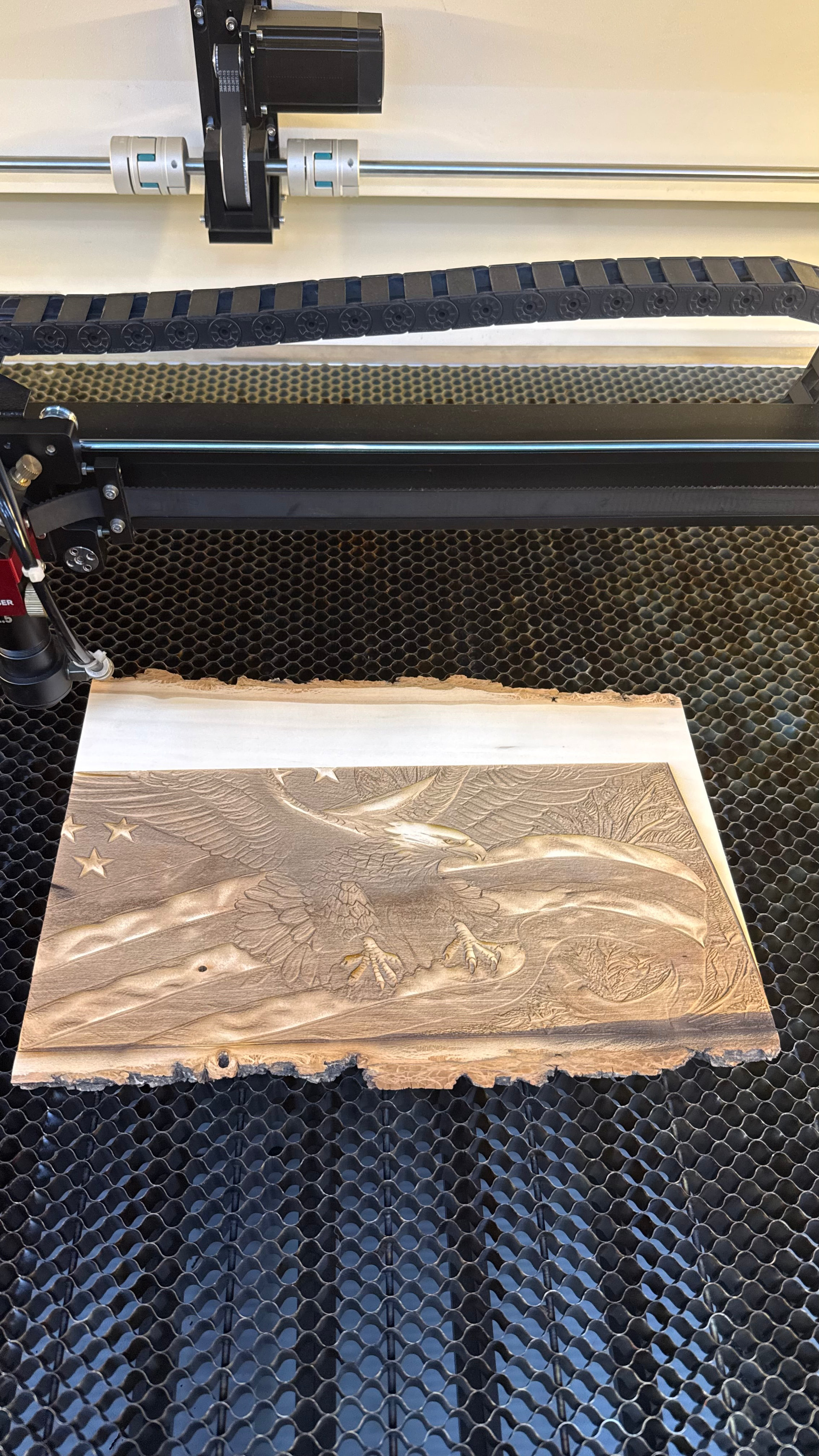
Well bad news. I am back from vacation and have been running the machine and it started up again. Yeah I’ve been working with OneLaser. They can’t seem to figure it out. It’s odd that the 3 files I ran after changing that setting seemed to work. I’ve been cutting material all week. Today is the first time I have run an “image”. The first time I ran it, it was a smaller size but seemed to be fine. This time it’s larger but scewing again. So frustrating! Anymore ideas?
Hey Tammy I have been frustrated with 1Laser as well. I have even had a comparison cut from the LA Hobby guy that proved my machine is inferior to the one they sent him. They seem to be more marketing than maker friendly. I would discourage anyone from buying a 1Laser. Best2U
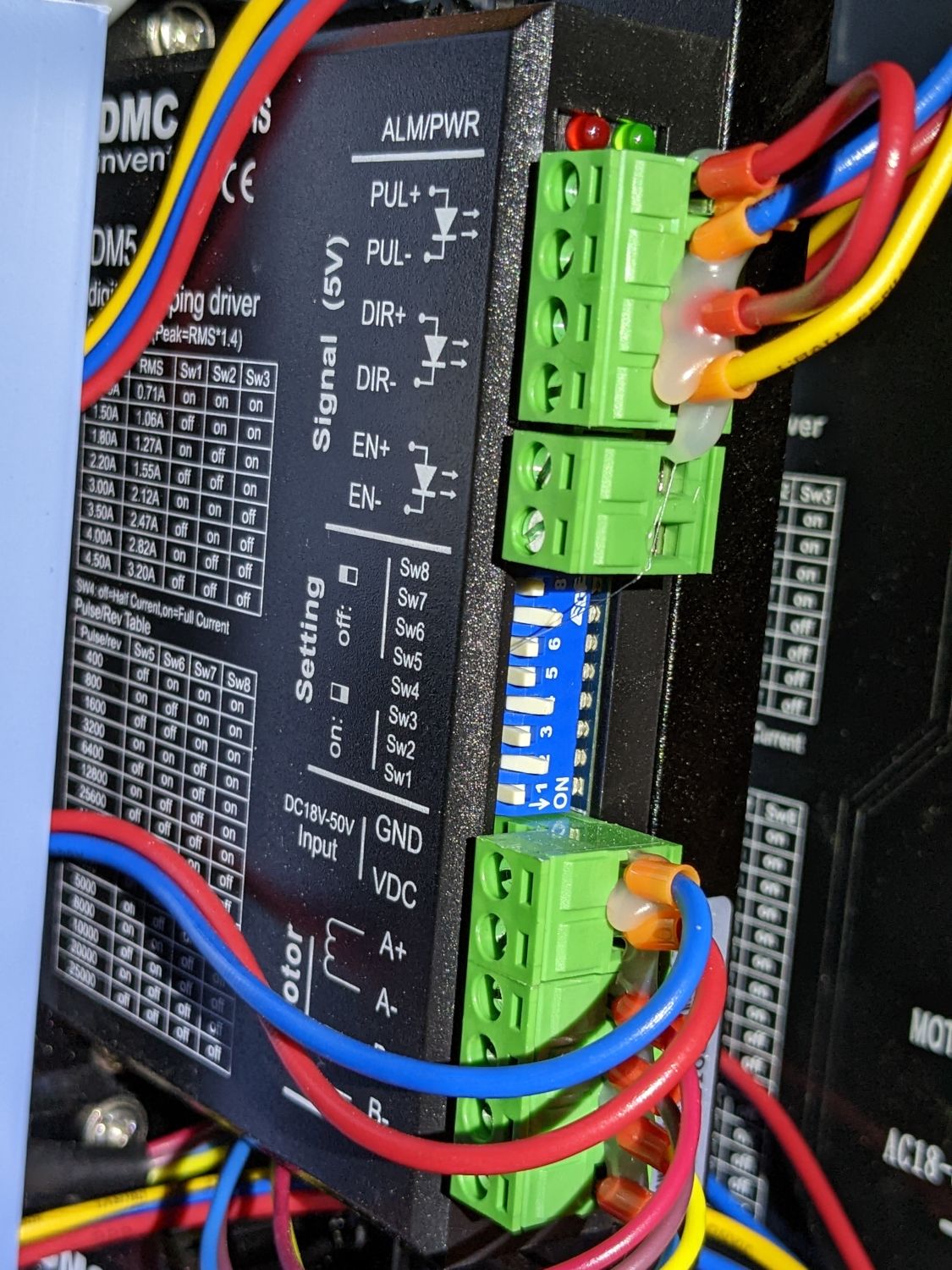
Take a good picture of the X or Y axis stepper motor driver, whichever one lets you see the data plate on the side and the DIP switch setup, like this:


 to start from scratch.