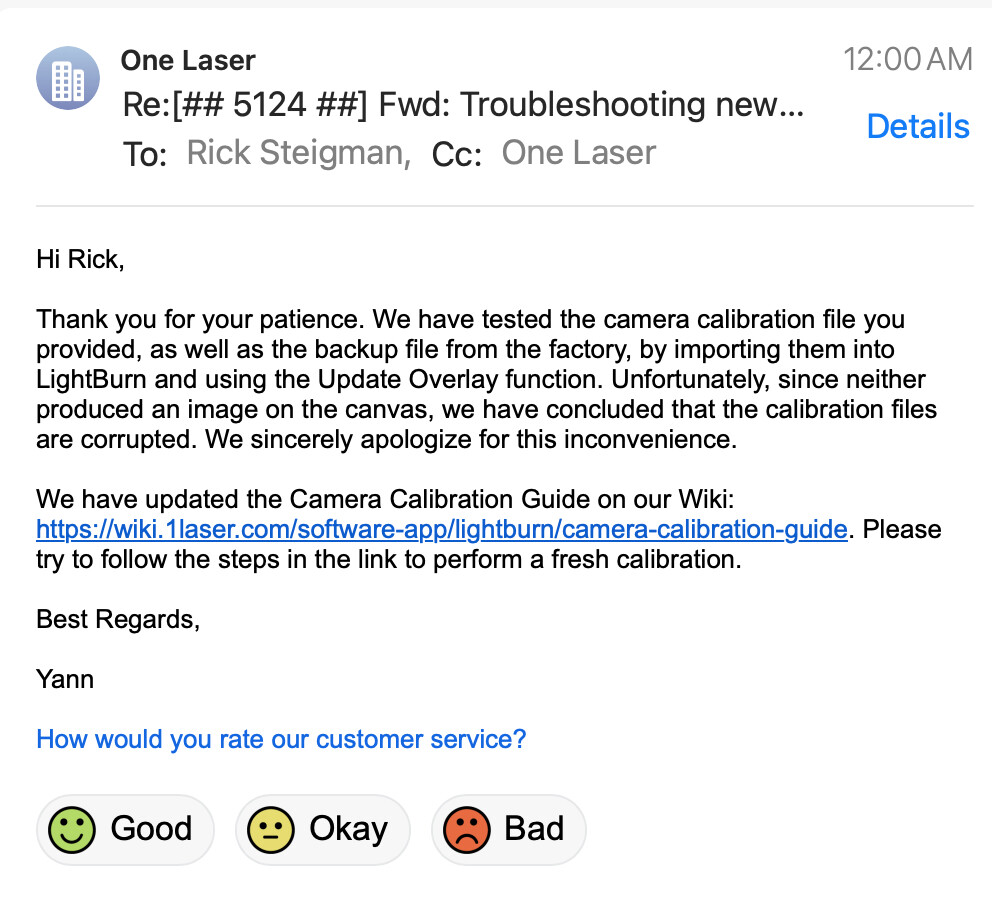
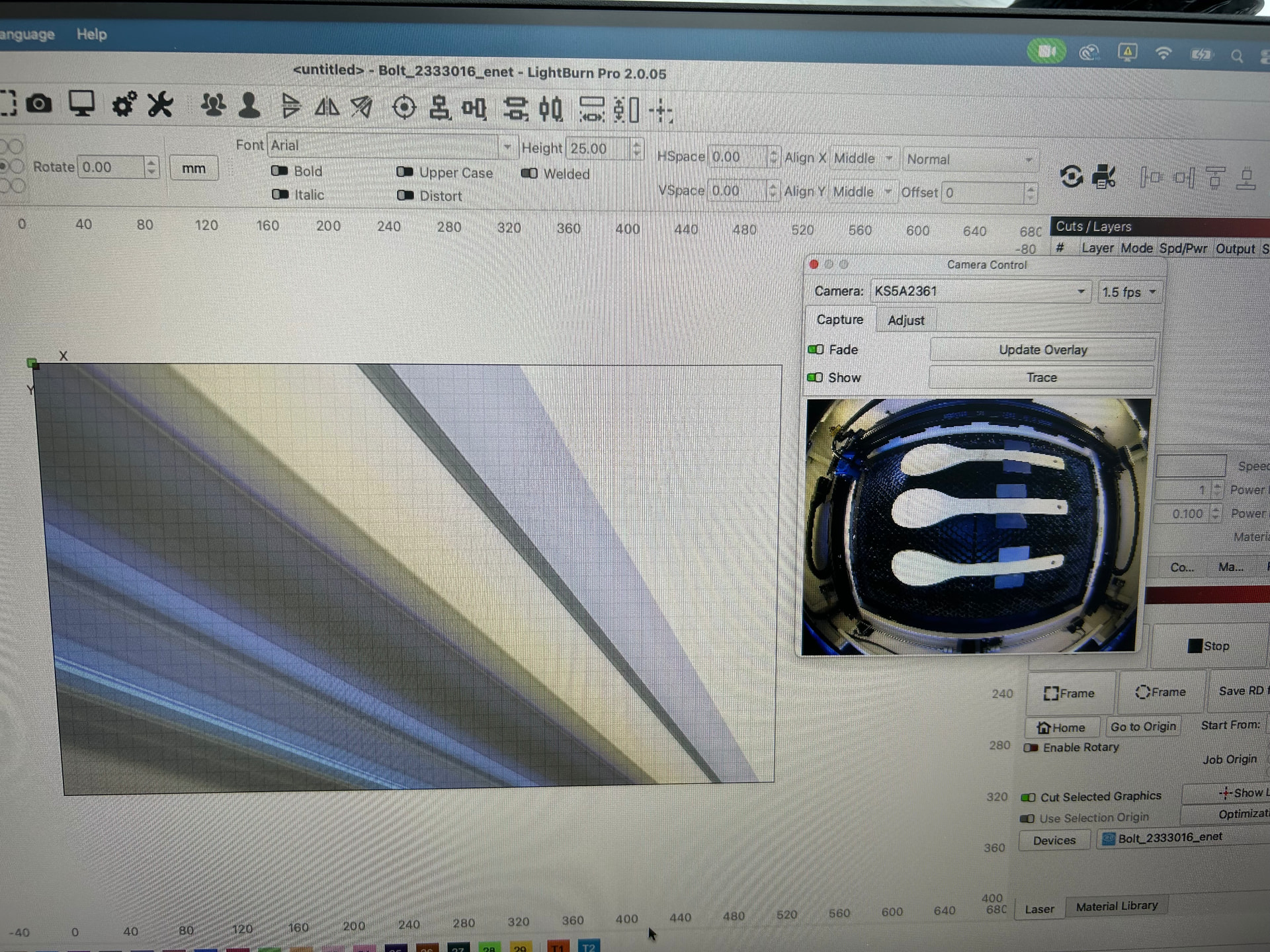
When starting a new project today I came across a sudden new issue where my overlay image was not the same as my camera image. The image was not even an image from the camera, and the preview on the camera console showed the correct image. I am running a MacBook with Tahoe, and I have restarted numerous time the MacBook, the Thunder Bolt, and the light burn software which is version 2.0.05. The camera set up worked a couple weeks ago and is now having this issue. I have attached a picture of the screen.
Welcome Brendan.
Maybe this thread may help you:
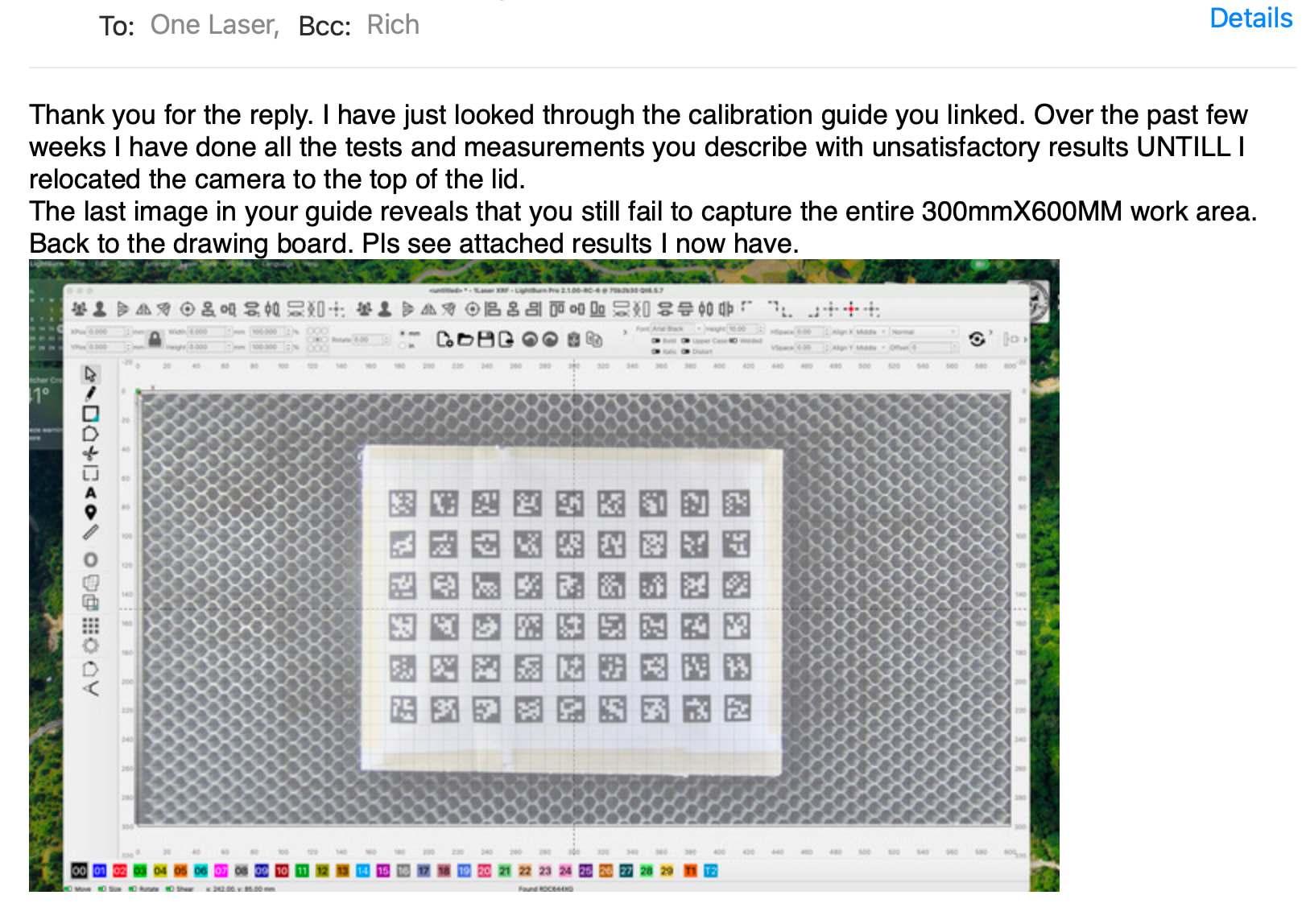
Brendan. seems we are in the same boat. Im on a new 1Laser (many Thunder components). We are both using Mac/Tahoe. I get the goofy image on the overlay when I select the factory cam calibration that came with the laser. If I start setup as uncalibrated I can get fairly close but not good enough to use. I have had this results with the LB 2.1 pre-release. Crazy thig is my Roly Diodes camera works just fine. Hope to hear back from you. Rick
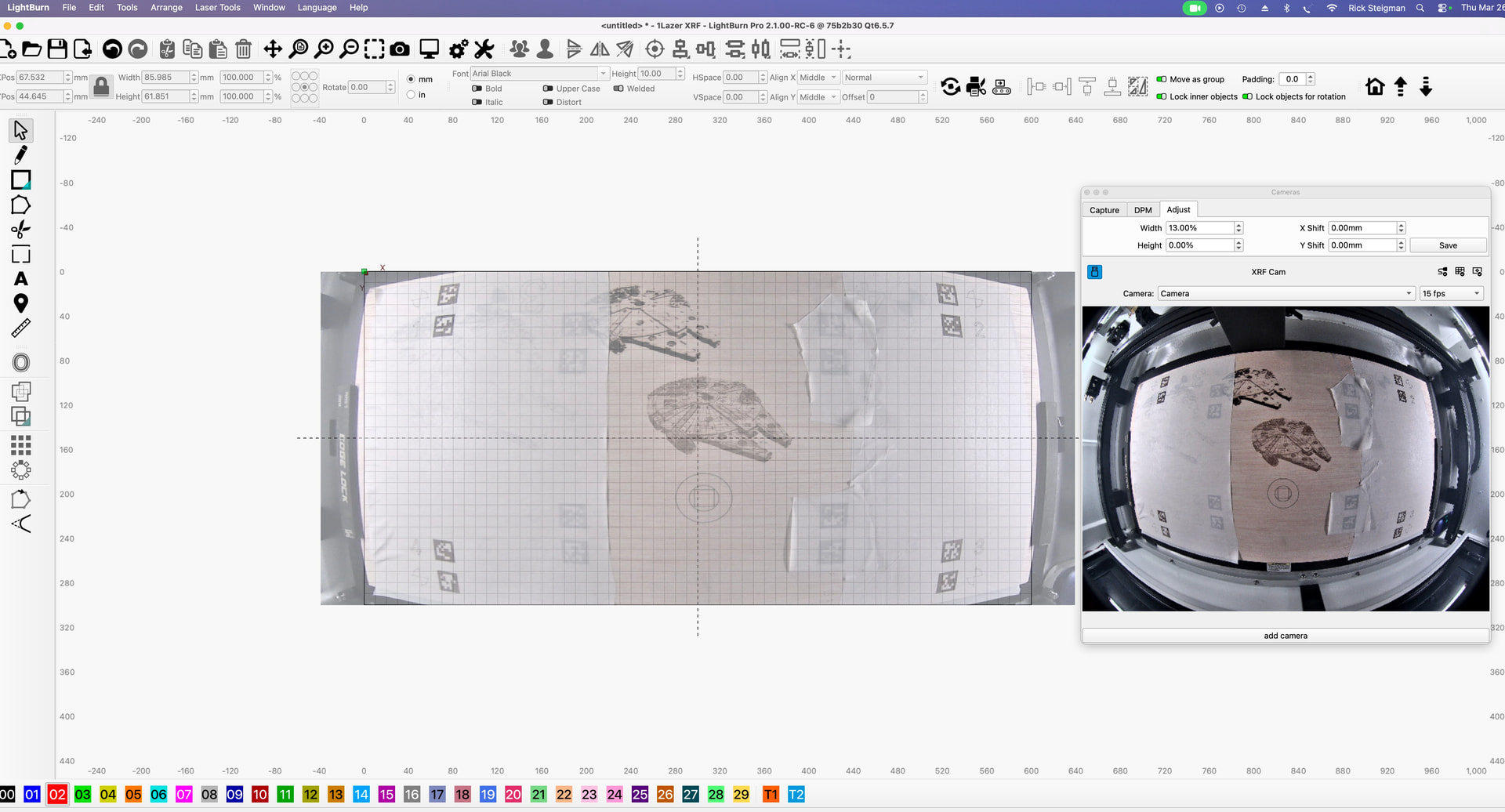
Tried everything and no luck, Lightburn has not been a help either
Bummer like I said my other laser camera works fine in light burn. I think we have faulty cameras I’m going to duct tape an old iPhone to the underneath side of the lid and see if I can get it to fly. If I have any success, I will post it.
I have tried many experiments on this 1laser/thunder unit. the camera is mounted just 180mm above the honeycomb bed. If its a LB camera (dosen’t appear to be) thats WAY to close to be accurate. I’m in communication with 1laser and they are pondering it. Like my truck, once you get used to that backup cam to line up the trailer hitch, you don’t want to go back.