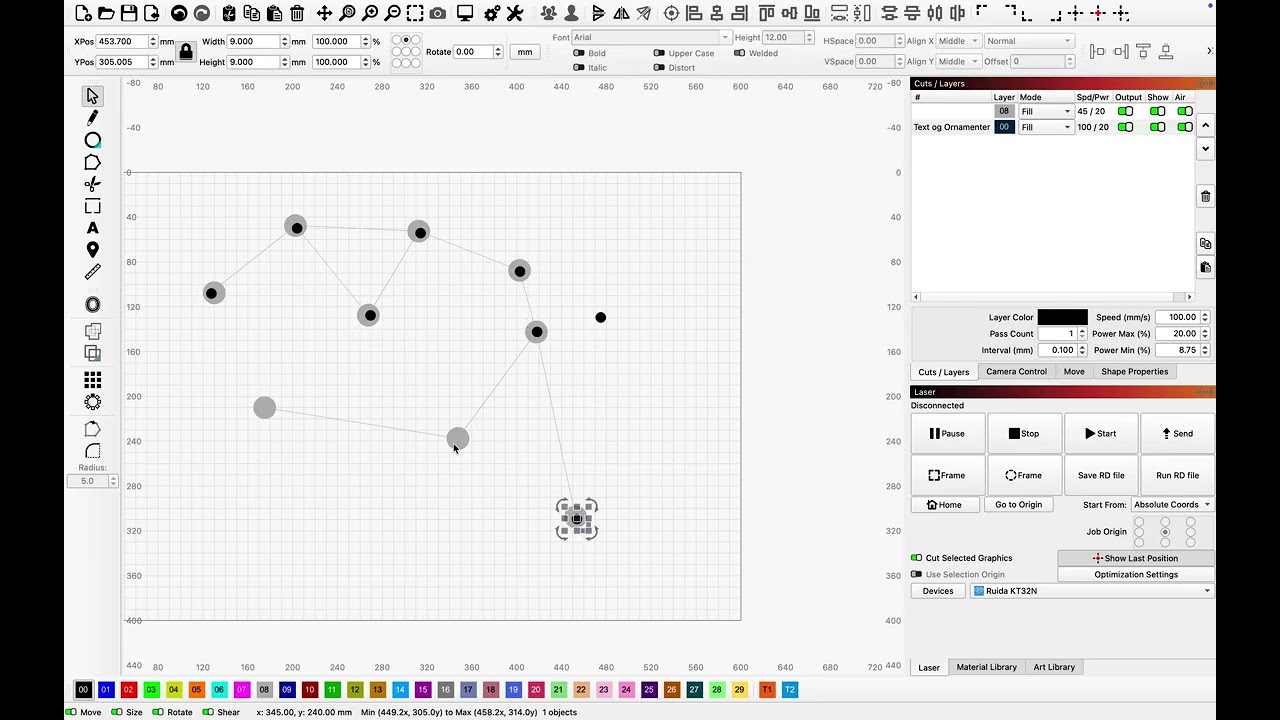
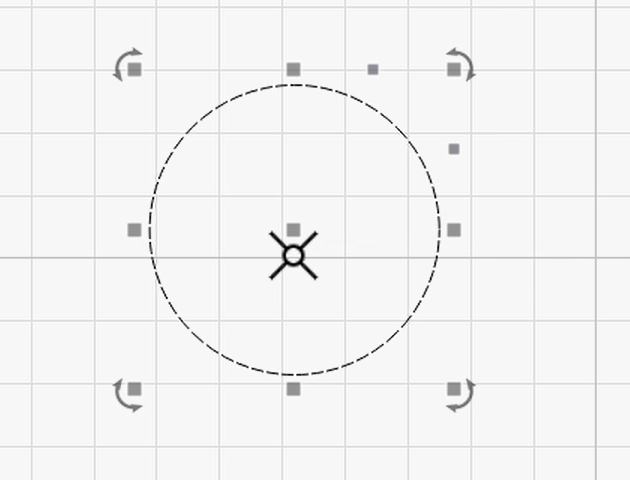
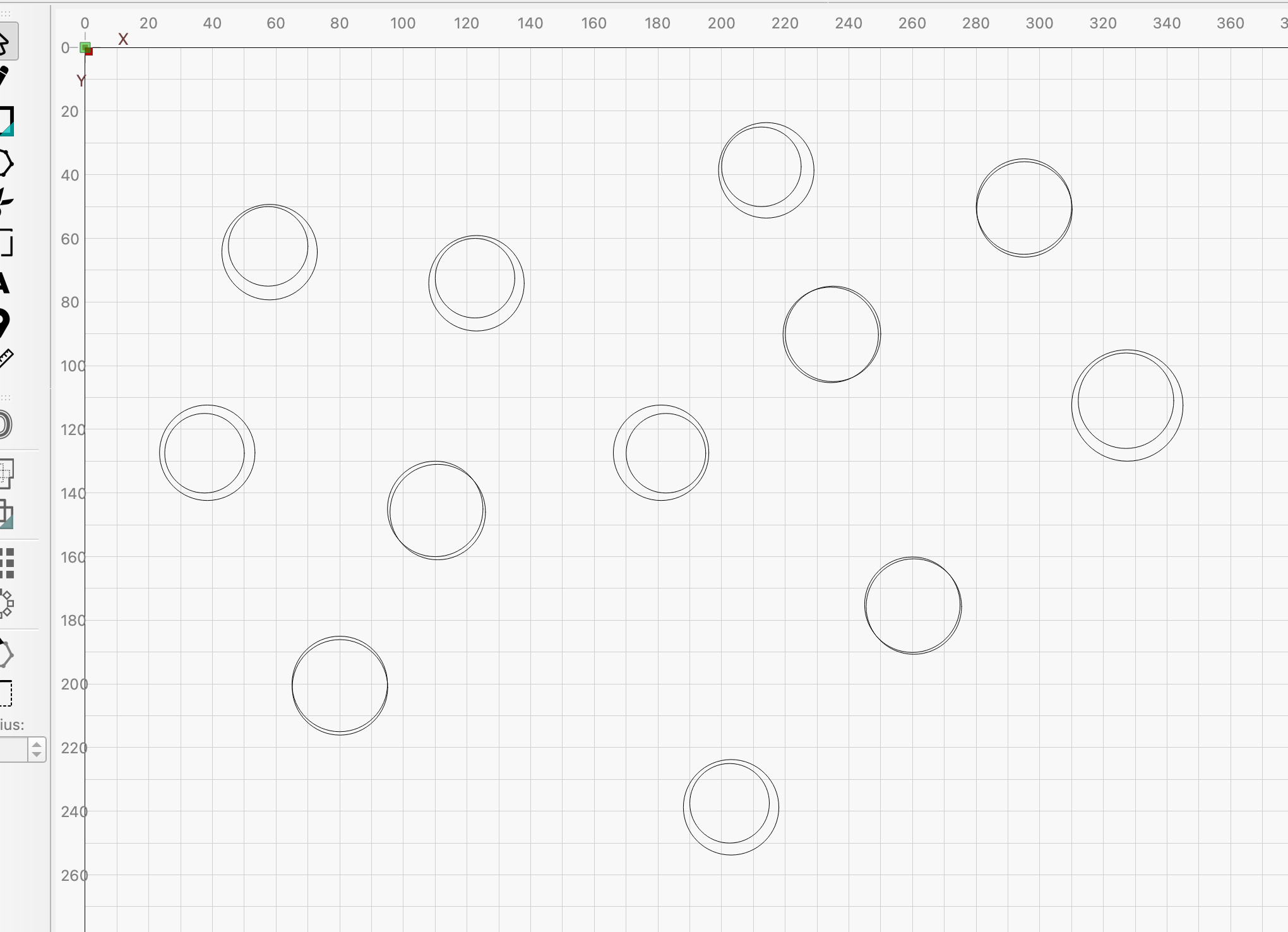
I had a small job yesterday to put 5mm circles on the center of other shapes, the mouse cursor transforms into the center indicator, correctly, but “cmt+V” does not insert in the center of the selected object. That is, I had to realign 60pcs. Ø5mm on the existing shapes. (It is snap-tolerance independent)
It is just a little irritating and does not fit the overall image of the LightBurn presentation.
Inserts objects copied to your clipboard into your Workspace and positions them according to their location in the project they were copied from.
If you’re using Ctrl-V, that will produce an ordinary Paste (not a Paste in Place using Alt-V) and puts the object:
centered at the location of your cursor at the time of pasting
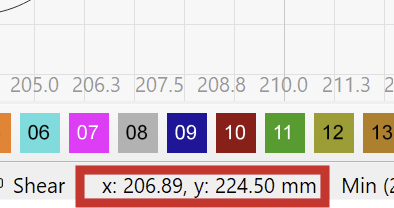
As you noted, “It is snap-tolerance independent”, which means the paste action occurs at the actual cursor coordinate, rather than where a dragged object would snap to.
So Paste is broken working as intended, which obviously isn’t what you want.
I generally duplicate an object using Ctrl-D, then drag the copy into place using snapping as needed. I tend to not use Copy and Paste, perhaps because I’m thinking “put another one of this thing over there”, no matter how many of those things I need, which seems like a mental stumbling block to me, too.
I set the Snap to Object tolerance to 10 pixels (on a 100-ish DPI display), which means dragging the object within within 0.1 inch = 2.5 mm of the center point is “close enough” and doesn’t require much coordination, particularly using zoom levels much higher than shown in your video.
Perhaps a Feature Request for a Paste at Snap invoked by Yet Another Key Combination, perhaps Ctrl-Alt-V, might be in order. I’ll never remember it, but you certainly will!
That is of course correct and a mistake on my part, what I am after is modify “Copy/Paste””.
Why can’t the function behave just like when I drag a shape to the center of another? When the cursor changes and symbolizes/indicates (?) the center of the selected shape, the dragged shape snaps to the center of the target. That’s how it should work in my opinion, whether it’s copy in place or just inserted, it doesn’t matter, when the cursor indicates the center, it should insert it in that center and not a few mm to the side.
….. “ctrl+D”, it’s a good tool, but for a different purpose, and cannot be used without extra work for what I want and wat I show in the video
Is there a good reason not to do the function as I describe? i.e. inserted a copied element just below the cross ?
Dropping the copy at the cursor coordinate avoids an inevitable support question: “Why doesn’t LightBurn paste the object where I’m pointing?”
Requiring an extra step to align the new object exactly where you want it may be the least-awful design, particularly for oddly shaped target objects where the geometric center differs from the bounding-box center.
So I’d be in favor of a new Paste Snap option, rather than eliminating the ability to drop the copy right there next to the center point.
I agree that it is to be expected that Ctrl-V pasted with the geometrical center exactly at the center of the hovered-over shape (rectangle in the middle) if the snapping distance is large enough so that the mouse pointer shows this Center icon
Personally, I’d rather not have another “Paste option”.
You would still have the ability to drop the copy right there next to the center point. - Just not within the snap distance.