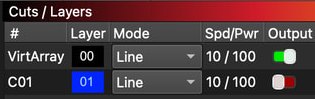
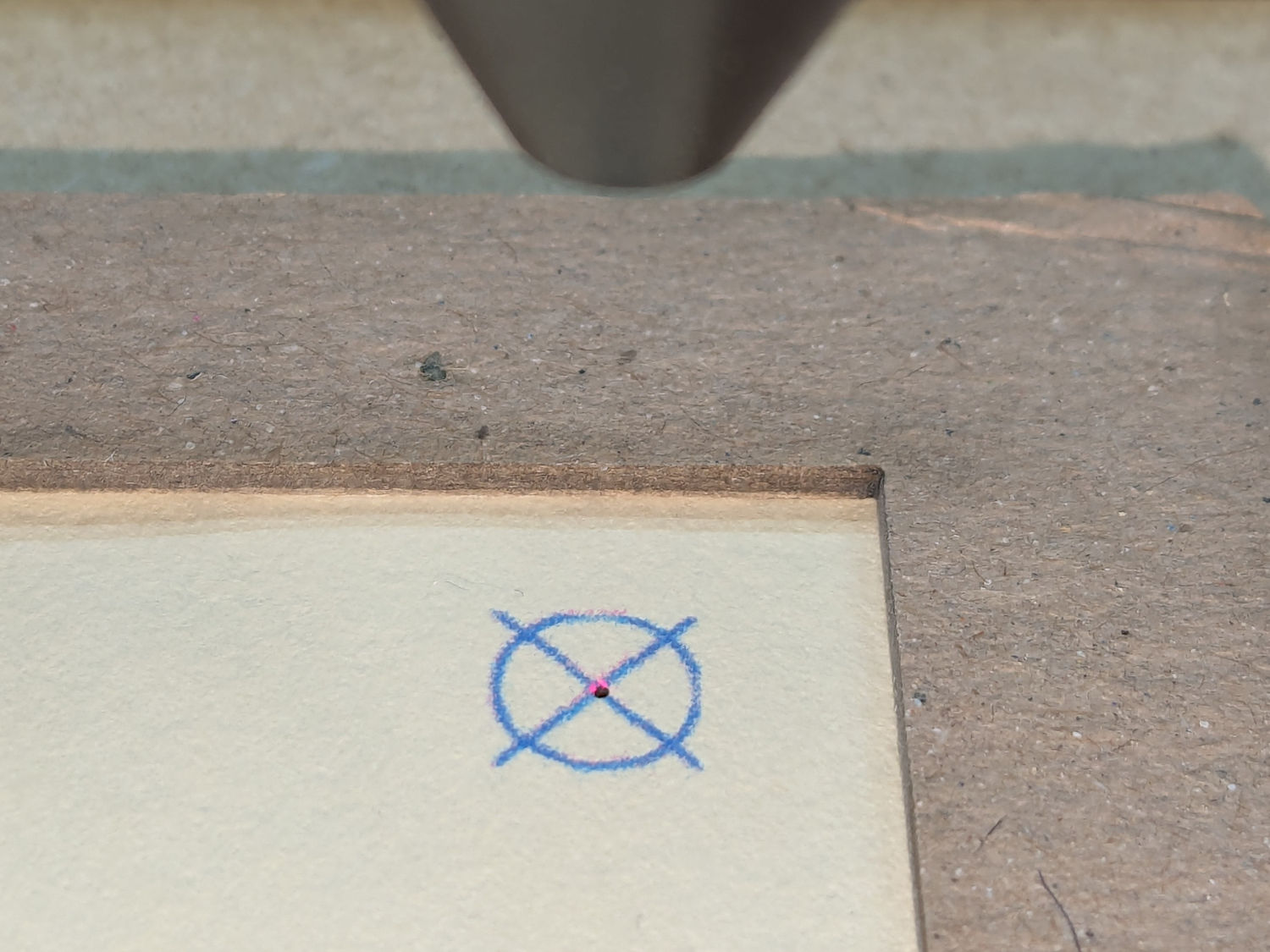
I have this project with pin hole perfrorations. I know LB doesn support pin holes but my bed cuts what i want if I use these 0.050mm circles.
The issue is only in the visual UI not in the cut that I need. I zoom out these nearly compleately dissapear. Is it possible to increase the line thickenss so that when zoomed out these are still visible as dots or something similar?
If I understand correctly, for visual purposes only (not for cutting/sending to the machine), temporarily selecting the 0.05 circles as “Fill” instead of “Line” doesn’t solve the problem?
Drawing the geometry at any other line width (1 pixel) incurs a pretty significant performance hit when updating the display. So no, we don’t plan to allow it.
Yeah, Qt is weird.
We’ll consider adding it regardless. We generally go for performance above all else. Granted, in 2.1 there are some more High DPI display options that should greatly help.
What resolution is your display?
On the Linux desktop box, the scaling is 100%, with programs like GIMP calibrated to make the displayed distance match the physical distance.
On the Windows box, it’s 125% (Recommended) with all the LightBurn High-DPI options turned on.
I don’t know how Windows display settings interact with the RDP transfer encoder, but I suspect it just sends whatever plops into the screen bitmap buffer.
I run the remote desktop full-screen in Remmina with matching 2560×1440 resolutions, all the encoding “quality” settings cranked up as high as they’ll go, and vectors on both monitors look the same, dot-for-tiny-dot, under a hand lens.