Hi all
Just updated to 2.0.00 version
Firstly all the buttons seem to have been enlarged? I then simply wanted to draw a circle, but it does not give an option to do this? Also, all the selections on the left hand panel from the offset shape are not active and grayed out
Anyone else had problems with this update, and does anyone know what is the fix?
Thanks
legepe
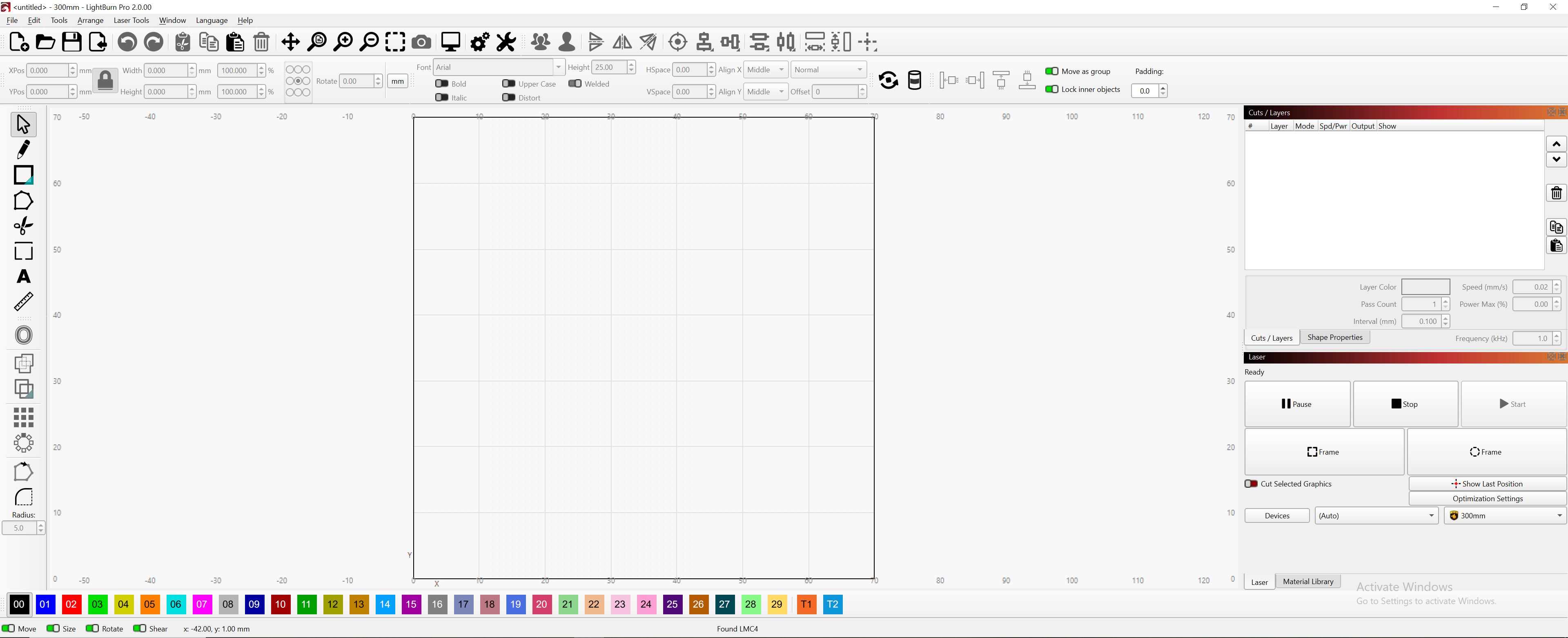
See here: Lightburn 2.0 today - Scale Issue - #44 by gilaraujo
This is explained in the release notes, you need to click on the small triangle and will get the option to draw other shapes. Or use the keyboard shortcut.
As long as there is no object in the workspace, you can’t use those tools.
Thanks for this info.. but it does not seem to be recognising my laser
I have a fiber mopa 60w and theres no q-pulse settings in the cut settings editor?
Can I undo the recent update and revert back to what I had previously?
I am seeing the same problems. All sections too large for a laptop scree. I’ve reduced the font size but this hasn’t cured the problem.
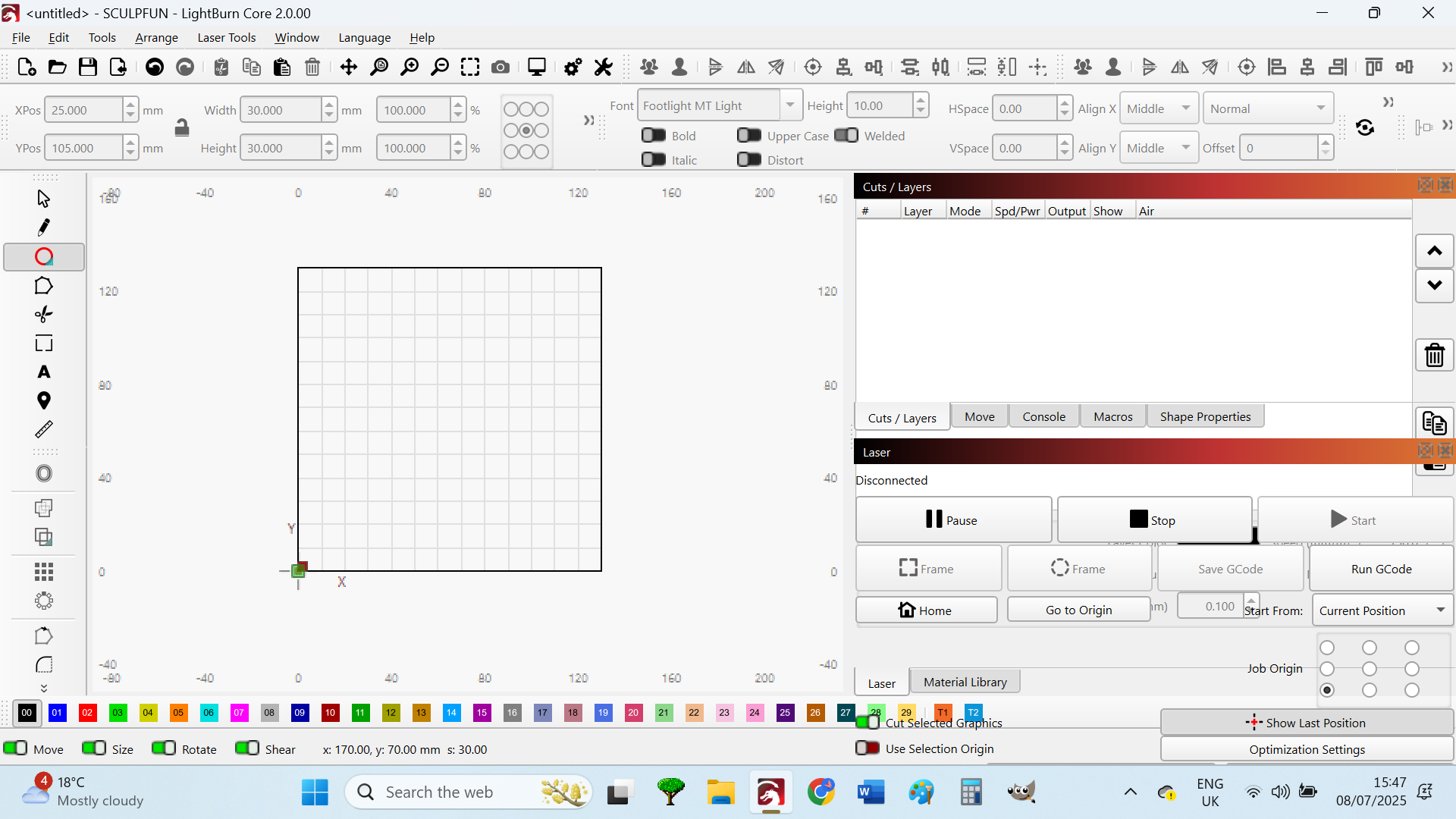
There is a slider to adjust the size of the icons. You can also adjust the font size.
This is all very nice in the 2.0.
What I don’t like is that in the Light Theme the fonts in the palettes are nice and black and rich in contrast, but in the main window they are gray and therefore in poor contrast. You miss the WCAG criteria with this.
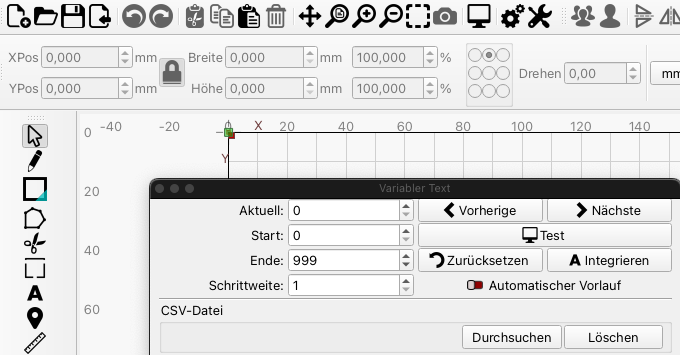
Sorry, what I just saw is that the fonts in the main window turn black if you can set something there.
My mistake, I’m learning…
Please see:
Hello Frank
There seems to be a small scaling factor issue on Window machines using Scaling equal or above 150%.
Try these steps to have a better control on your icon/font/Spacing scaling
This topic was automatically closed 30 days after the last reply. New replies are no longer allowed.