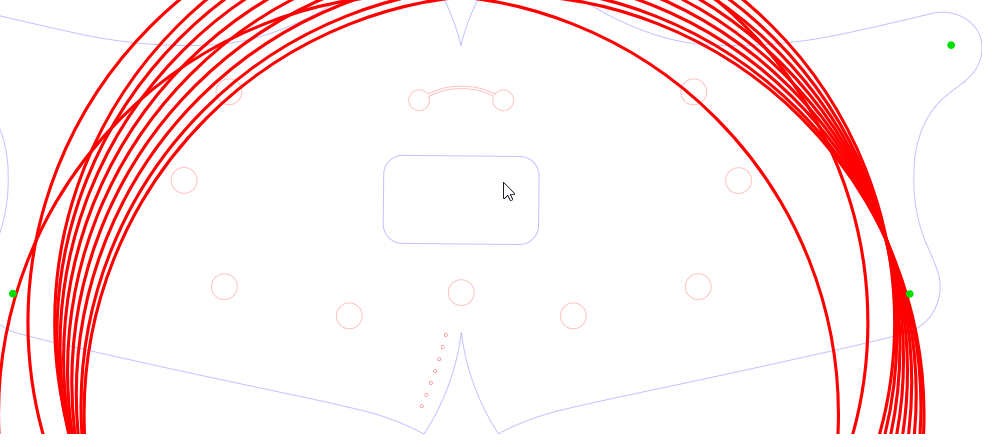
Problems with svg files since latest update. It is Easier just to show you. Thank you in advance. https://youtu.be/SBXGJokAH-g
Thank you, If I understand you correctly, I am using 1.6.00
Do you want me to upload an svg or make a video?
If you can upload the LBRN file that you used on the video to export the SVG
(would allow us to replicate without changing many variables)
And the resulting SVG of your export please
yes.
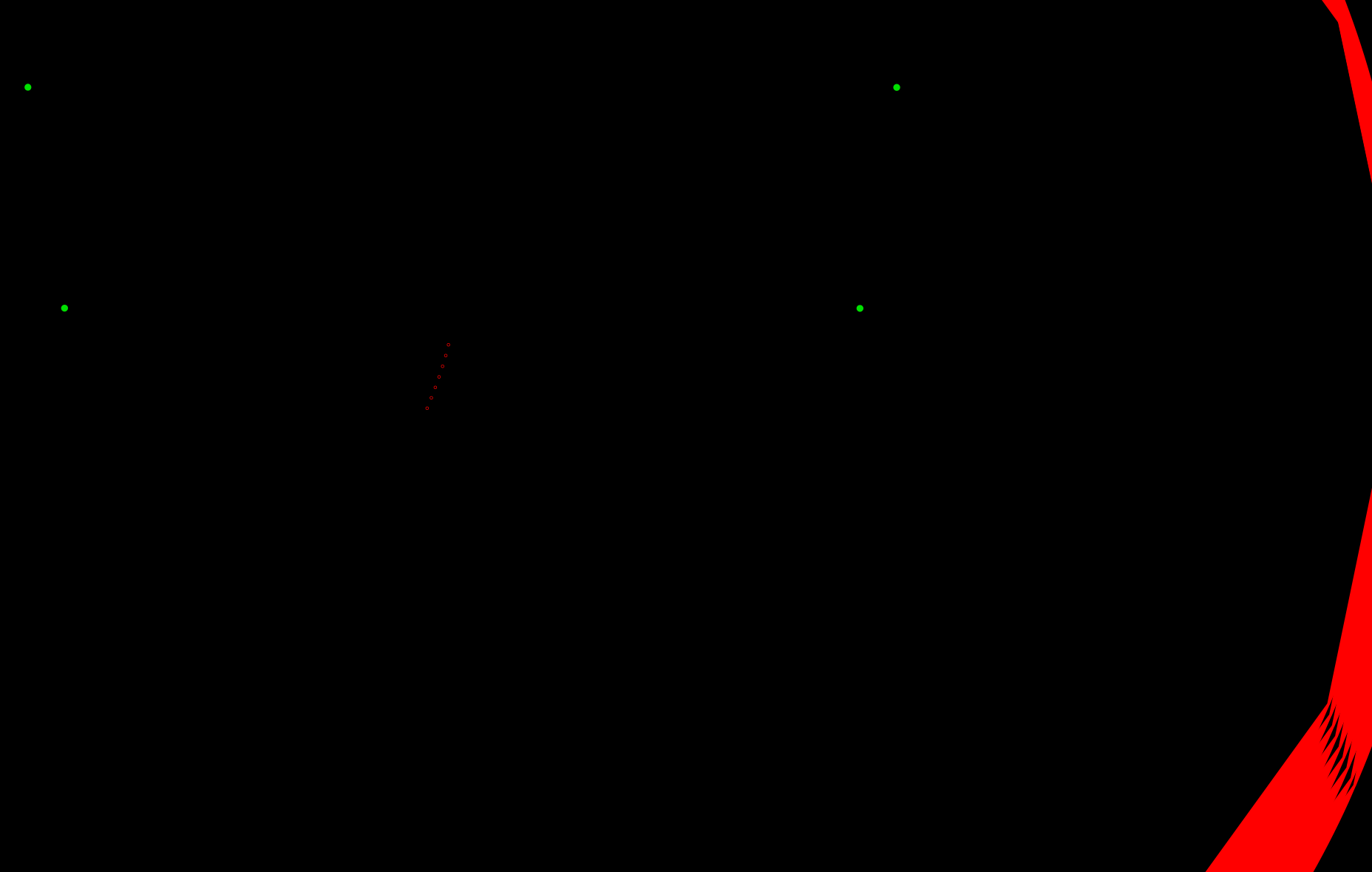
I am not able to replicate errors when importing a svg created Adobe Illustrator as svg into lightburn but what it did was changed line thickness (thinner) and r
this is the file.lbrn2 (34.2 KB)
the lbrn2 file is old. I tried it to see if all svg files are having trouble. Not just new ones. Thank you.
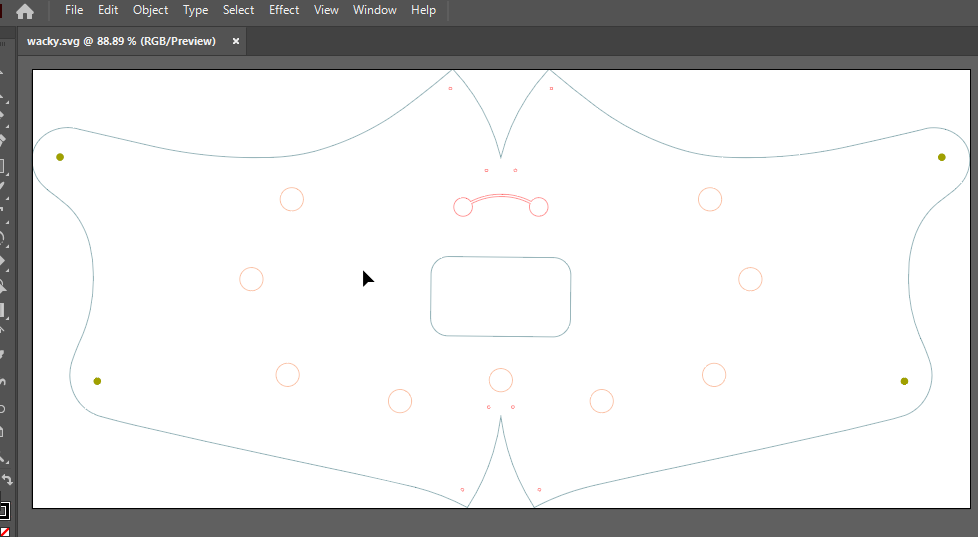
sorry, this is the file. The one I sent you did show missing parts but this is the one you want.
I Believe the forum is rendering the SVG into an image.
(edit is not my error)
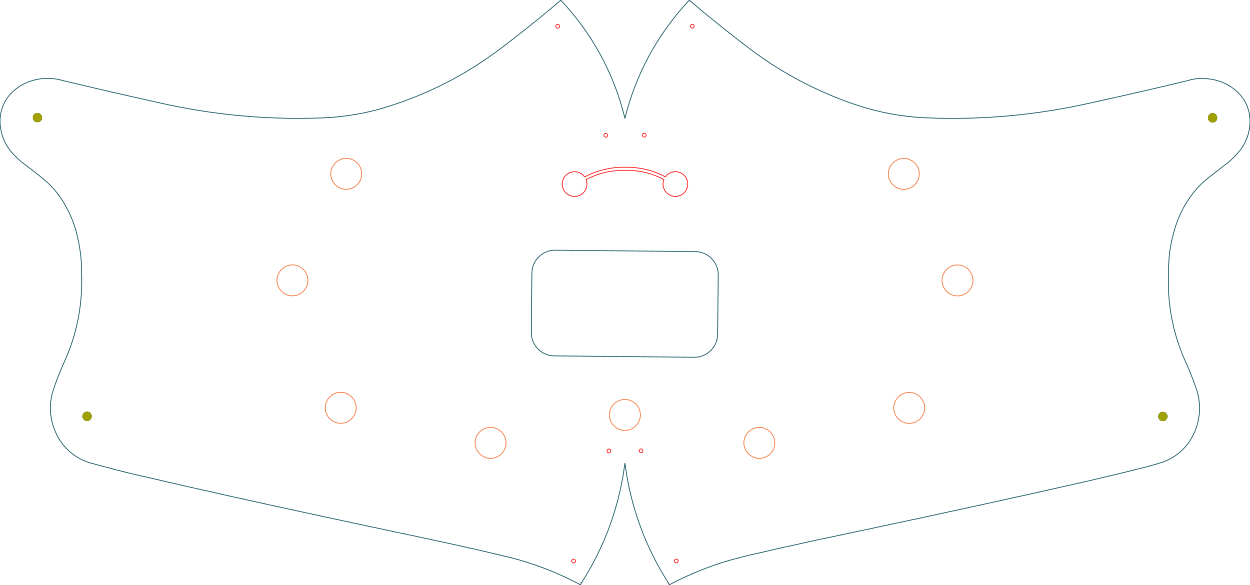
I can import your file into illustrator and it works fine
Question, can you right click the SVG exported while holding shift
OPEN WITH…
Edge (or a browser)
how does it render?
NOW Best so far.lbrn2 (37.9 KB)
here is the lbrn2 file
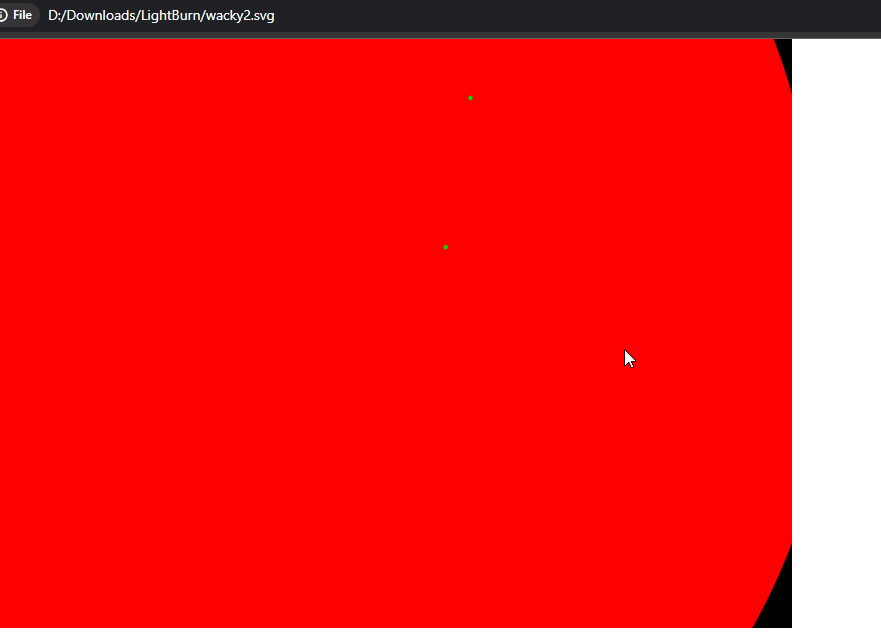
yes, All my new svg files I export from lightburn show up wacky in illustrator since update.
Do this for me please Baron
Open your NOW Best so far.lbrn2 (37.9 KB)
Edit > Select all > Copy
File > New
Edit > Paste
Export.
Can you see if export now is ok?
no, still wacky. This has been happening to all my svg’s
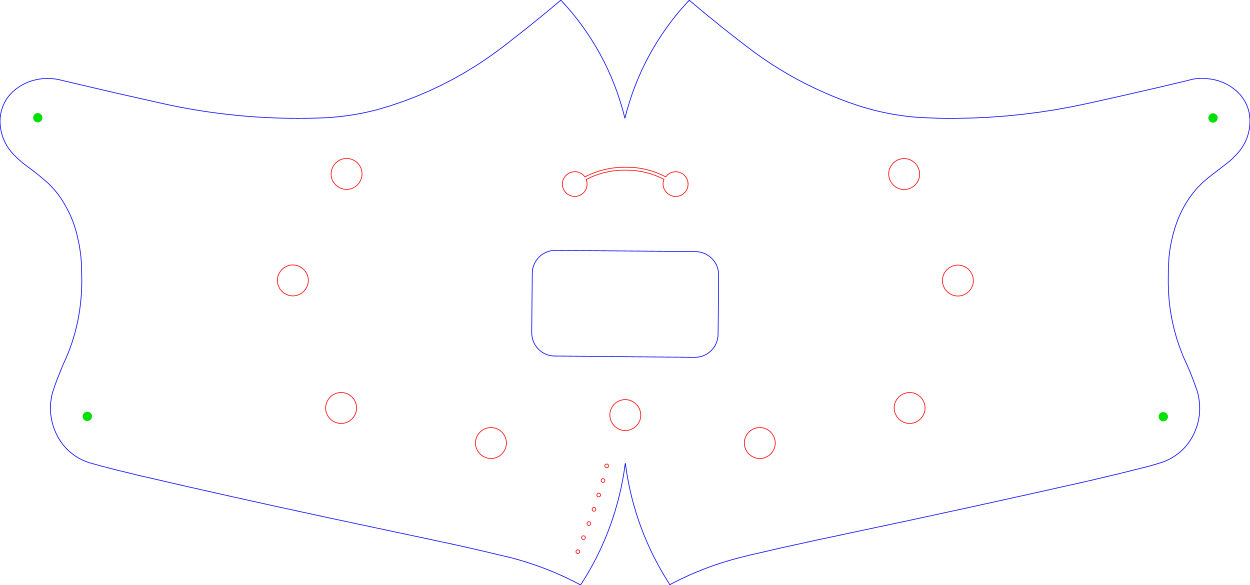
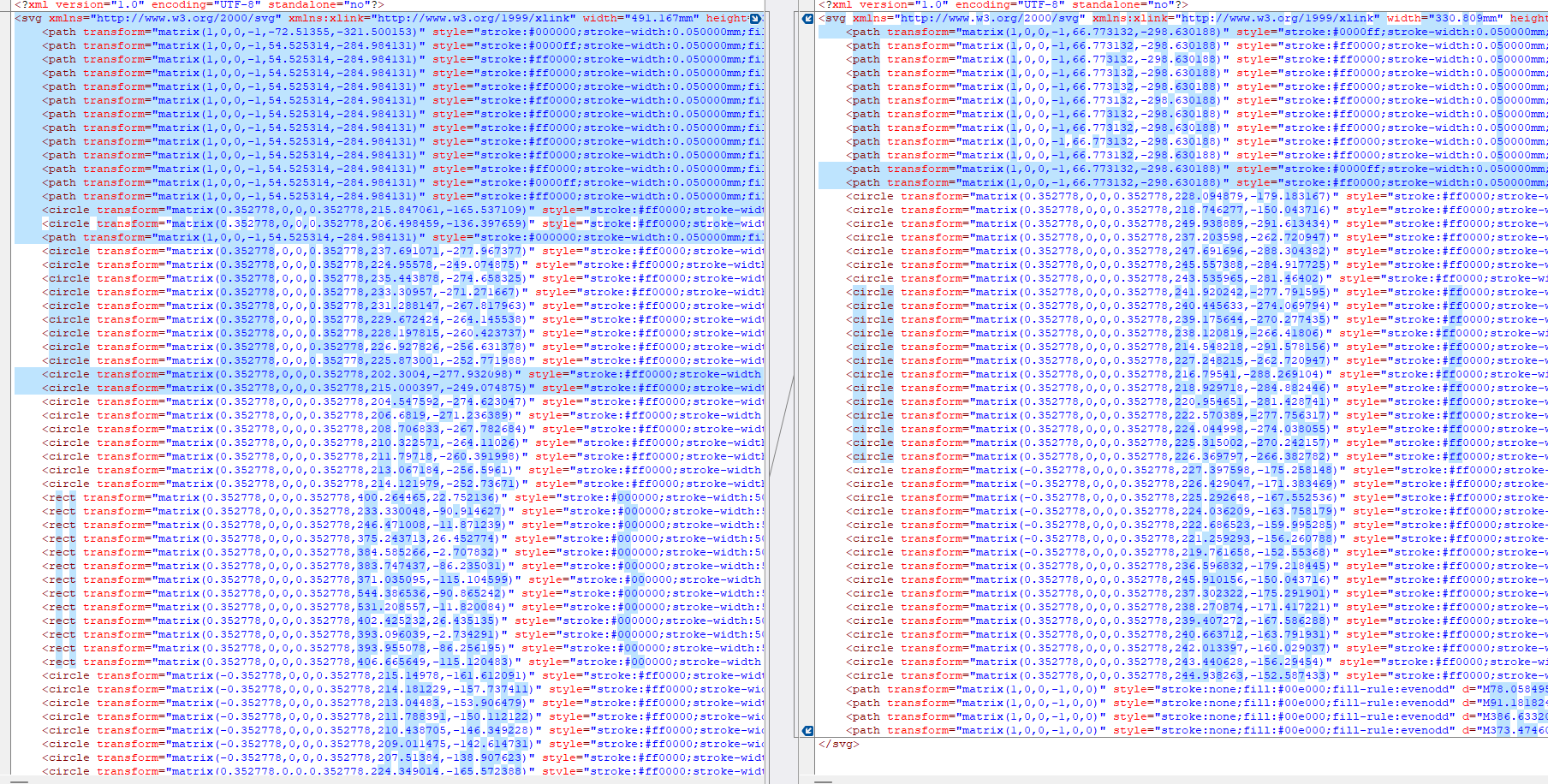
I can try rolling back to a prior version of lightburn to see if that fixes it.
Please Baron
That would be a great variable check
Could you report back?
sure, do you know where I can get the roll back file?
Here we provide all previous versions (←click this). 
does not seem to be clickable. Does the link work for you?