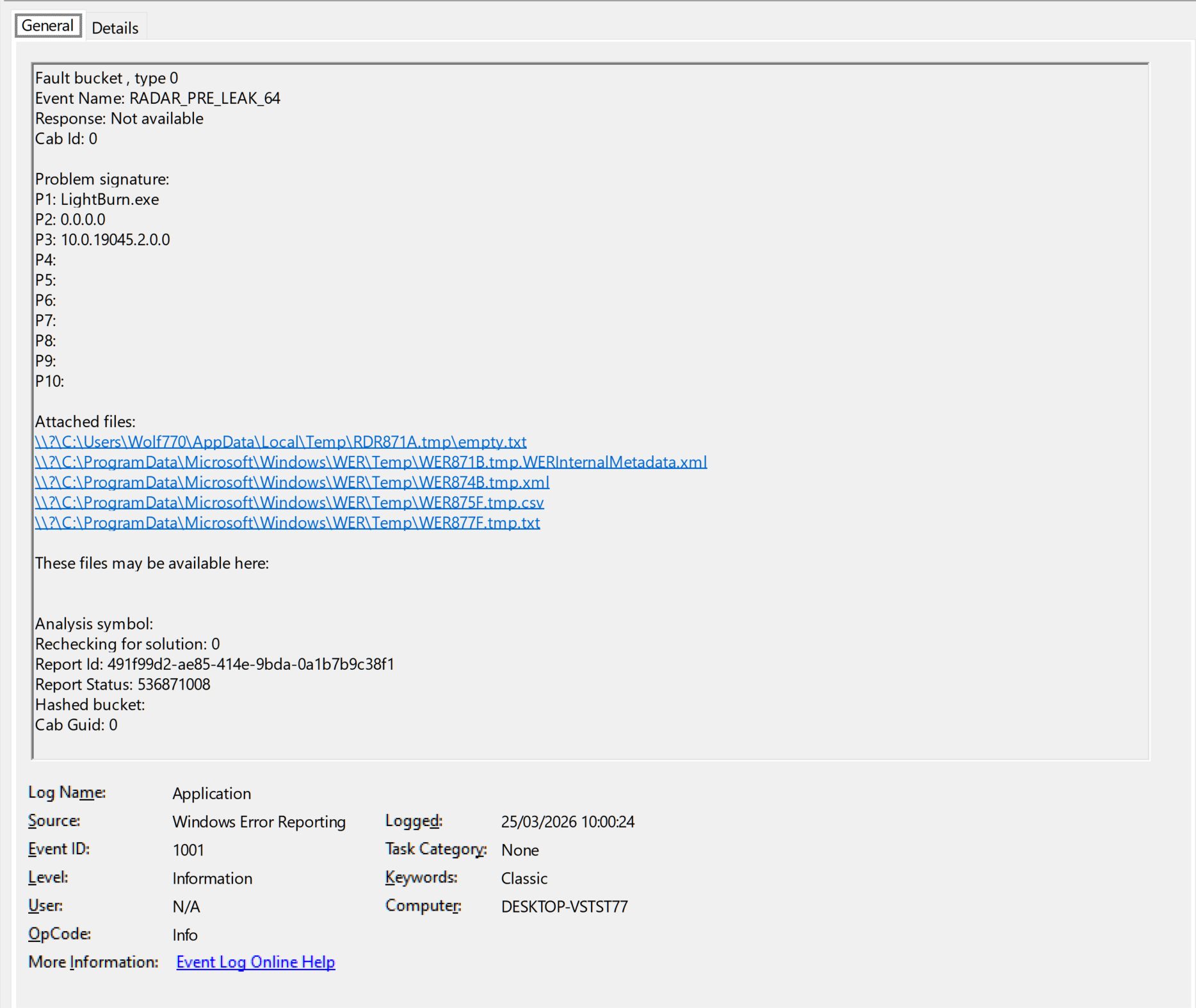
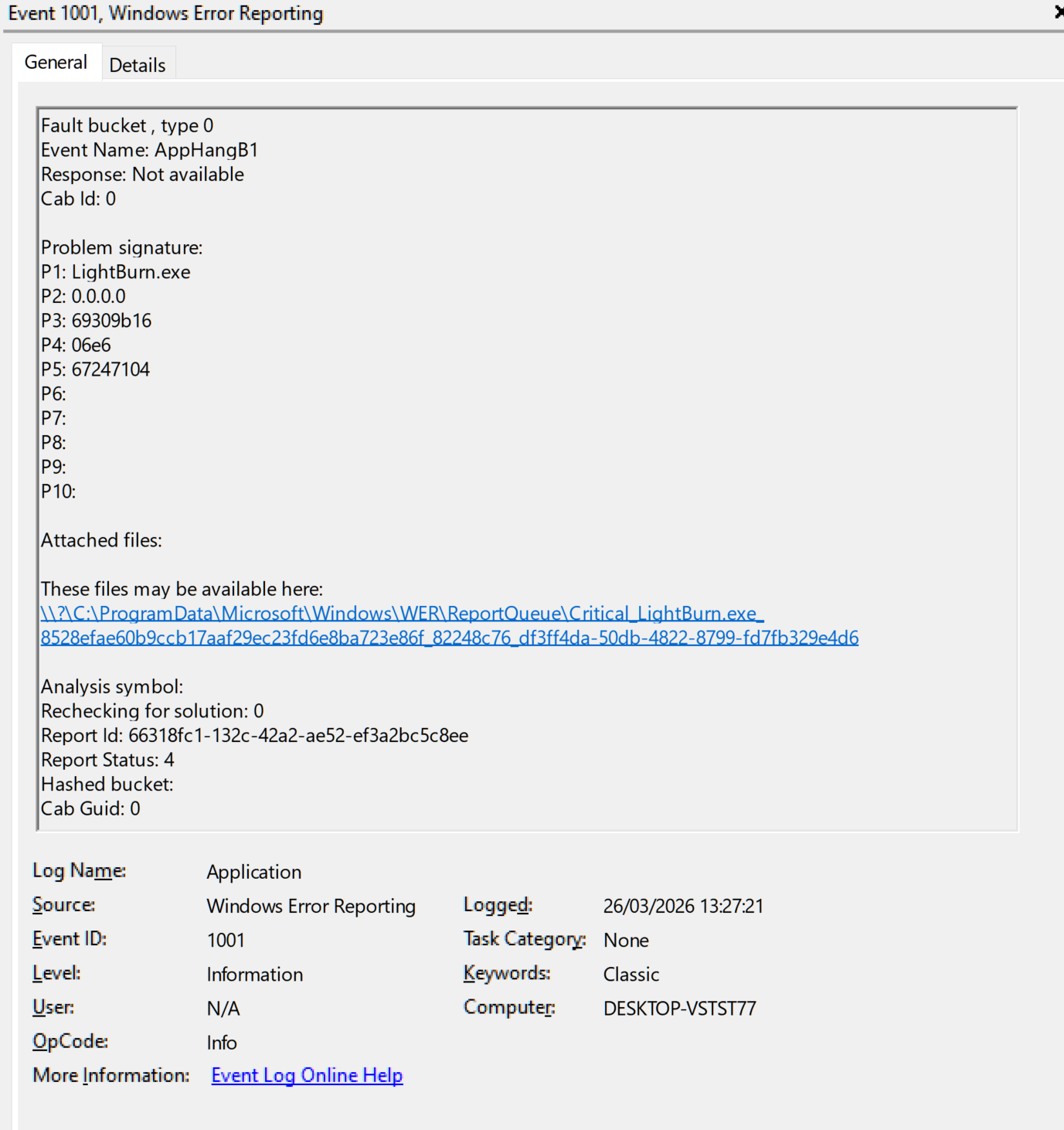
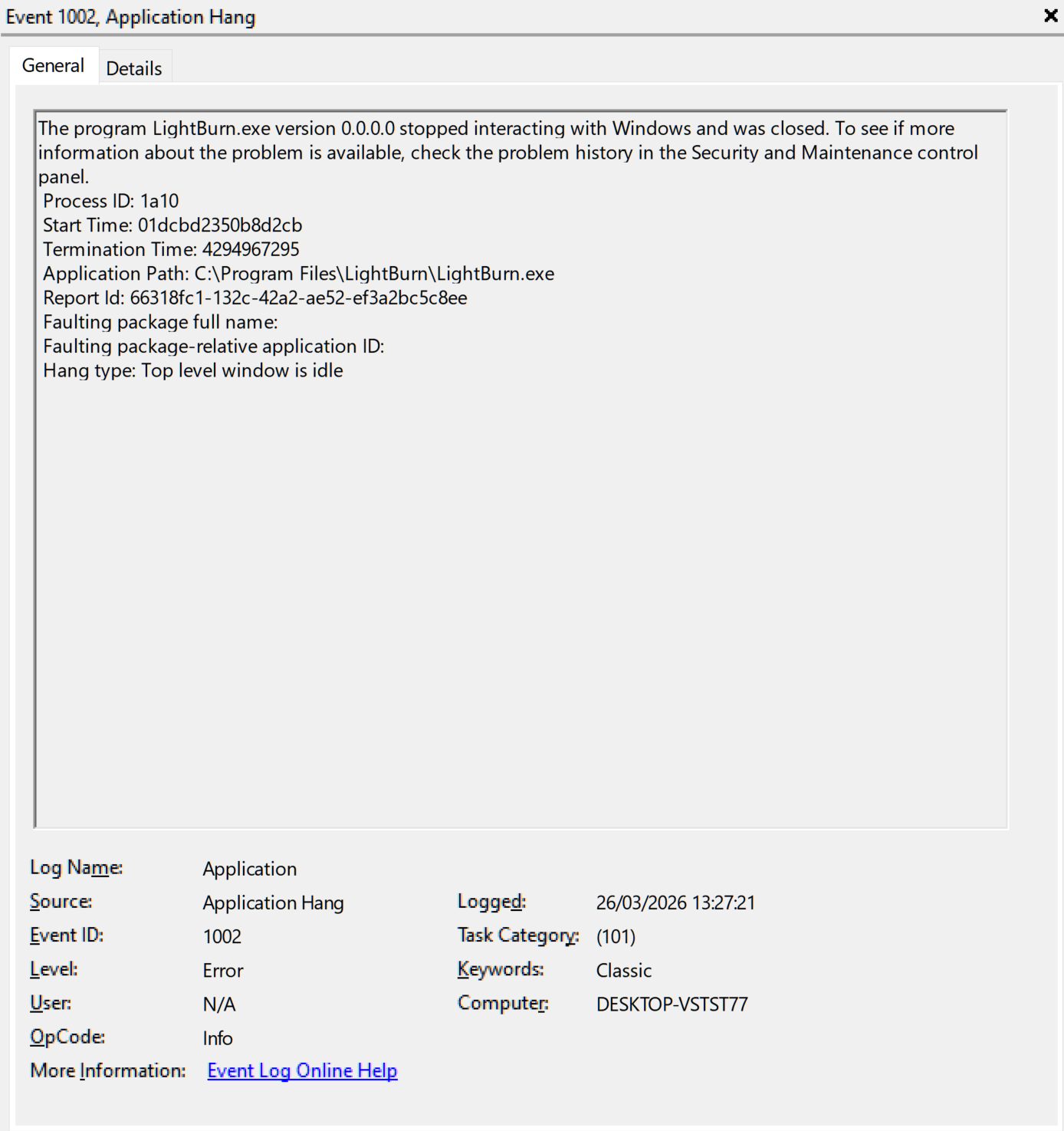
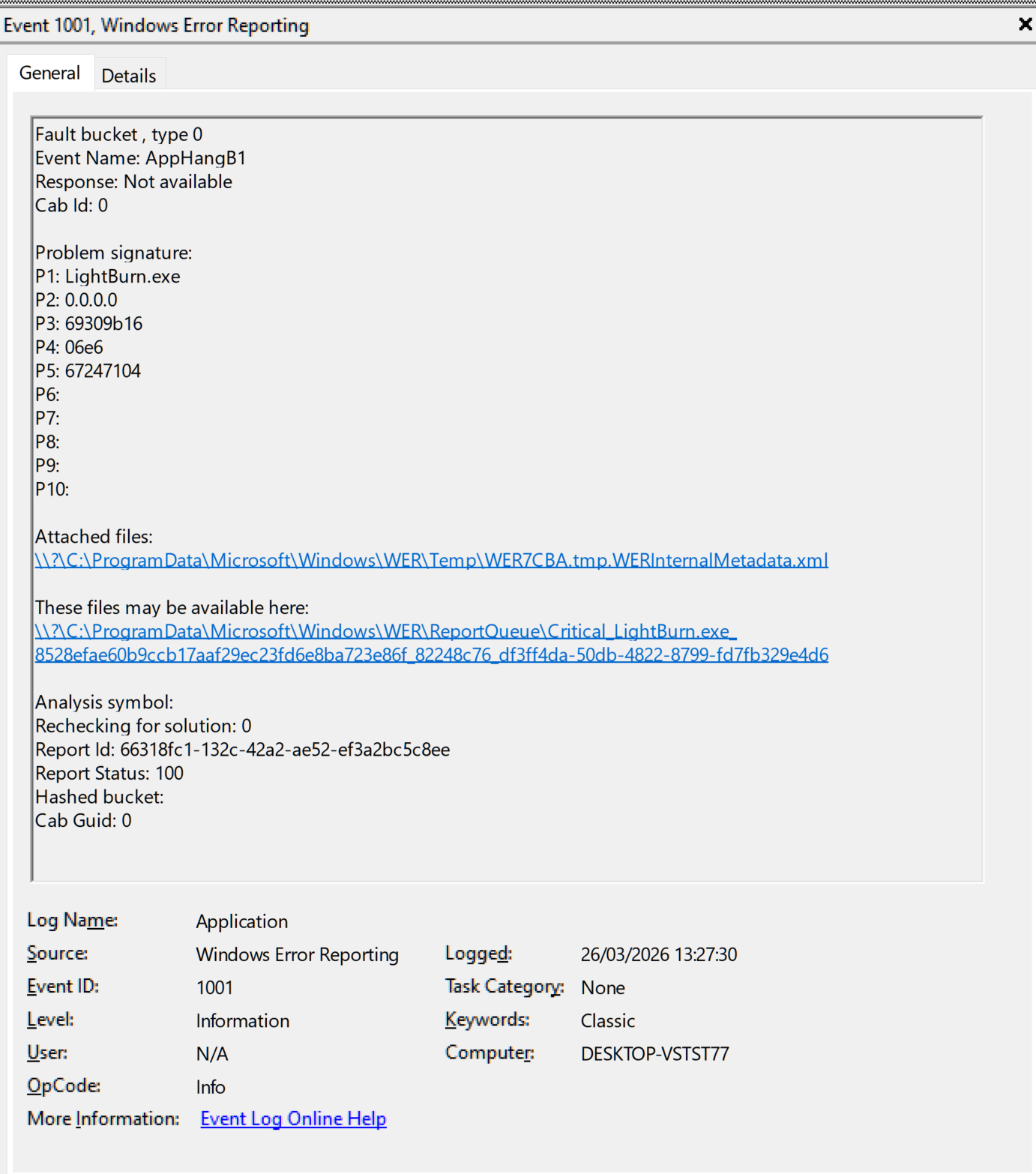
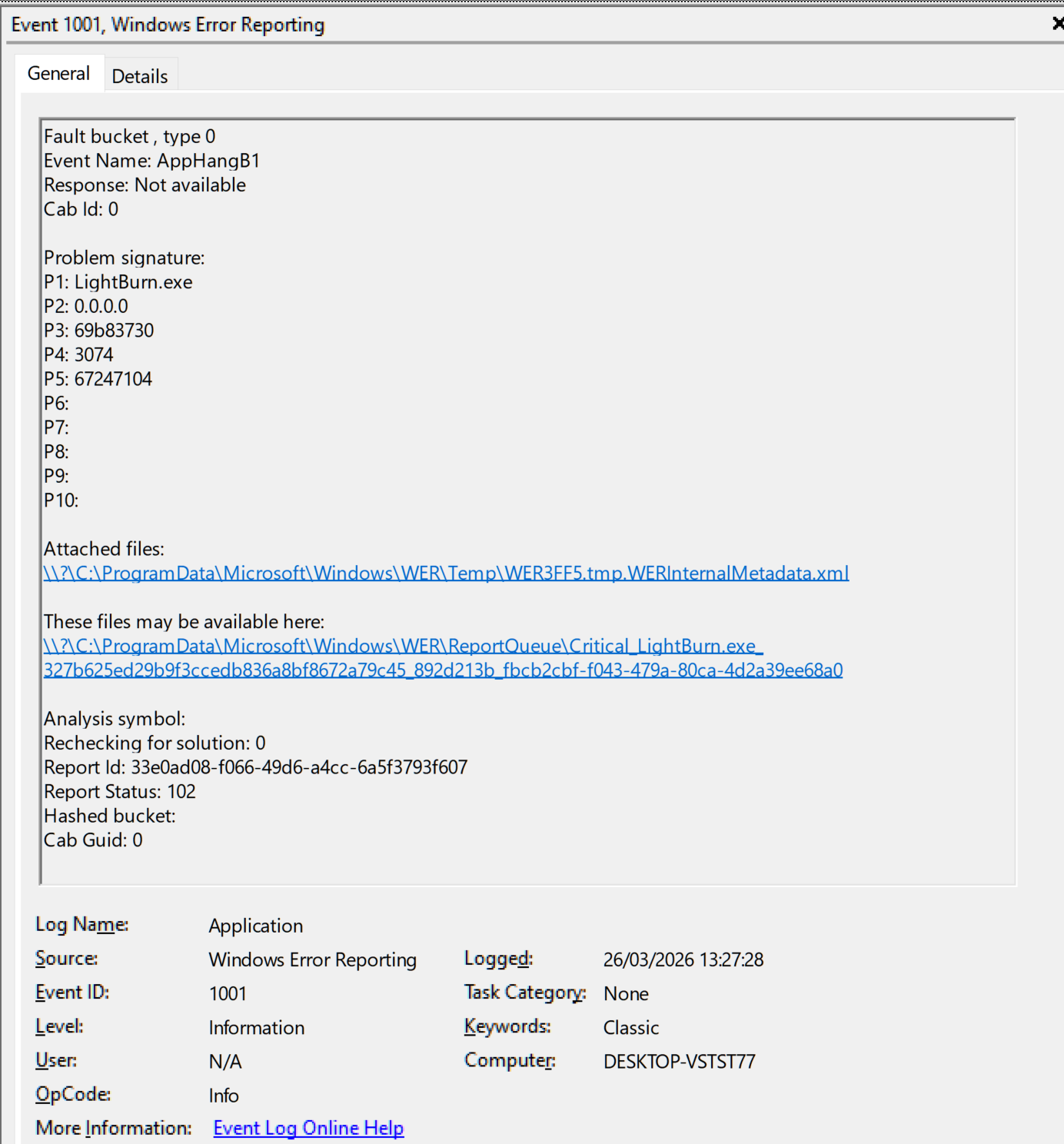
A little more info if needed:
I have permanently blocked internet access to most (99%) of Microsoft’s services. Some services and applications are blocked on a per-session basis and as needed.
@parsec I’ve split your posts into this separate thread.
The .lbzip file you sent doesn’t contain anything that could explain the excessive memory usage.
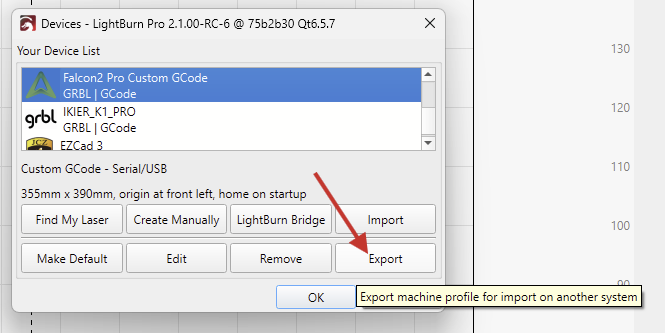
Does it repeatedly lock up, if you open the Device Settings?
If so, a Debug Log should provide more insights than the Windows Error Report.
We would need to see the settings you’ve used on the SVG. Can you send us the project file (.lbrn2)?
Thanks.
The memory issue was with a clean workspace. Maybe some trash in memory from previous projects or the way I use PCs, mostly I hibernate the PCs I use.
.
For the issue with the SVG was just drag the file to LightBurn and Preview.
This is a project from today with what I remember… Forum_188680.lbrn2 (5.0 MB)
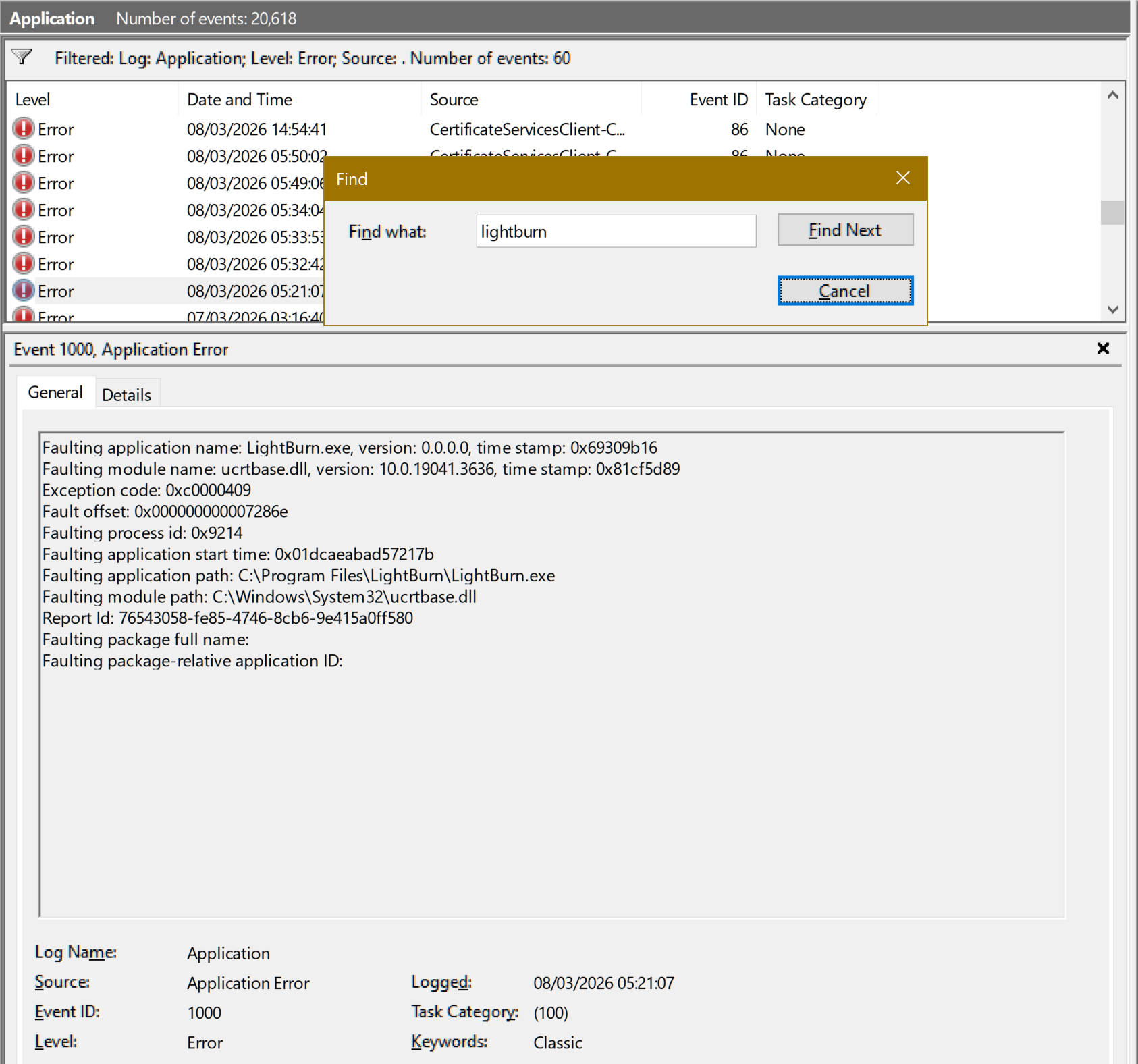
To add to the errors above, I did a search in the Events and have a few more errors one of which (ucrtbase.dll) is below, although not noticed:
Also sometimes there is a bit lag that hadn`t noticed before, I have to check if it was something that Microsoft messed with my system, because I had to let some services communicate with the outside to activate Corel Technical Suite.
If you imported the SVG to a new project, it would use your default layer settings.
This project file uses the Line Mode. There are a lot of lines in the SVG, but the Preview loaded instantly for me.
If I switch the mode to “Offset Fill,” it naturally takes a little longer to generate the preview, but it shouldn’t crash under any circumstances.
The ucrtbase.dll appears to be part of the Universal C Runtime. Reinstalling Microsoft Visual C++ Redistributables might help:
Uninstall all Microsoft Visual C++ Redistributables from Control Panel > Programs and Features.