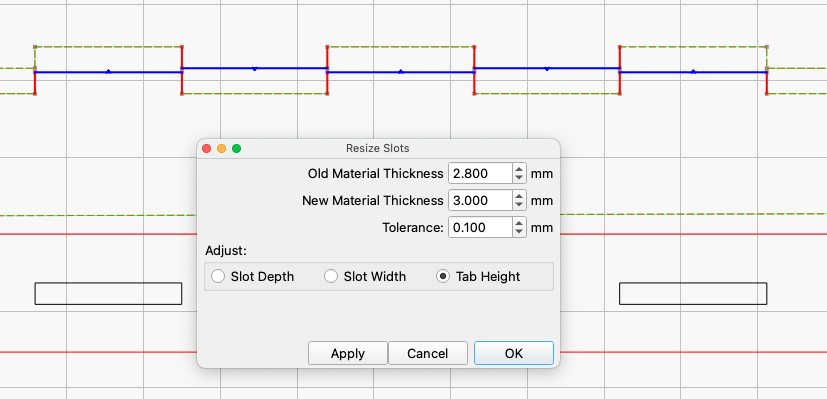
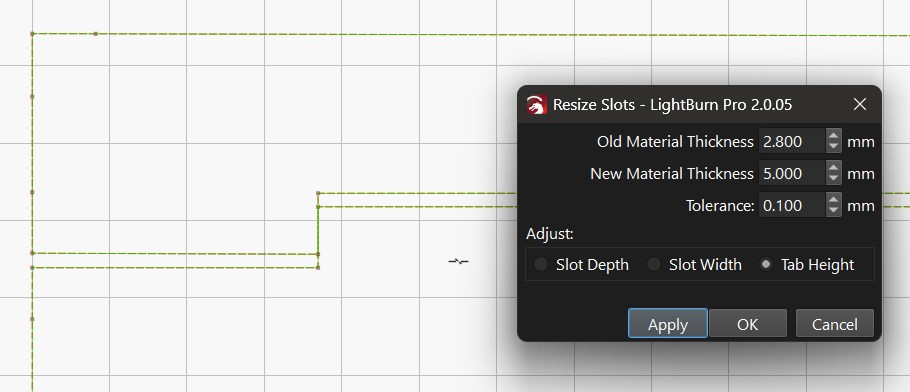
Resize Slots in Selection almost works?

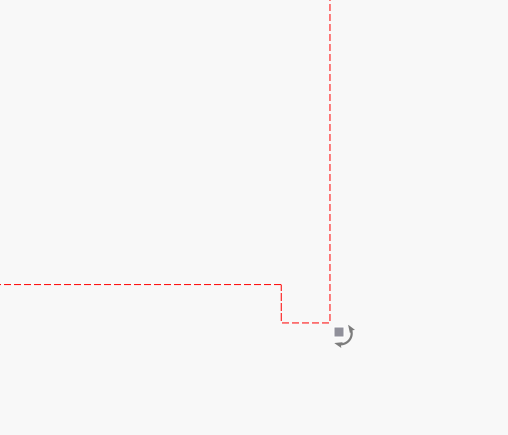
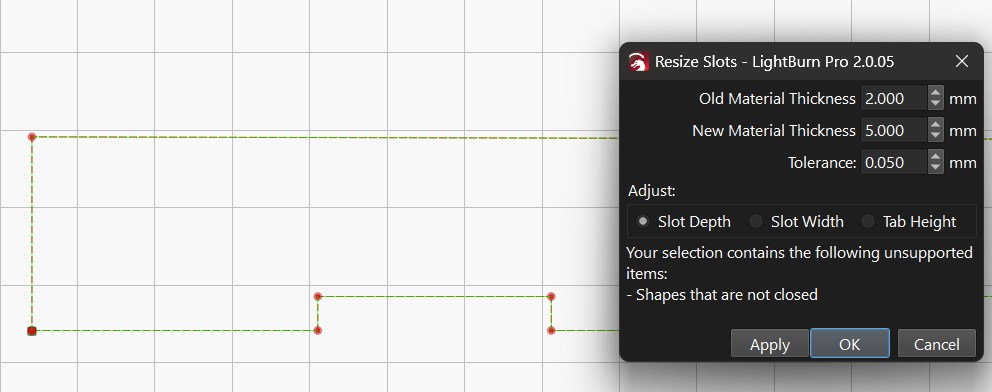
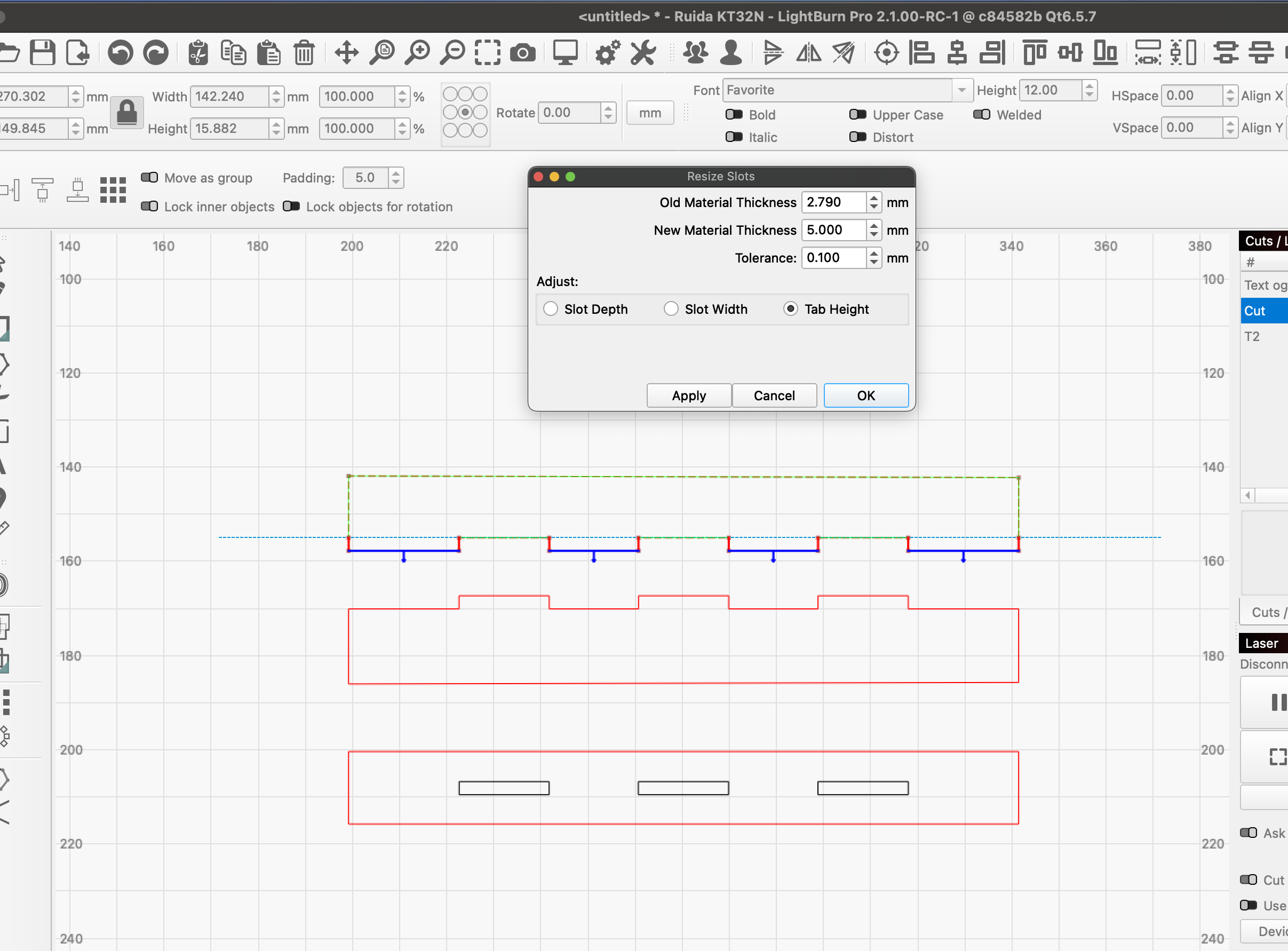
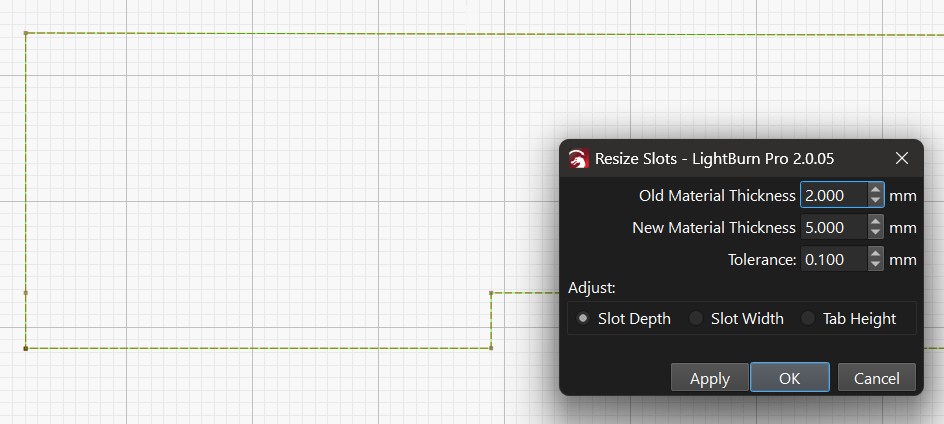
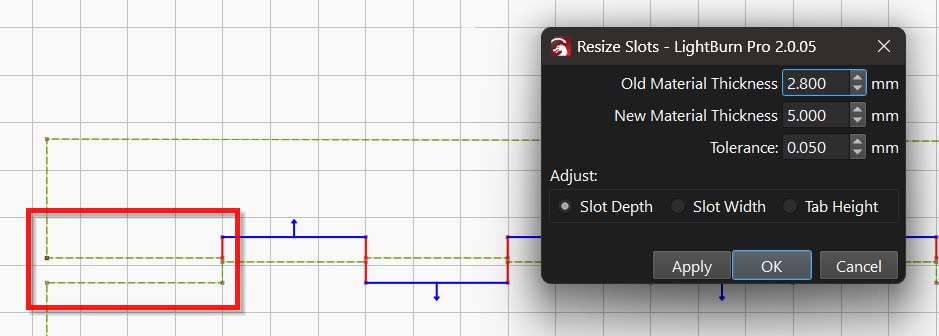
As you can see in the image, resizing isn’t fully working. The area in the red box also needs to be adjusted so the finger joints will work correctly.

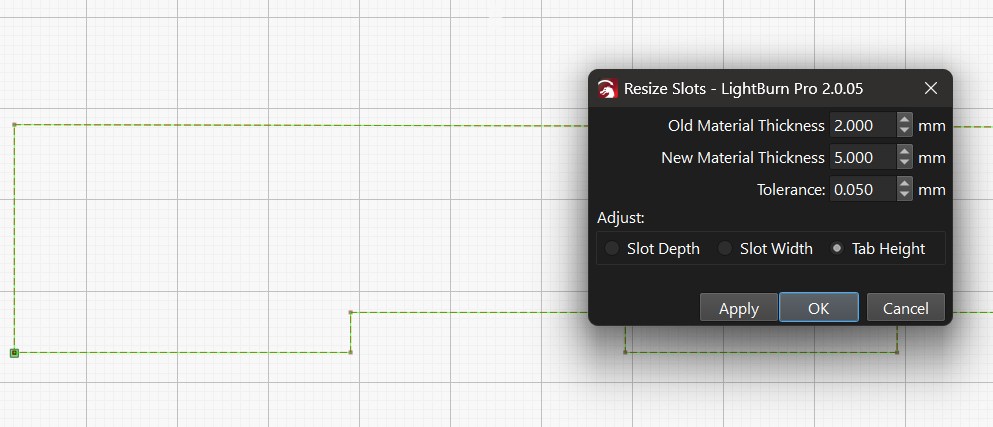
I tried the other two adjustment options to no avail.

What can be done to fix this?

The SVG file can be found here

1 Like

LightBurn cannot see that the ends are also tabs/slot. The easiest way to change that is to add a node at the same height as the “last” tab/slot.

1 Like

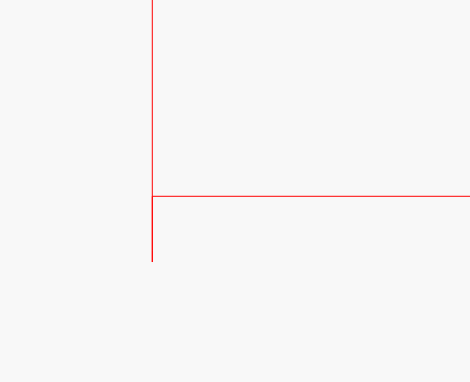
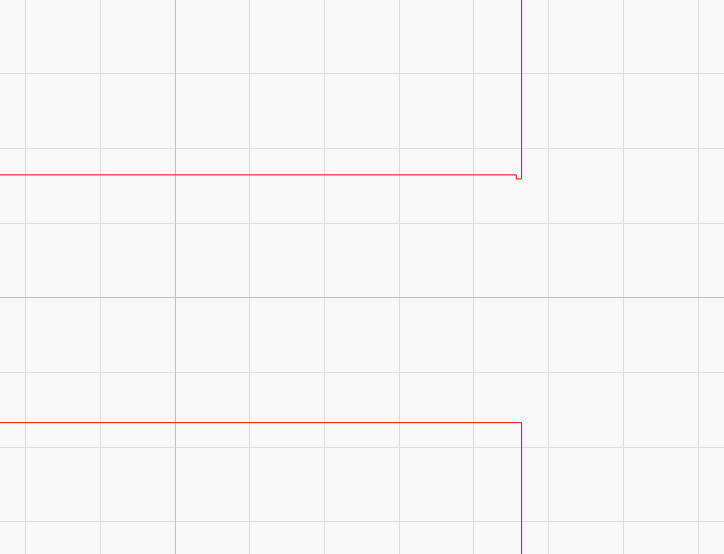
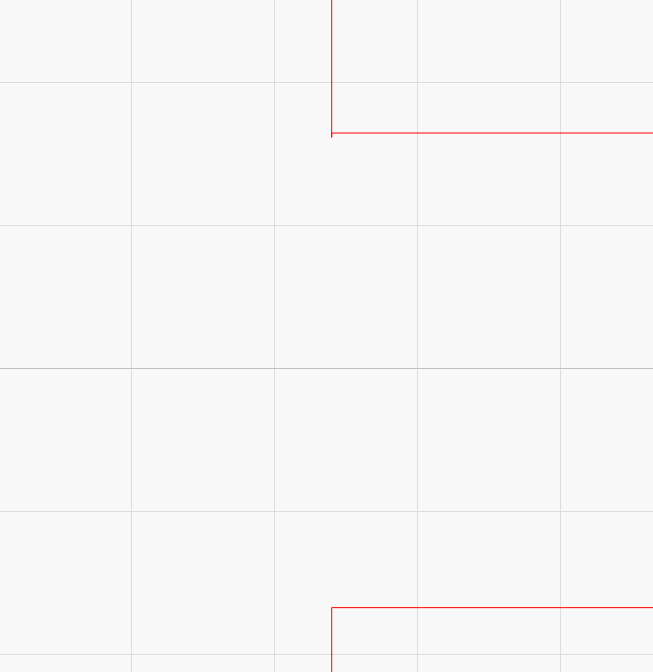
In addition to what @bernd.dk says your image has issues at those corners. There are extra lines that should not be there.


The tool only works on slots/tabs with 4 nodes that are in effect creating a rectangle. What Bernd showed you is that you need to add the 4th node to create the virtual rectangle at those locations. Just adding the extra nodes would not work in this case though because of the extra geometry on the corners. You need to also remove the extra lines.

Now it’s not even working. I had this problem before

Closed the shape

I think it’s time you review the docs on this. It looks like your old material thickness and tolerance settings are the problem this time.

If nothing works, please post an example or the file itself here, it’s always much easier and faster to find the error instead of discussing back and forth.

Please read my first post Bernd

Not on the image I’m looking at did you download my file from the link I supplied

I played around with the tolerance to see if I get different results, same issue no matter what number I insert

I didn’t catch that it was an SVG file, I was expecting a lbrn2, my mistake, sorry.
But, when I do what Tim has suggested, i.e. remove the small errors in the drawing that prevent a resize from being possible, specify the exact old height, or expand the tolerance… and by adding 2 extra nodes, you get what you want.

1 Like

Yes I did. Just to avoid any further confusion upload the lbrn2 file.

On my end I don’t see those errors you speak of.

When I added the 2 nodes nothing happens

Tab-Slot Test.lbrn2 (7.3 KB)

Still the same image I downloaded. Zoom in to the outer corners of the top shape and you will see the anomalies.Right side of upper shape.


Left side of upper shape.

You must remove the odd shapes and insert the extra nodes to line up with the bottom of the tabs for the end parts to work.

You have to know the size of the slots before opening the resize tool. In this case, 2.79mm. I chose 2.800 for old material thickness and 0.100 tolerance.
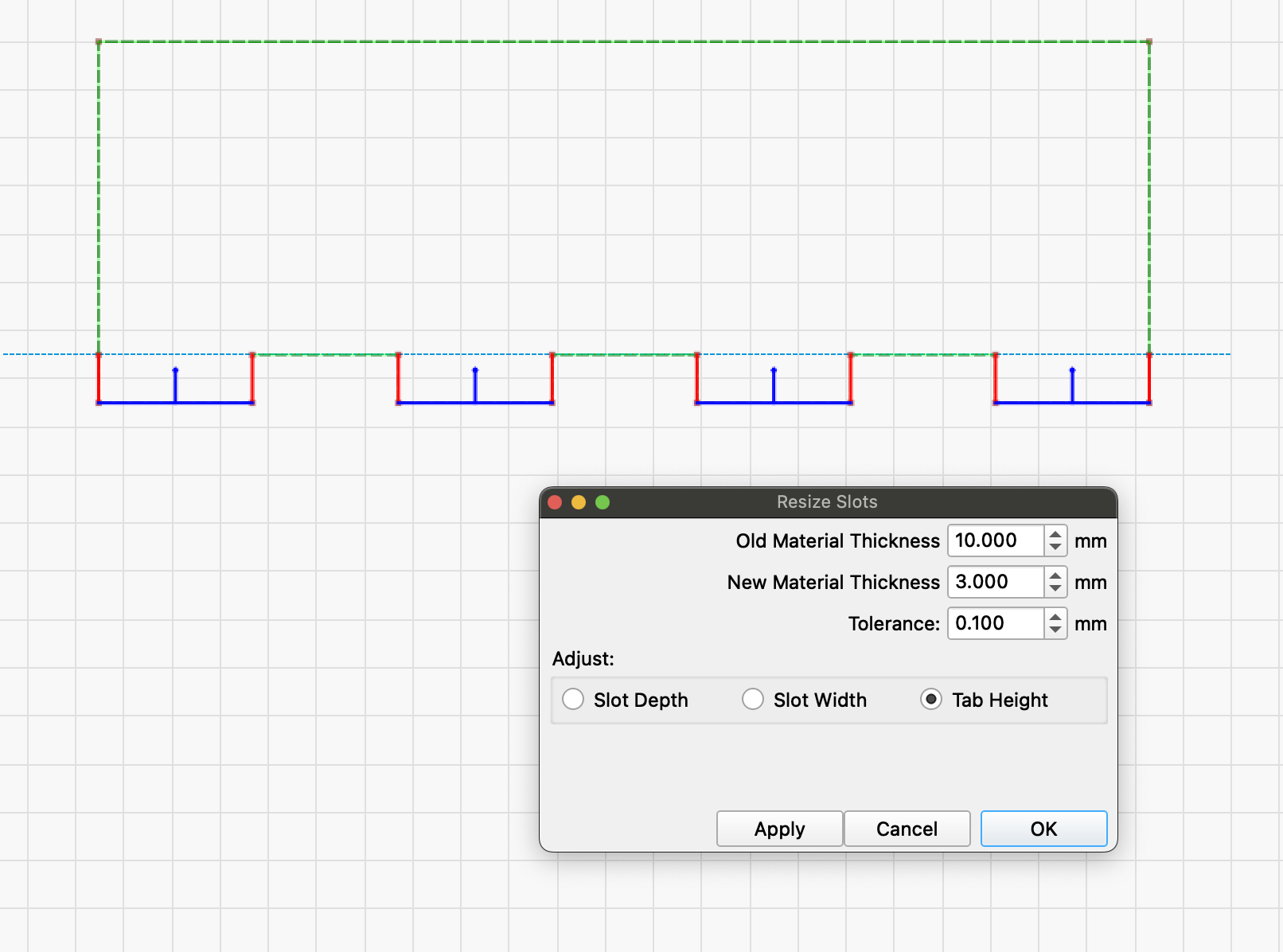
2 Likes

Geesh, That little line segment is 0.03mm long.

Ok, I got it to work, Thanks for your patience working with me.

2 Likes

This topic was automatically closed 30 days after the last reply. New replies are no longer allowed.