Hey all,
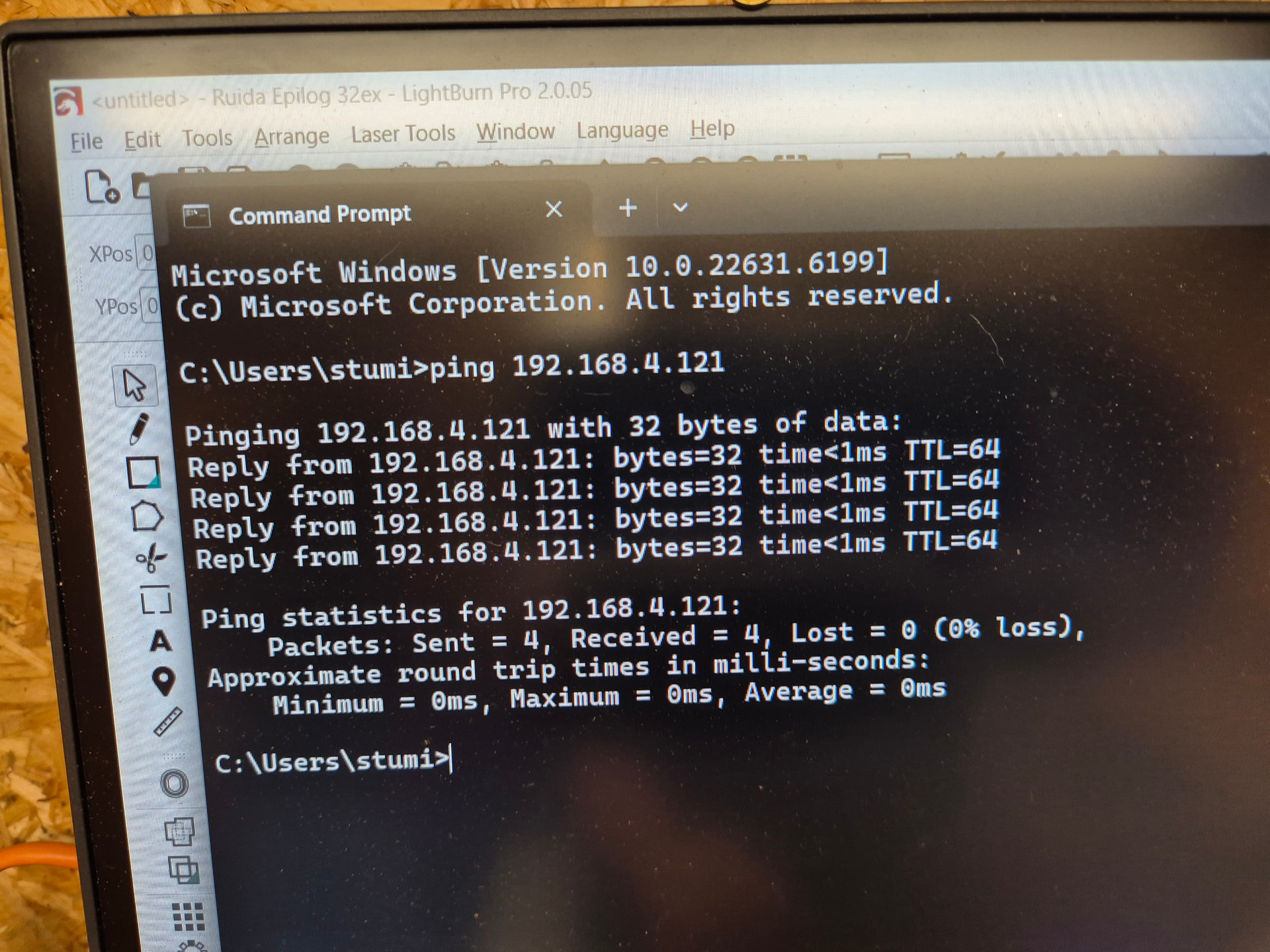
I can’t seem to connect Lightburn to my Ruida 8445 via LAN. They’re both on the same network and both connected. I can ping the controller from the PC, but Lightburn just doesn’t see it.
A bit of googling suggests that is may be a subnet issue, suggesting Ruida controllers only support 255.255.255.0 subnets, whereas I have a 255.255.254.0 subnet. Before I go to the trouble of creating a VLAN just for the laser and PC, can anyone confirm this, or suggest other things to try?
If you’re in the same /24, both your computer (which knows it’s on a /23) and the ruida controller (which is stupidly coded and believes only /24 exists) would treat things as being in the directly-connected network segment.
Basically, there are two requirements:
For packets from the ruida, the PC’s IP must match the controller’s first three octets, i.e. a /24 netmask, 255.255.255.0.
For packets from the PC, the ruida controller’s IP must be within the directly-connected network segment, whatever netmask that may have.
If both of these are true, i.e. both IP’s are within whichever is the more restrictive configuration, the connection succeeds.
Interesting, I wasn’t aware of this issue of only /24, what happens if you relax/open up the mask to 255.255.0.0 ? (which I’m sure I have used before).
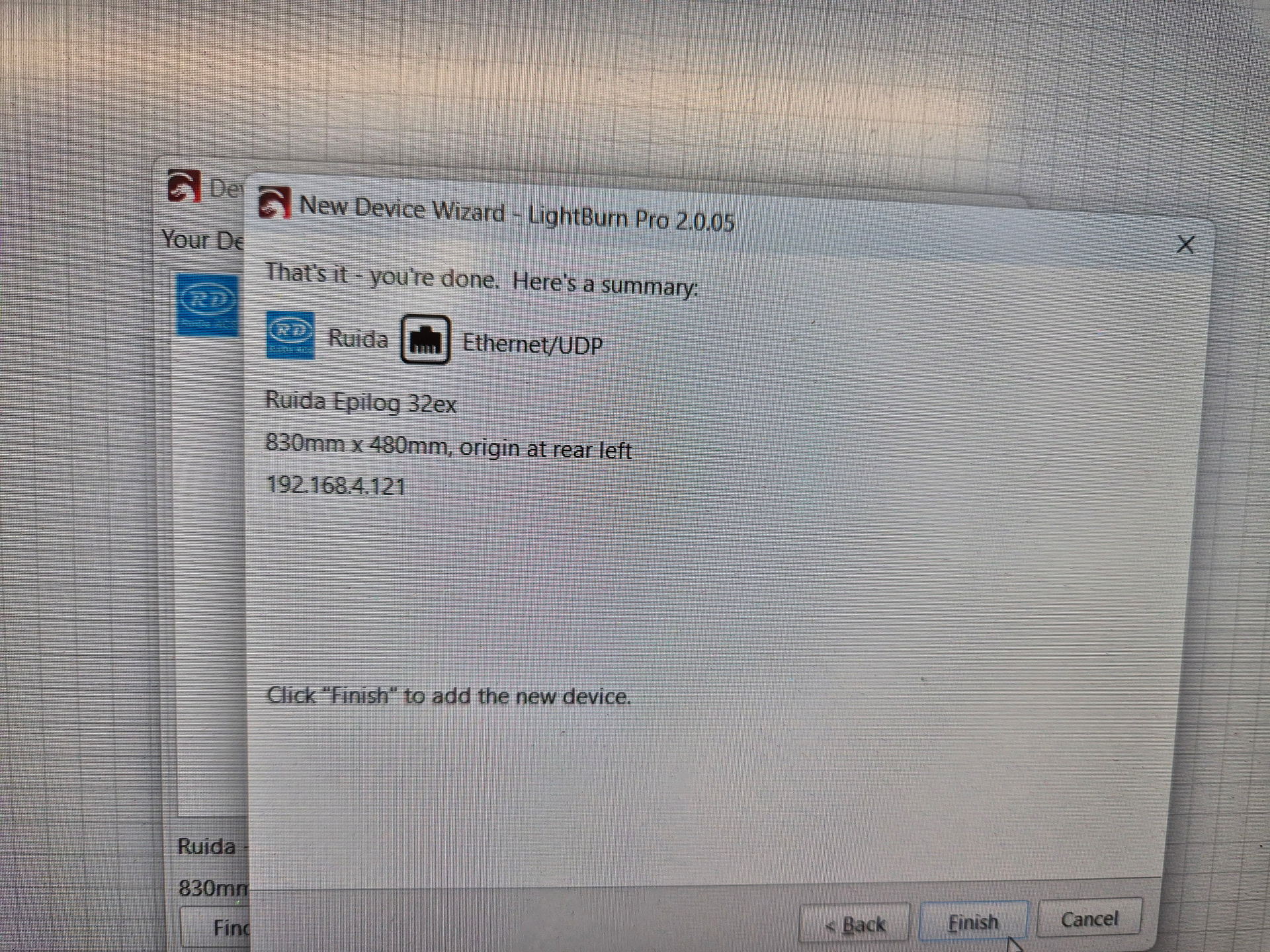
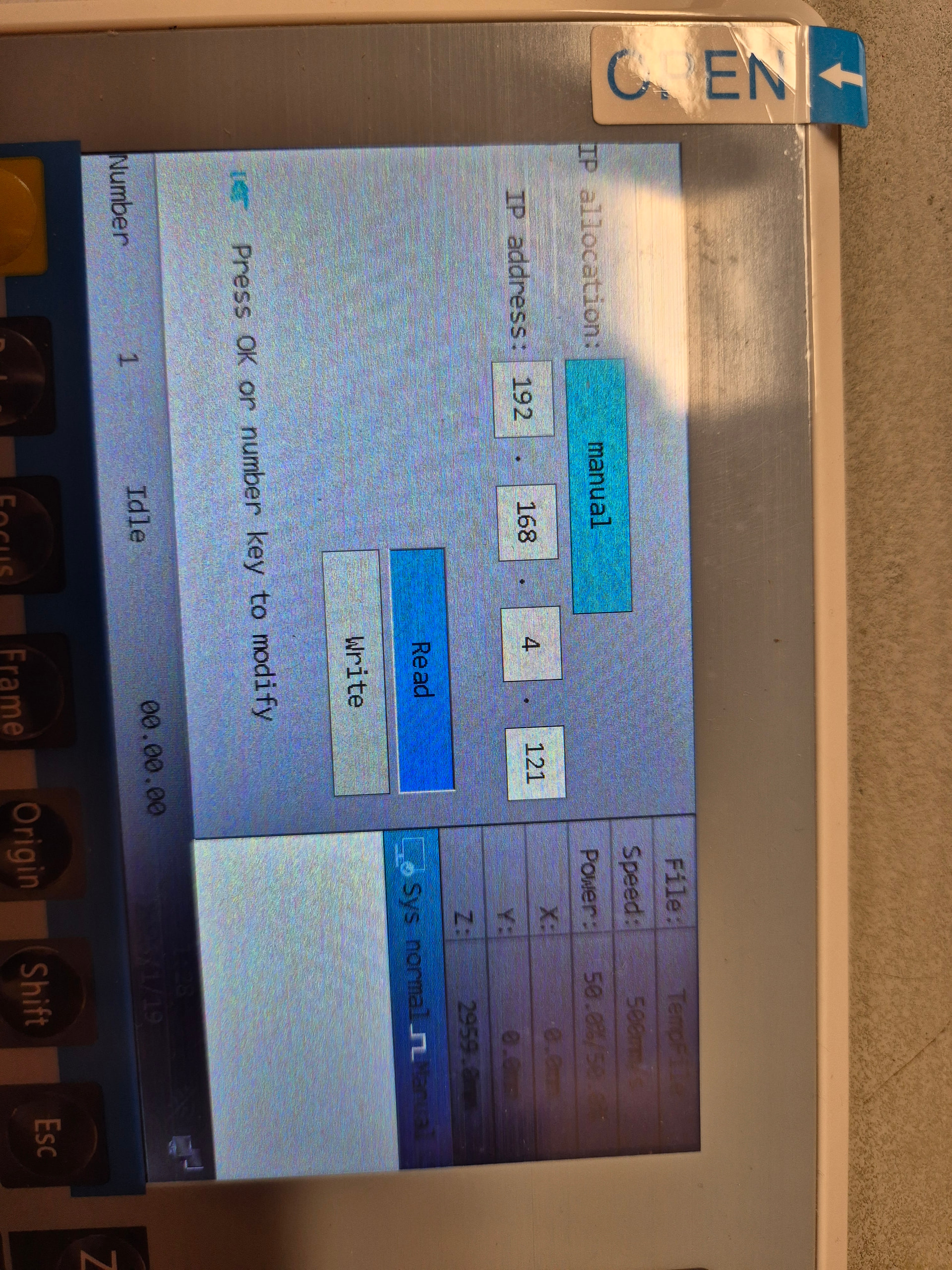
The PC and controller are both on 192.168.4.X. Originally this wasn’t the case (controller assigned to 192.168.5.234) but I’ve forced it into 192.168.4.X to match the PC, thinking this would solve the problem as the first 3 octets match, but it didn’t. The PC and controller are on a mini unmanaged network switch which is connected to my main network.
I have now restructured my network to be on the 24/0 subnet and still no luck! The controller also has a hotspot mode. Turning this on and directly connecting from the PC still doesn’t work!
I’m going to try a different PC next just in case it’s insane