Paste is an unusual word choice for reflashing firmware. Perhaps your hurdle is procedural: This will take you to the instructions provided by Ortur.
You may also want to scroll up on that page to see the warning about McAfee total protection.
With a fresh install of Win 10 you may not have installed the STM Micro driver.
https://ortur.net/pages/supports
The LightBurn Ortur setup video is excellent.
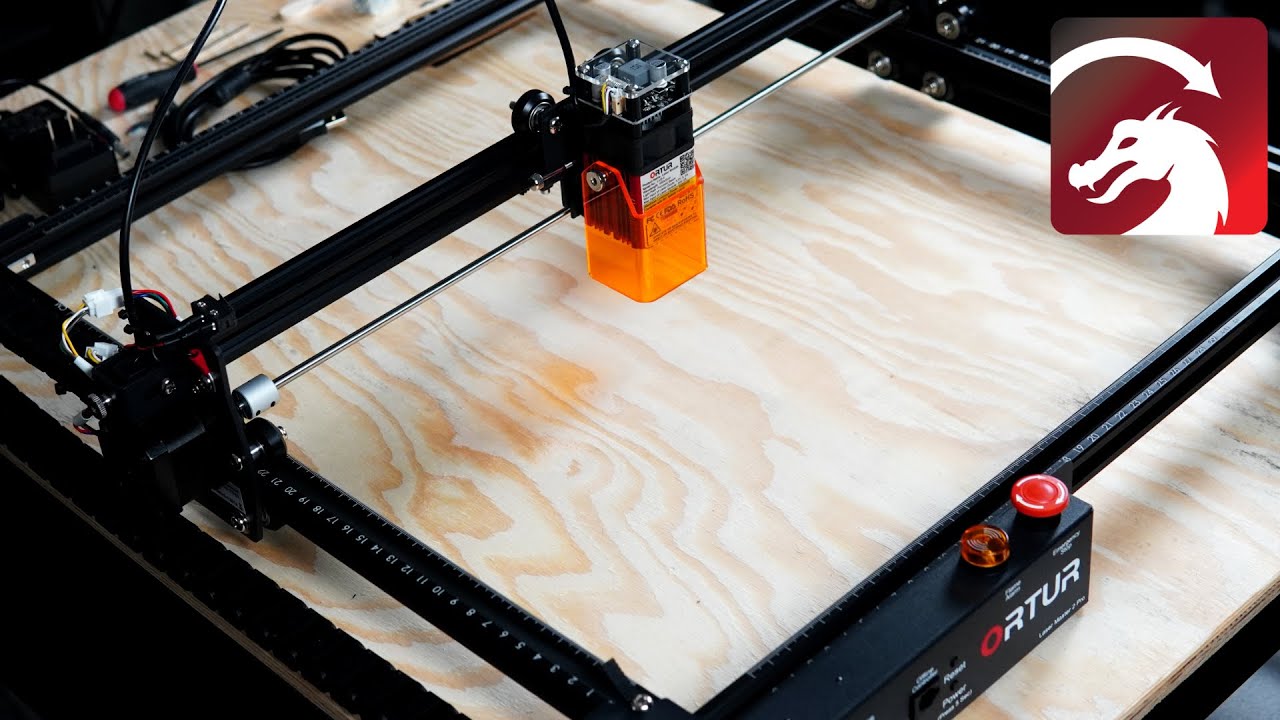
It is common for Win 10 to not be looking for the correct port and USB seems to reassign ports. Also, if another software package such as LaserGRBL has grabbed the USB port where the laser is connected it won’t share. Please confirm that LaserGRBL and the reflash utility are both closed (not running) before proceeding.
With everything powered and connected, open the Laser window and the Console window in LightBurn. If you are still getting the ‘not connected’ information, select a different COM port in the Laser window and wait a few seconds. Hopefully you see the connected device.