I could not withstand it and needed to try the new API
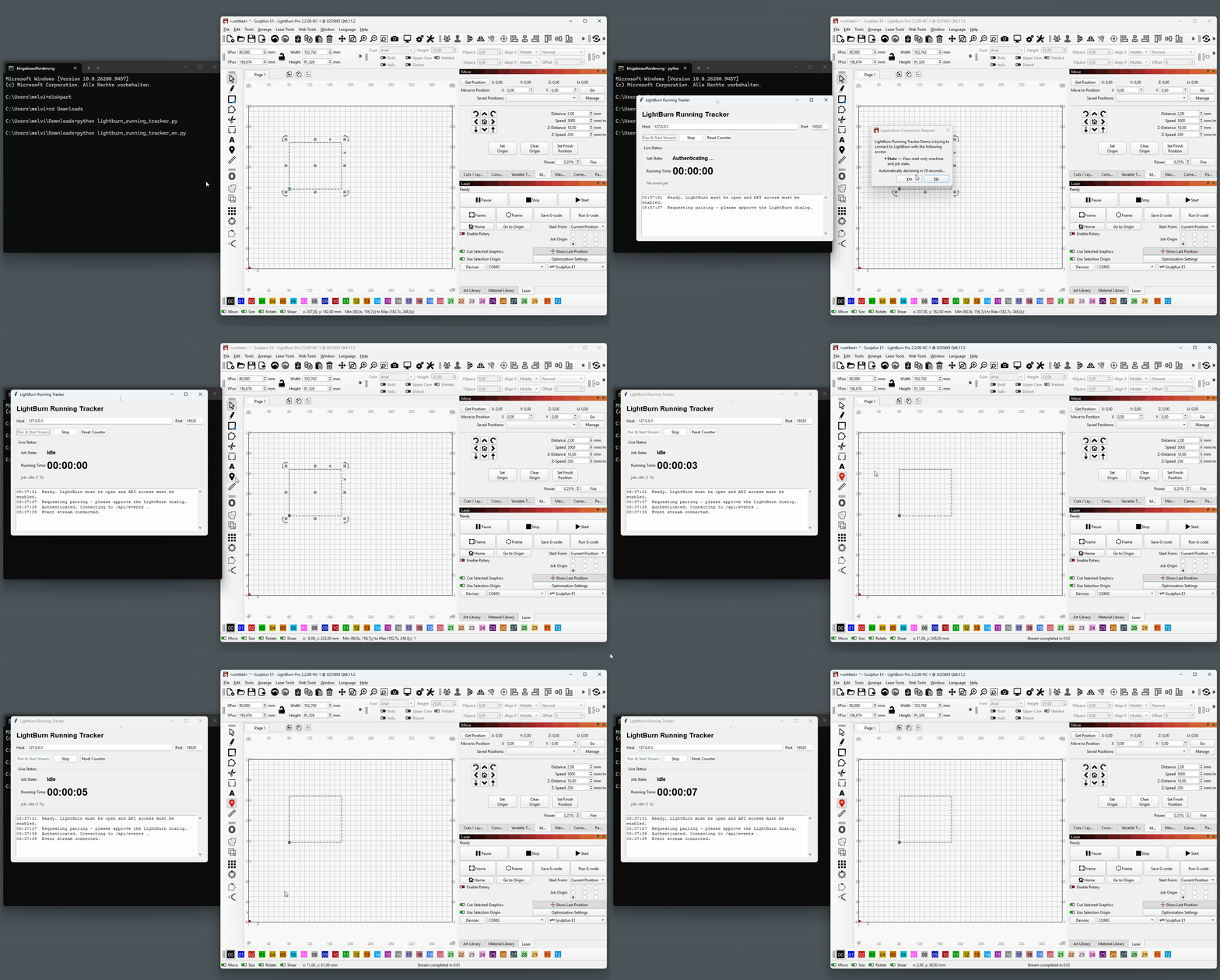
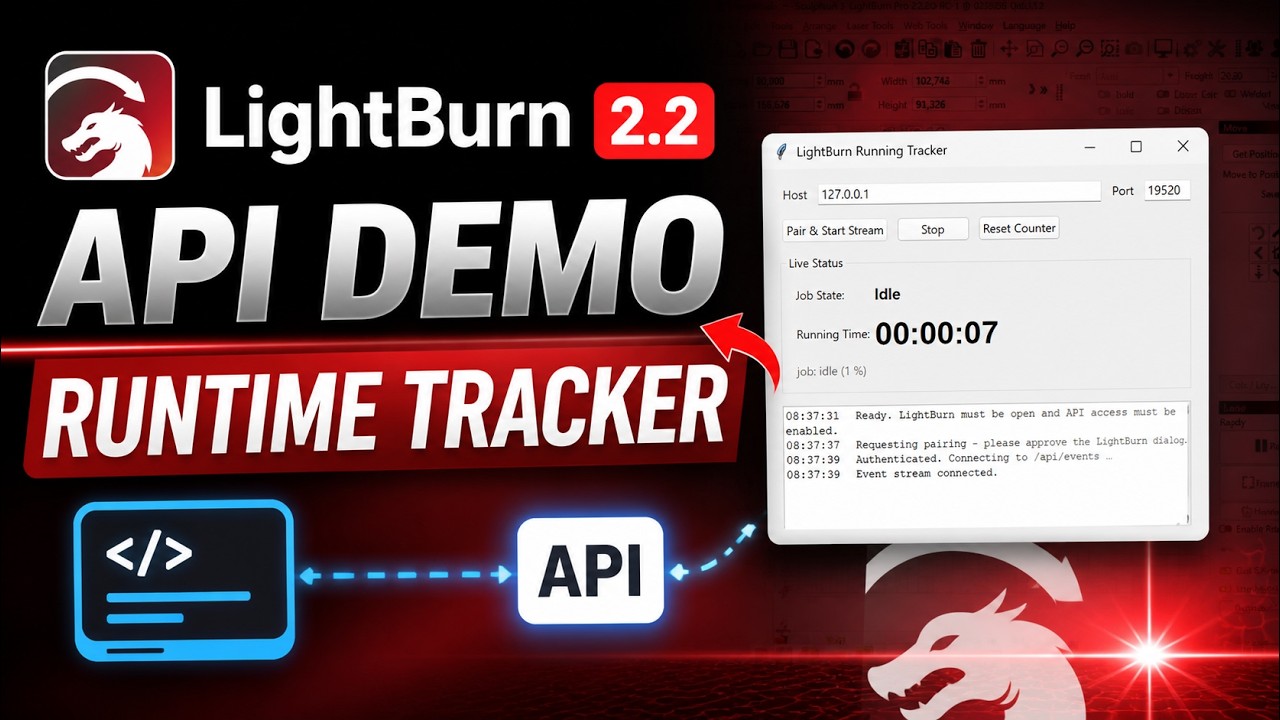
Let me present the first and one and only LightBurn Running Tracker (oh yeah, a bad name) . It’s a simple tool that connects to the event stream and checks whether a job is running or not. When the laser is running, the counter is increased. So at the end of the day, you know how long your laser was active. Since most diode lasers don’t have a usage counter, such a tool could be useful. Though, you would need to extend the functionality, like storing the times, exporting it, etc. I guess you can think of a multitude of features.
(I could not upload the video directly, so I uploaded a gif, I will upload the video somewhere else and cerate a link).
I will go a step further and suggest that for some Fablabs (I used to run one), this could become a very useful tool for invoicing laser usage to users… If you had a way to enter job data in a text field (i.e. name, material, etc.) then you could get some really useful stats with it.
As the dev who created the API, I’m happy seeing it used in creative ways like this!
Kind of, but not directly. It’s a single application that connects to LB and can talk using a defined protocol (API). Using this, an external application can exchange data or control LB (as far as the API permits). A developer can use this to add additional functionality (like reading the LB workspace, do something with the contents and send it back to LB).
Time will show how developers will use this to create new tools.
An API is an application program interface, it is used for different pieces of software to communicate or transfer data.
A plugin extends or enhances the original software host abilities.
API are commonly used in may software packages. For instance if you go to a new site and it queries you if you want to log in with your google account. This is usually an API that can be used in many ways, but it doesn’t really enhance the site itself that much, but it know all that Google wants to tell it.
When you agree it transfers about a lot of what it knows, to whomever is requesting it. It can do this by your current IP if it needs to.
This is an API used by many sites to help tell who you are. A browsers API, you can invoke it and the browser will send it what it knows about you, logged in or not.
If you’re just a user, it’s more like an add on than a plugin. It doesn’t run within Lightburn, it runs beside it, but talks to it, two ways. What it can talk about is defined by the documentation for the api.
The initial documentation provides examples of plug-ins for inkscape and freecad to allow those programs to talk to Lightburn (and Millmage in the next release).
If you’re just a user with no coding interest, (and no ai coding for you), it’s nothing you need to worry about right now. When people start sharing their add-ons or plug-ins for more uses or applications, then you can start sharing the excitement with a clear understanding of why it’s a big step.
What @misken did is the first of what we hope will be many such things to come.
Ah, not in Lightburn, no. There are examples of plug-ins for other applications, and you can grant access or revoke such access from the new extensions tab in the preferences. But Lightburn won’t have a plug-in directly.
The api exposes the controls we feel comfortable sharing, without risking any plug-in causing Lightburn to slow down or crash because of someone else’s code. This is because we don’t want to risk something crashing Lightburn while you’re in the middle of a job for example. Leaving a laser not moving with the beam at power is too much of a risk.
What bothers us about plug-ins, is that they run inside our app.
If fusion, inkscape or Autocad freezes for a few seconds, there’s no real harm other than user annoyance.
With Lightburn (or millmage), the consequences can be a lot more severe, since we drive machines live. There’s a buffer on the machines and the USB port, but it lasts a few seconds at best. Something locking up the app for even a minute is too dangerous.
I hope this helps clarify things on why the api and not a plug-in tab like you expect.
Clear as mud. Not your fault, I am software challenged. It still seems like a plugin with more restrictions and oversight to keep from having problems. Still trying to figure out if/how this will add functionality.
Any chance one of us not on the inside can get a copy? I have not been able to find it. I used to be a programmer (actually got paid), and would like to investigate.
Only if you do not send commands to Lightburm. An API can be either one-way or two-way, depending on its purpose.
To use an API, you must know what to send to the application and how the application will respond. Without a crib sheet, it would be useless. Their uses are typically narrow and very specific.
An API, which stands for Application Programming Interface, is a set of rules and protocols that allows different software applications to communicate and share data with one another.
Think of it as a digital messenger or a middleman. Instead of a person interacting with a software program through a visual user interface (like a screen or app menu), one computer program uses an API to “talk” directly to another computer program behind the scenes.

 . It’s a simple tool that connects to the event stream and checks whether a job is running or not. When the laser is running, the counter is increased. So at the end of the day, you know how long your laser was active. Since most diode lasers don’t have a usage counter, such a tool could be useful. Though, you would need to extend the functionality, like storing the times, exporting it, etc. I guess you can think of a multitude of features.